23. Incoterms
In Odoo 18 Accounting, you can maintain a precise catalogue
of Incoterms; the internationally recognized rules that allocate
shipping costs, risk, and logistical duties between seller and
buyer, directly inside the platform. Navigate to
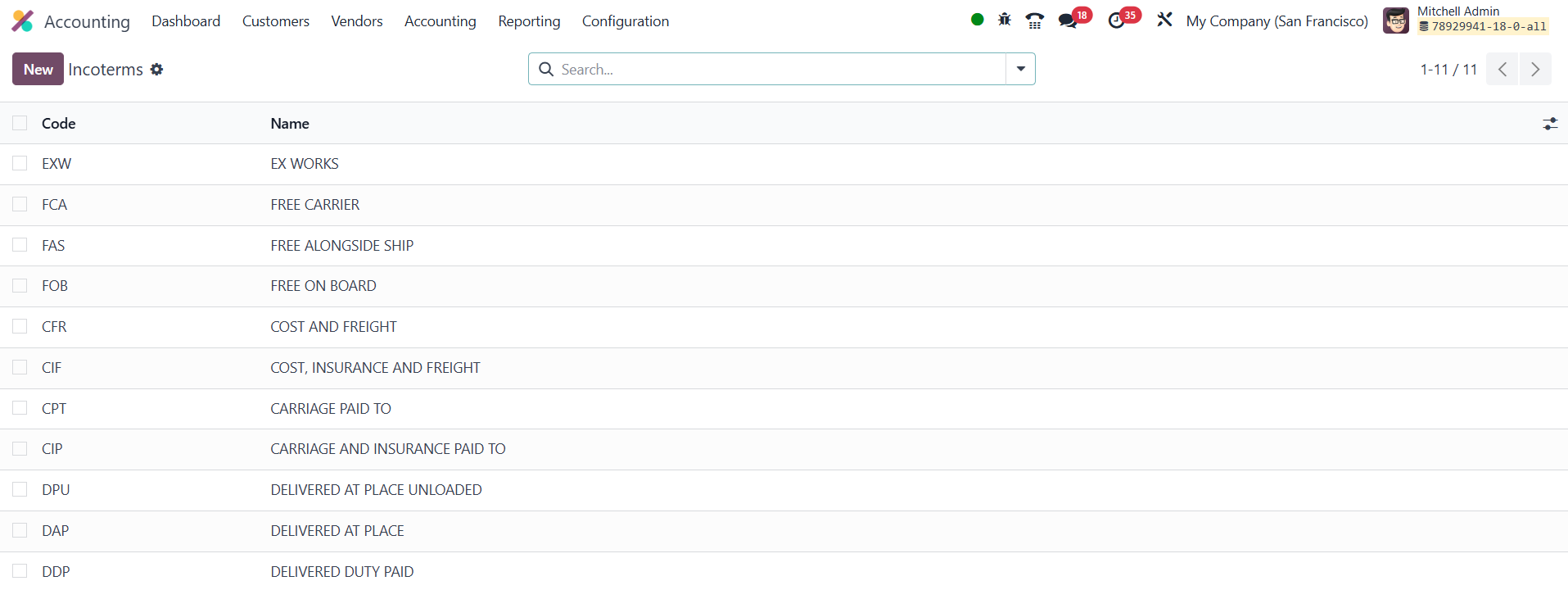
Accounting → Configuration → Incoterms and Odoo opens a grid that
lists every term currently configured. Each line shows the
Incoterm’s Code (the three‑letter shorthand such
as “EXW,” “FOB,” or “DDP”) alongside its full Name (for example, Ex
Works or Delivered Duty Paid), giving users immediate clarity on the
options at hand.
If the standard library is missing a term you routinely employ, click
the New button in the upper‑left corner. Odoo inserts a blank row
directly in the table, streamlining data entry without forcing you
into a separate form view. In the Code column, enter the official
three‑letter designation; in Name, type the complete description
exactly as it should appear on documents. Save your entry and it
instantly becomes part of the master list.
From that moment forward, the new Incoterm surfaces in the Incoterm
drop‑down found on sales orders, purchase orders, delivery slips,
and customer or vendor invoices. By centralizing Incoterm
maintenance in this way, Odoo 18 minimizes clerical errors,
accelerates order processing, and strengthens compliance with global
trade standards across your entire organization.