20. Secure Entries
In Odoo 18 Accounting you can make past journal entries unchangeable
with the Secure Entries tool.
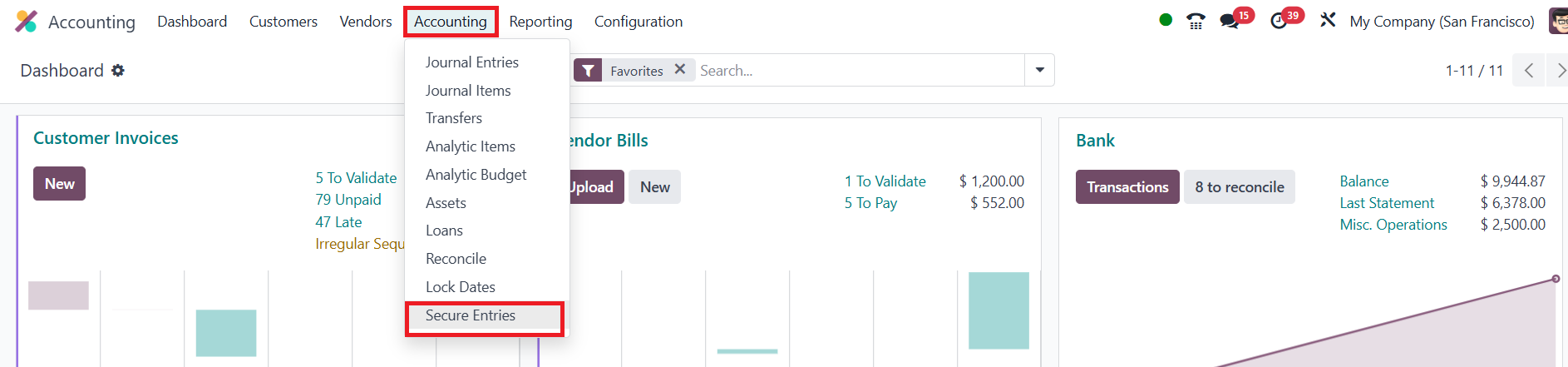
First turn on Developer Mode, then open Accounting > Accounting >
Secure Entries. Choose the cut‑off date and click Secure Entries;
every move dated on or before that day becomes read‑only.

Only users who belong to the special security group can run this
action, and once the entries are secured they stay that way,
preserving your audit trail.