5. Reporting
With the help of the Calendar module's reporting feature, you may
review and understand the appointments made using it. Access to all
appointments, even those arranged online, will be possible thanks to
this functionality.
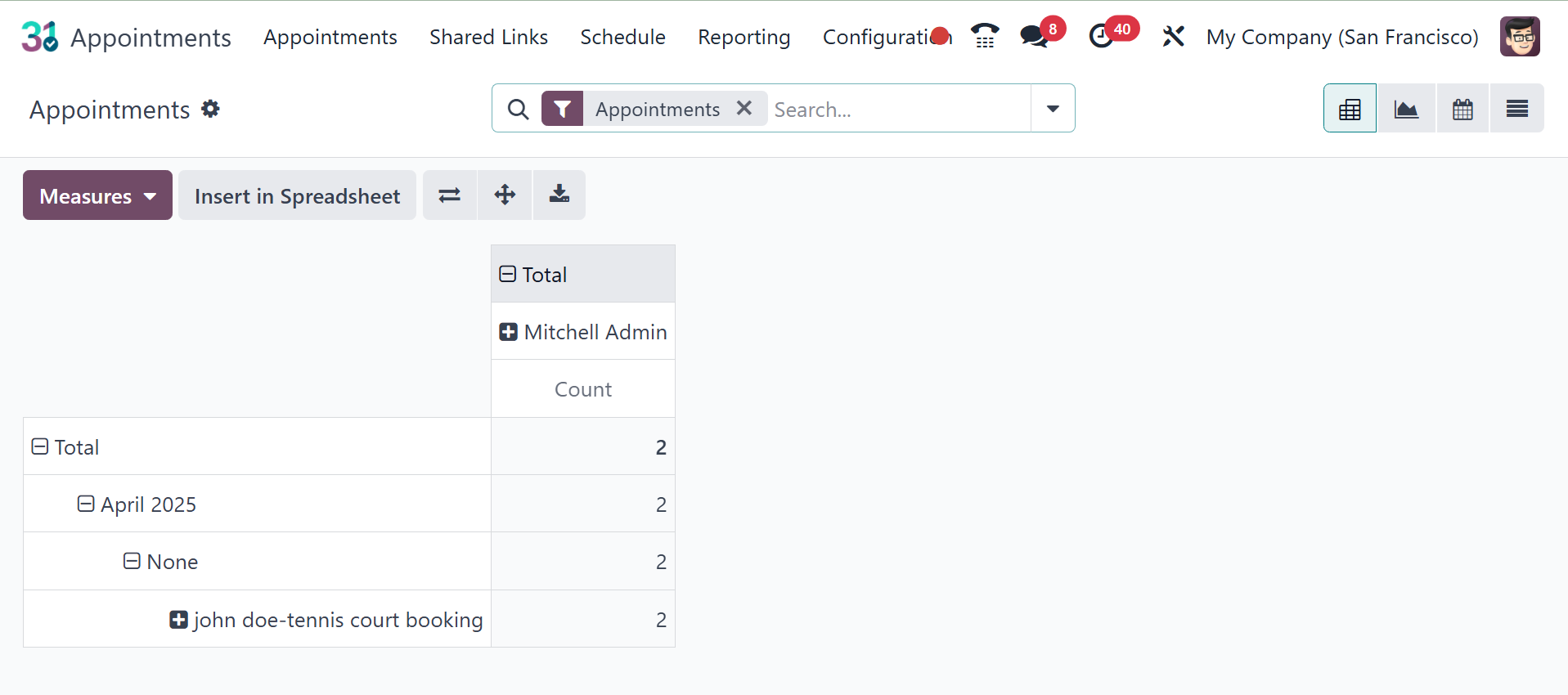
The Appointments reporting will be seen when you select the
Appointments option under the Reporting option. The graphical
depiction of each appointment is displayed in the screenshot below.
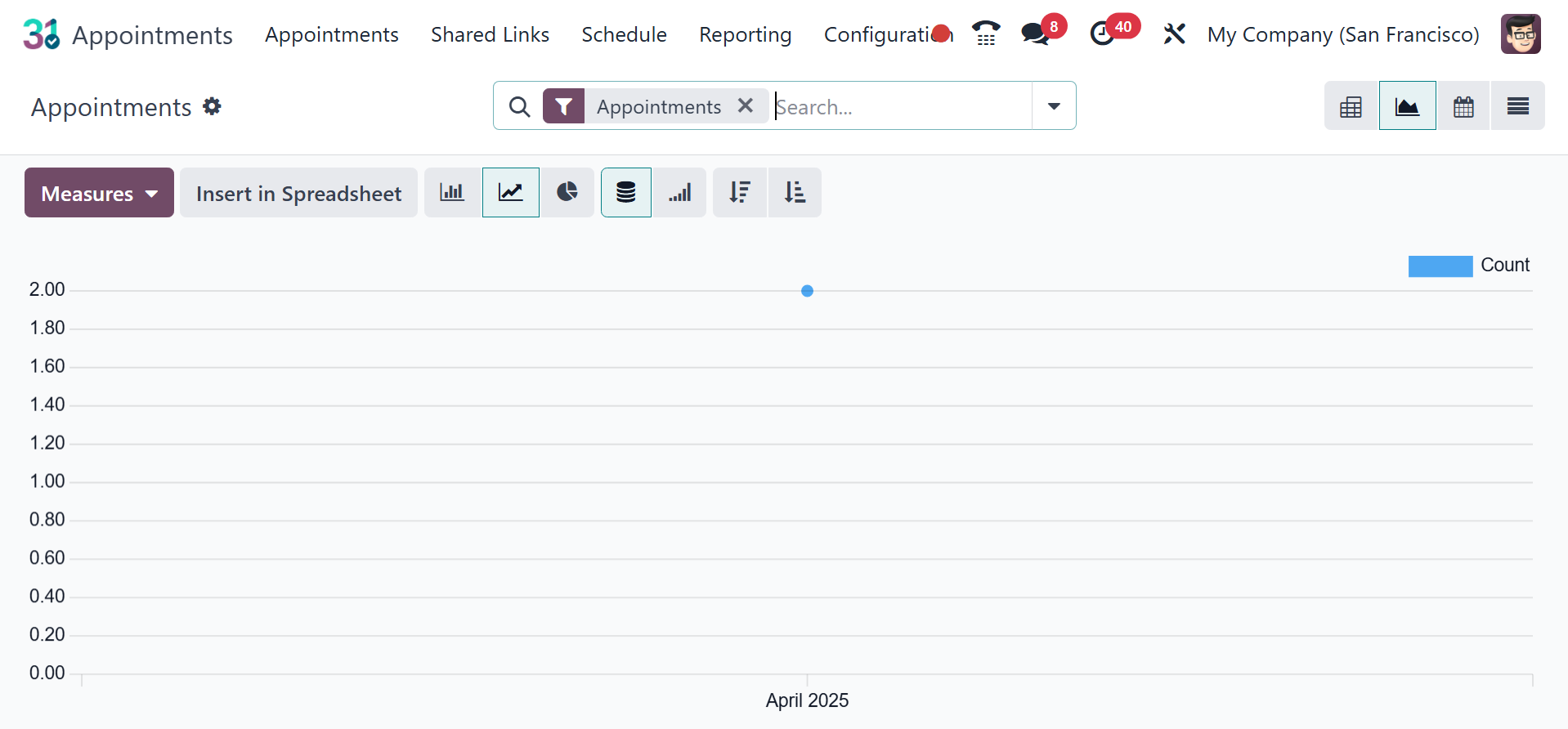
As shown in the image, you may access the pivot, calendar, and list
views here. The graphical display includes a pie chart, bar chart,
and line chart.
Depending on our needs, you can select the count and duration
options under the MEASURES option.
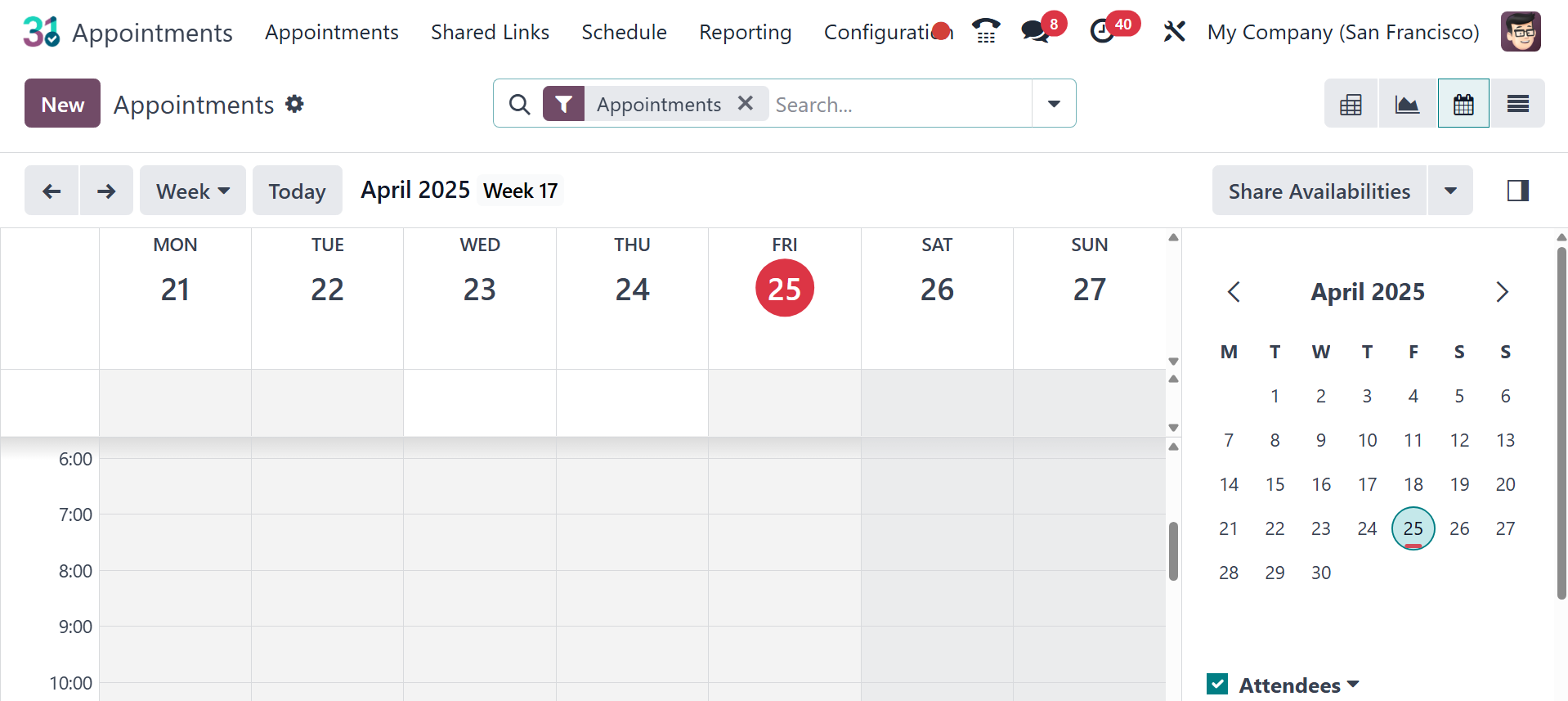
The calendar view will be as in the image below.
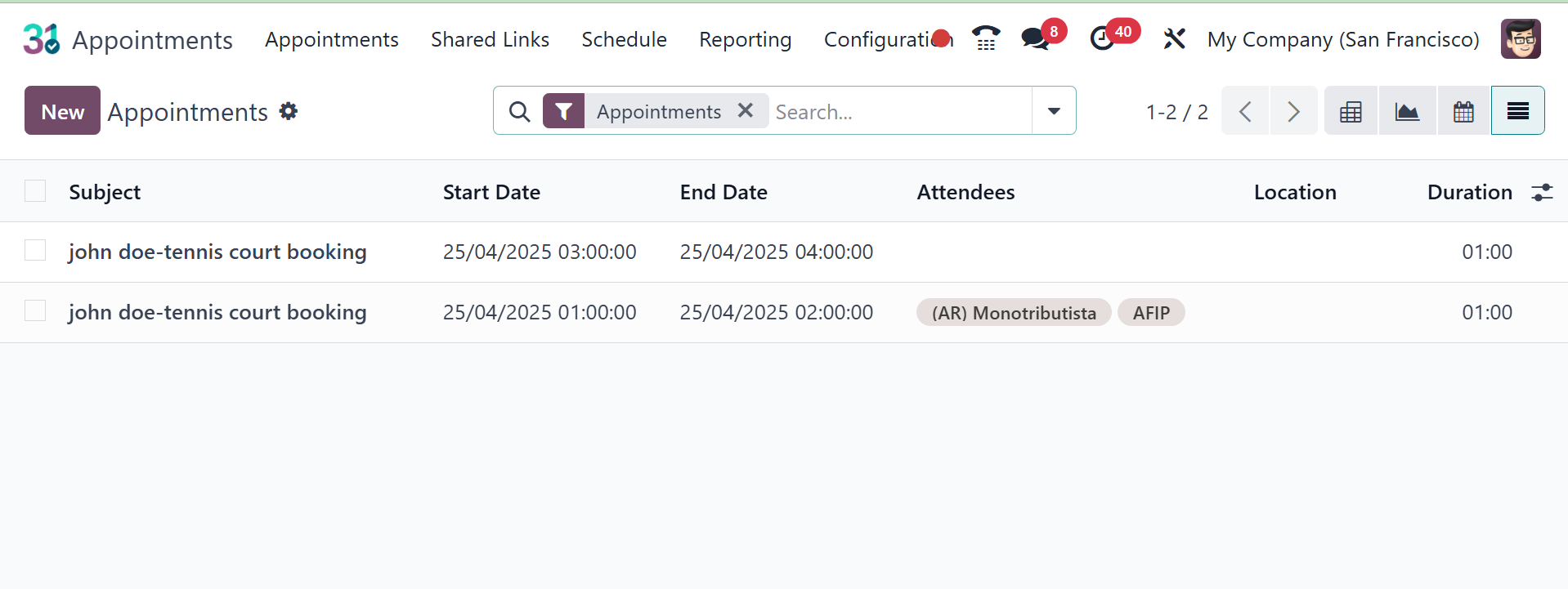
And the list view will be, as in the screenshot below.
So far, we have looked at the Calendar module's various uses in the
Odoo ERP software as well as its special features. Appointments,
some of which may be arranged online, will surely be made easier
with the help of this module. To help with the study of the
appointments planned on particular days, you will also receive the
reports of those appointments.