Users can keep an eye on staff attendance marking and evaluate reports with an efficient Odoo 18 attendance management system. These days, keeping track of attendance is essential for any business. Odoo assists the HR and police departments with a method for monitoring employee attendance. You may find out when employees arrive and depart a company by using an attendance management system. Paying employees based on their attendance during work hours is made simple by the Odoo 18 Attendance module.
As seen in the screenshot below, it is now possible to access the Odoo 18 employee check-in feature from outside the app. The check-in time is prominently shown. After that, an employee can use the Check Out button to complete their checkout. With Odoo 18, the Systray Check-In and Check-Out feature was added.
To learn more about employee attendance, utilize the Odoo 18 Attendance module.
This is the dashboard view that is shown. The view can be customized by day, month, or year. Use the two positioned arrows to navigate to the previous and next Day, Month, or Year. The Filter, Group, and Favorite choices are situated beneath the search bar on the dashboard.
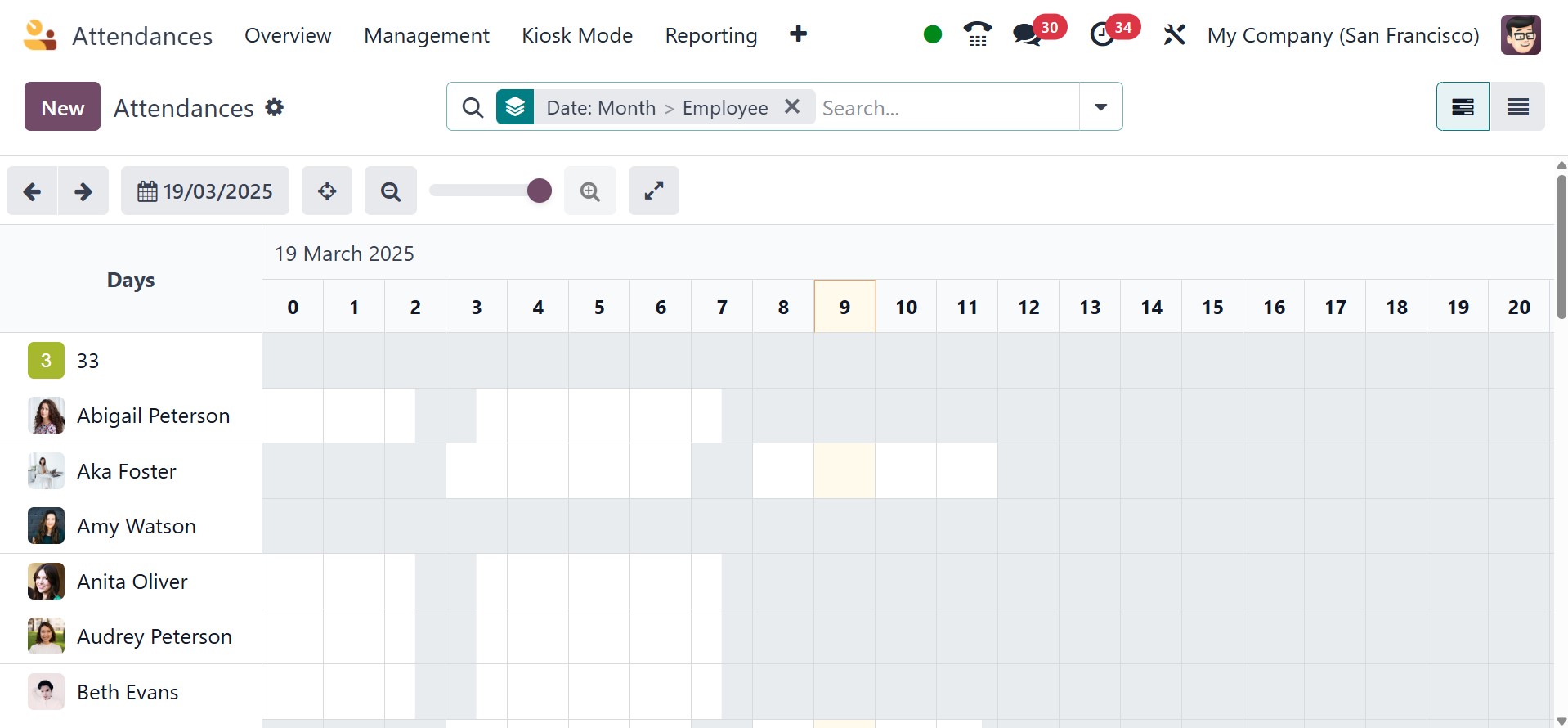
The dashboard itself provides easy access to data about employee attendance, including logged-in time, working hours, total working hours, break time, and overtime.
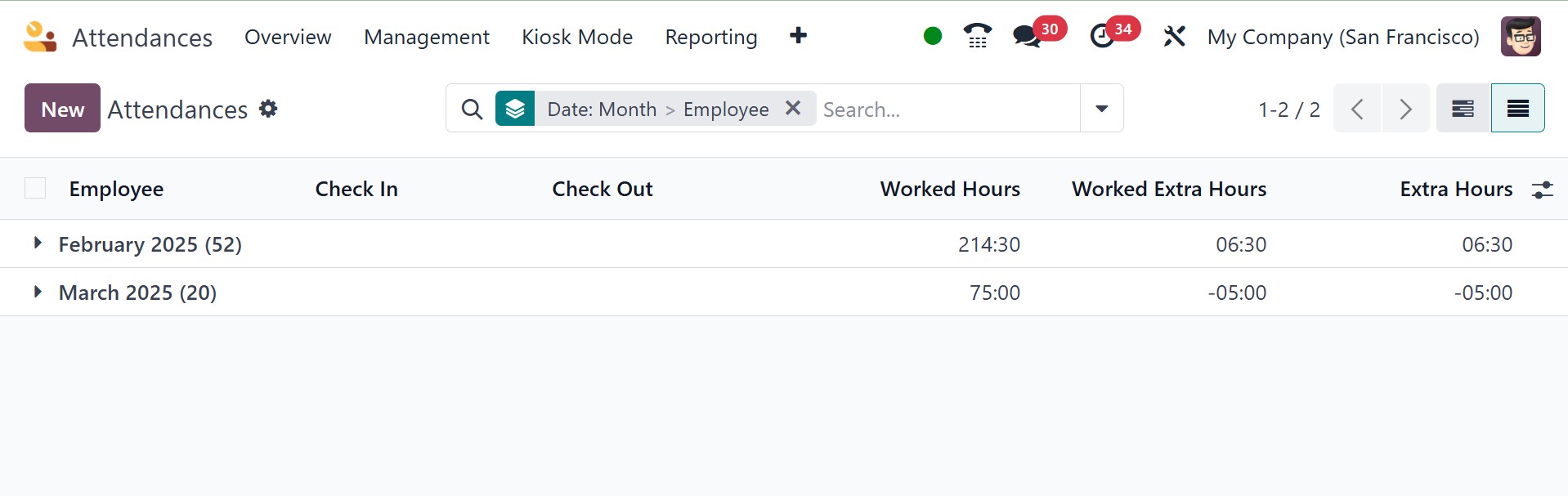
The attendance list view is also available in Odoo 18. The list view shows information such as the employee's name, work hours, overtime, and check-in and check-out times.
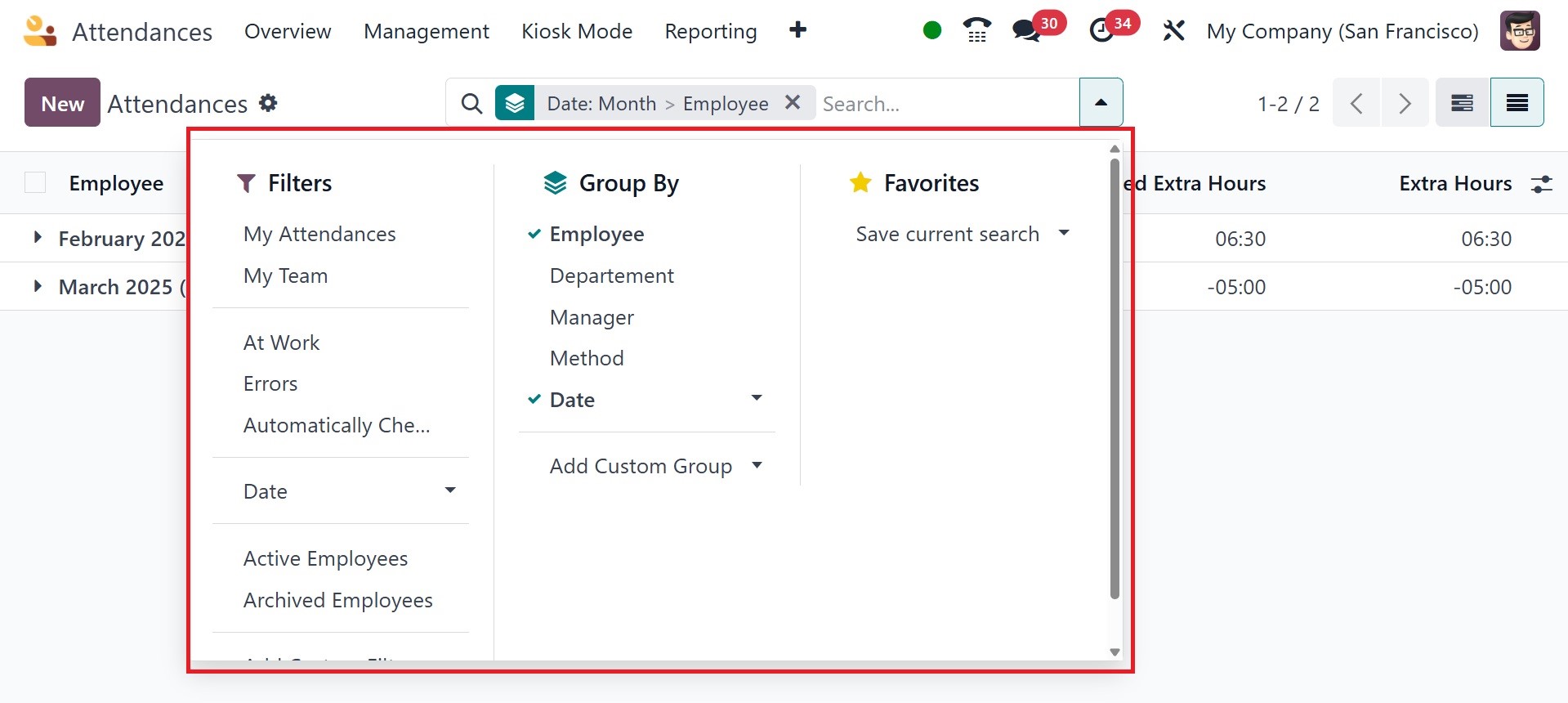
By using the filter Errors, the user may easily find and confirm the attendance errors. Attendance can be grouped according to employees, check-in, and check-out. A custom filter and group by options are also available in the list view.
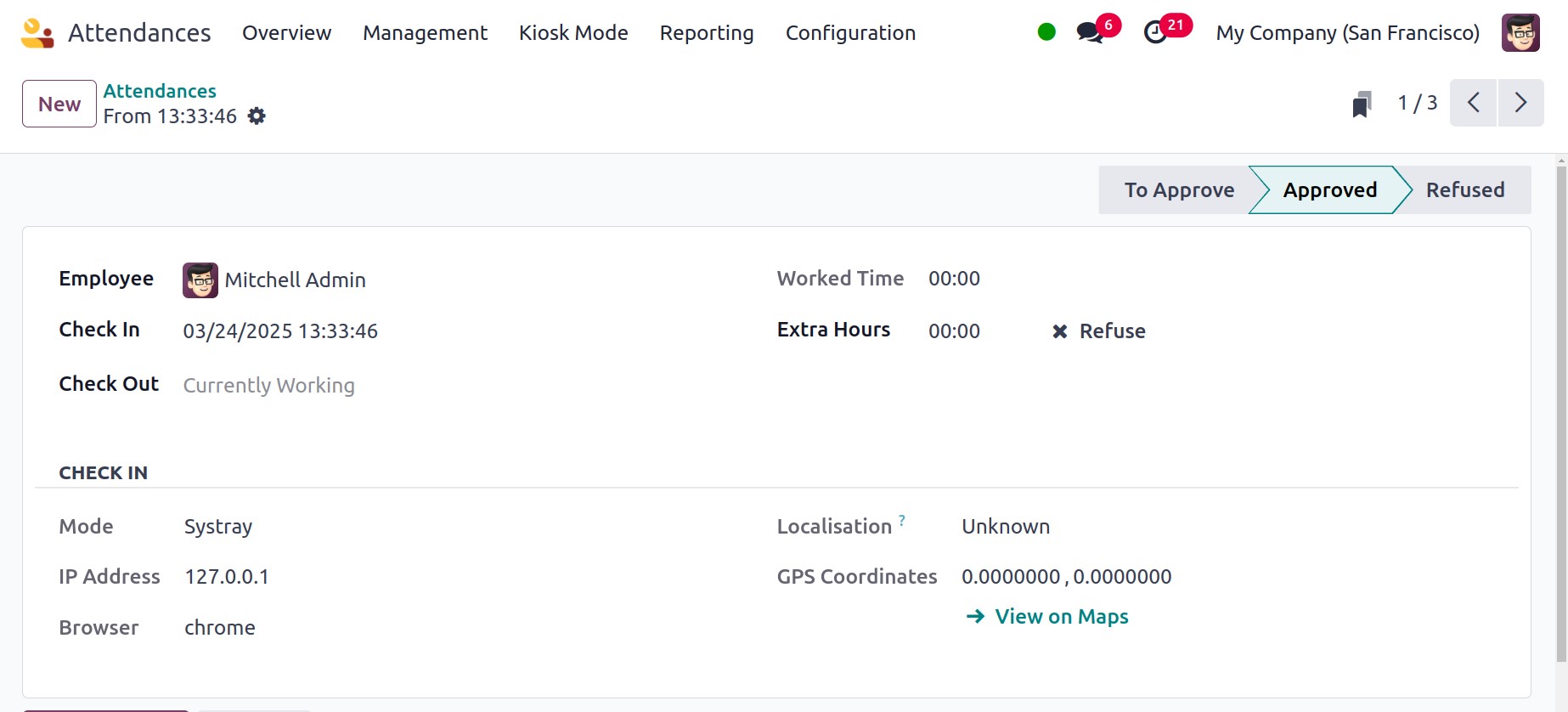
When an attendance is opened, the employee's information is shown, including name, hours worked, extra hours, and check-in and check-out timings. The browser, IP address, check-in mode, localization, and GPS coordinates are examples of extra check-in data. Viewers can easily determine the precise positions of the staff by choosing View on Maps, which takes them to another map page. On selecting a particular attendance, there, you will get the details, like employee, check-in time, worked time, extra hours, and check-out time, respectively. You will get the check in details with mode, IP address, browser, localisation, and GPS coordinates, as well.