4. Inventory Adjustments
Inventory adjustments allow businesses to modify stock quantities for
better inventory management. Users can classify stock as sellable or
non-sellable and provide reasons for categorizing products as
non-marketable. To adjust inventory using Odoo 18, open the
Inventory Count tab from the opening interface.
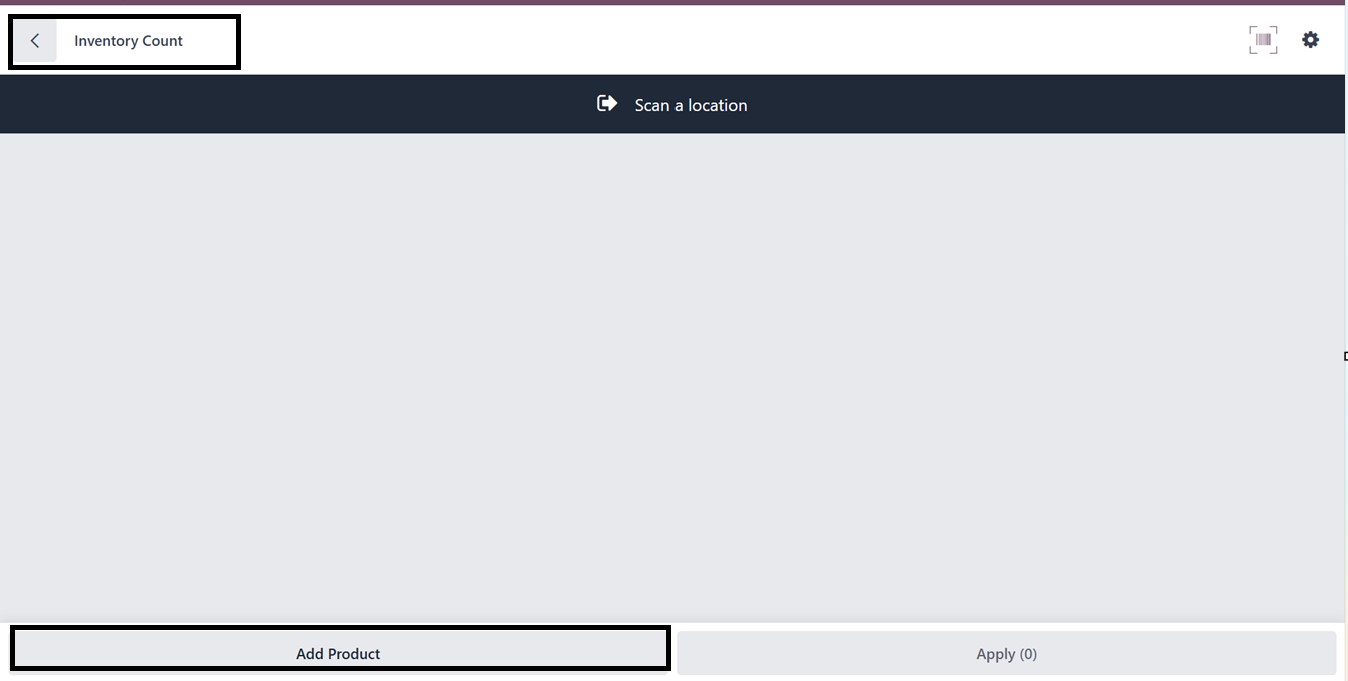
The Inventory Count Window will appear, allowing users to click Add
Product to modify stock quantities, as depicted in the screenshot
below.
The barcode feature can be used to input stock levels and adjust
required quantities. Scrolling down allows users to enter Location
and Package details.
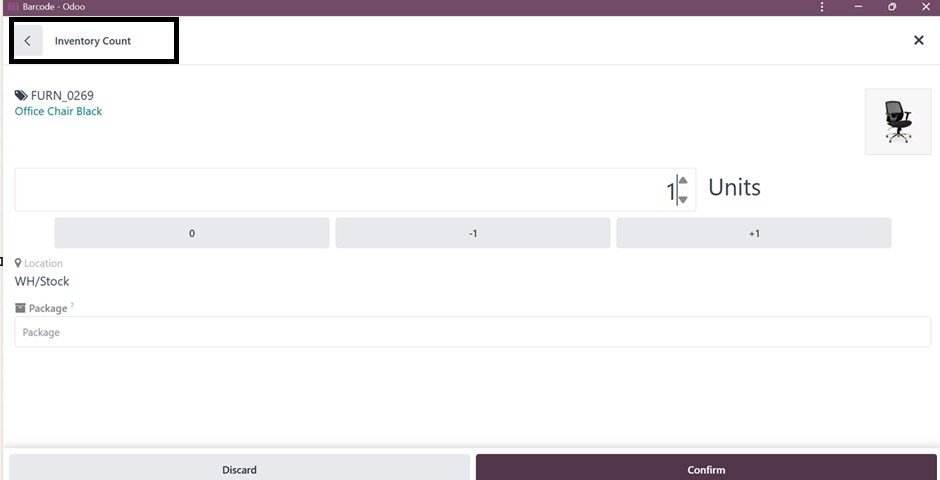
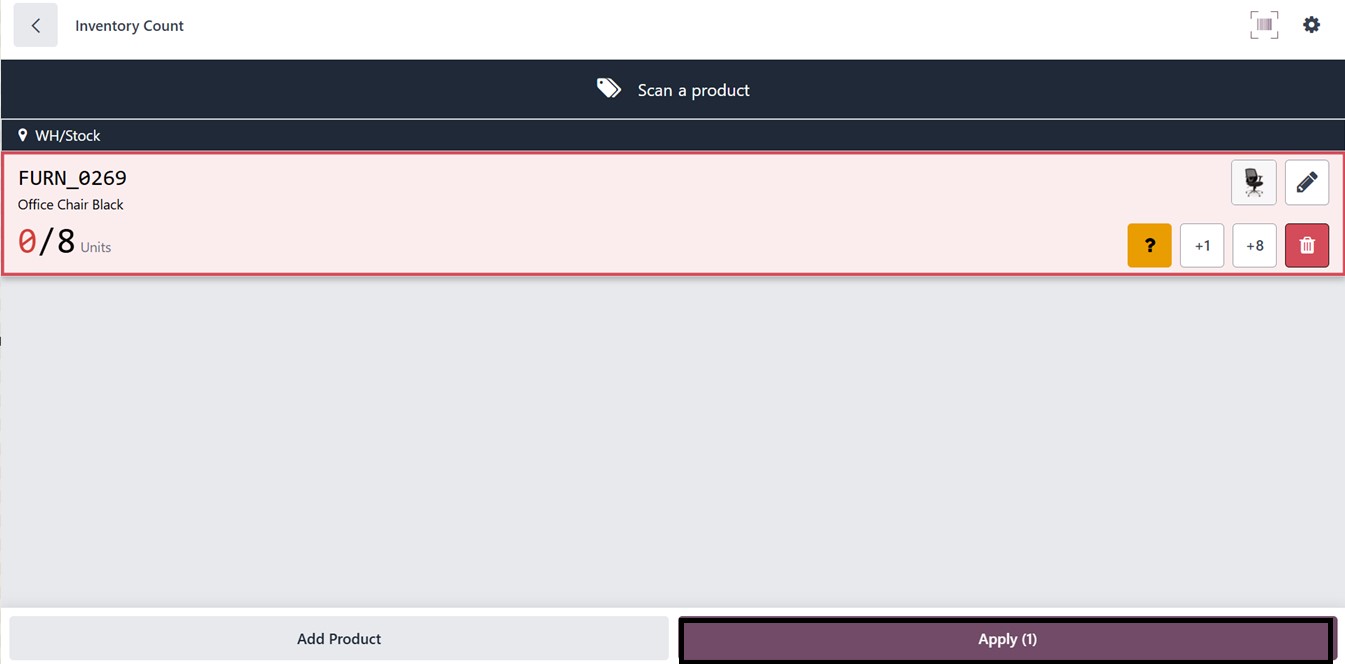
Then, click on the Confirm button and proceed with the Apply button.
So, this action finalizes the inventory count adjustments ,and you
will get a notification regarding the new operation