2. Blog Tags
Using the Odoo18 Website module, you can configure various blog tags
that correspond to the blog posts you are writing using this system.
The Blog Tags menu is located on the Configuration tab of the Odoo18
Website module. Clicking on the menu will open the Blog Tags window;
a screenshot of the window is displayed below.
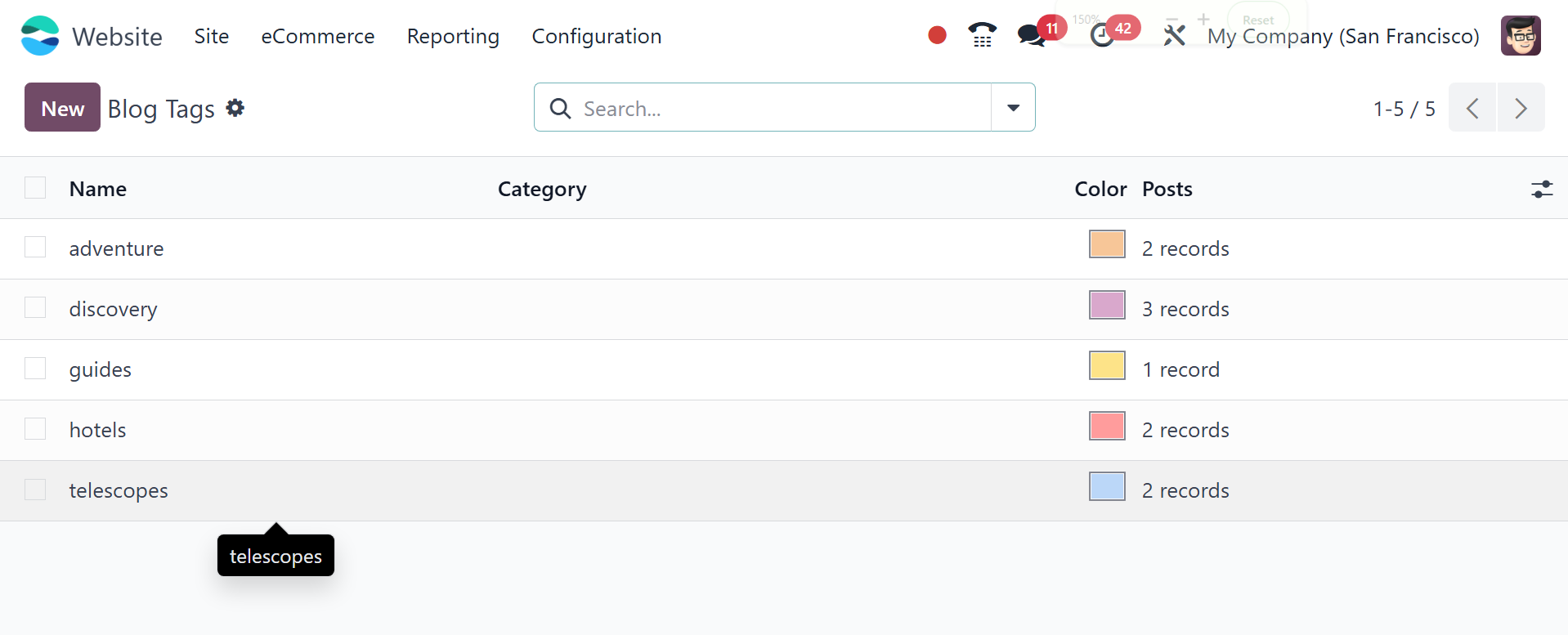
The Blog Tags pane displays every Blog Tag you have already defined
in the platform. Each record in the window can be seen in more depth
if you so desire. To create new Blog Tags, click the New button. The
creation form can be found below.
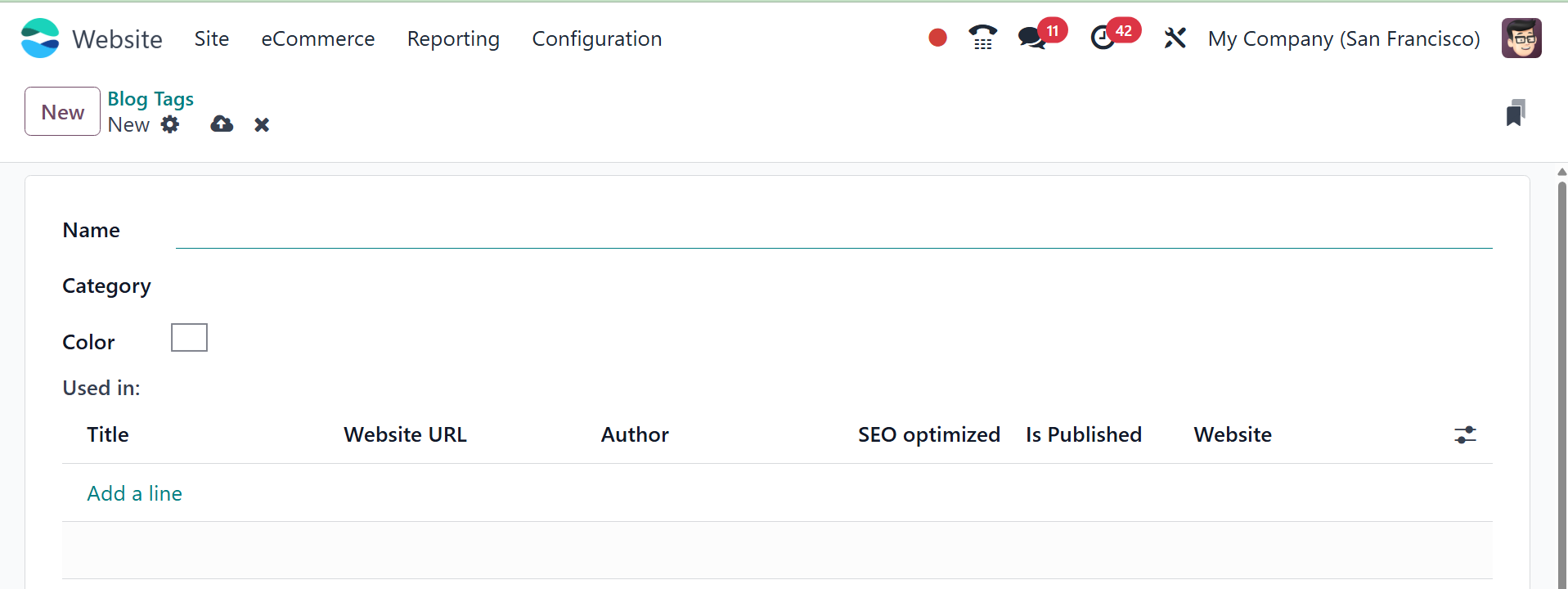
The tag name and category can be entered in the creation box. The
details of the blog that utilizes the tag might also be included.
This can be done by selecting the Add a Line menu. When it's done,
save it by clicking the SAVE button.