1. Introduction
Efficient internal communication and time management are essential
for organizational success. The Calendar module in Odoo 18
Enterprise helps streamline this process by allowing users to
schedule, manage, and coordinate internal and external meetings
within a unified digital environment.
By integrating with other Odoo modules, such as CRM, Projects, and
Appointments, the Calendar module ensures a cohesive workflow that
supports business productivity. Whether it’s client meetings,
internal discussions, appraisals, or project reviews, everything can
be planned and tracked from a single dashboard.
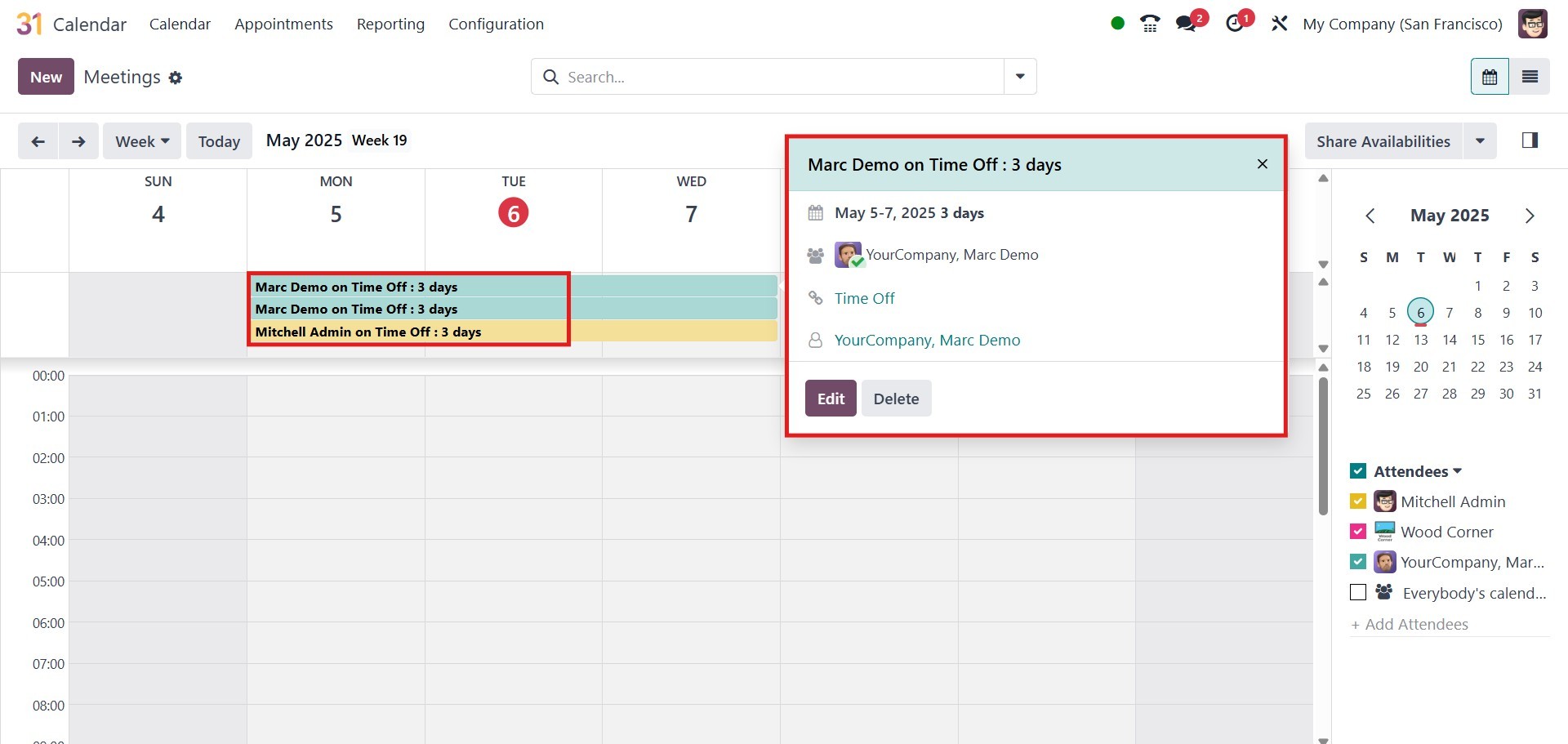
Once the Calendar module is opened, you are directed to the main
dashboard, which provides an overview of all scheduled meetings and
events.
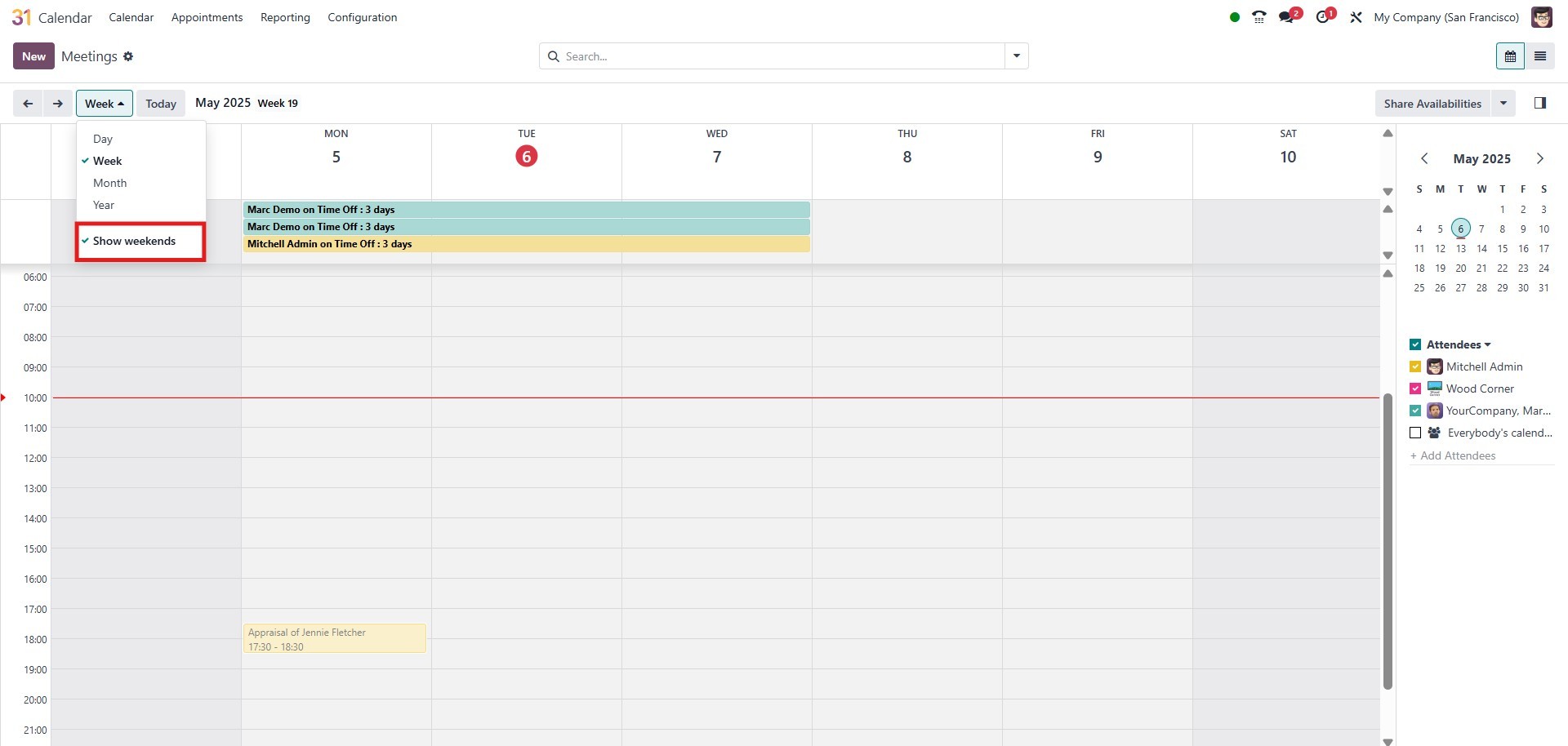
At the top of the page, you can toggle between Day, Week, Month, and
Year views, depending on how you want to visualize the calendar.
There is also an option to Show Weekends, which you can enable or
disable based on your preference.
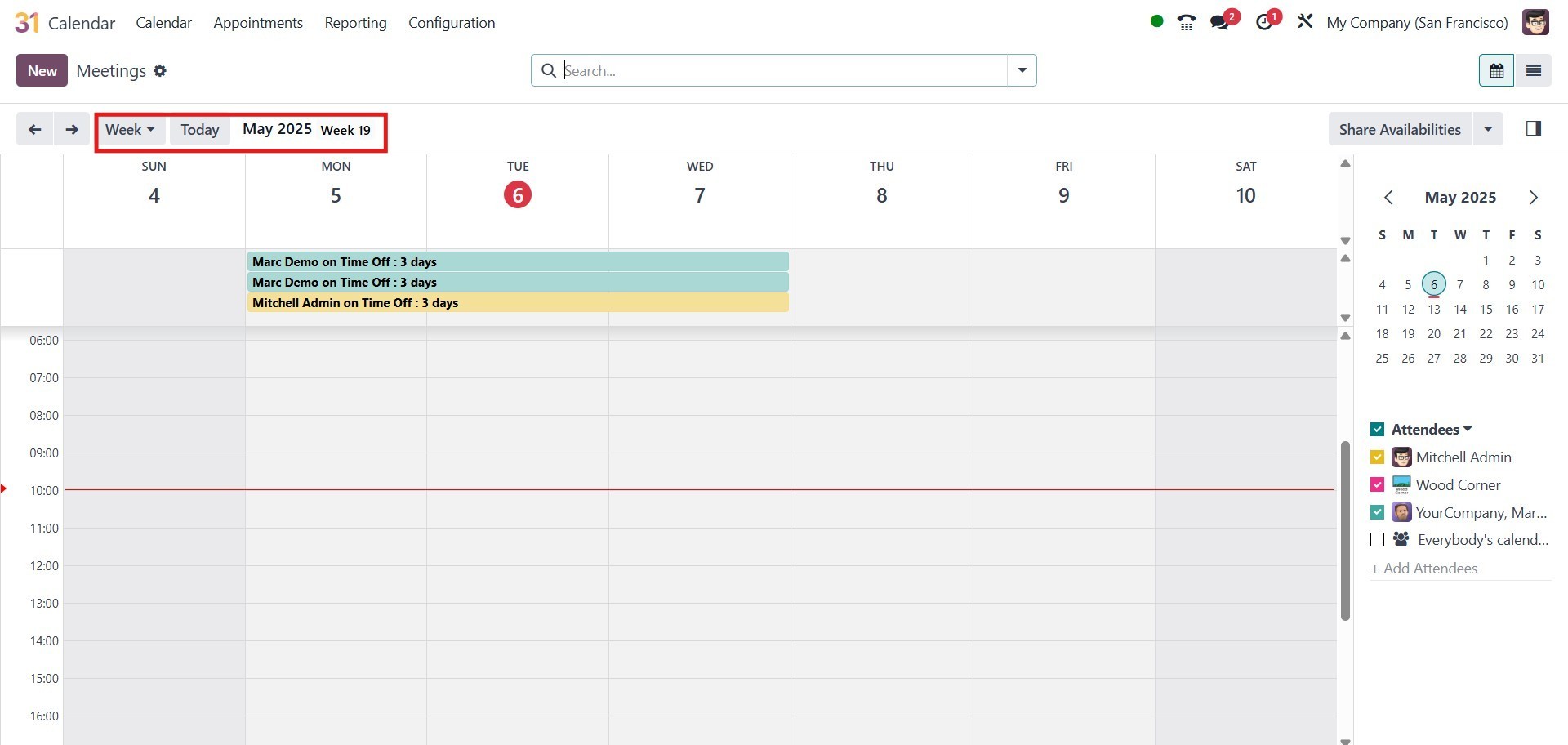
To move between dates, use the arrow icons on either side of the
calendar header. To quickly return to today’s date, click the Today
button.
Each scheduled meeting is represented as a colored block on the
calendar. Clicking on a meeting opens a summary pop-up with more
details. You can also click on any blank date field to create a new
meeting.