6. Adding a URL
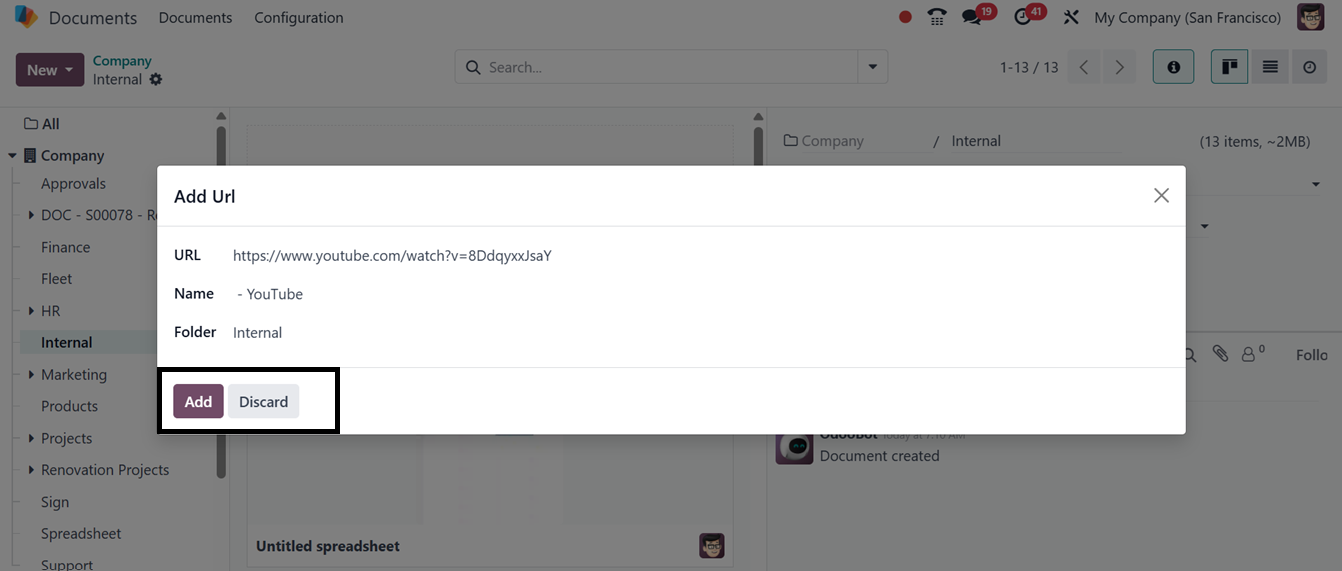
To add a URL of any documents, files or any other data, click on the
‘Link’ button from the ‘New’ button dropdown. Then, copy the Url
link and paste it inside the displayed window along with the url
Name and Folder name as depicted in the screenshot below.
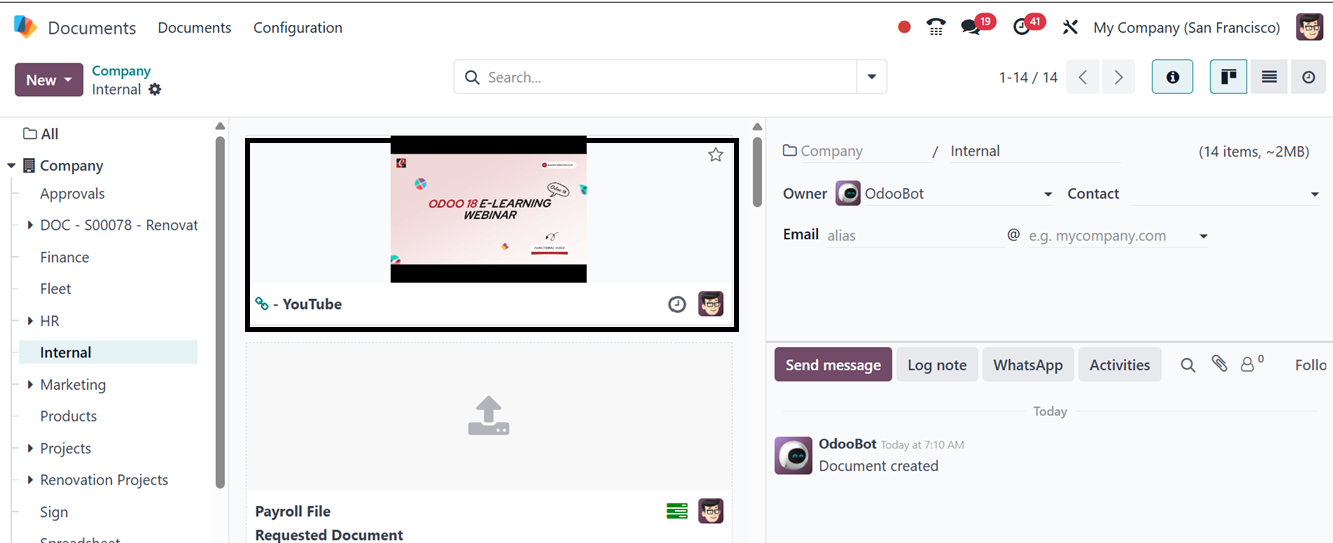
The added Url will be added to the document dashboard with easy
access as shown below.