3. Configuration
Users can use the Configuration tab in the eLearning module to set up
Course Groups and Content Tags. There is an additional Settings
option in the Configuration.
3.1 Settings
Additional parameters can be customized through the eLearning's
parameters. The first setting is certifications, where users can
create multiple certification programs to certify attendees' skills
and assess their knowledge. The certification menu won't show up
until this option is enabled.
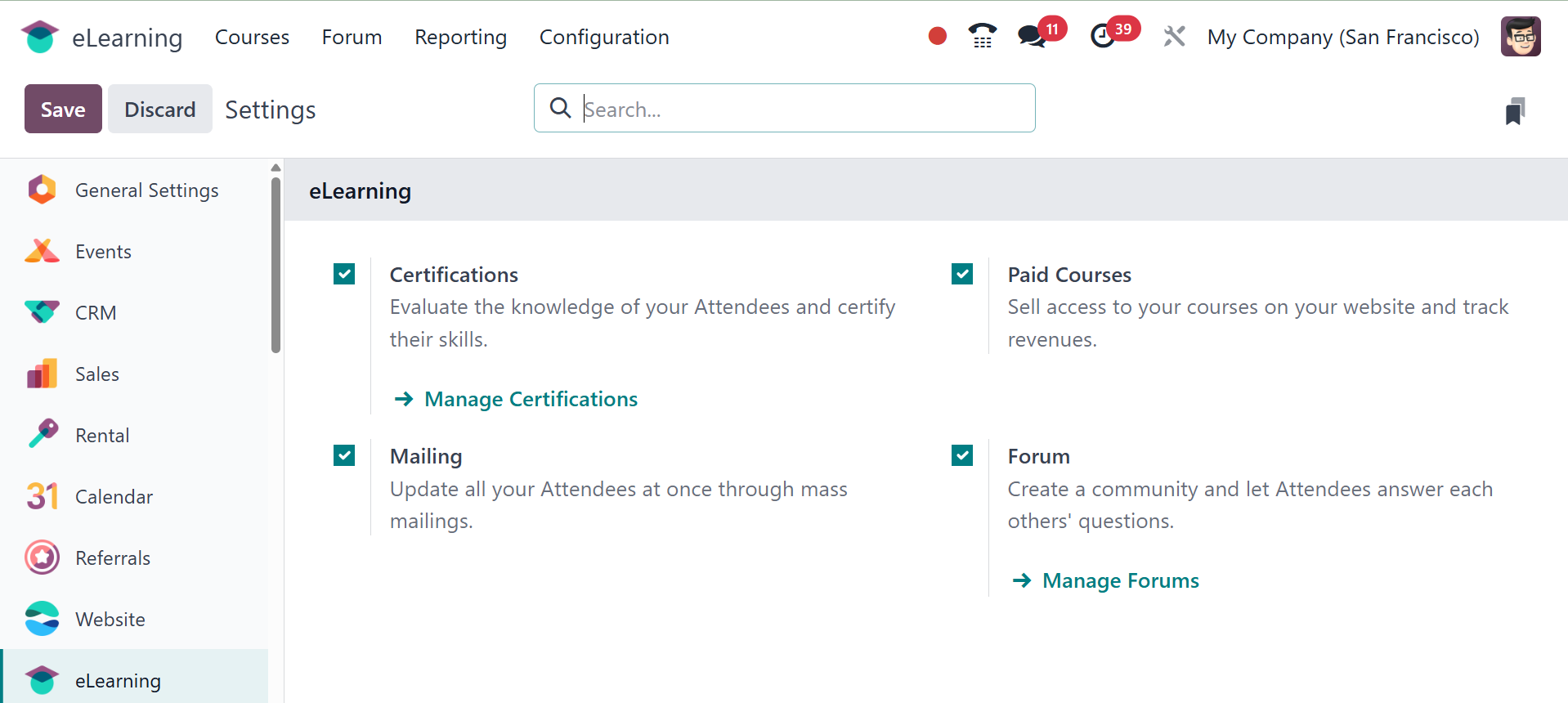
You have the Certifications option, to evaluate the knowledge of your
attendees and certify their skills. To sell access to your classes
on your website and track profits, enable the Paid Courses option in
Settings. The Mailing function allows all attendees to be updated at
once through mass mailings. Lastly, there is the Forum option, which
encourages community building by letting participants answer each
other's questions.
3.2 Course Group
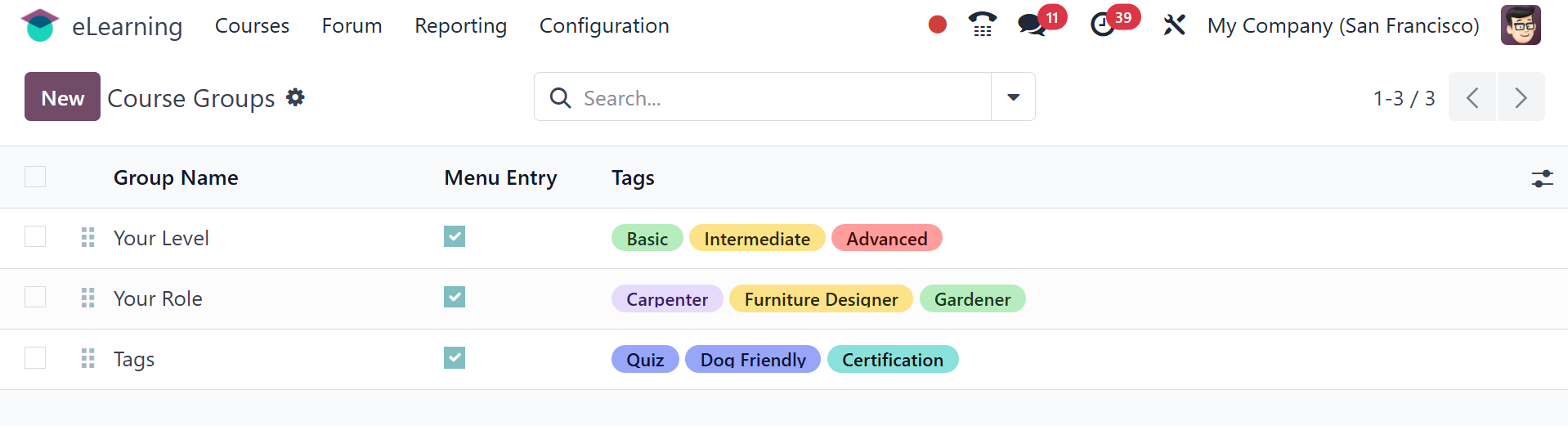
The Configuration has a Course Group option. a list view with details
about the menu item, tags, and group name. To begin a new one, click
the New button.
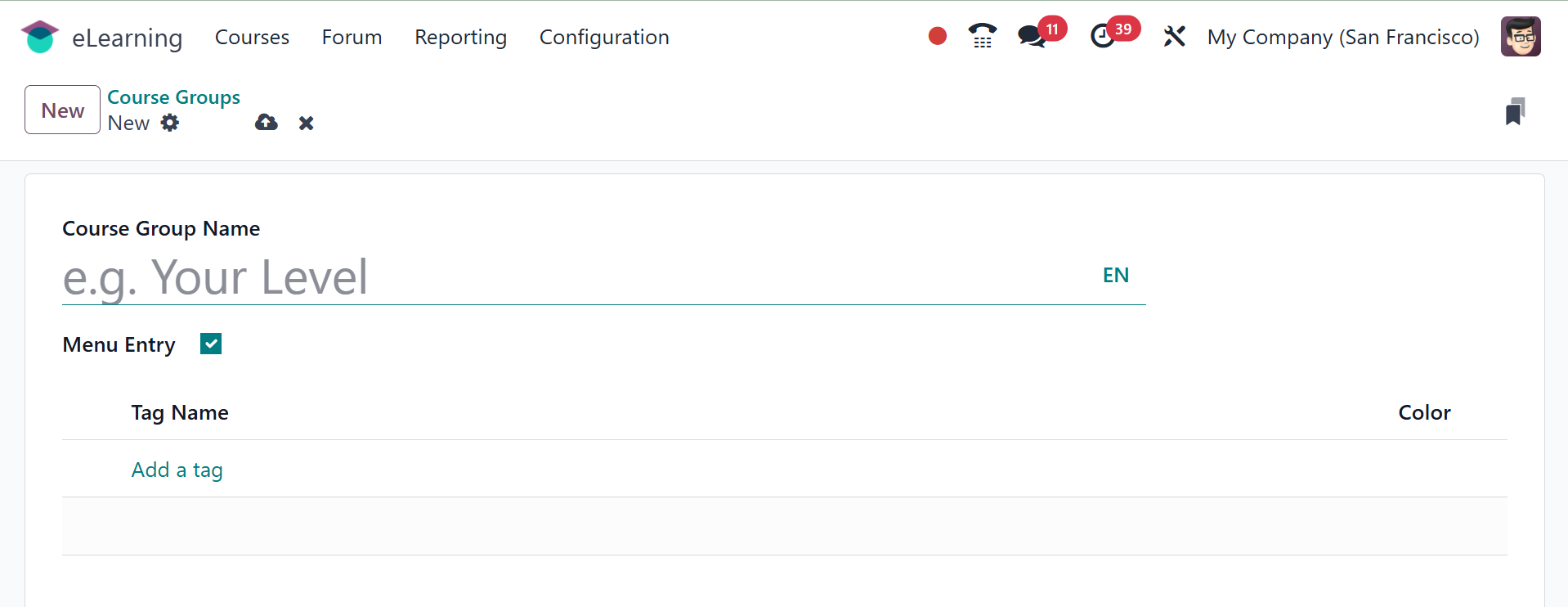
Add the Course Group Name so that the Menu Entry can be enabled and
published. Add tags to the appropriate tab after that.
3.3 Content Tags
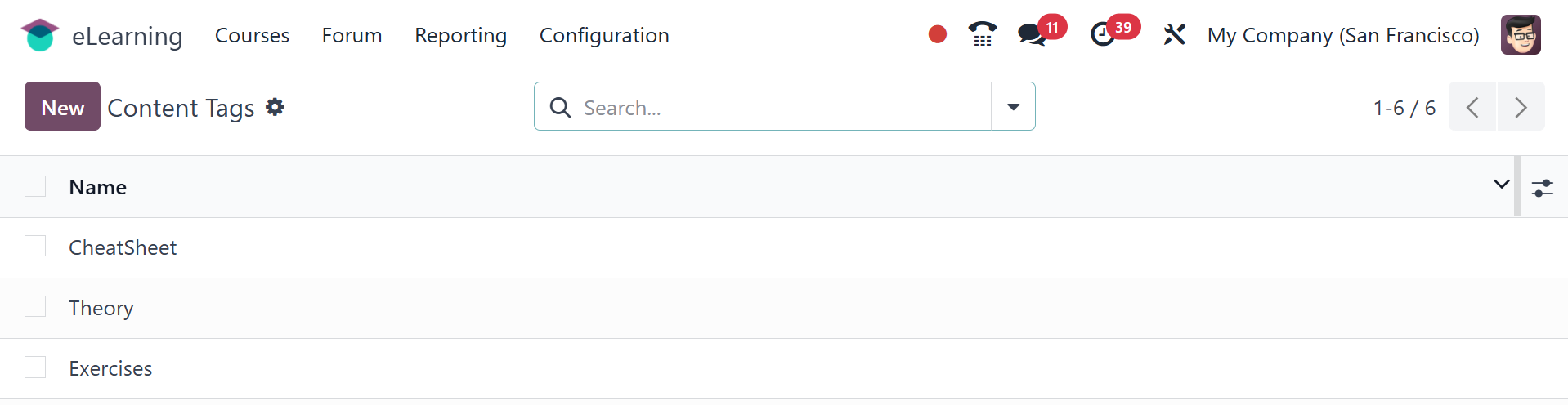
The list contains all of the generated content tags. Use the New
button to create a new one. The new tag name will be mentioned in an
extra line that is appended beneath the list.