3. Configuration
The configuration function of Odoo 18 allows us to manage the
categories and parameters of expenses. We may now proceed to the
configuration tab after defining each menu.
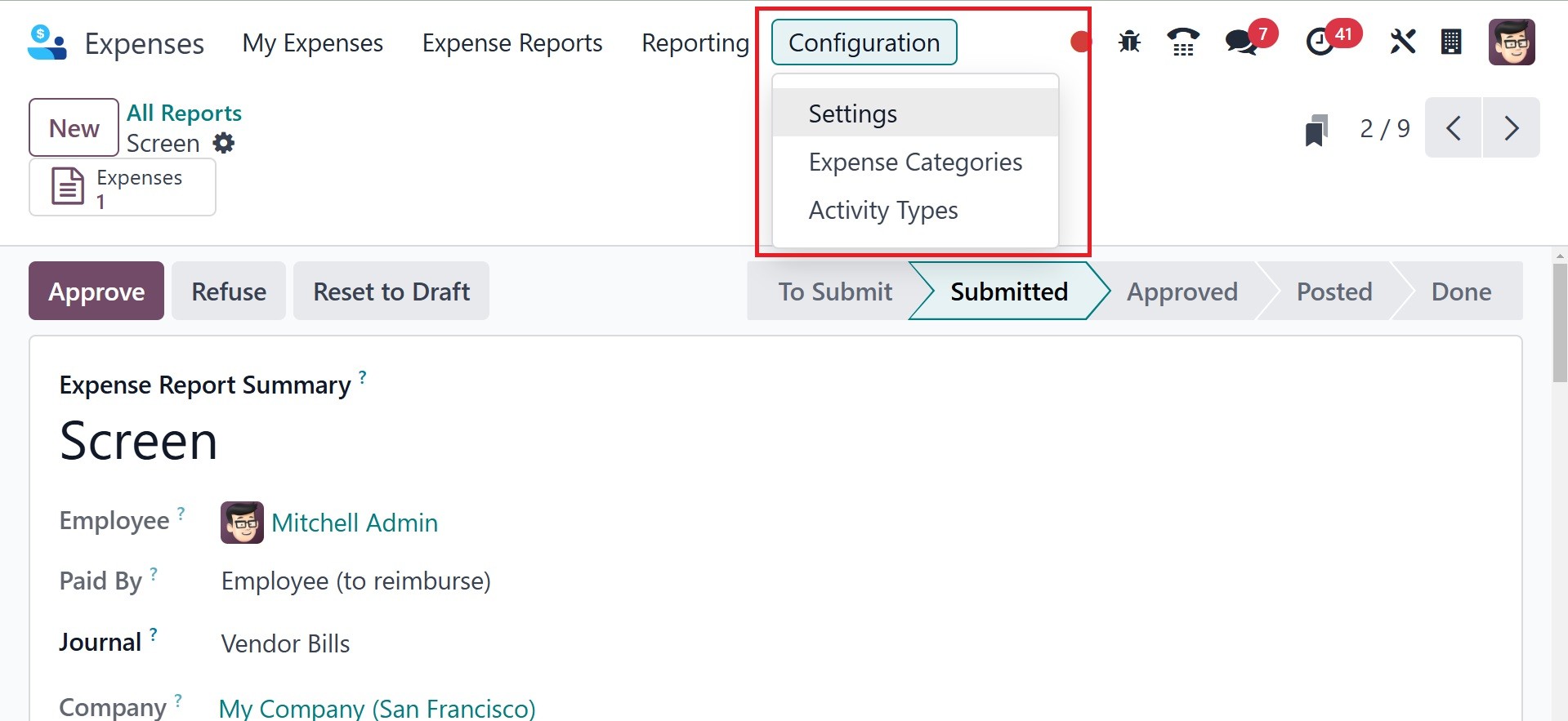
3.1 Settings
If you select the Configuration tab's Settings option, setting
default journals and expenses is easy.
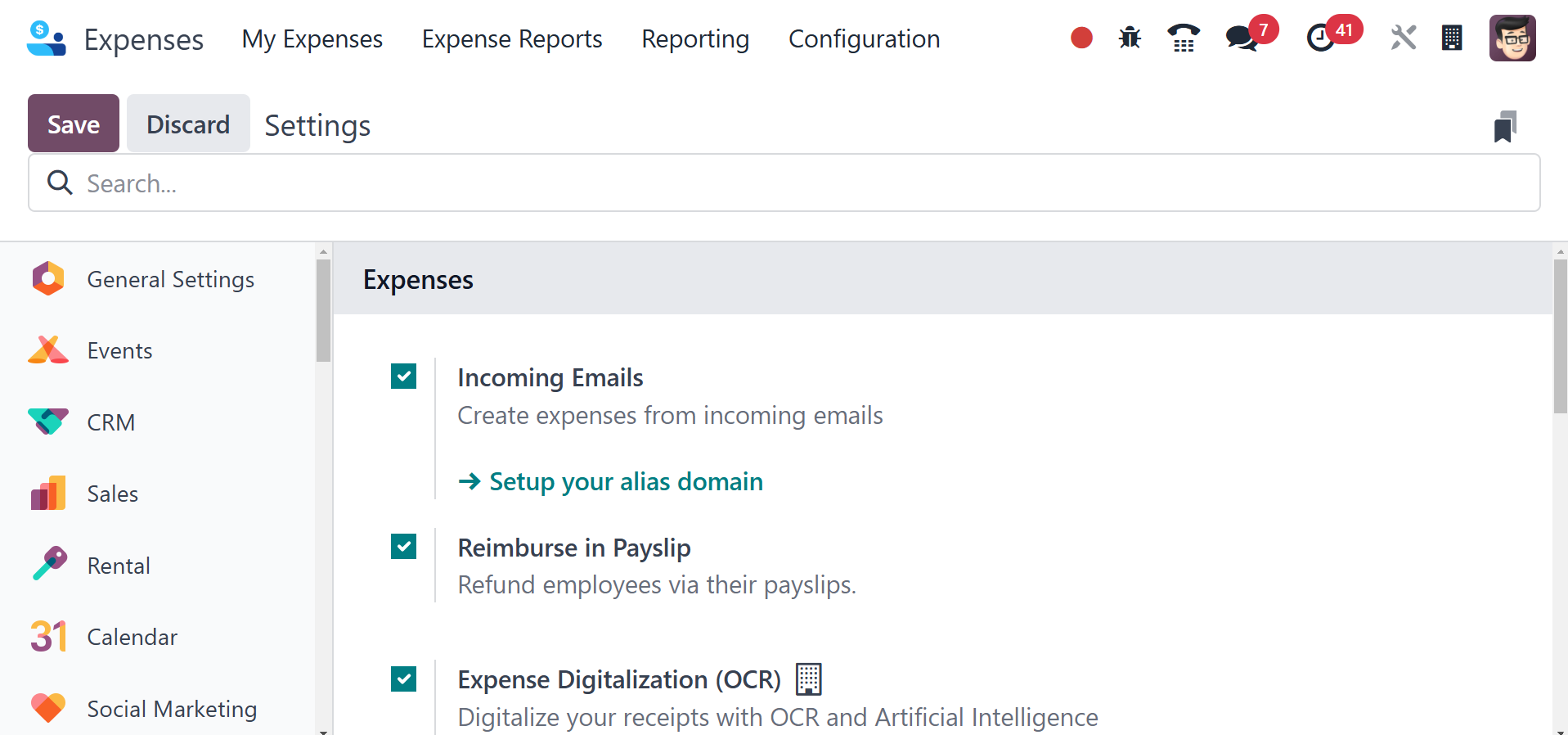
Users can make expenses from emails they receive once they have
enabled the Incoming Emails option under Expenses. First, you need
to make a domain alias. You can forward an email with a receipt
attached after setting up a domain alias.
Once the Expense Digitization (OCR) option is enabled, you can
digitize all of your receipts using OCR and artificial intelligence.
Do not digitize, digitize automatically, and digitize just on-demand
are the three alternatives available to users when choosing a
digitalization method for a significant price. To get expenses on
employee pay stubs, we need to activate the Reimburse in Payslips
option under the Expenses menu.
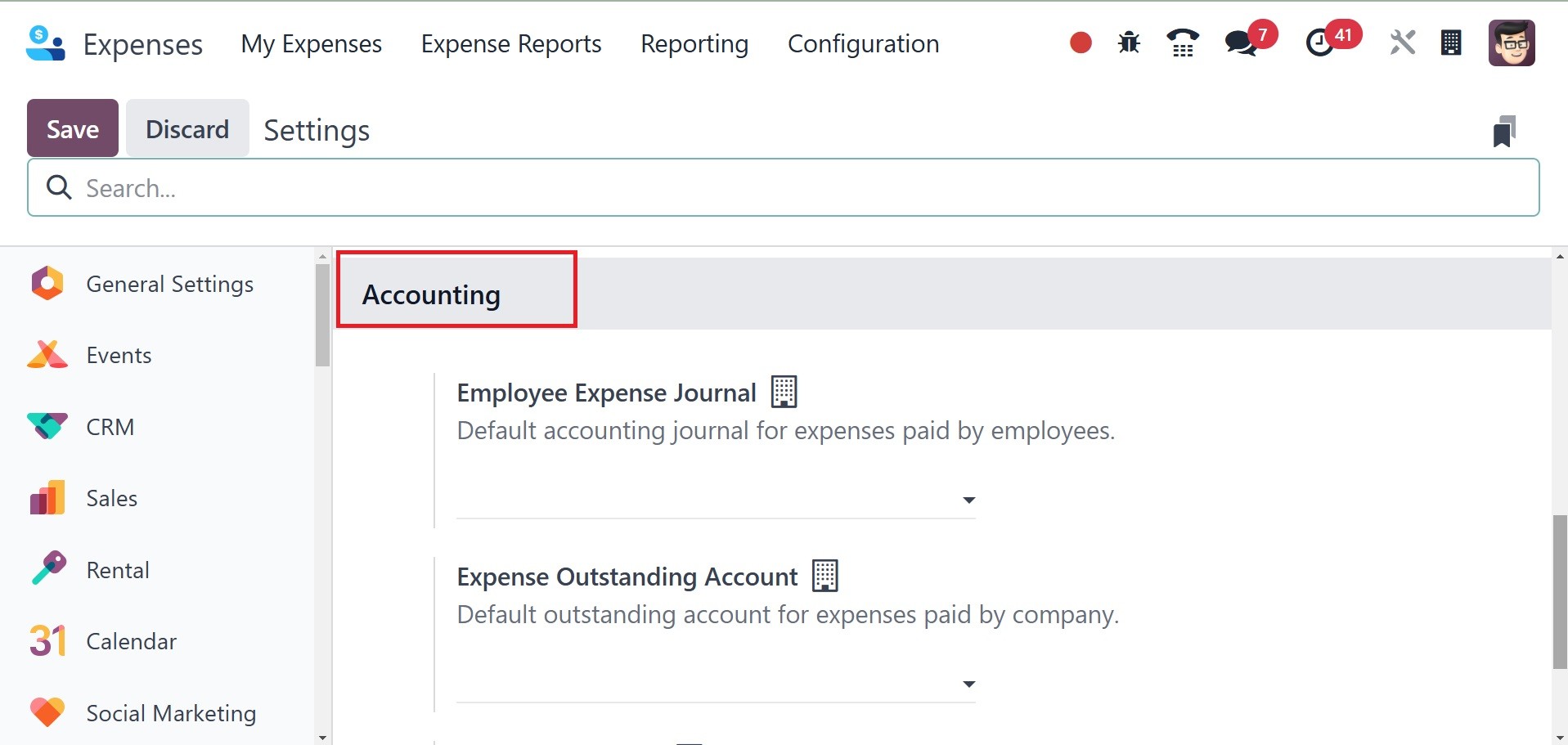
The Employee Expense Journal box in the Default Journals section
allows you to choose a default account journal for employee-paid
expenses. You can also select the default accounting journals for
which the business pays expenditures under the Company Expense
Journal option.
The payment methods allowed for the expenses paid by the company can
be indicated inside the Company payment methods provided under the
Payment section. The Accounting options in Odoo Expenses have the
Expense Outstanding Accounts option. Businesses can use this feature
to keep track of employee-paid expenses that have not yet been
repaid. After enabling all required fields, you must click the SAVE
sign to see further changes in Odoo 18.
3.2 Expenses Report
Odoo 18's expenditure module can assist you in managing product
categories. It is easy to arrange product costs according to each
category of expense. To add a new category, go to Configuration and
select Expense Categories. The open Expense categories screen
contains details about each charge category, such as name, sales
price, vendor taxes, internal references, re-invoice fees, and more.
Once the NEW symbol has been chosen, you can make a cost category.
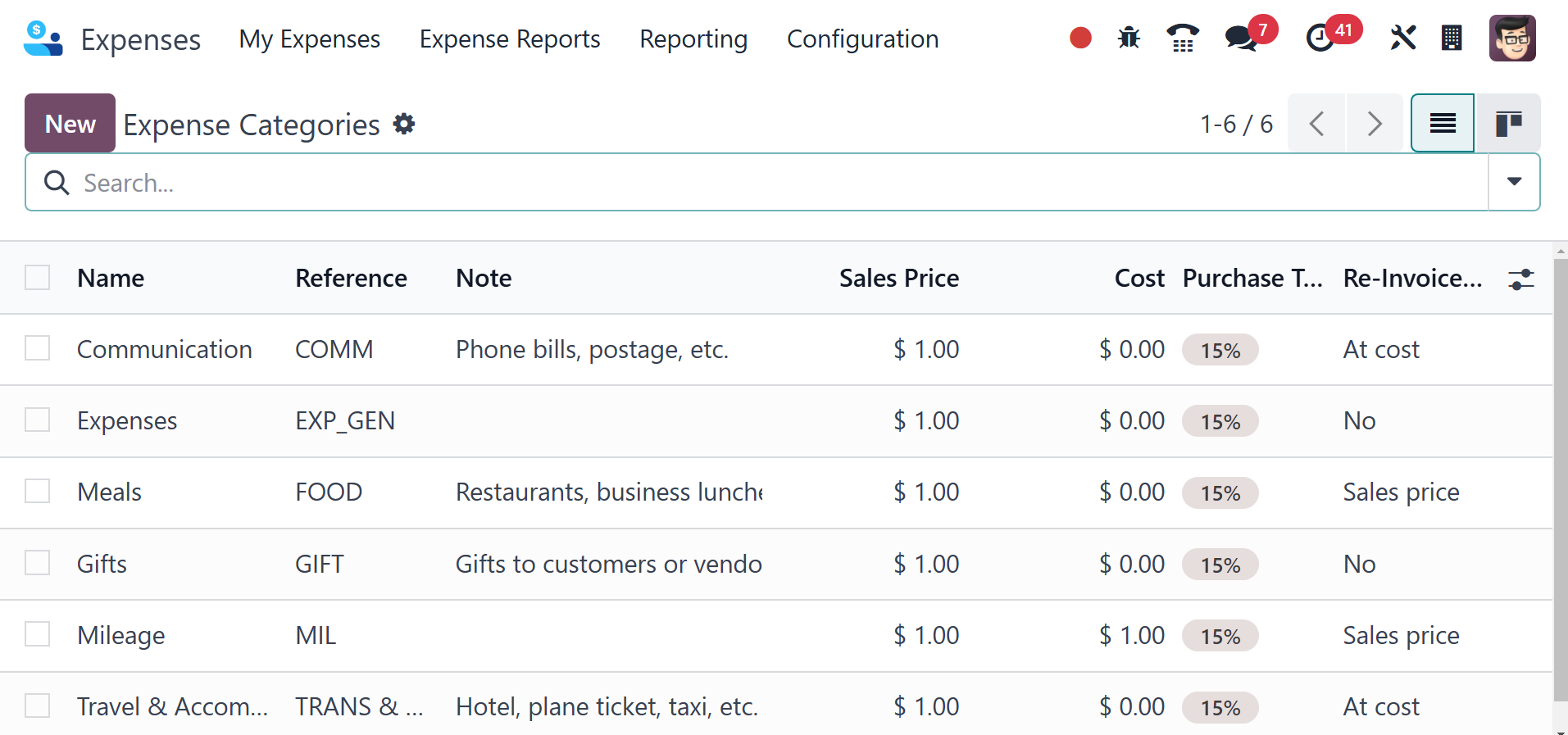
This allows us to quickly summarize the many categories of commodity
expenses in Odoo 18.
3.3 Activity Types
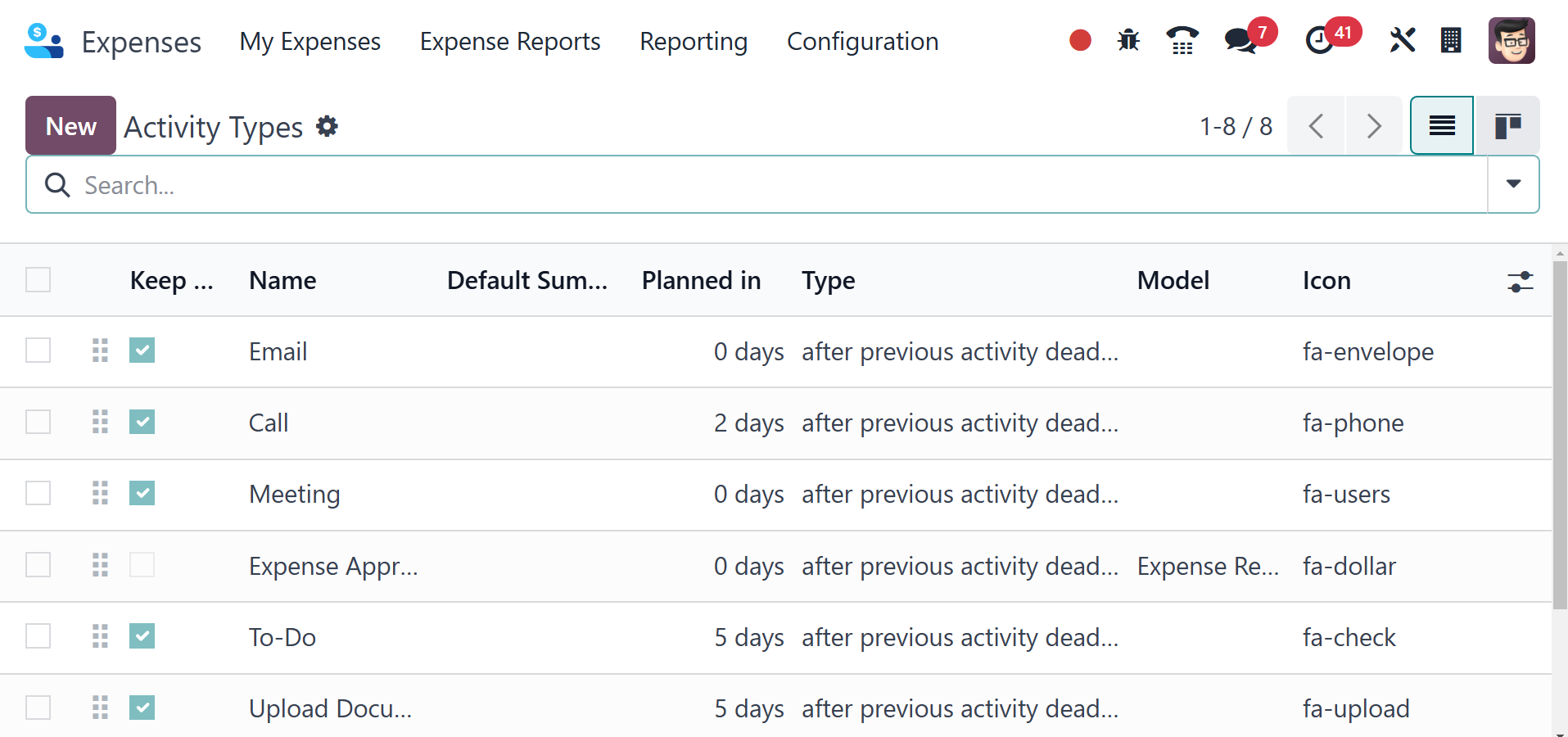
By specifying specified activities that users might do at various
points during the approval process of an expenditure report,
activity types help to organize and automate workflows. These kinds
of activities facilitate communication, enhance follow-ups, and
guarantee that expenses are processed on time.