4. Reporting Menu
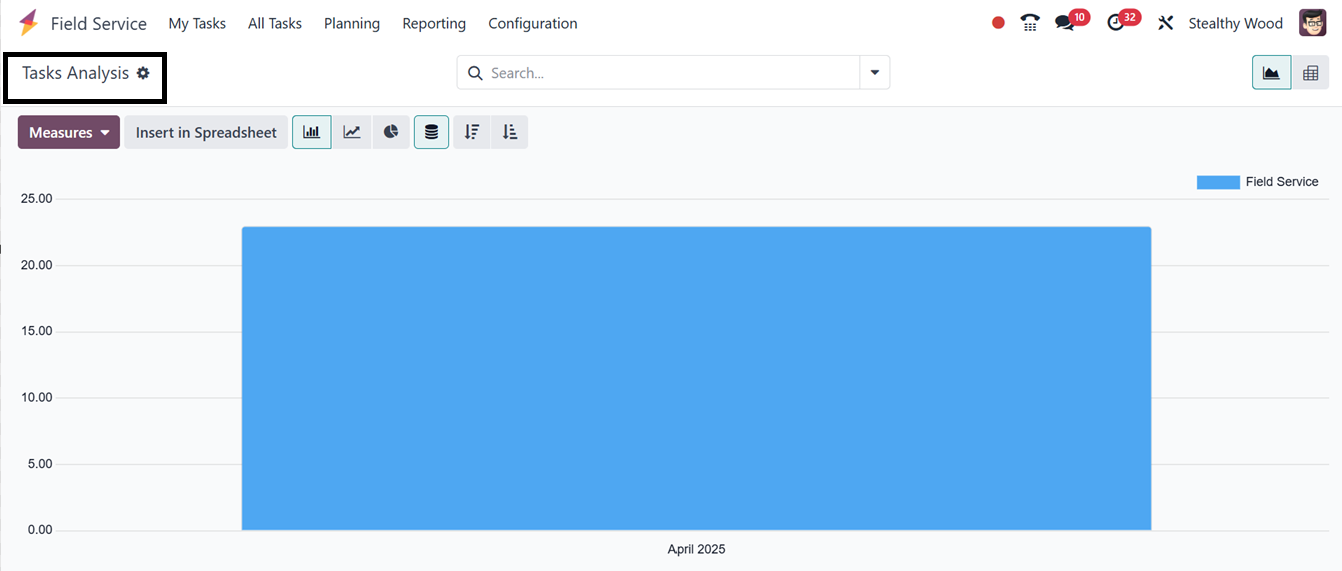
The Field Service module's Reporting menu's ‘Tasks Analysis’
reporting option enables users to examine the tasks that have been
logged within the module in a graphical view, as illustrated in the
screenshot below.
Using the reporting feature, you can access an efficient analysis by
using the relevant Filters and Group By options. There are pivot and
graphical views on this platform. Based on your requirements, you
may select an appropriate view.
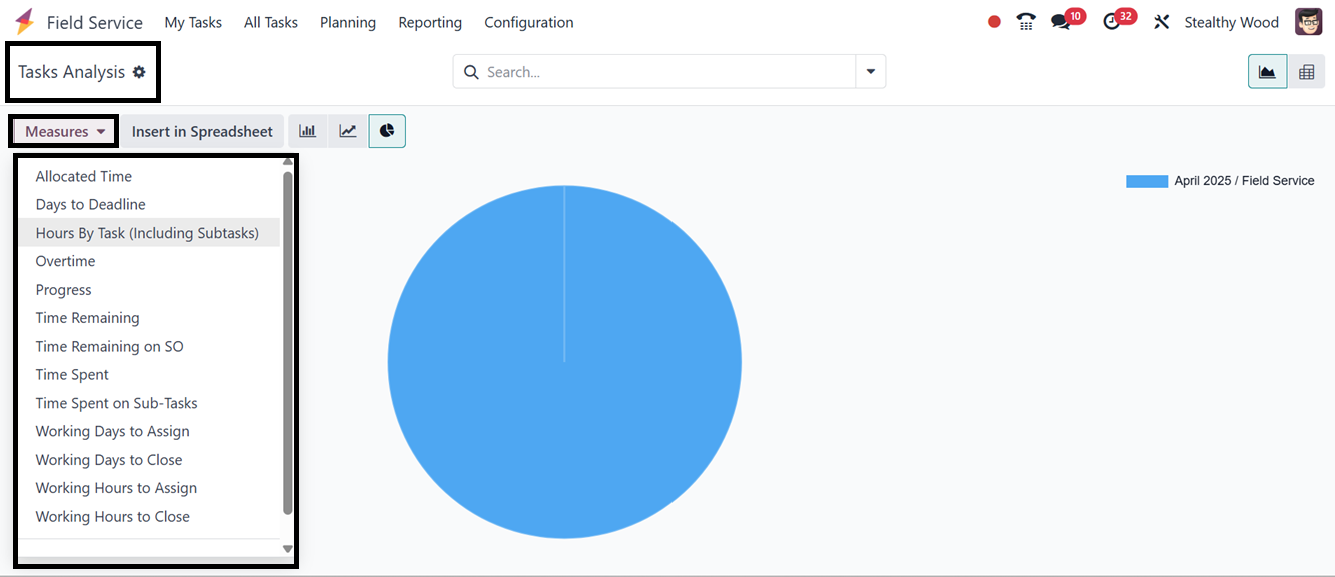
You can get unique reports using the Custom Filter and Group options
including, Days to Deadline, Effective Days, Overtime, Planned Days,
Progress, Remaining Days, Remaining Hours on SO, Working Days to
Assign, Working Days to Close, Working Hours to Assign, Working
Hours to Close, and Count provided in the ‘Measures’ button, as
depicted in the screenshot below.
By offering insights into field service operations, this reporting
tool assists users in assessing and tracking the effectiveness and
advancement of given tasks.