2. Visitors
A list of visitors can be found in the visitors' list. The list shows the guests
on the waiting list. Name, company name, phone number, host, check-in time, station,
and status are all displayed on the list.
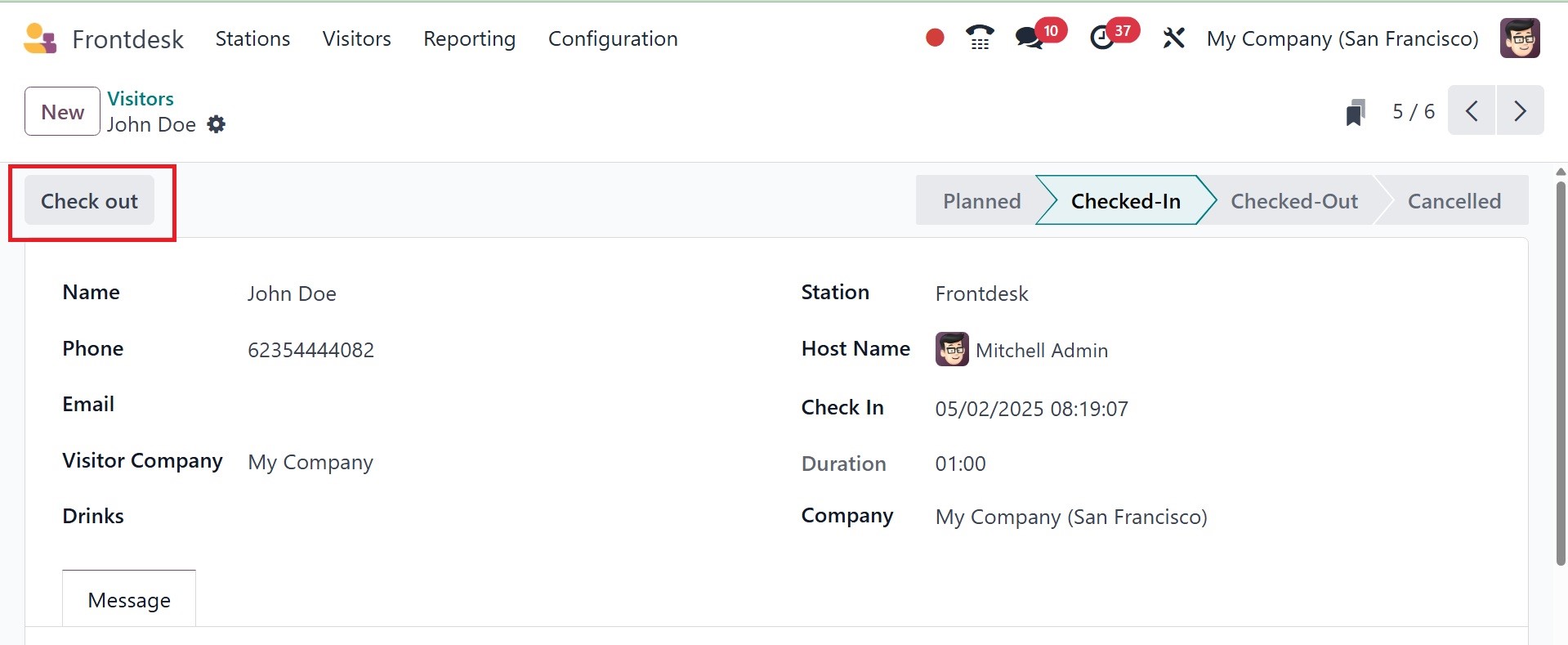
Each one can then be accessed by the user. When the meeting with the guests is over,
the user can click the Check-Out button and choose Drink Served if they check out.
The Message tab allows you to add any message pertaining to the meeting.
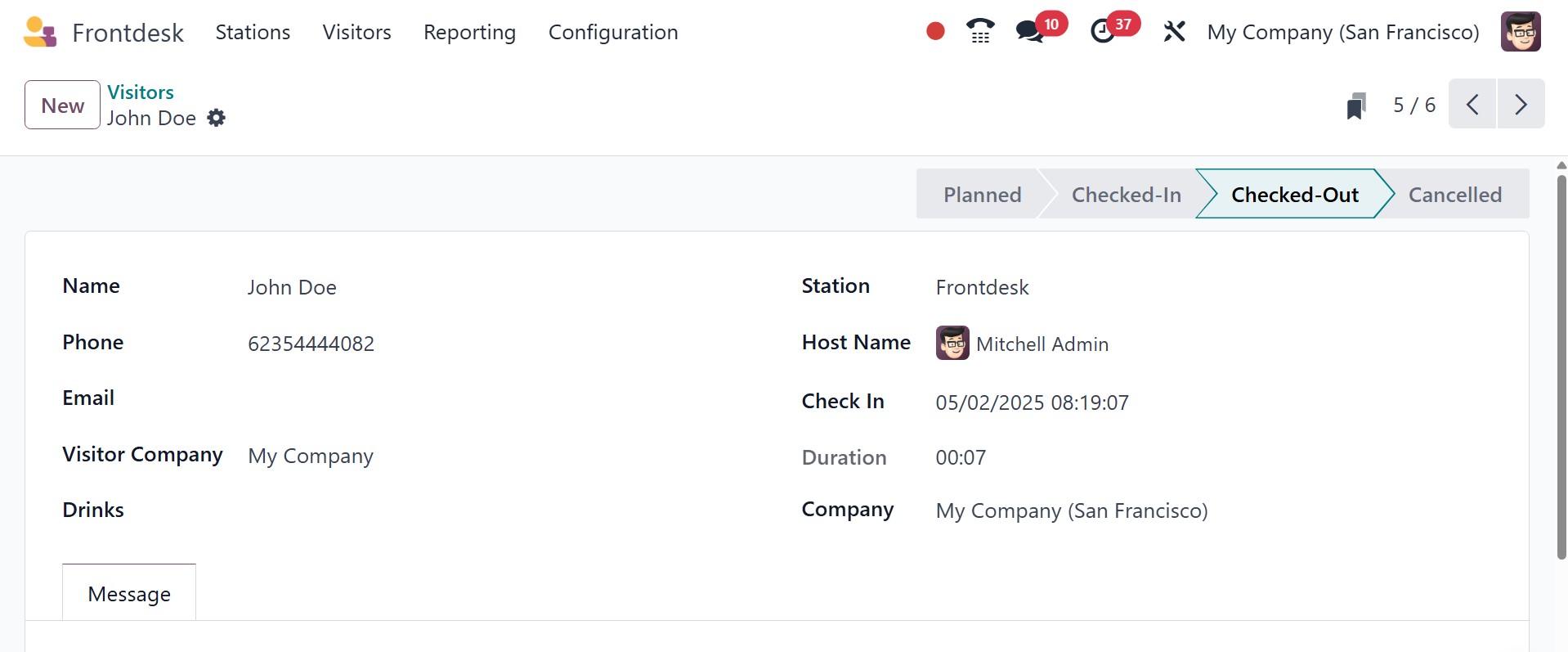
It was then changed to "Checked-Out."
The new visitors can be added using the NEW button.
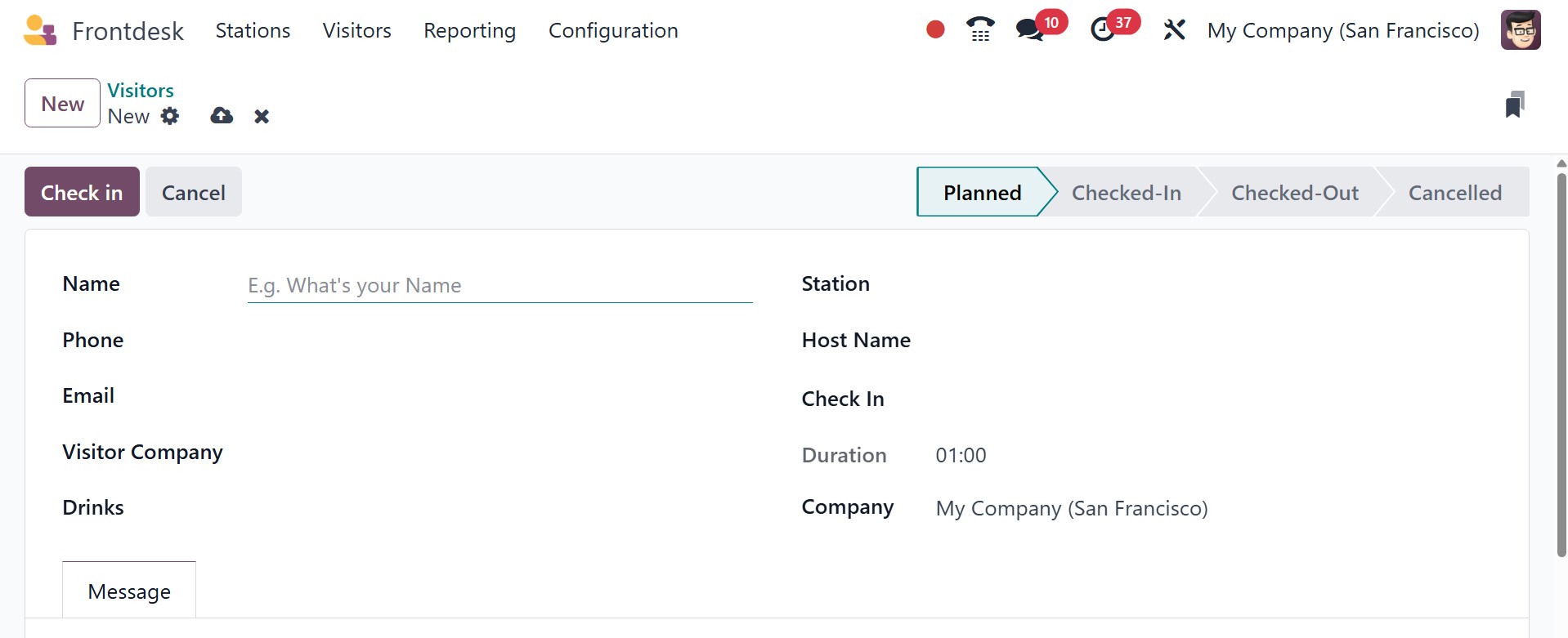
Here, you can provide the name, phone, email, visitor company, drinks, station,
host name, check in, duration, and company, respectively. The required messages
can be added under the message tab.