4. Reporting
To examine the activities conducted there, you can use the Reporting
platform that comes with the Helpdesk module. The specialized
reporting platform will provide comprehensive reports on all help
desk operations. This report can be used to evaluate the operations
based on a number of criteria. The Reporting platform offers
possibilities for Custom Ratings, SLA Status Analysis, and Ticket
Analysis.
4.1 Ticket analysis
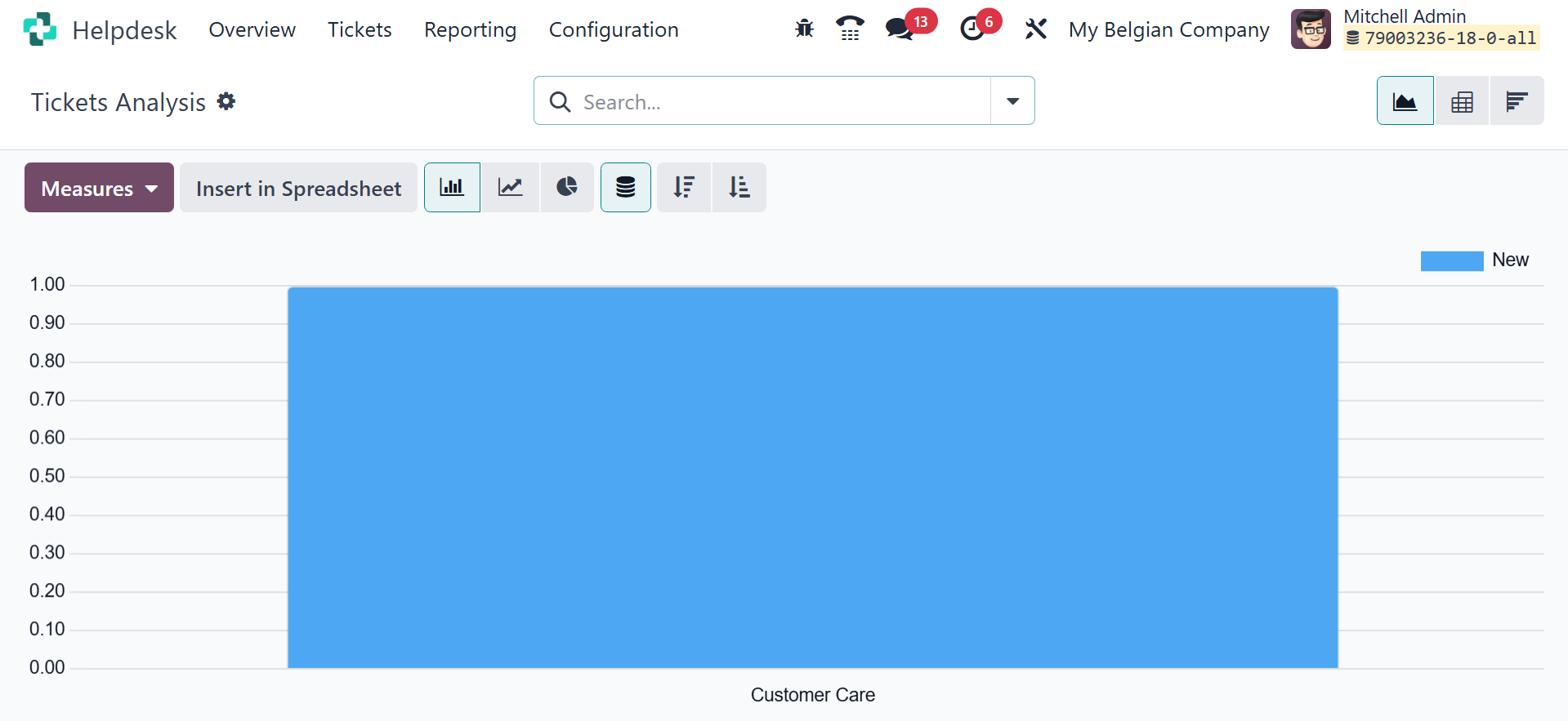
The Ticket Analysis platform will offer comprehensive reports on the
tickets that were entered into the module. You can create bespoke
reports by using the customization tools provided by the Group By
and Filters options.
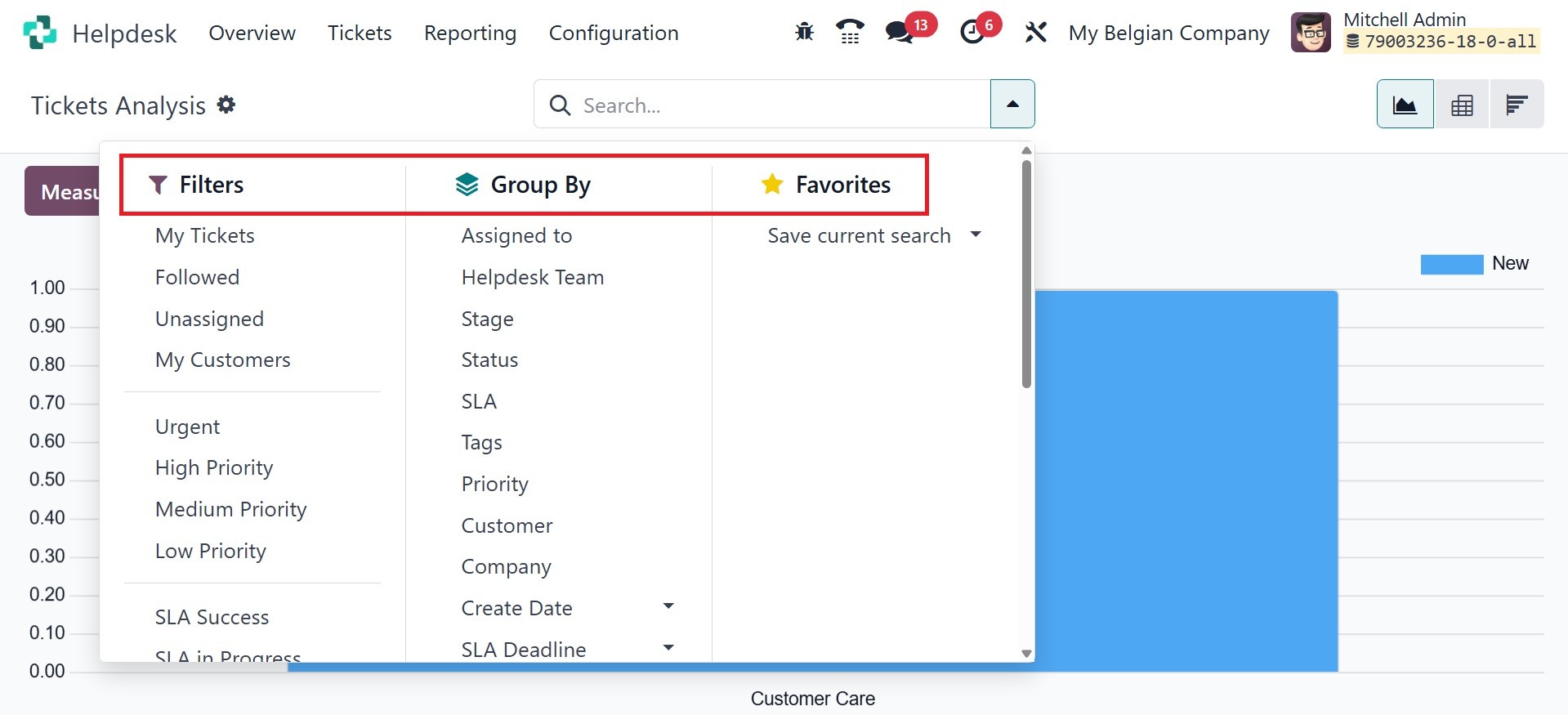
My Tickets, My Team's Tickets, My Department, Followed, Unassigned,
Urgent, High Priority, Medium Priority, Low Priority, SLA Success,
SLA in Progress, SLA Failed, Tickets in Overtime, Open, Closed,
Closed in Last 7 Days, Closed in Last 30 Days, Satisfied, Okay,
Dissatisfied, No Rating, Creation Date, and Archived are the default
filters from which you can select. You can select Assigned to, Team,
Stage, Type, Priority, Status, Customer, Company, Creation Date, SLA
Deadline, and Closing Date as the default grouping option.
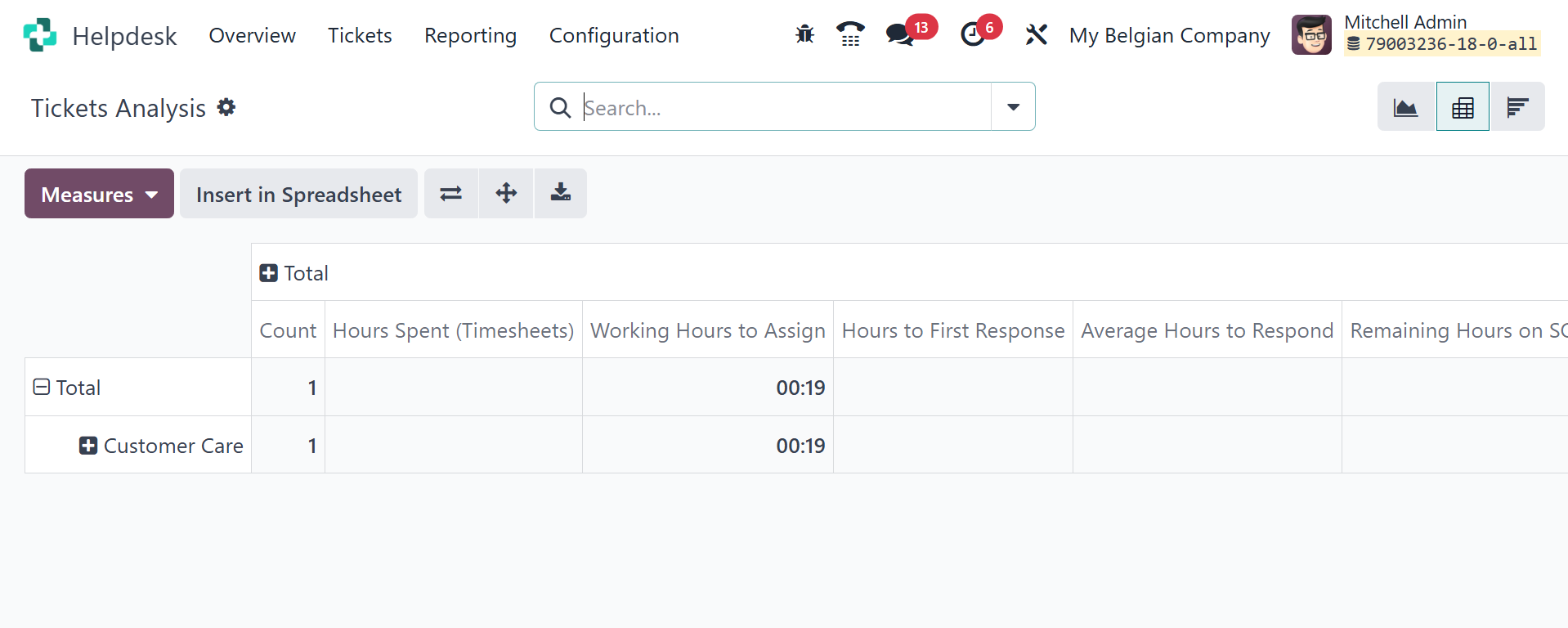
SLA deadline times, ratings, counts, first response times, open and
spent hours, allocated and closed hours, and average response times
are all examples of metrics that can be used. The report's Graph,
Pivot, and Cohort views are all interchangeable.
The SLA Status Analysis platform will give an overview of the SLA
policies that are applied to different tickets. You can evaluate the
current state of these SLA policies on this platform.
You will also be able to generate custom reports with this platform's
Filters and Group By functionalities. Working hours can be used here
to assign, close, and reach SLA, as well as to count as metrics for
the reports. The percentages of failed, progressing, and successful
SLAs can also be used.
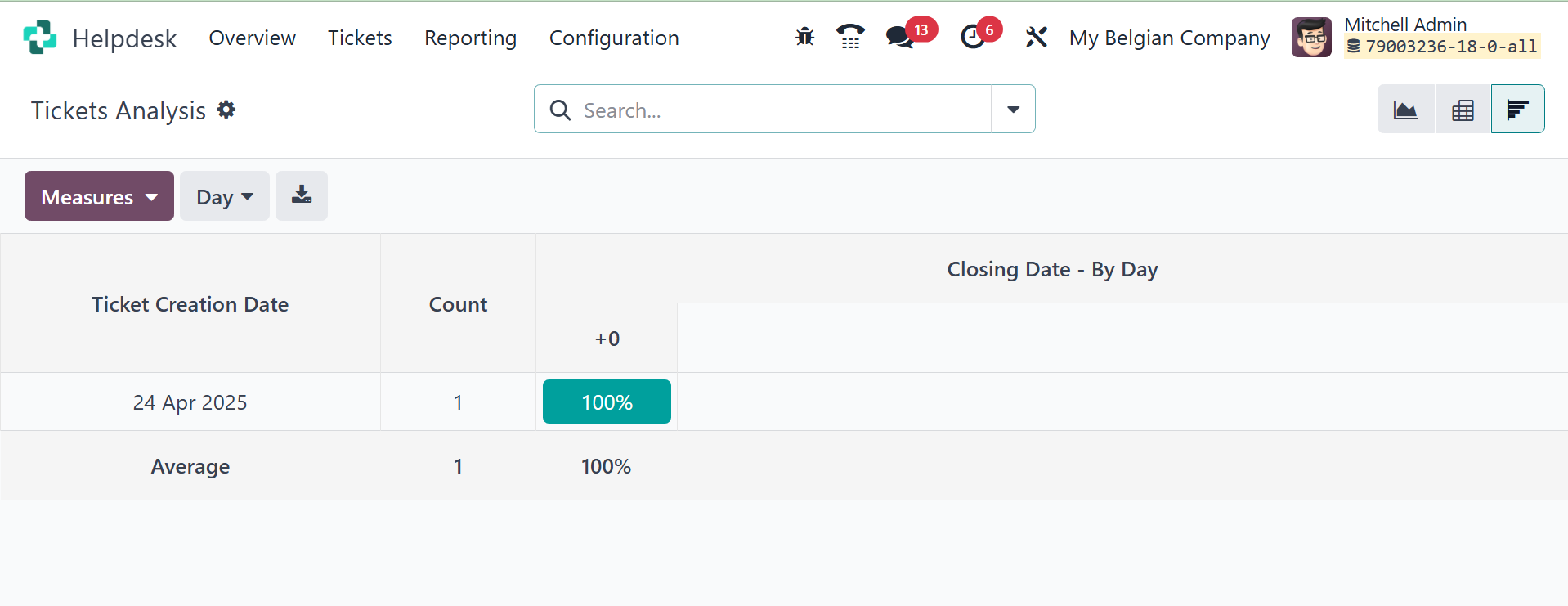
The cohort view will be, as in the image below.
4.2 SLA status analysis
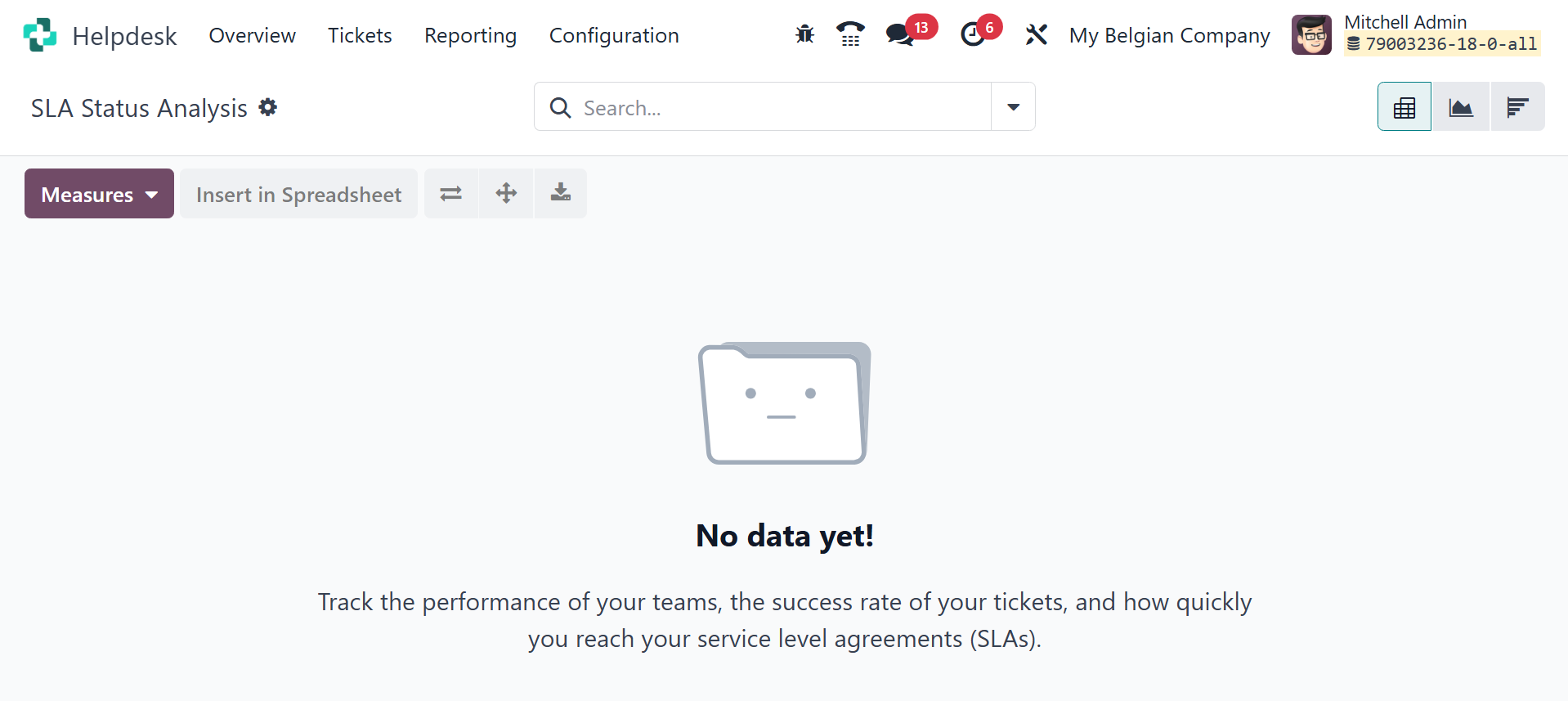
The SLA Status Analysis report aids in monitoring each SLA policy's
effectiveness and pinpointing areas in need of development. Better
ticket prioritizing and deadline monitoring are made possible by the
insights it offers regarding the number of SLAs that have failed,
are in progress, and have succeeded.
4.3 Customer Ratings
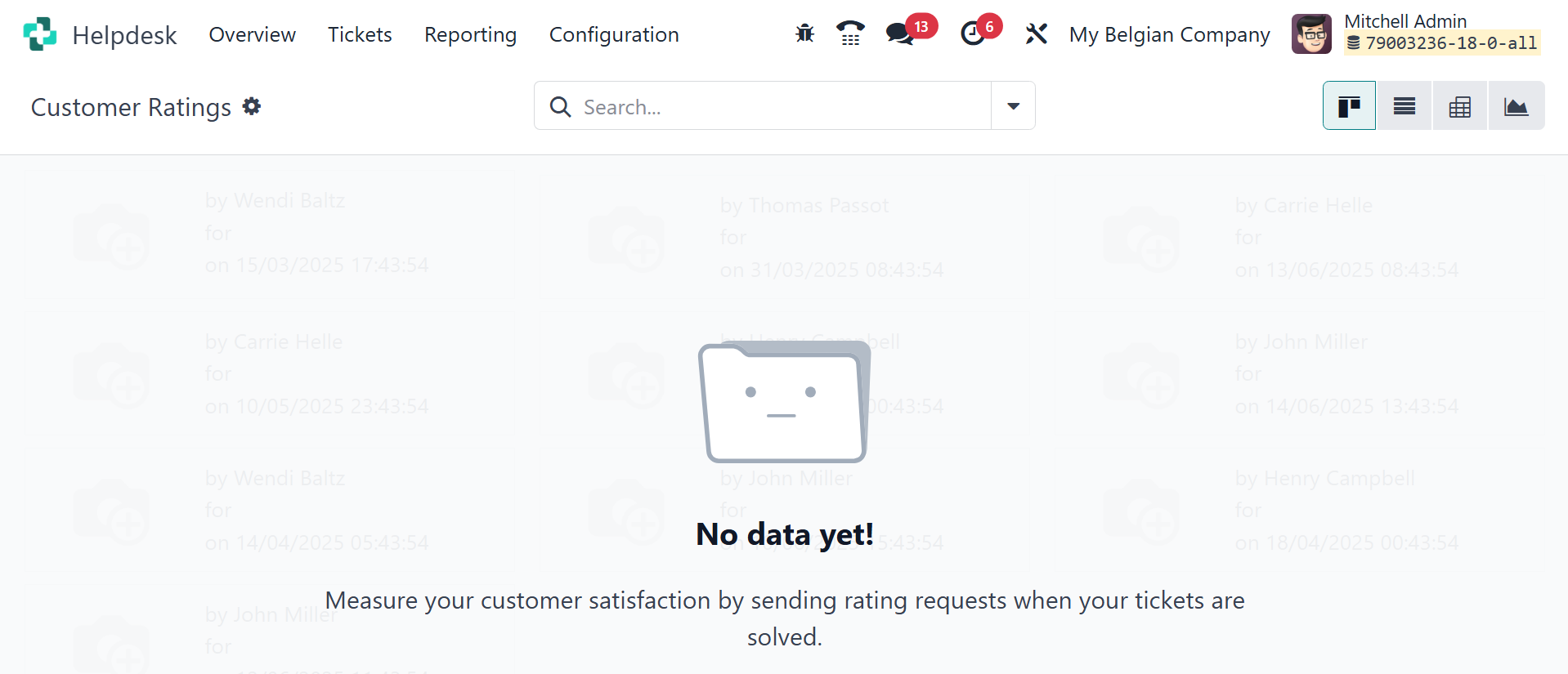
The Customer Ratings platform will provide information about consumer
opinions of your help desk services.
You can close the tickets as well under the help desk module. That
is, In the Helpdesk app, a ticket can be closed in a number of ways
once work has been finished. While automatically closing inactive
tickets avoids needless blocking issues, manually closing solved
tickets maintains the pipeline current. By letting clients close
their own tickets, it becomes less unclear whether a problem has
been resolved. Higher customer satisfaction and greater operational
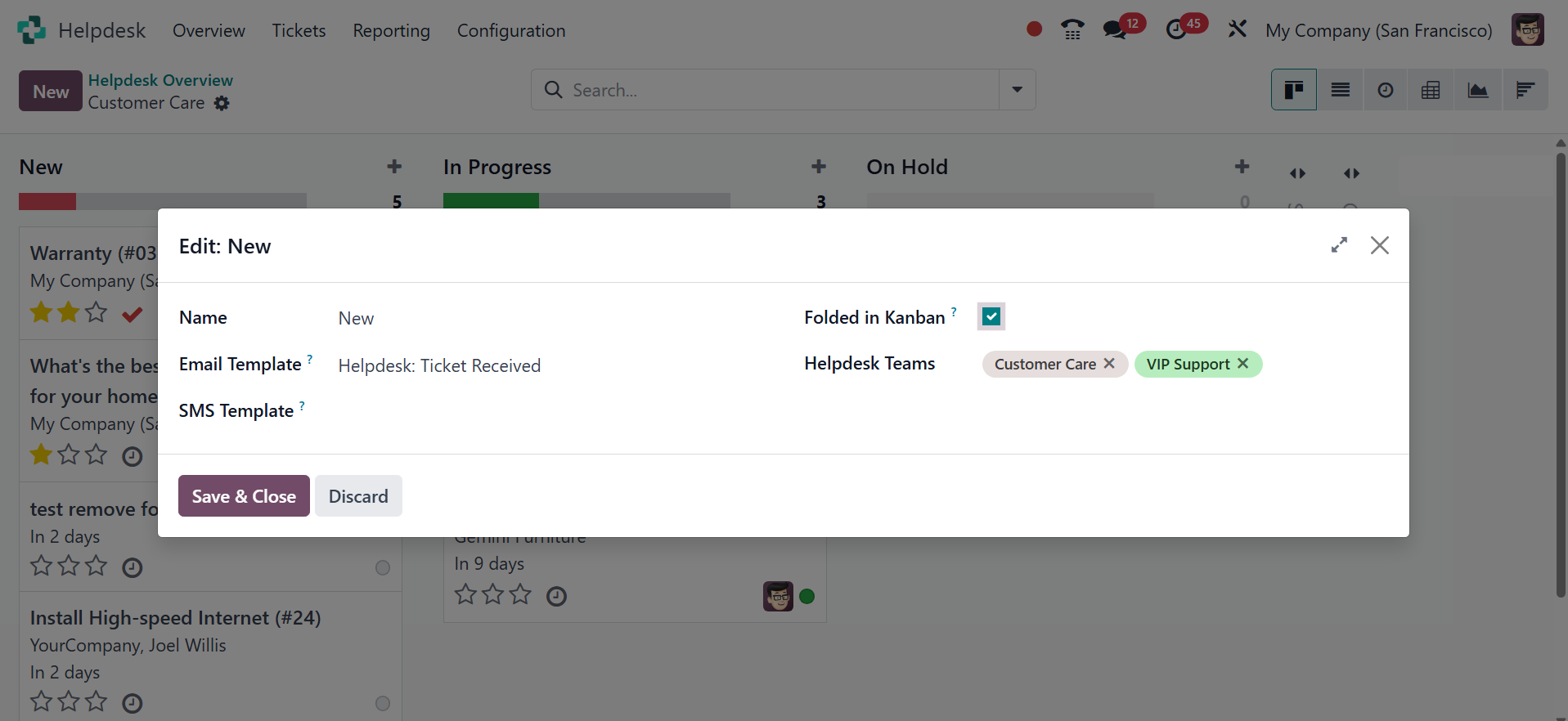
capacity for support teams are the outcomes of this. Choose Edit
from the resulting menu. This opens the settings for the stage. To
verify the modifications, choose the Folded in Kanban checkbox and
then Save & Close. Upon reaching this folding stage, tickets are now
closed.
Using the automatic closing, the tickets that are inactive for a set
period of time can be automatically closed. And th etickets that are
inactive can be alos closed using the option in the settings.
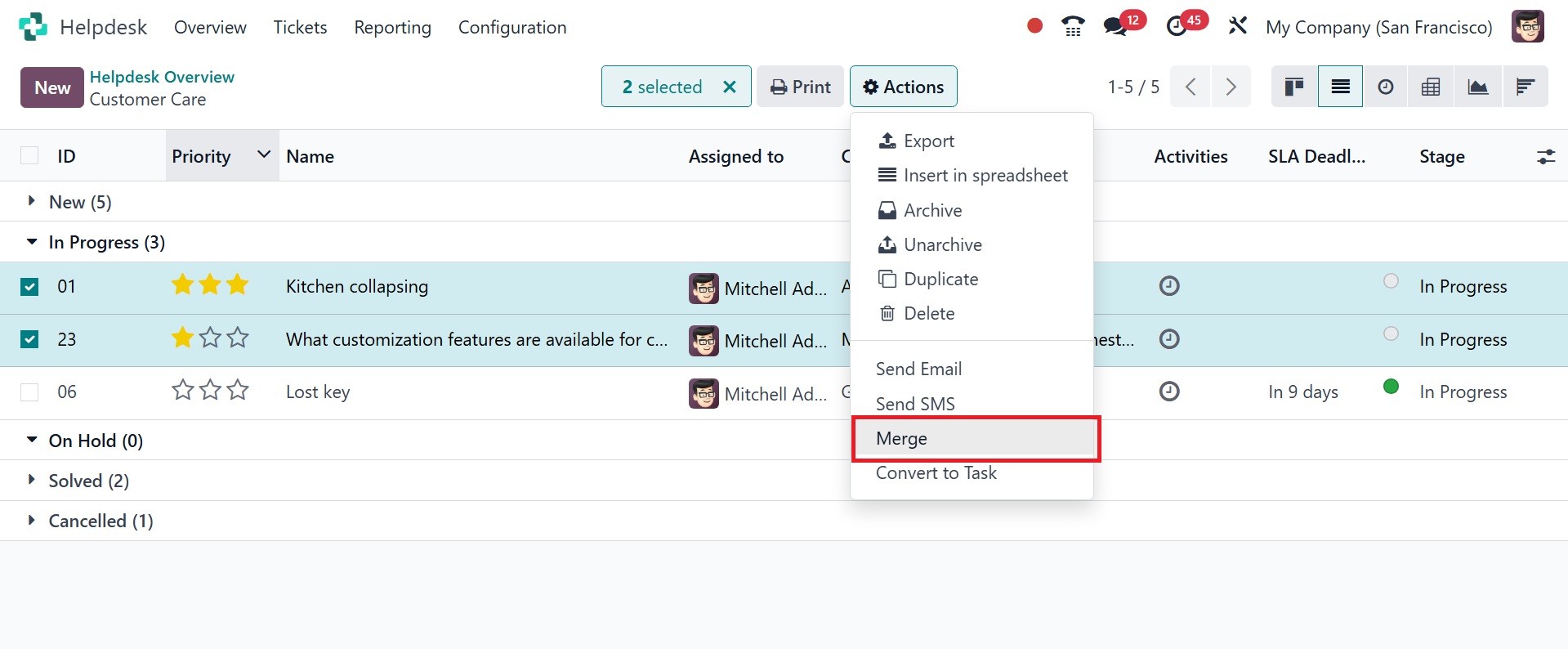
Now, let us look at how to merge the tickets. For that, under the
list view of the tickets, select those tickets to get merged using
the merge option in the action button, as in the image below.
Then, you will be asked for a confirmation message for merging, and
the tickets can be viewed, as in the image below.
The Helpdesk module for Odoo 18 is the best choice for your company
if you want to centrally manage your customer support services.