2. Devices
As may be seen below, the "Devices" dashboard window shows the
available IoT-connected devices in a Kanban view based on groupings.
You can see every device connected to your Internet of Things box in
this dashboard view.
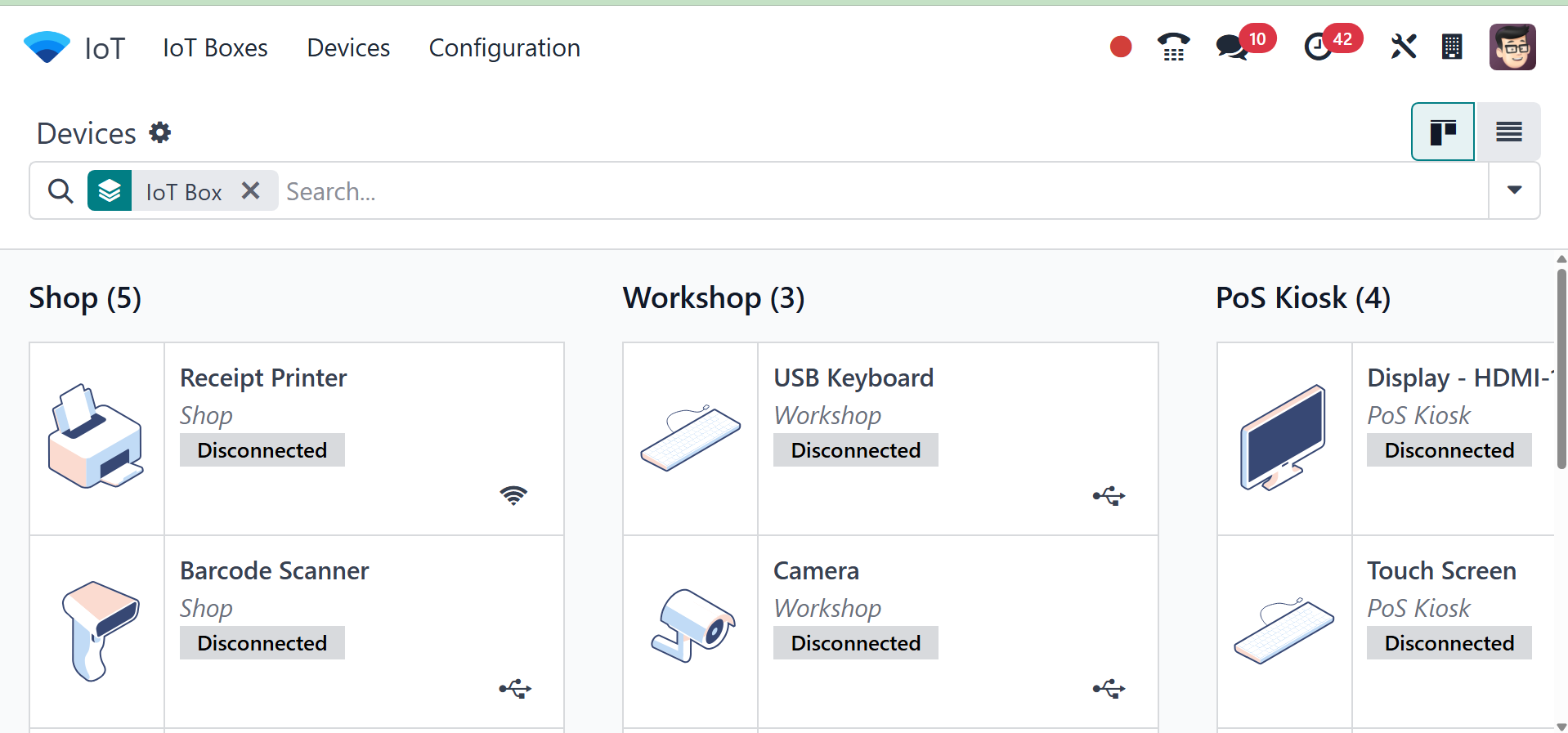
The connection type of each Kanban Card—such as Ethernet or WiFi—is
indicated here. This area allows you to operate the devices and
check if they are connected.
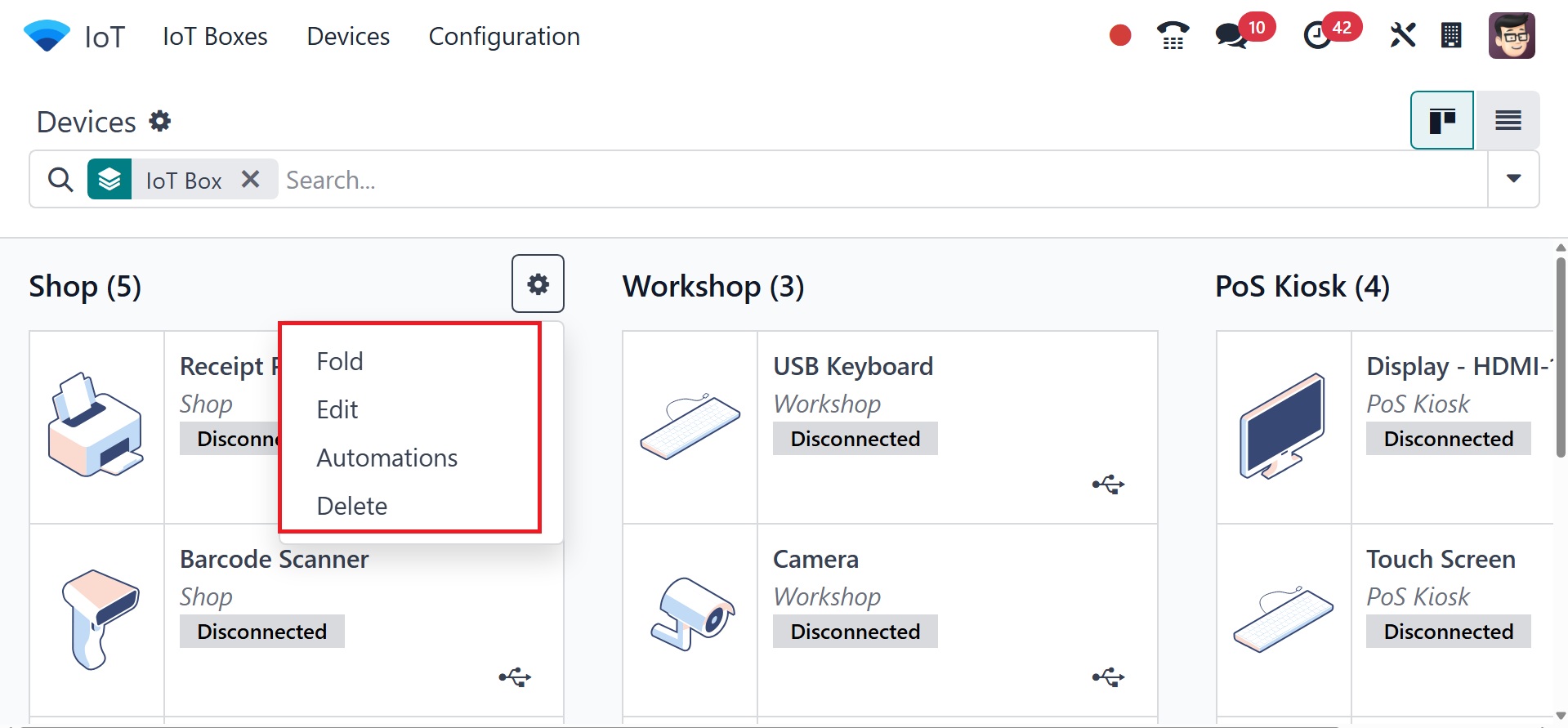
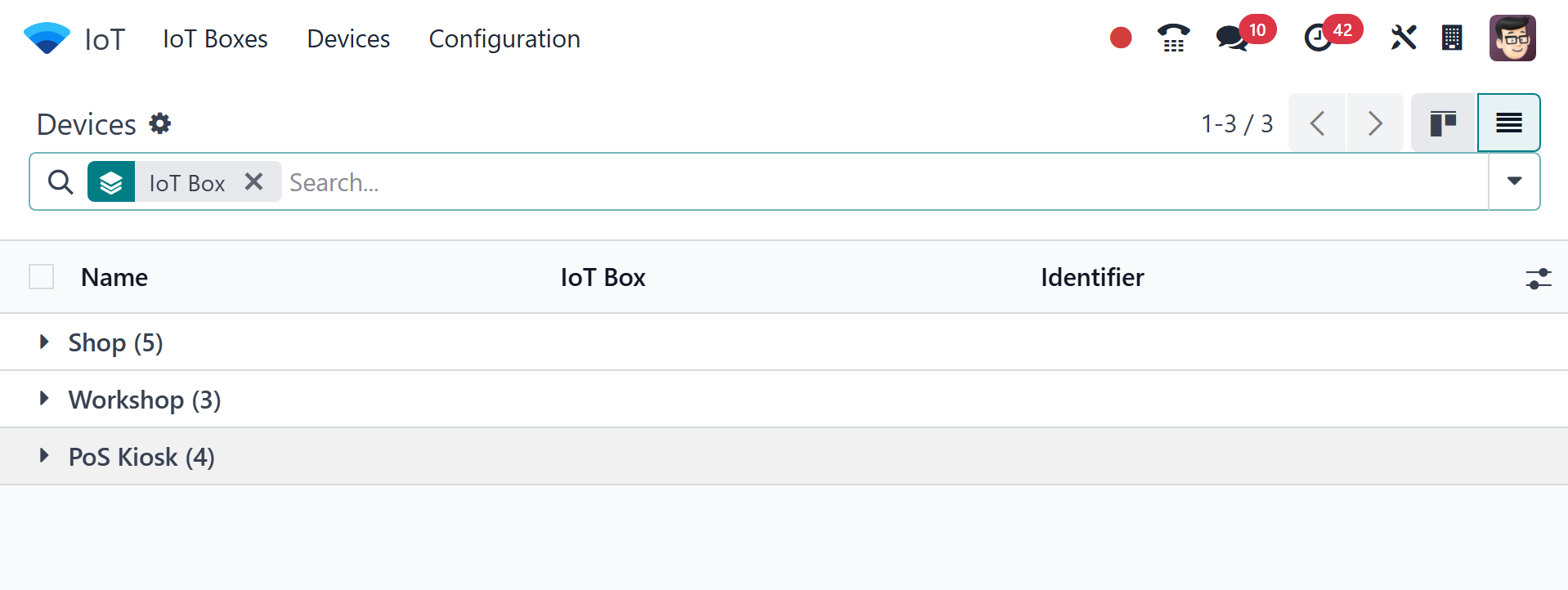
The "Settings" icon next to the device category title allows you to
edit, fold, automate, or remove the devices in the Kanban view. The
page can be viewed in list view as well.
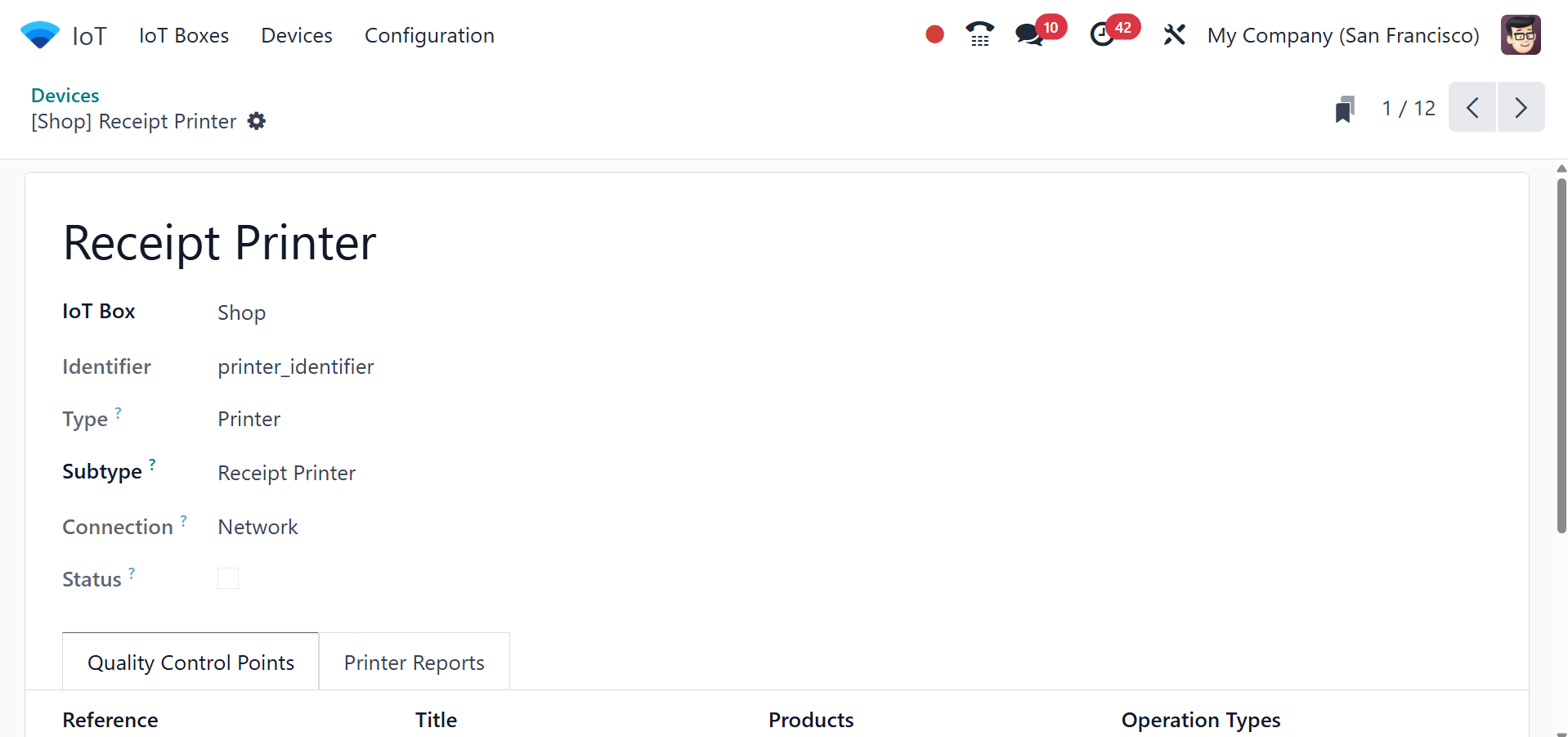
On selecting a particular device, you can view the IoT box name,
identifier, type of device, subtype, connection, and status. You can
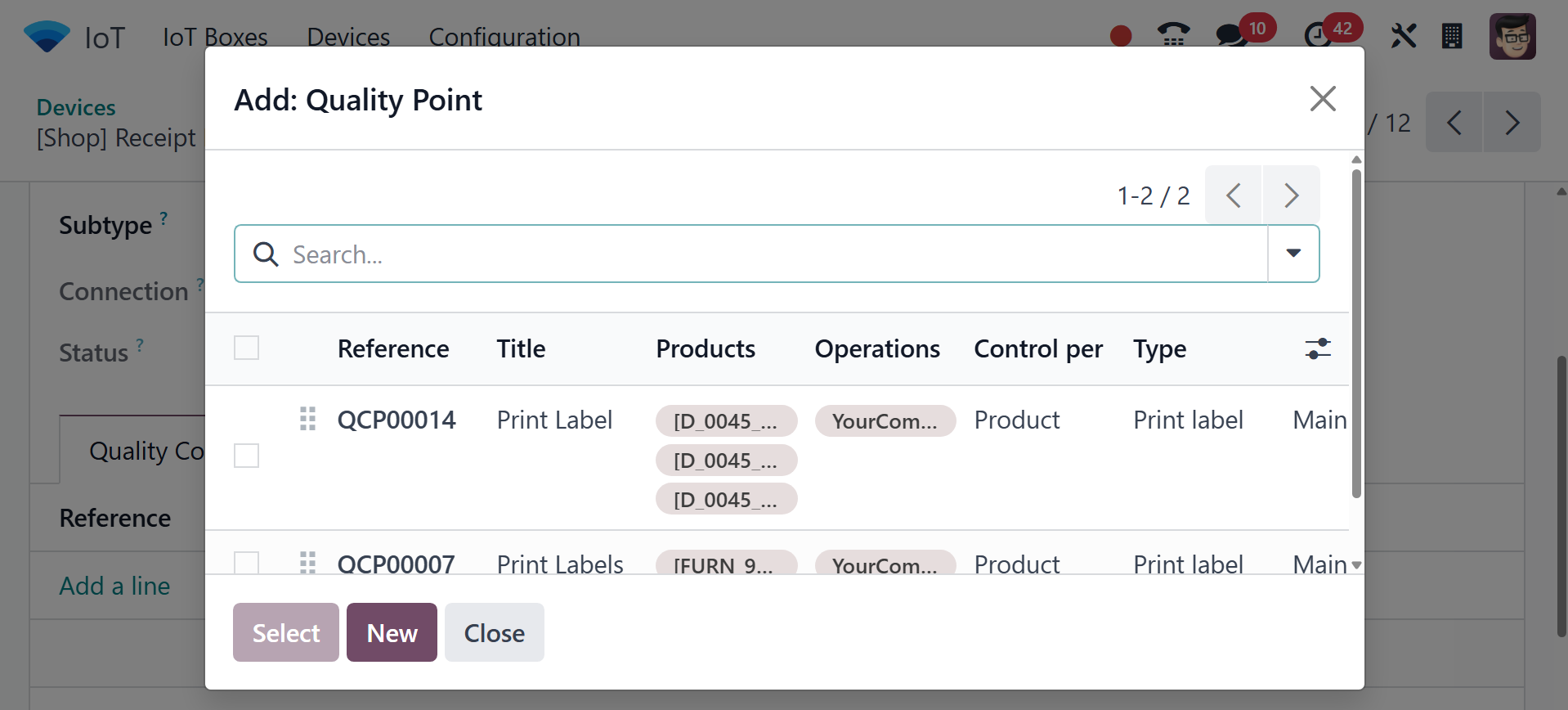
add quality control points using the add a line option. On selecting
the Add a line option, you will get the page, as in the image below.
Under the printer reports, you can make use of the add a line option,
and the page given below will be shown.
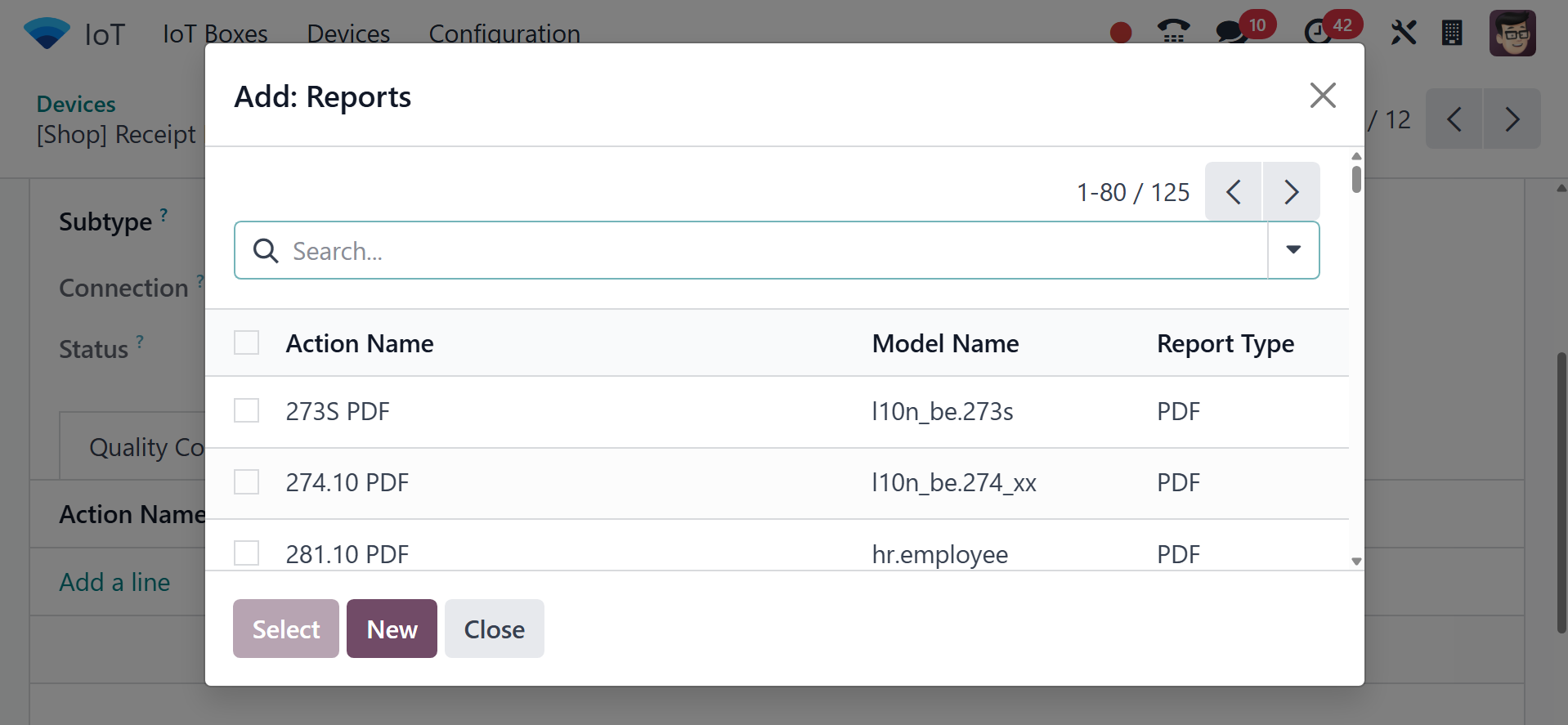
You can provide the action name, model name, and report type
accordingly. Complete the form with all the device's details and
save it to create an IoT Box connection.