2. Manager
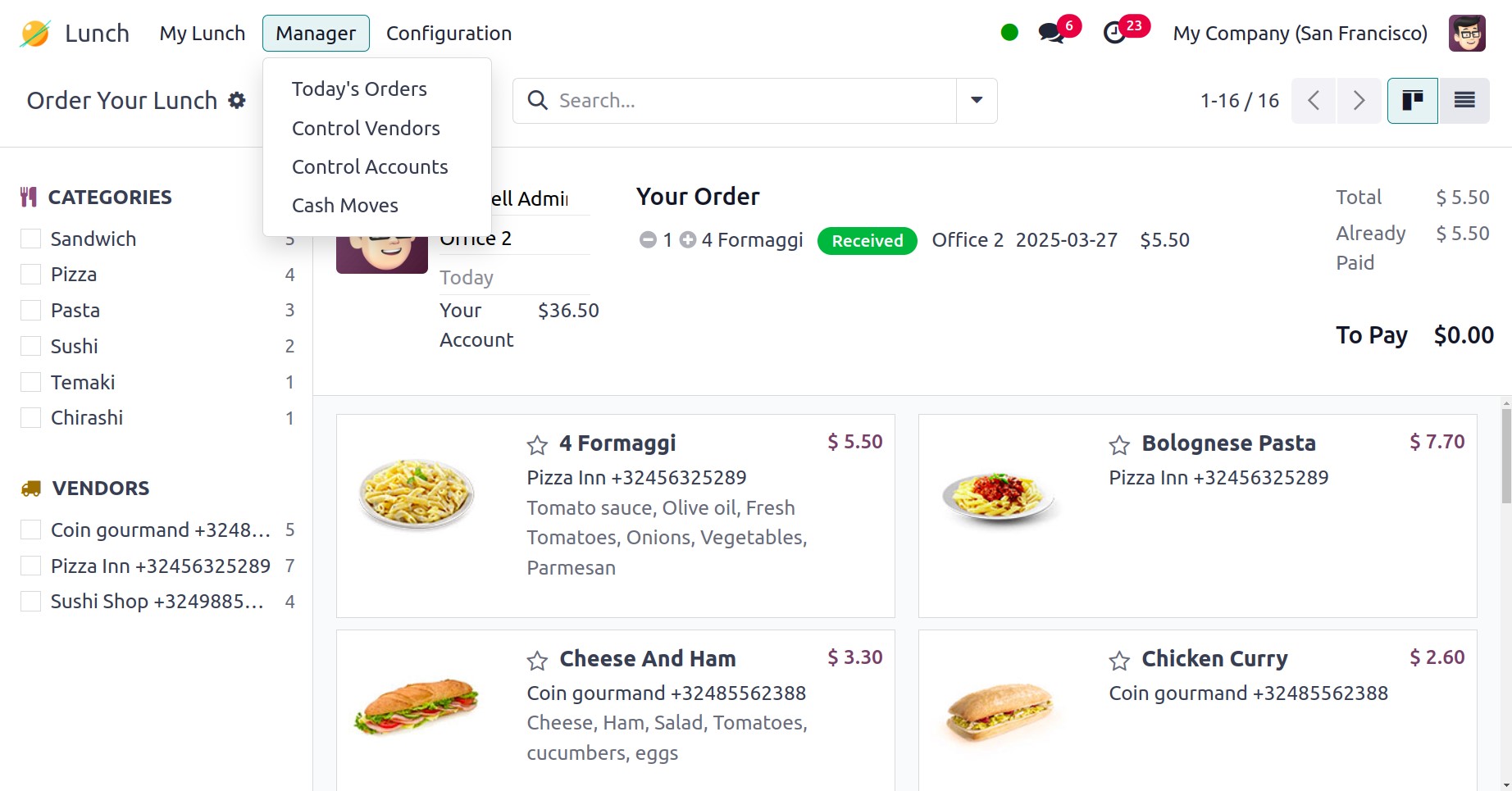
Using the Manager option provided in the Lunch module, the manager
can easily keep an eye on all activities.
2.1 Today’s Order
Under the Today's Orders option, orders placed today will be shown.
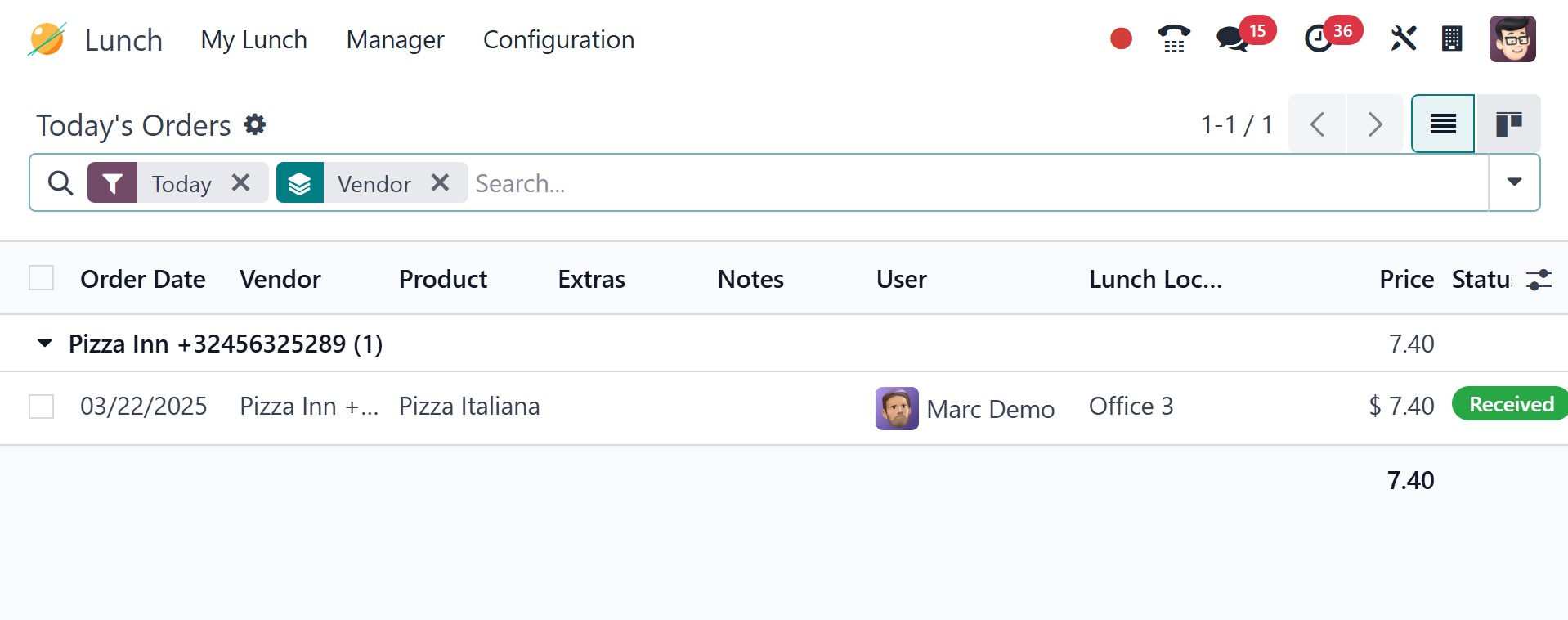
Through this window, the manager can view the following information:
Order Date, Vendor, Product, Extras, Notes, User, Lunch location,
Price, Status, and Company. The manager can use the Cancel and
Confirm buttons to cancel and confirm orders, click the Send Orders
button to place orders with the appropriate vendor.
2.2 Control Vendors
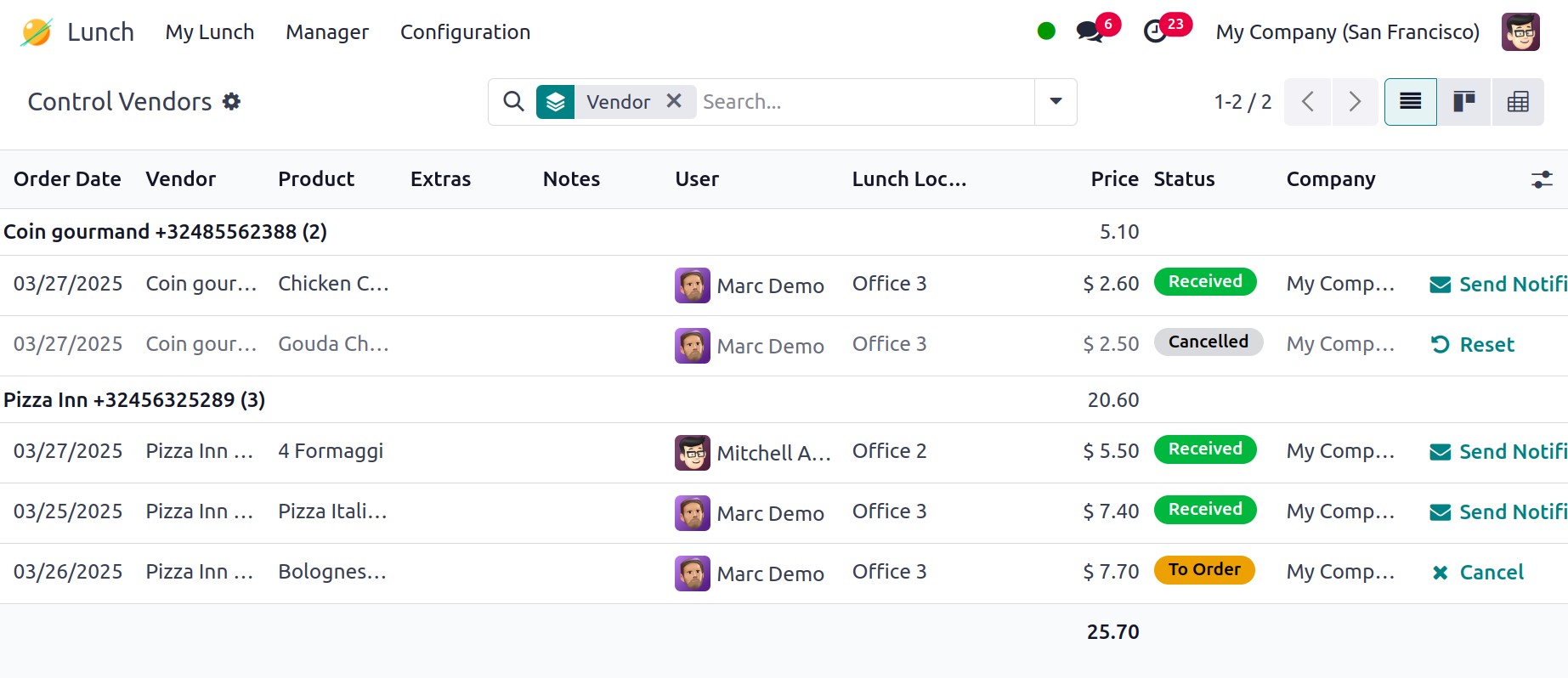
Use the Control Vendors option to keep track of the orders placed
with different merchants.
2.3 Control Accounts
Information about employee account balances will be shown on the
Control Accounts portal.
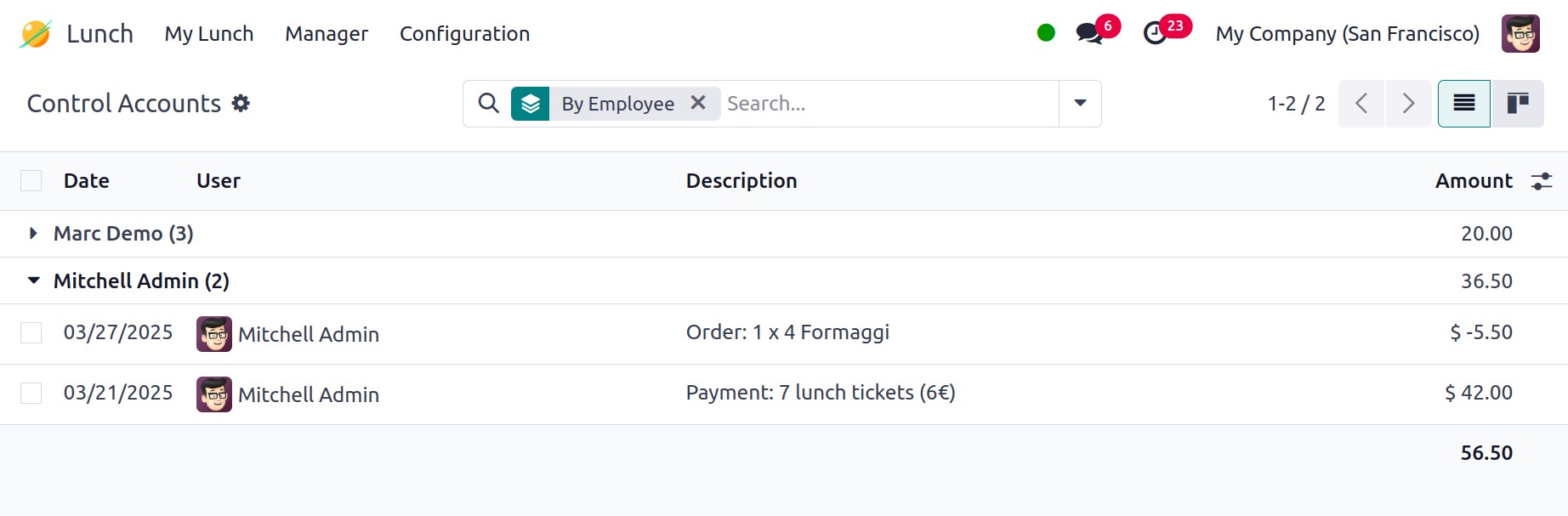
The account history will show the Date, User, Description, and
Amount. These facts will be presented separately based on the user.
2.4 Cash Moves
Using the Cash Moves tool, the manager can oversee cash transactions.
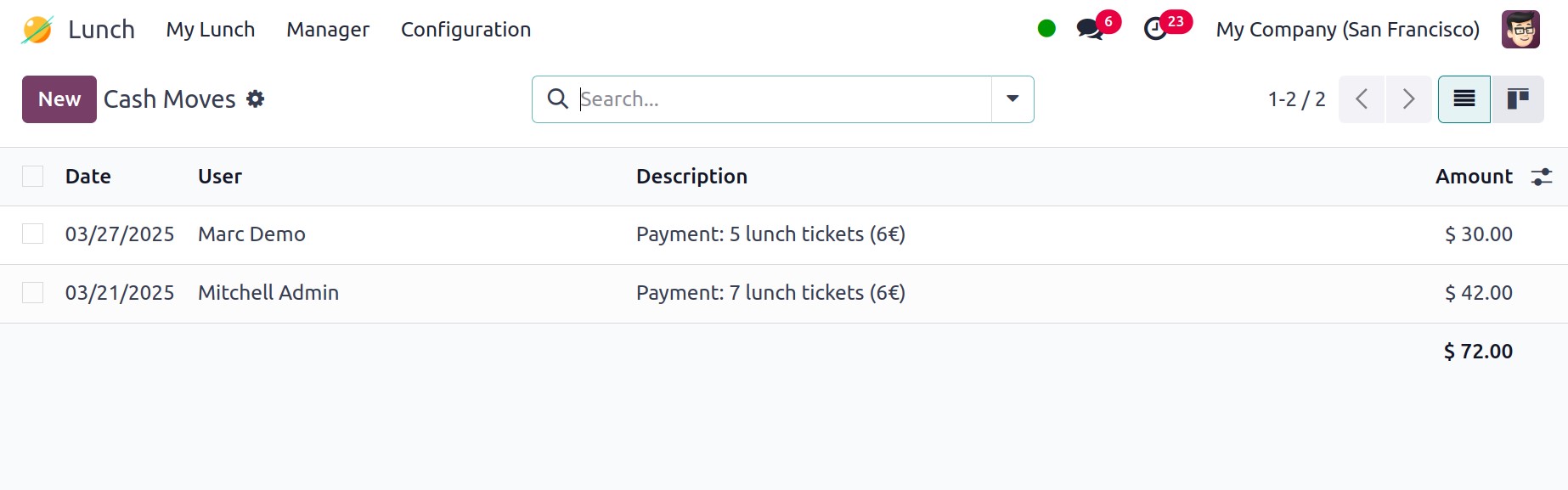
The Date, User, Description, and Amount will be shown on this
platform. The cash transactions can be manually entered by clicking
the New button.
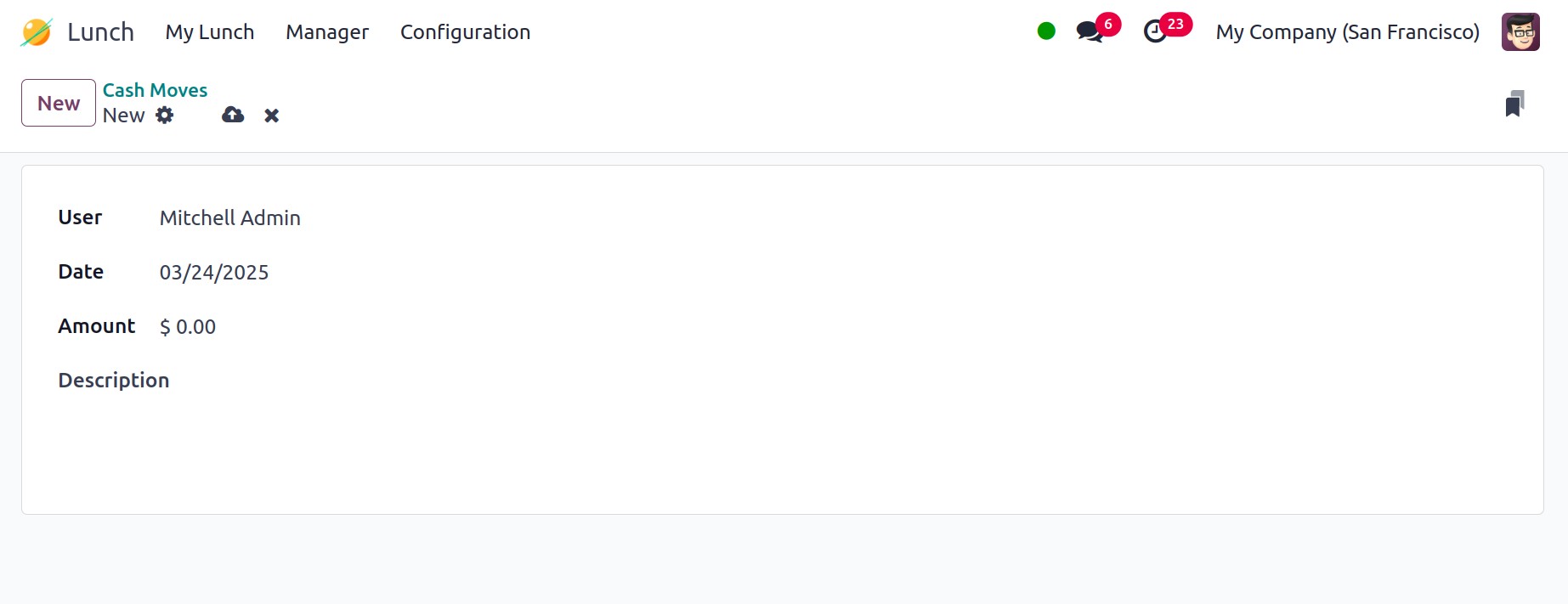
The User, Date, Amount, and Description fields can all be filled up
here.