1. My Lunch
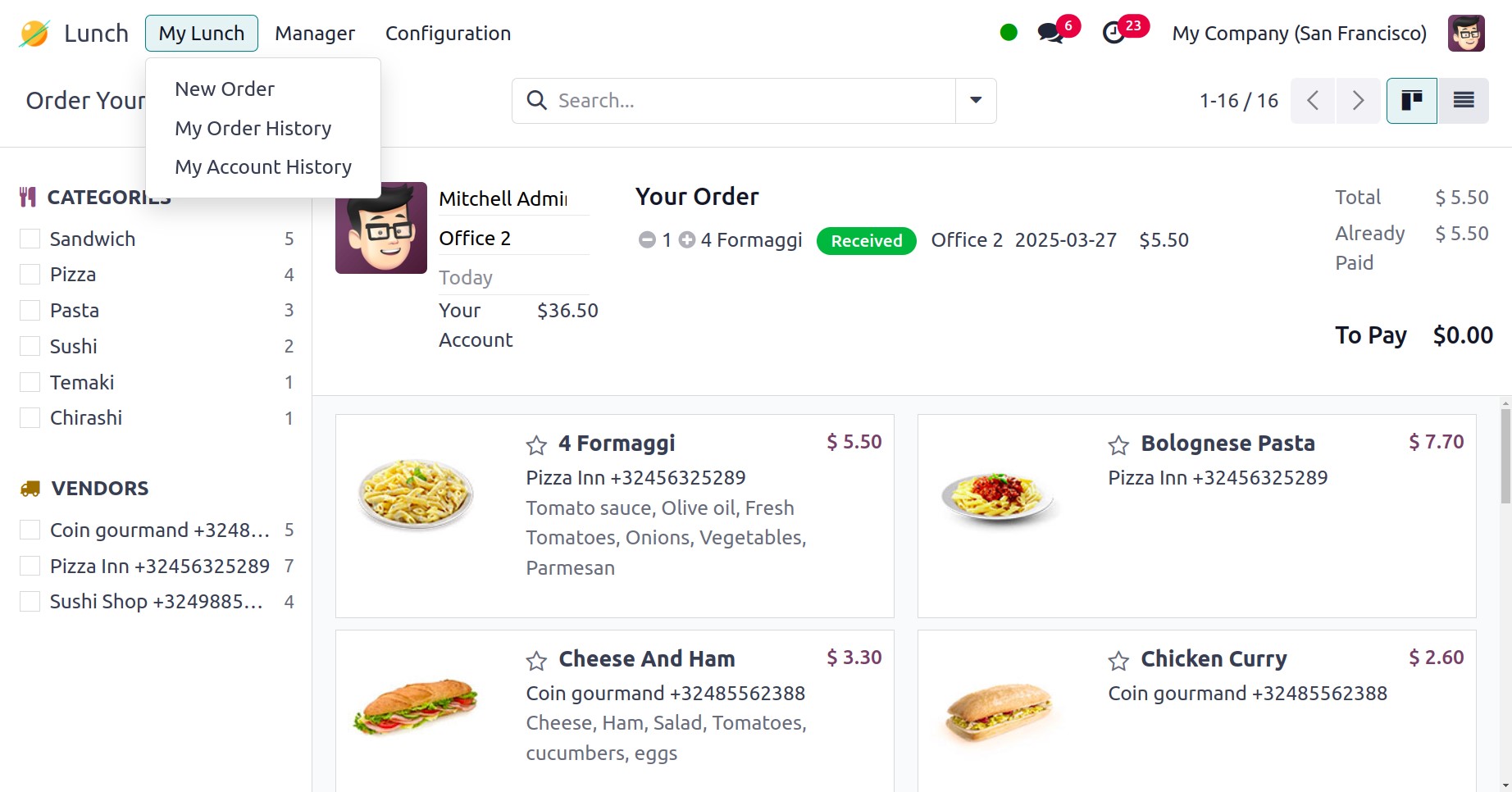
Under the My Lunch menu, you are provided with my order, my account,
and new order options, respectively.
1.1 New Order
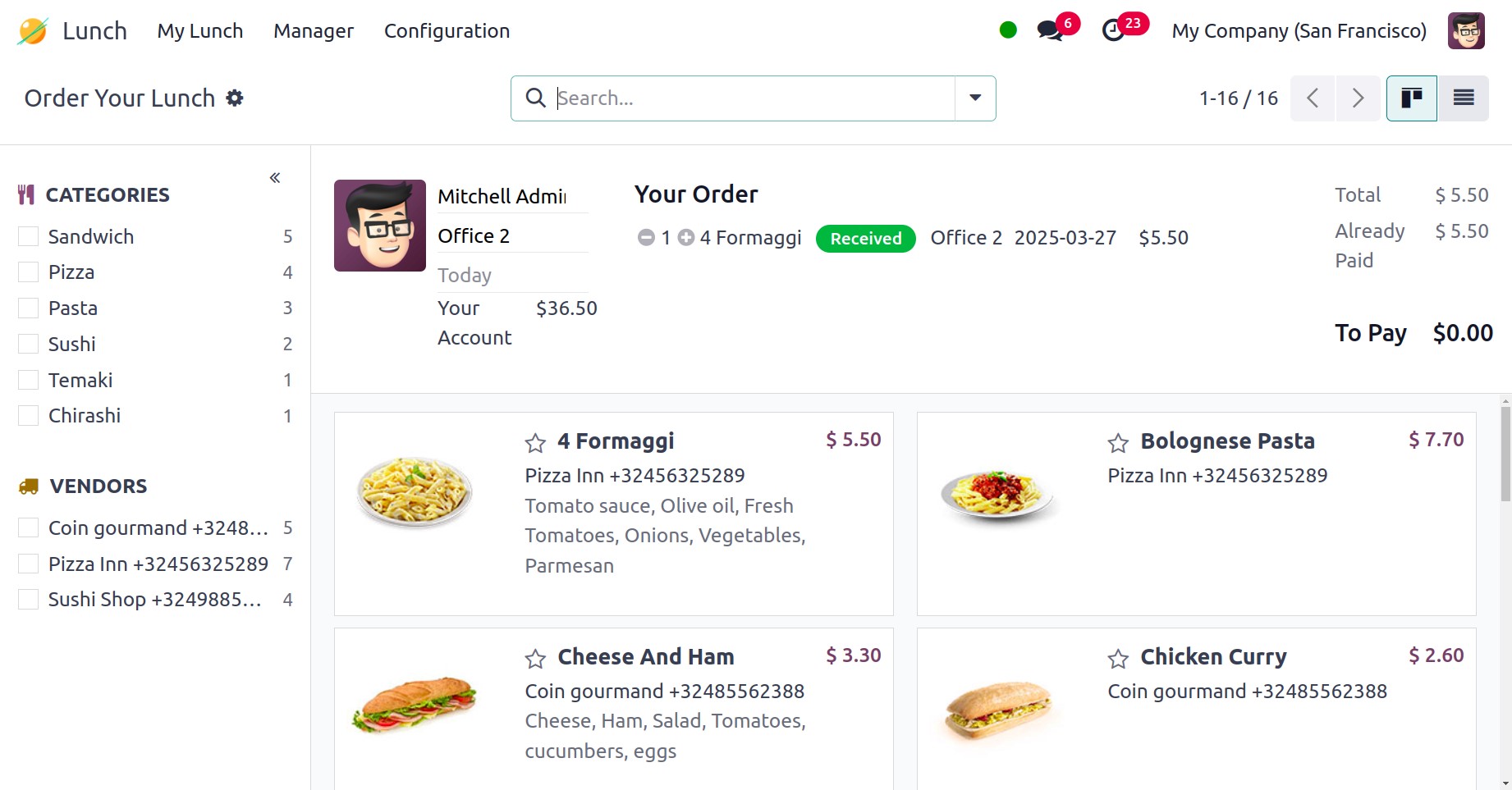
Using the new order option, you can easily create a new order, as in
the image below.
1.2 My Order
The My Orders option under the My Lunch menu allows you to review all
of your meals. The Order Date, Vendor, Product, Extras, Notes, User,
Lunch Location, Price, Status, and Company will all be displayed on
this platform.
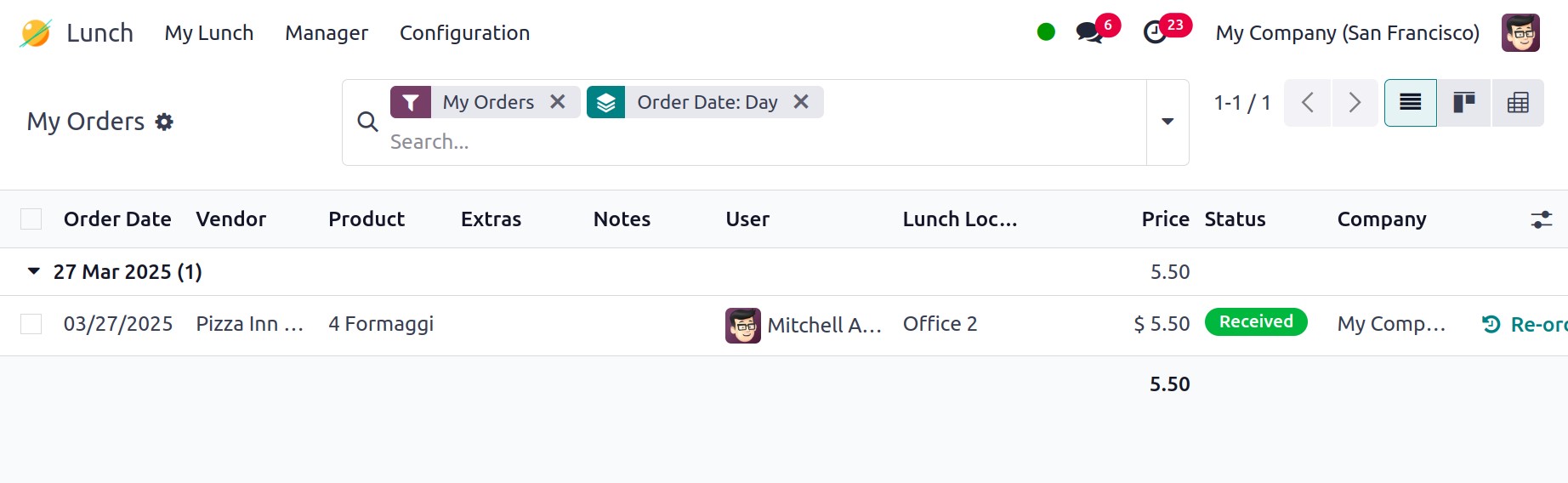
If you decide to cancel your lunch order, you will be presented with
a Cancel button. For previously placed orders, you can use the
Reorder button to place a new order for the same meal. Clicking the
Send Notification button will send a notification to the appropriate
vendor.
1.2 My Order
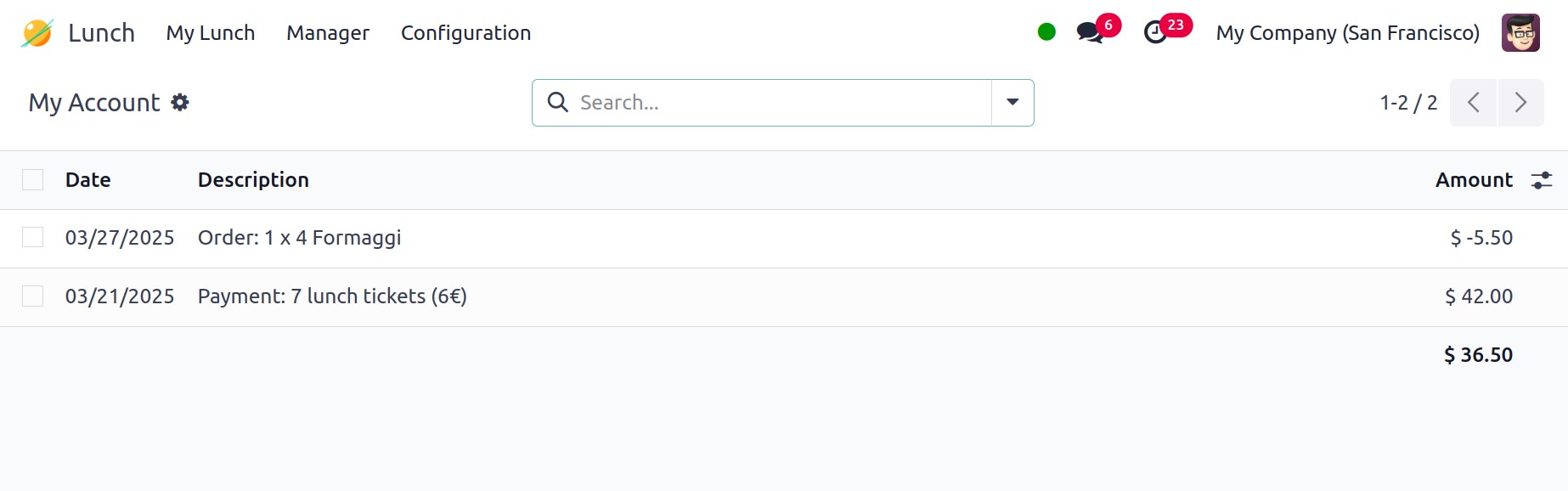
From the My Lunch menu, choose My Account History to view details
about your account history. It will show the Date, Description, and
Amount.