1. Bookings
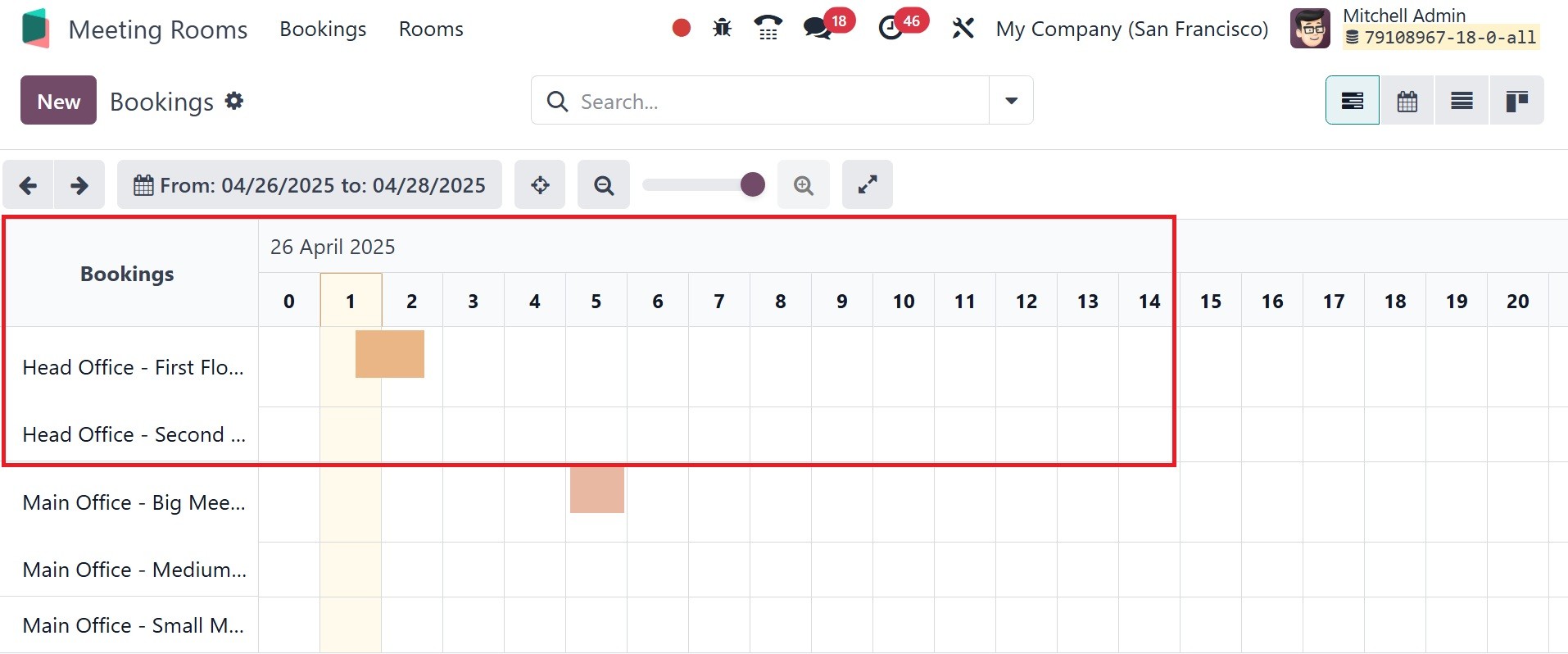
The dashboard will appear as it does below. The module dashboard
displays the reservations that have been made. The user can choose
to see the reservation by day, month, or year. The search box also
includes filter, group by, and favorite options.
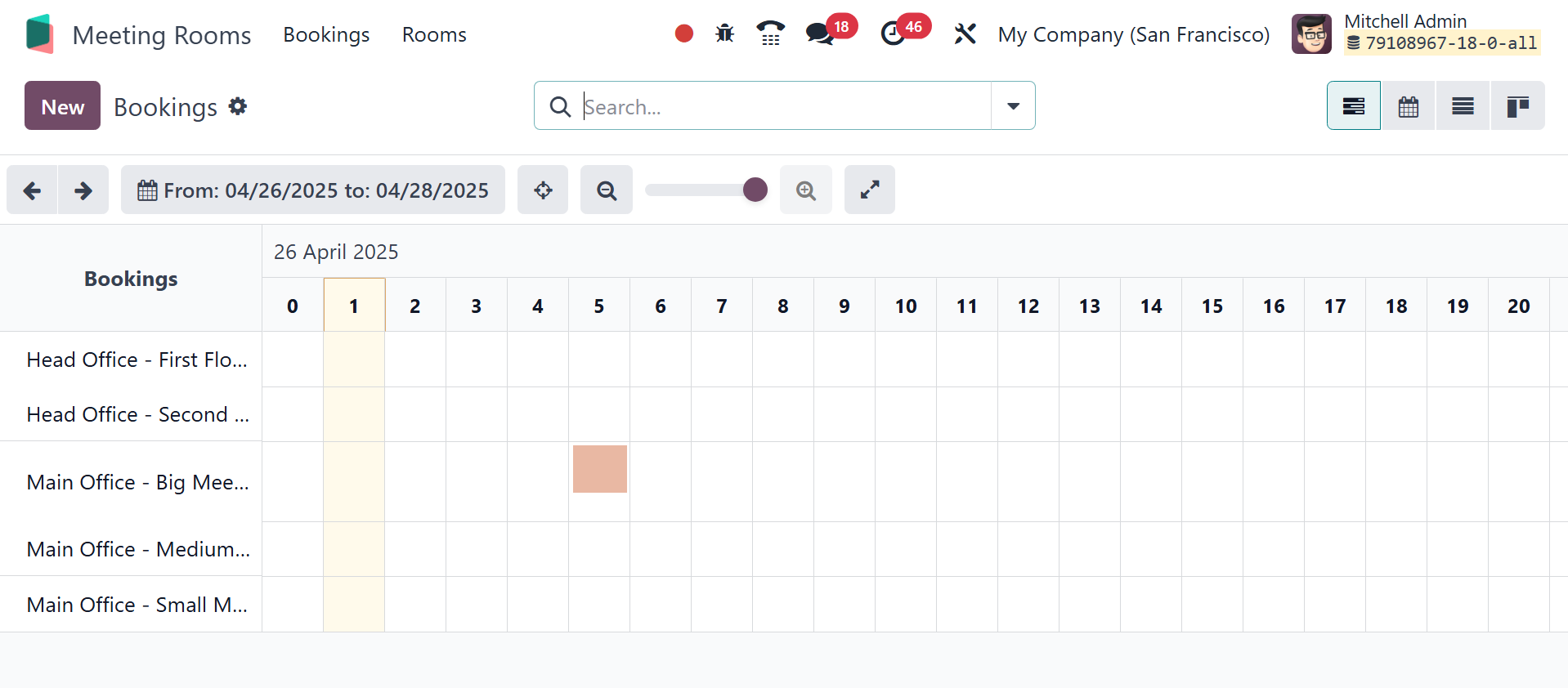
The My Meeting filter makes it simple to filter the meetings of the
logged-in user. The meeting can then be split up into groups
according to the organizer, the space, and the office. Here, you can
have different rooms, and their corresponding bookings can be viewed
from the dashboard itself, as in the image below.
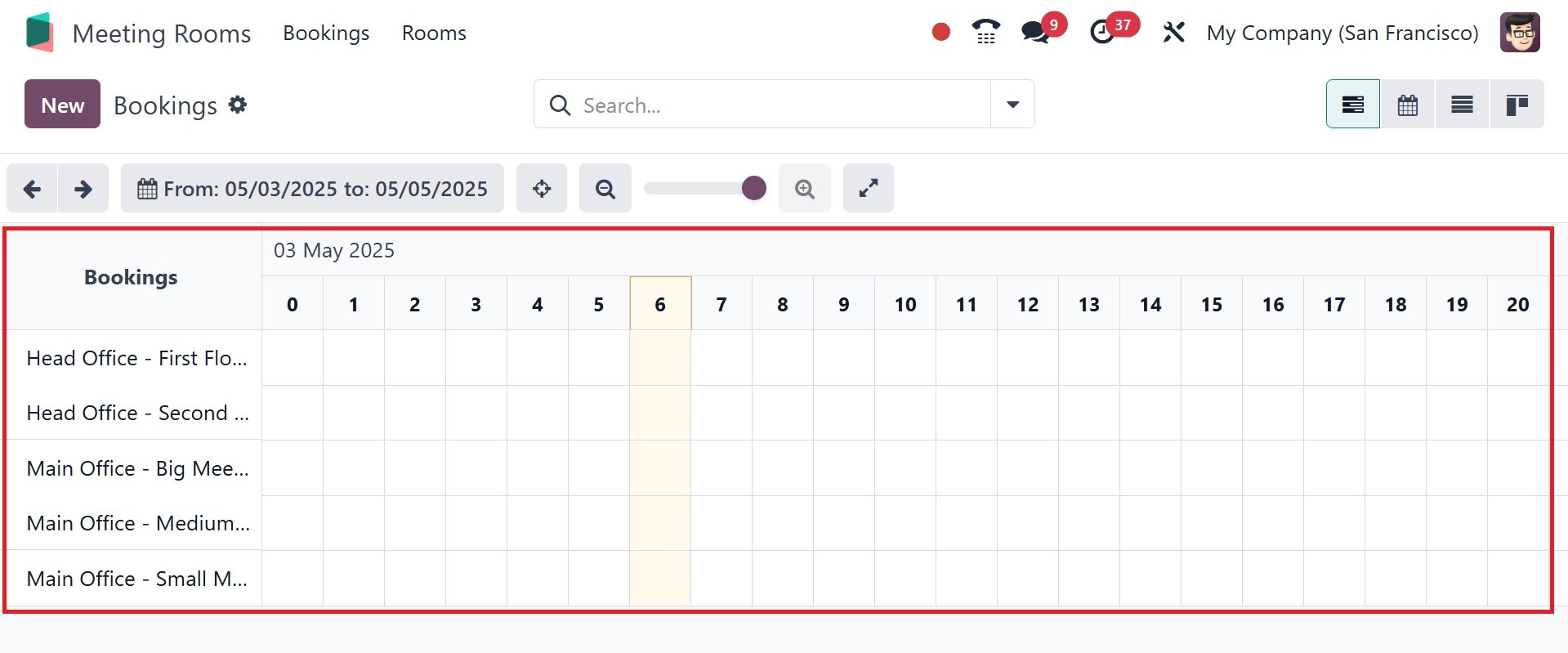
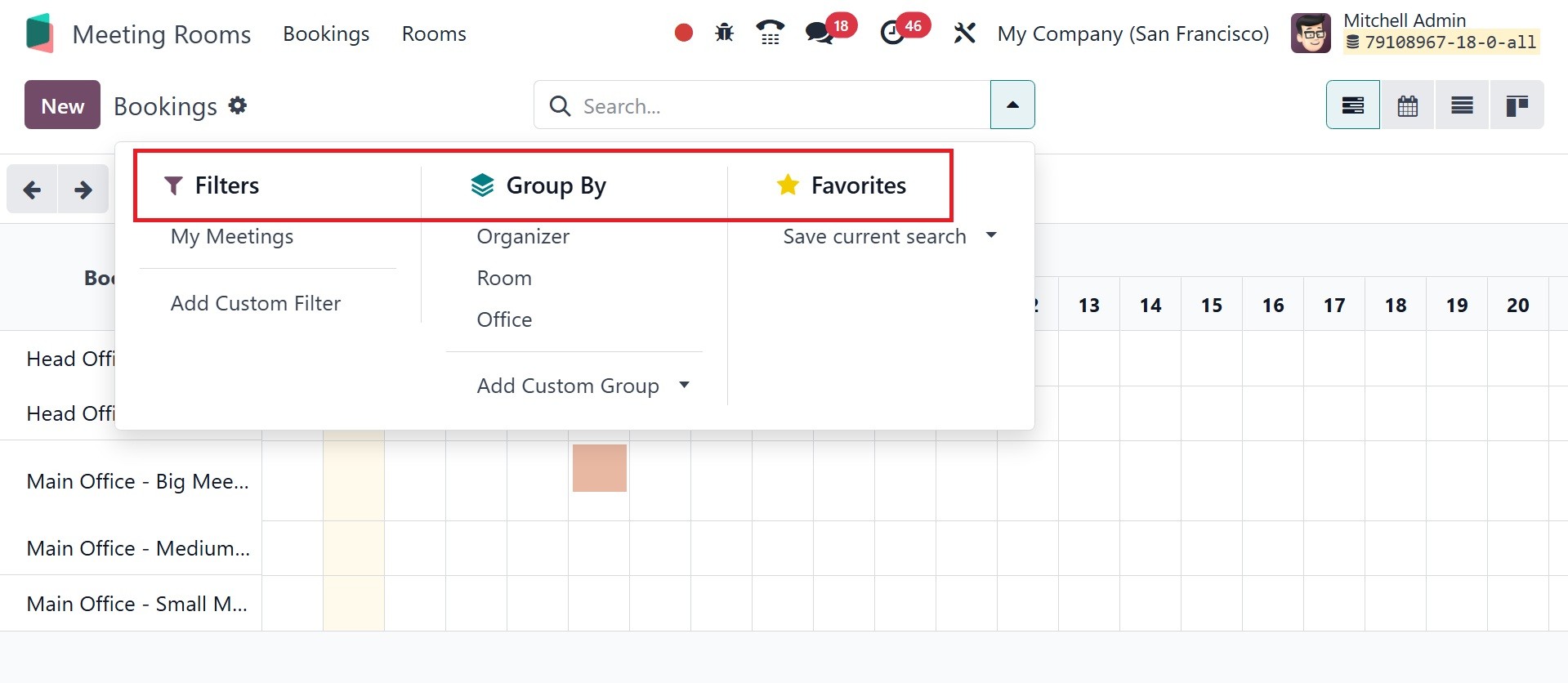
Both Custom Group By and Custom Filtering are available, as in the
image below.
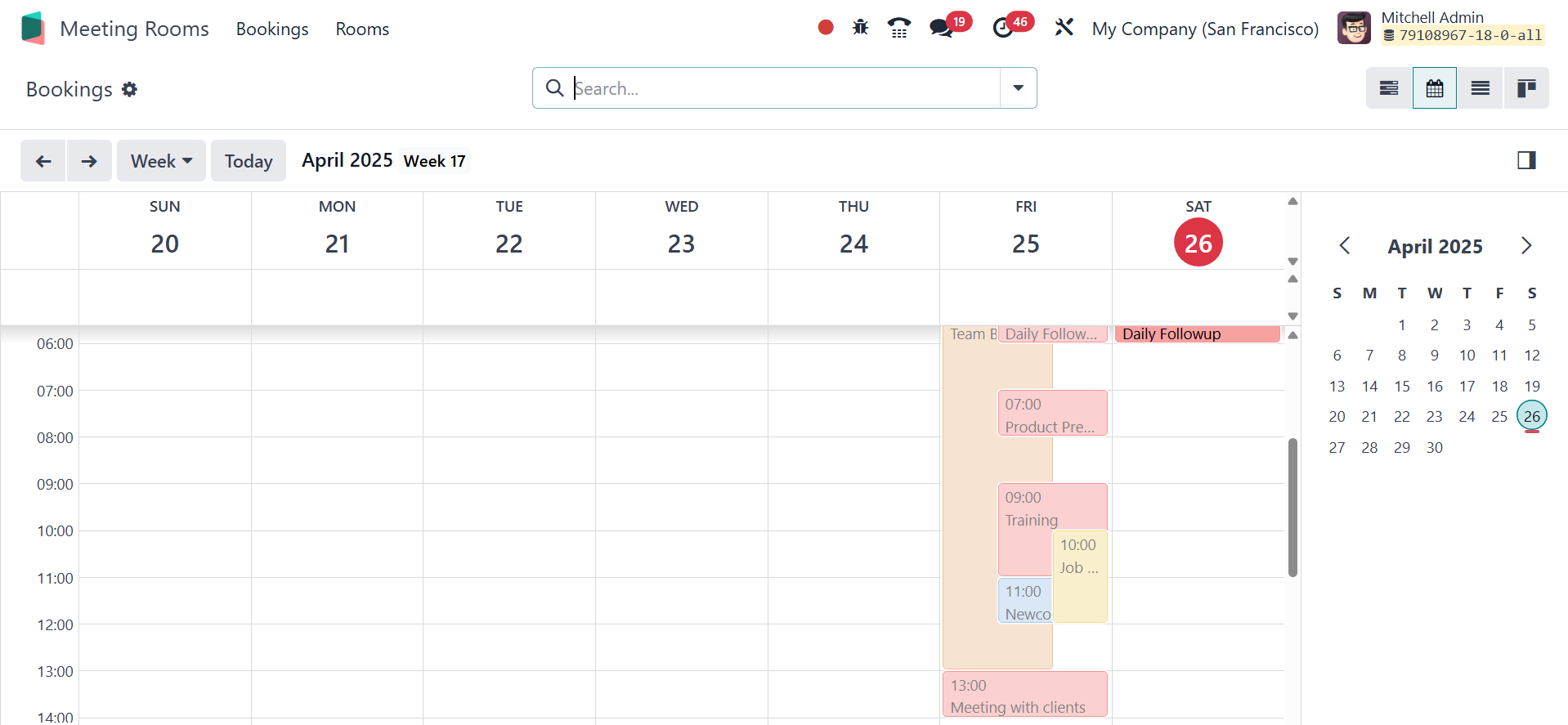
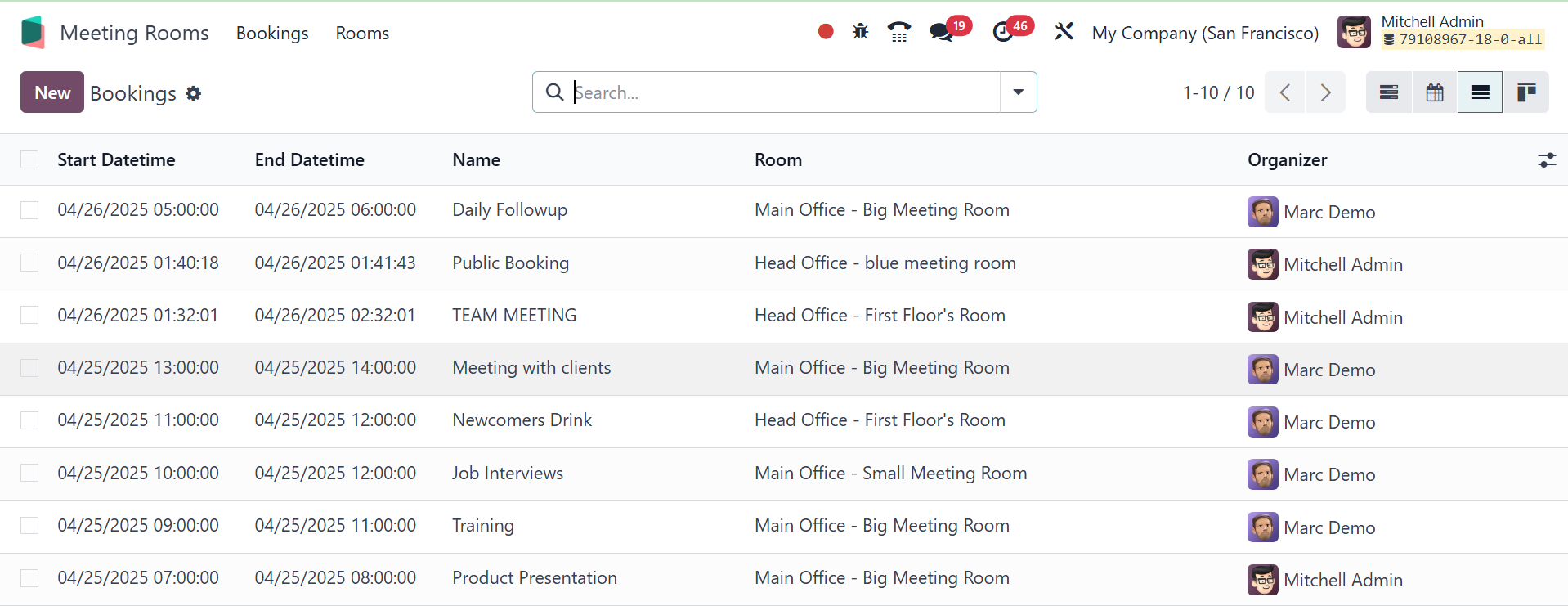
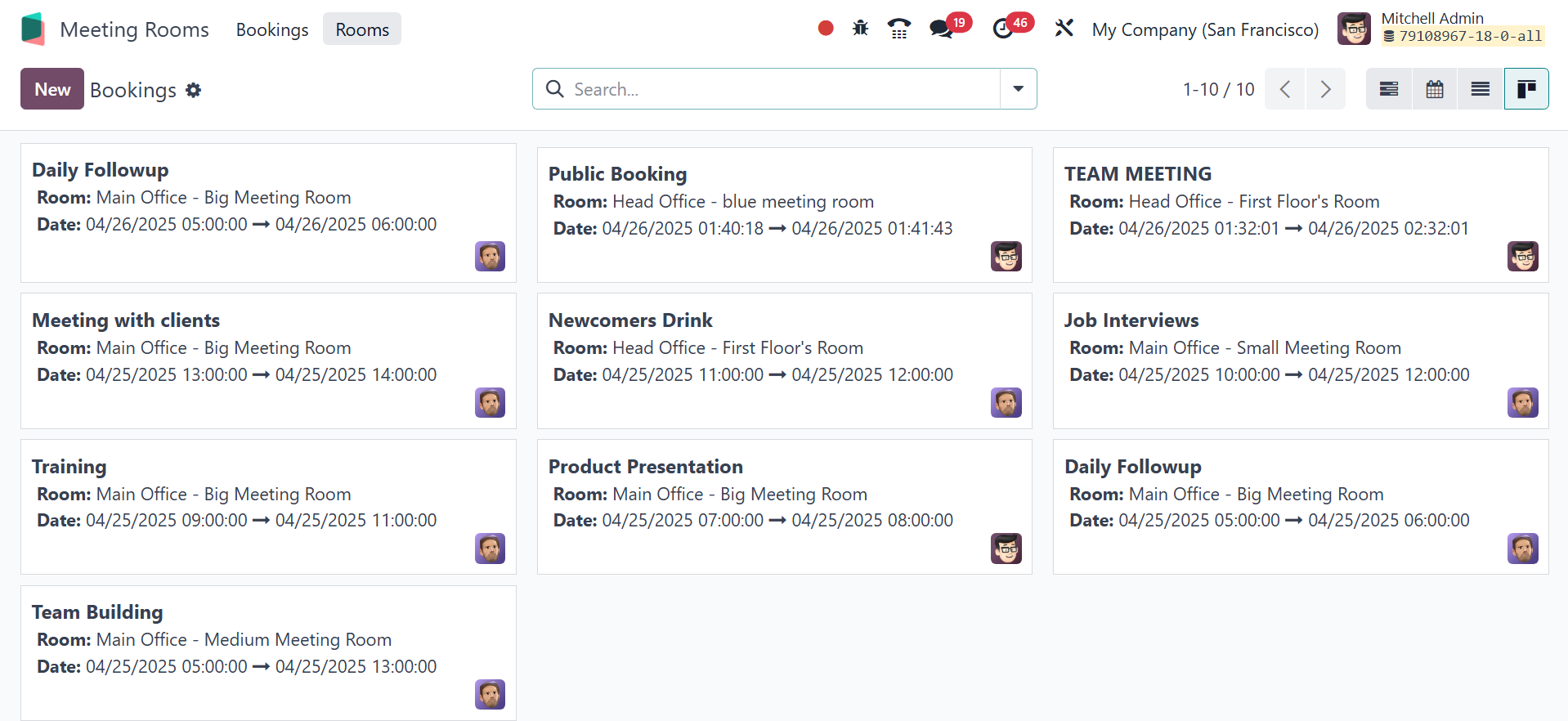
The Gantt chart is replaced by other views, including the Calendar,
List, and Kanban views. Calendar view will be, as in the image
below.
Then, the list view will be as follows.
Finally, the kanban view will be, as in the screenshot below.
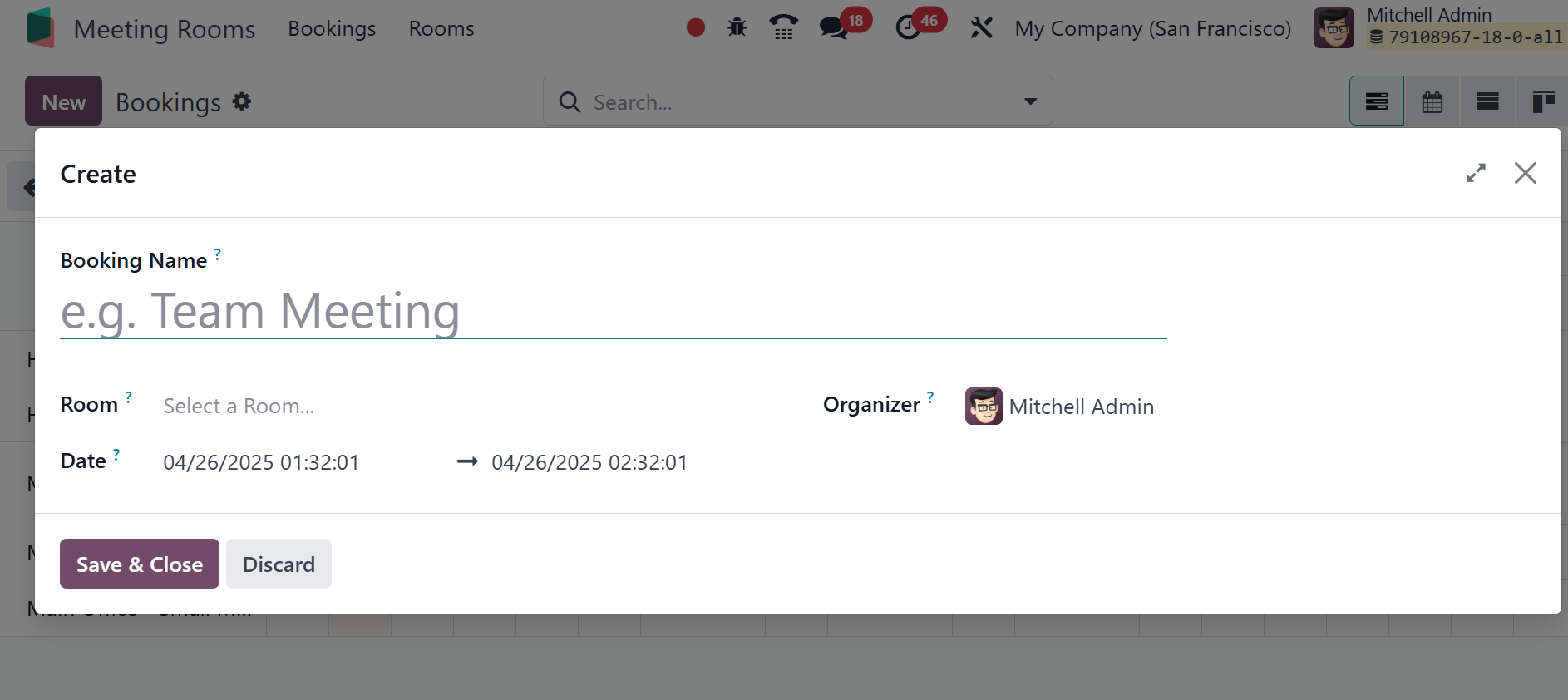
Click the New button to add a new meeting. In the create form, the
booking name has to be provided. Choose the room within the Room
field. Organizer within the field of Organizer. The creation box
allows users to enter the date and time of the meeting. The meeting
can then be saved by clicking the Save & Close button.
The created meeting will be shown on the dashboard, as shown in the
screenshot below.