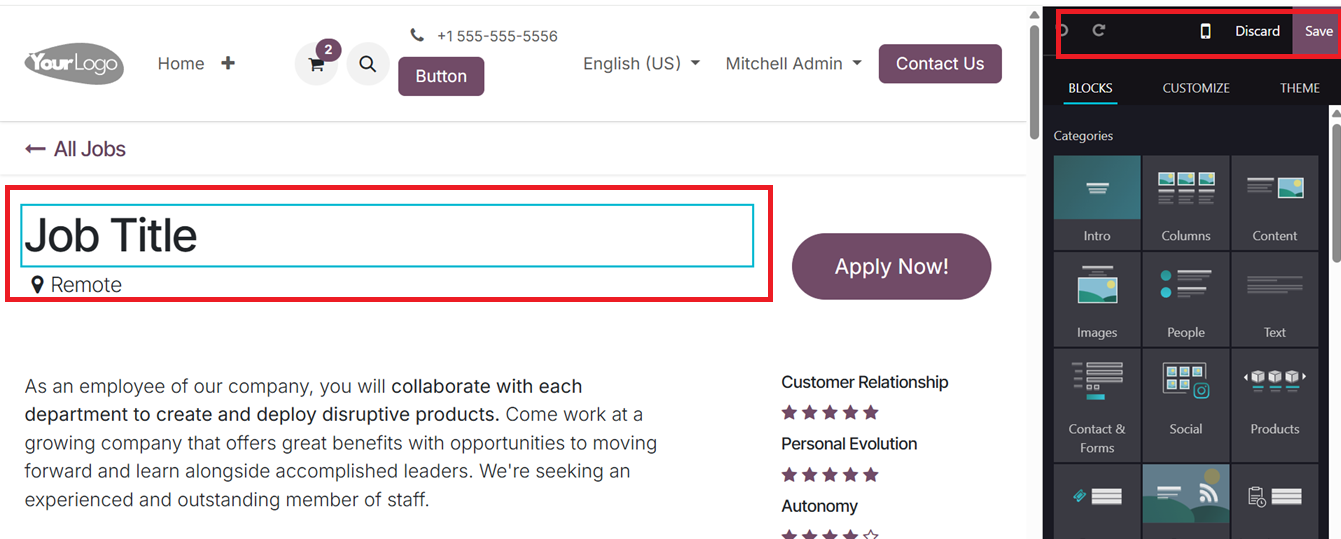
Odoo 18 offers an intuitive and user-friendly interface that
streamlines the process of creating and managing online job
postings. The system allows users to easily define job details,
assign necessary resources, and establish project milestones. These
features help simplify the recruitment process and improve project
oversight. With customizable tools and templates, users can rapidly
publish job vacancies and tailor the job pages according to their
company’s needs.
1.1 Starting a New Job Posting on
the Odoo 18 Website
Users can initiate the creation of a new page or section on their
website through the +New button, located at the top-right corner of
the Odoo website builder interface.
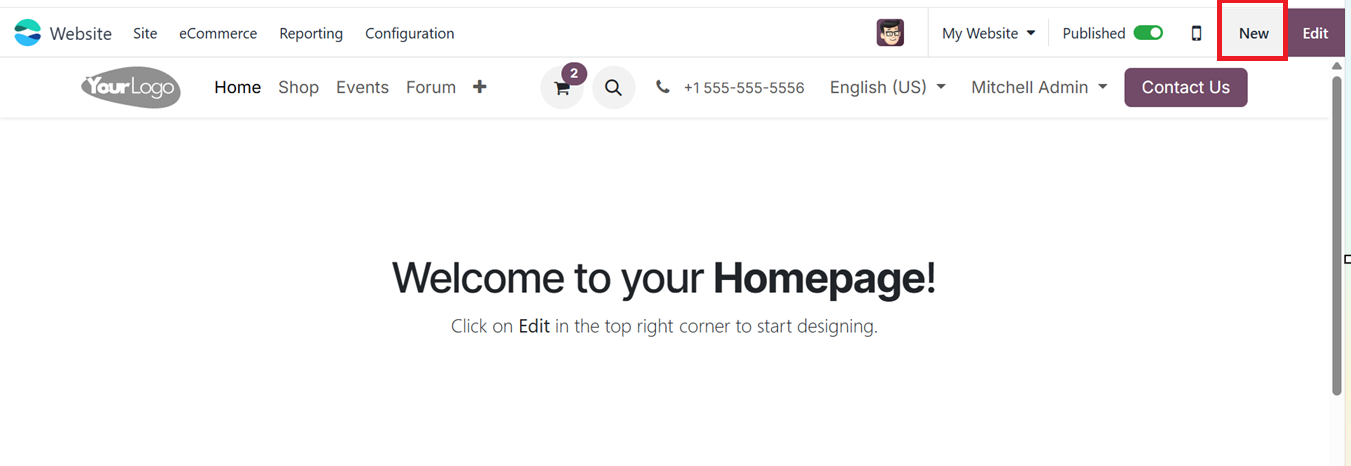
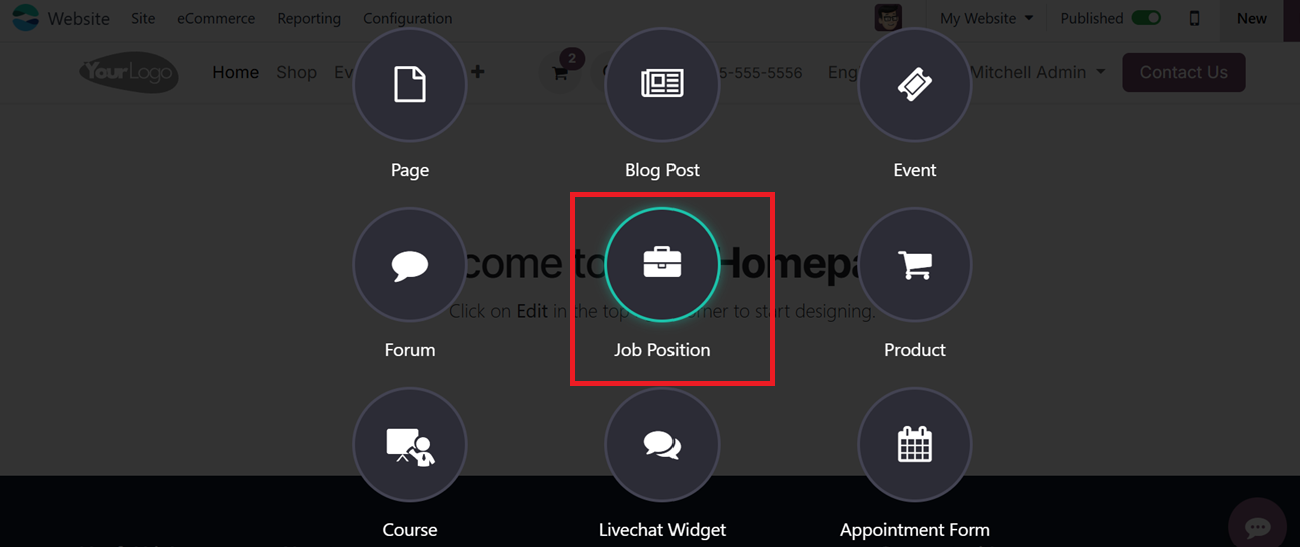
This button provides access to multiple content creation options,
such as adding Pages, Blogs, Forums, and if the online jobs module
is enabled in your Odoo 18 enterprise package, you can see ‘Job
Positions’ and ‘Live Chat Widget’ options, as illustrated in the
screenshot below.
When selecting the Job Position option, users are directed to a
pre-configured template that serves as a foundation for designing a
job listing. This template can be customized to align with the
specific requirements of the business, including layout, background,
content, and overall page design.