4. Job Application Process on the
Website
By clicking the Go to Website smart button, users can preview the job
post as it appears online. A prominent Apply Now button is available
for potential candidates.

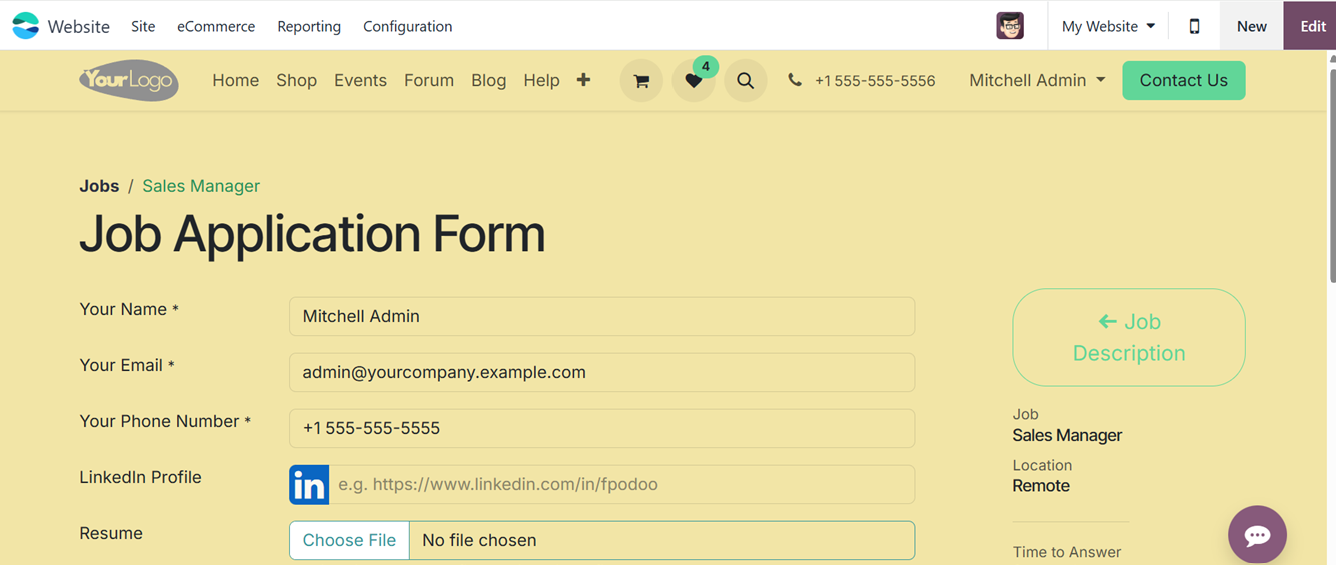
The ‘Apply’ button opens the job application form, with the full job
description visible on the right-hand side. Applicants can enter
their details, including Name, Email, Phone Number, LinkedIn
Profile, Resume, and a Short Introduction, as shown below.
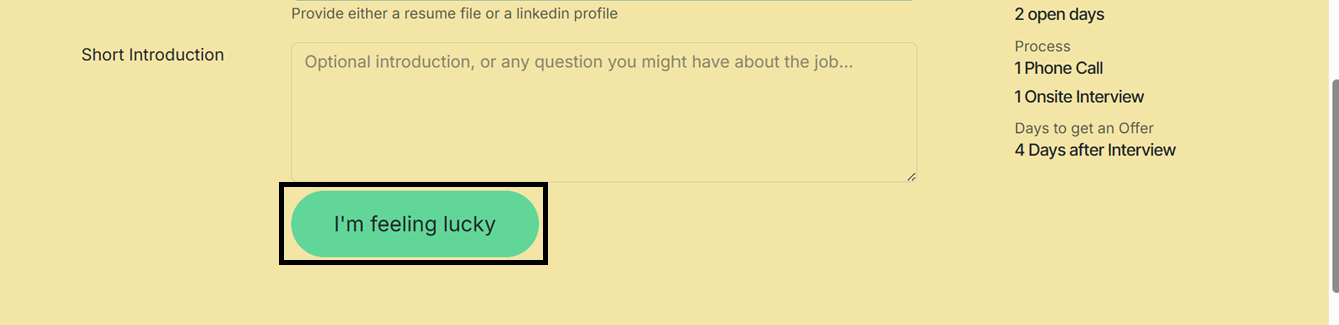
After entering the details, you can submit the job application using
the ‘Submit’ button, sometimes labeled as I'm Feeling Lucky, and can
be customized to match the company's tone or preferences. To update
the label or other design elements, users can click the Edit button
and then navigate to the CUSTOMIZE tab for more personalization
options.
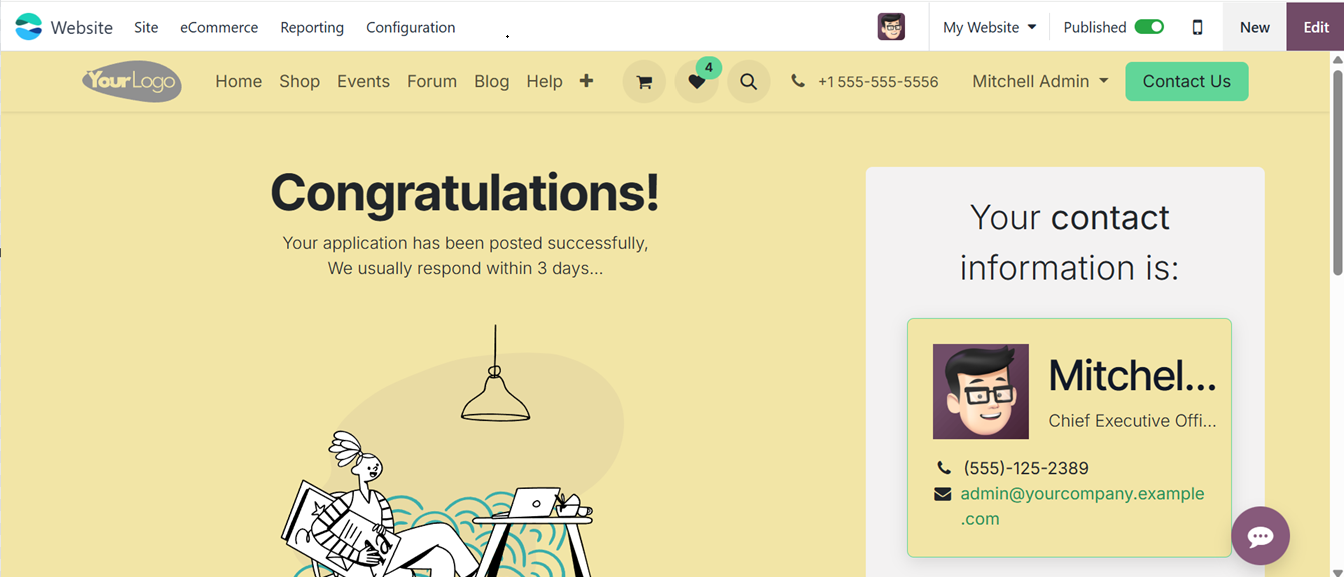
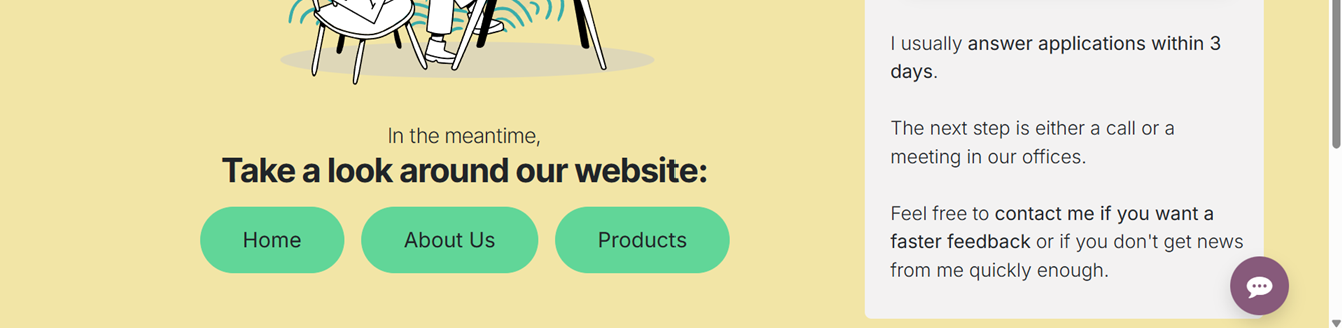
After submitting an application, the candidate will receive an
automatic confirmation message from the company, indicating that
their submission has been received, as shown in the screenshot
below.
The Online Job module in Odoo 18 is a powerful and efficient solution
for businesses looking to publish, manage, and monitor job openings
through their website. From creating detailed job descriptions to
tracking applicant data, Odoo provides a seamless experience for
both recruiters and applicants.