2. My Planning
In the Planning module, the user will see a unique menu called My
Planning, where they may see their schedules. With this platform,
you may view your whole schedule in a flash. This will allow you to
arrange your timetable to avoid any conflicts.
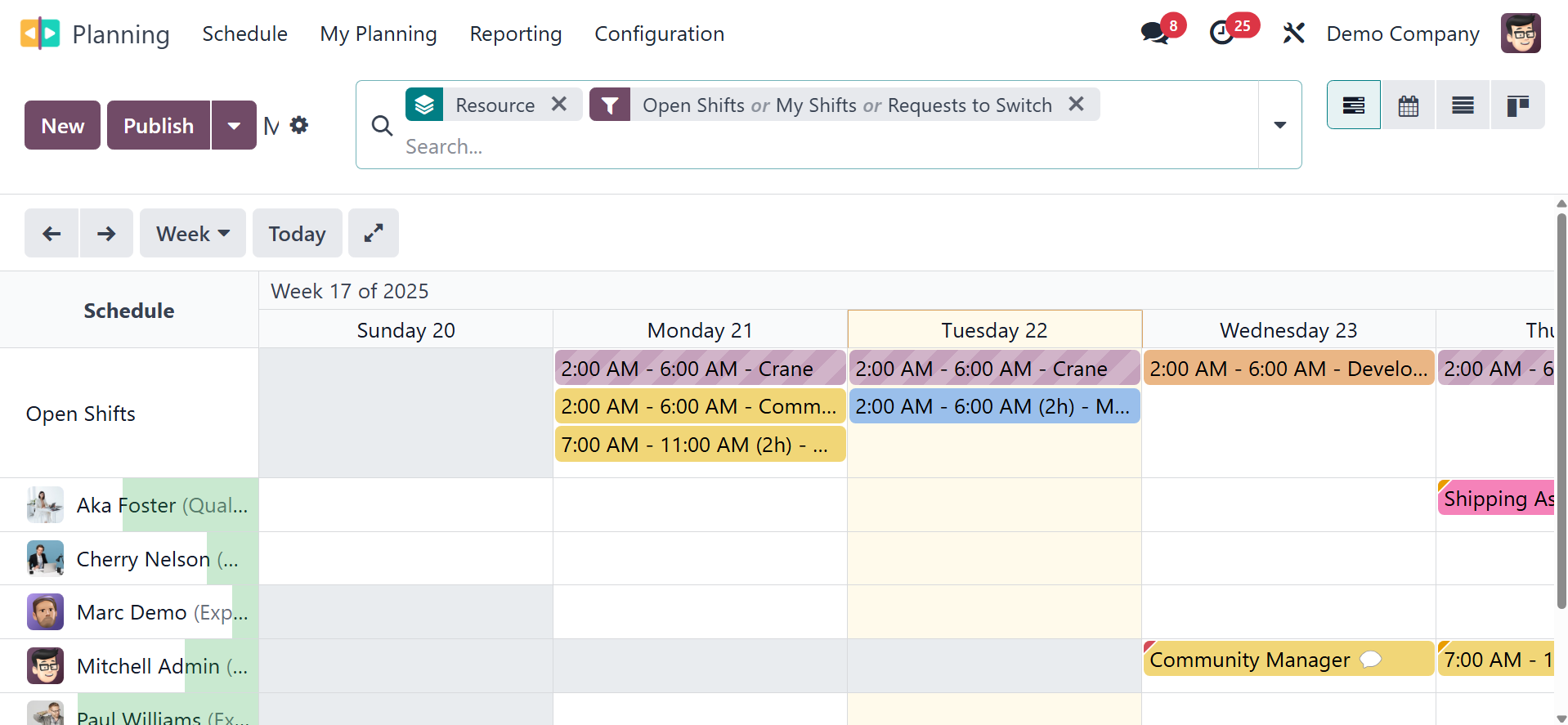
The pertinent details on your shifts will be displayed to you in this
window. The schedules will be set up according to the day and hour
throughout this window. The user will discover the published shifts
here. The schedule's structured, methodical format will make it
simple for the worker to spot overlapping shifts.
In exceptional cases, personal or technical issues may have prevented
the employee from finishing the assigned work in the given time.
Regardless of the situation, completing the planned activity is
essential to achieving the company's objective. Odoo18 offers the
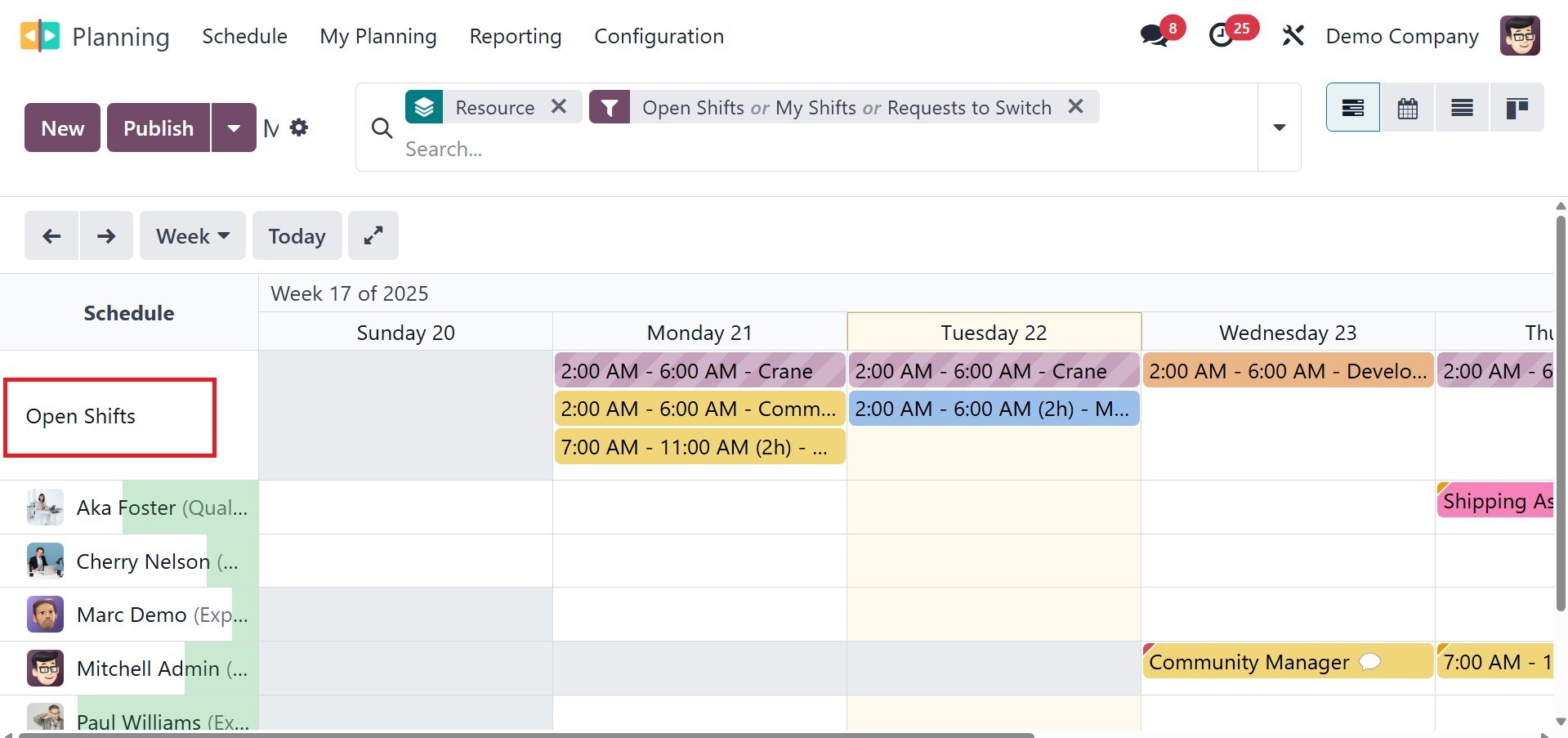
ability to plan the unassigned shifts in Open Shifts in these
circumstances.
Other persons can take over and complete the assignment if the
assigned worker is unable to do so by the deadline. The Odoo18
Planning module has the Open Shifts capability.
Employees can be given the choice to opt out of the assigned
activities in the Odoo18 Planning module.
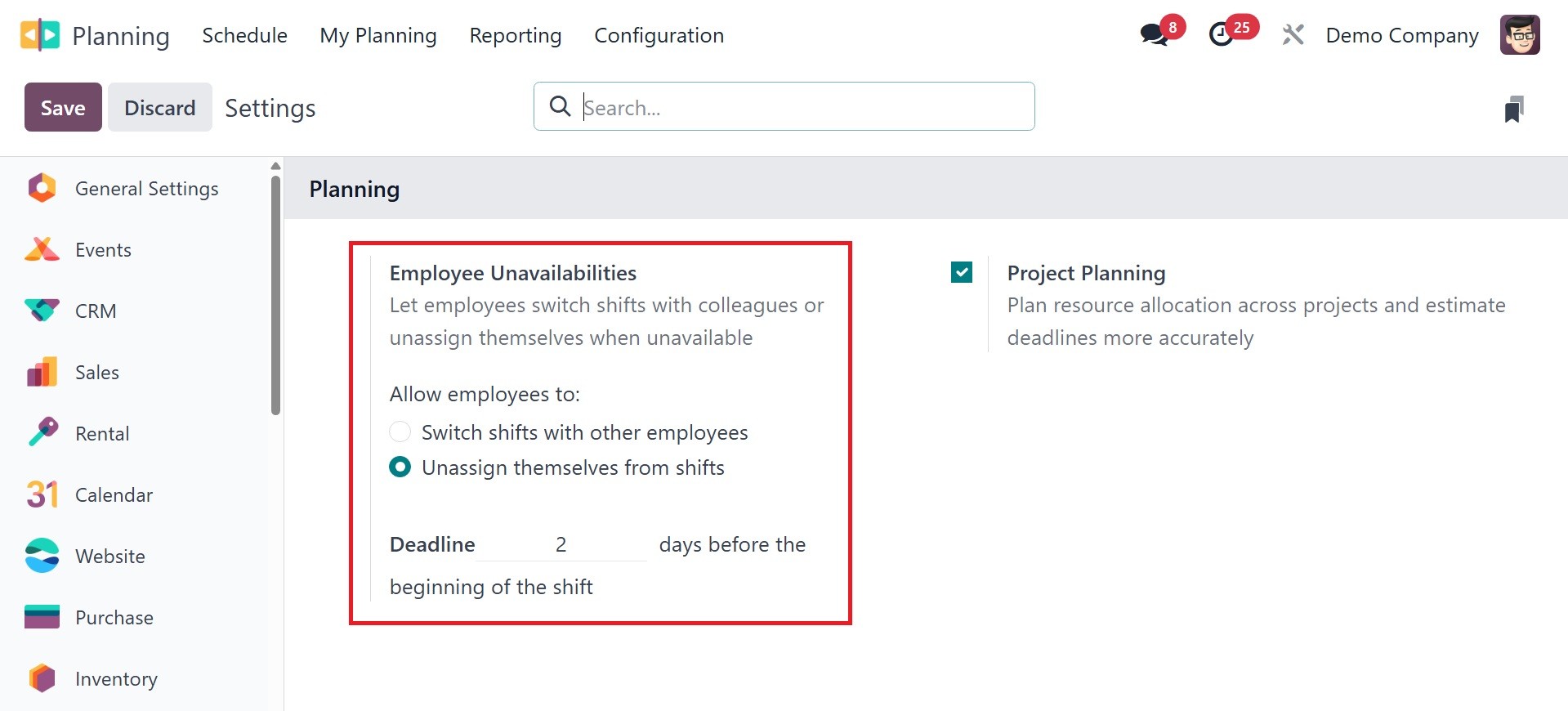
You can accomplish this by activating the Allow Unassignment option
under the employee unavailability. By choosing this option, the
employees can remove themselves from their shift assignments. The
administrator may set a deadline in this case. As a result, the
unassignment might be finished by the deadline.