1. PLM Overview Dashboard
The main dashboard of the PLM module displays a detailed view of
engineering change orders. The orders are categorized based on their
ECO types, making it easier for users to track engineering
modifications within each category.
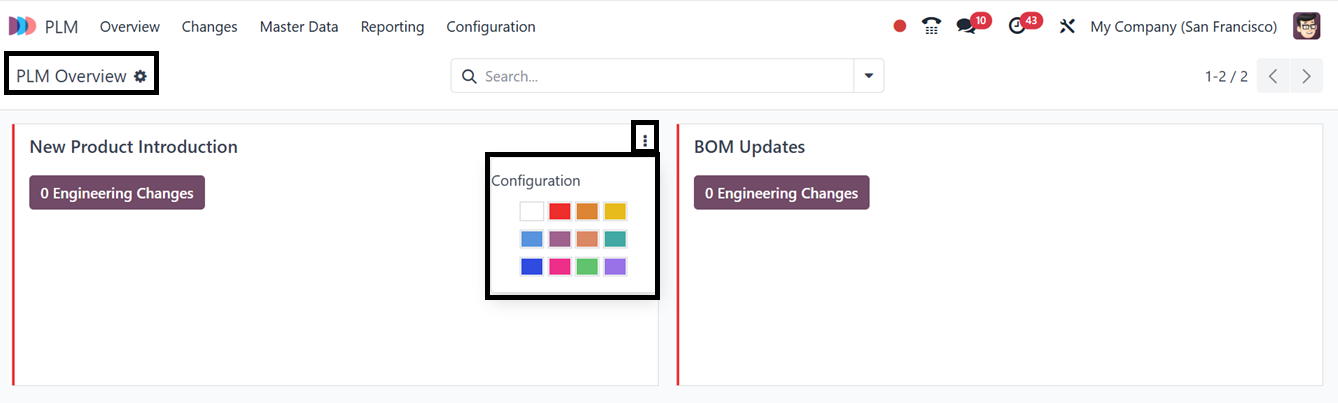
Each ECO type tab contains a menu accessible via three vertical dots
in the upper-right corner. This menu includes a Configuration option
that navigates users to the form view of the selected ECO type.
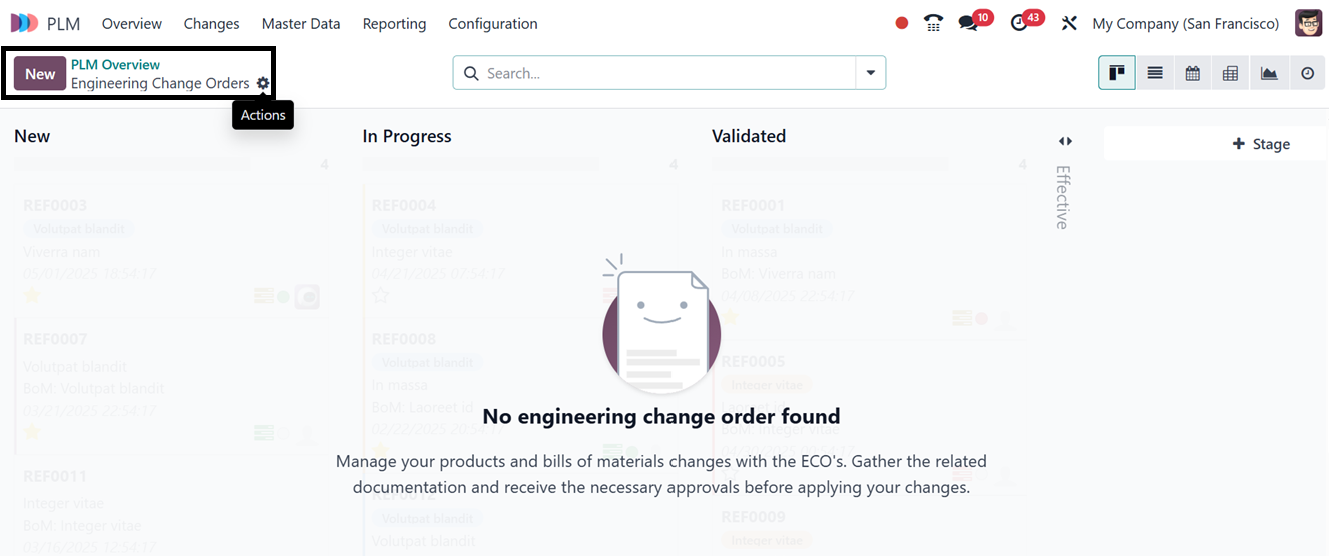
Clicking on a specific ECO type allows users to access a more
detailed breakdown of the associated changes. Here, you can see
there are no Engineering Change Orders available for the ‘New
Product Introduction’ Eco type from the screenshot provided below.
If there are records on the PLM Overview dashboard, you may sort and
filter the necessary ECO orders using the advanced search bar
option.