5. Configuration
Under the configuration menu, you have the options, like quality
team, quality worksheet template, and quality spreadsheet template,
respectively. These components aid companies in organizing their
quality control procedures, guaranteeing uniformity, effectiveness,
and adherence in production or inventory management.
5.1 Quality Team
You may view the created details of a team, including Name/Company,
by selecting the Quality Teams menu in the Configuration tab.
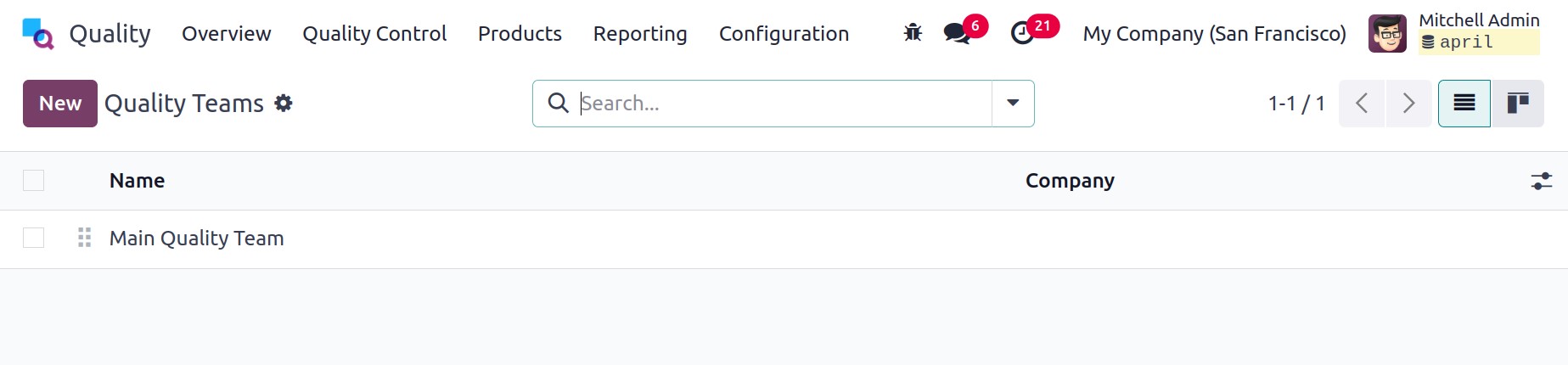
Here, the New button helps in creating a new Quality Team. Once a new
team is created, it appears under the Quality Overview window. We
can set up worksheets in the Odoo Quality module under the
Configuration tab. The list of templates appears in the Quality
Worksheet Template window and contains information such as
Companies, Color, Name, and various worksheets. You can see the
worksheets in graphical/pivotal formats, and also useful to download
the information.
5.2 Quality Worksheet template
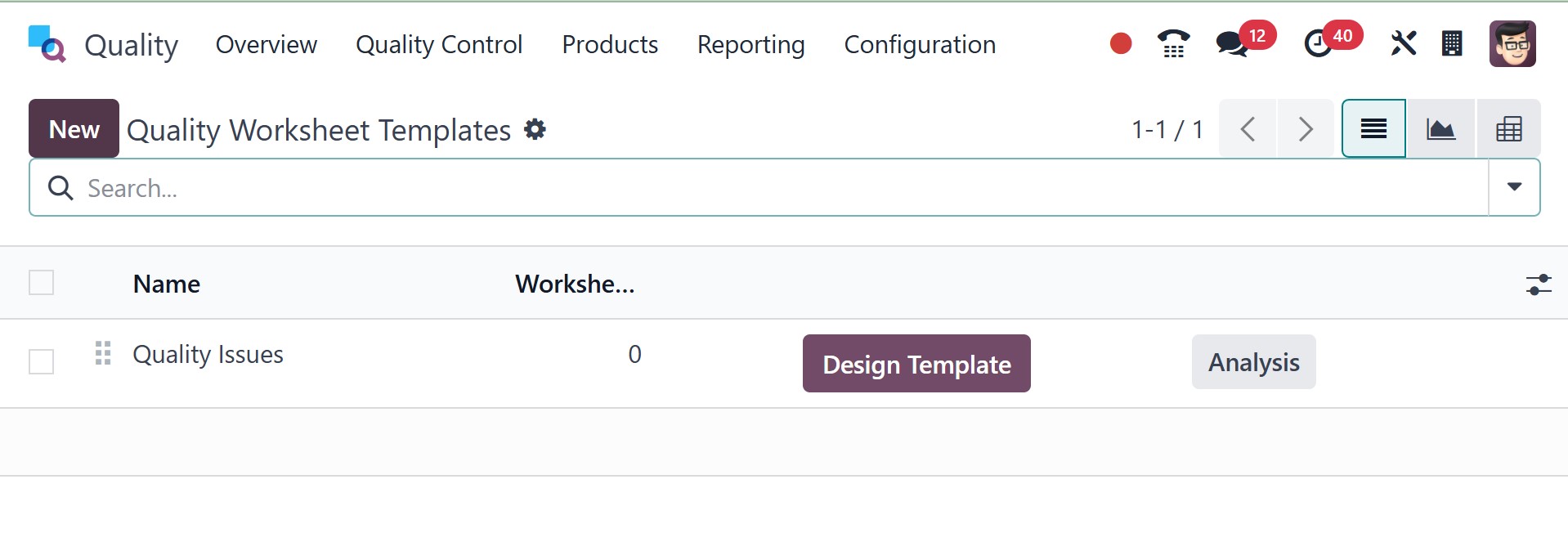
Worksheets can be configured under the Configuration tab of the
quality module. The open windows display all of the pre-configured
worksheet templates, which display information like Name, Color,
Companies, and Worksheets. By clicking the NEW button, we may create
a new template.
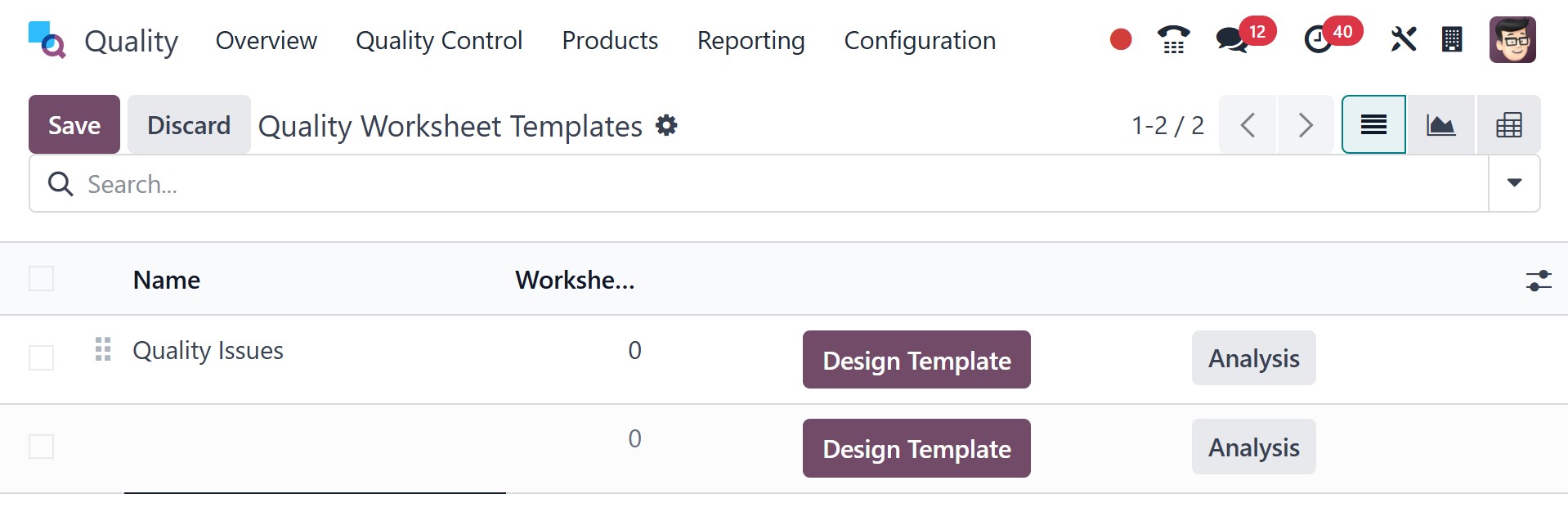
Choose the names of the firms and enter the template title in the
Name field on the open page. Then, according to your specifications,
apply a color to help you immediately recognize the template.
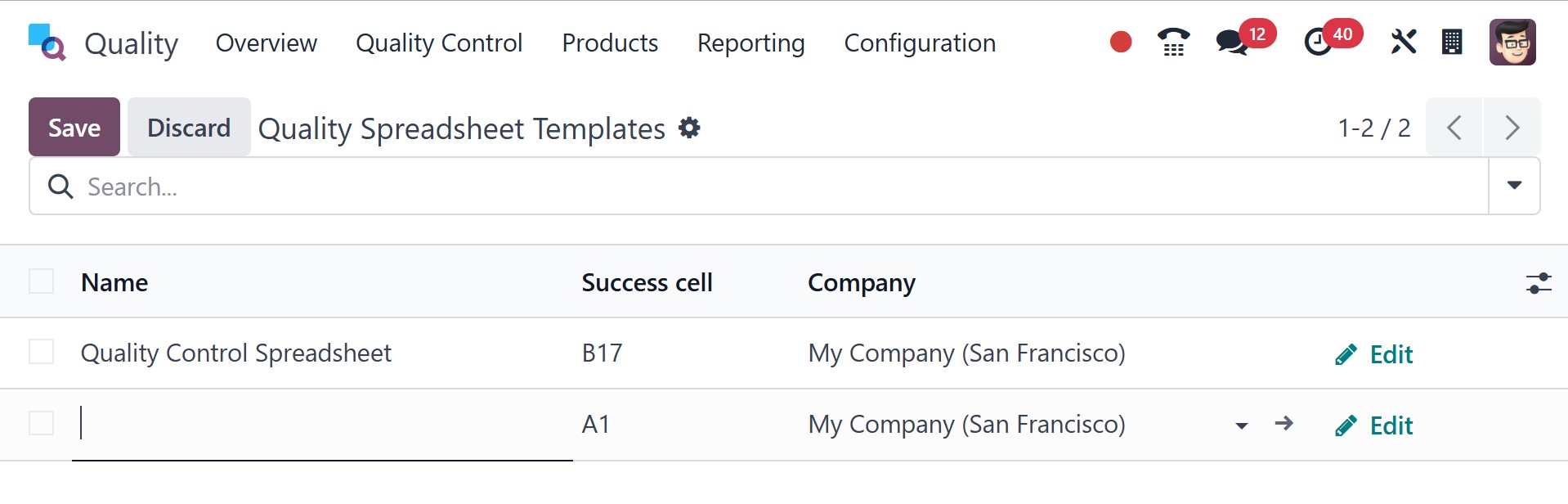
5.3 Quality Spreadsheet Template
The Configuration menu contains the Quality Spreadsheet Template
capability. It enables users to efficiently manage and evaluate
quality data by defining structured templates for quality checks and
inspections.
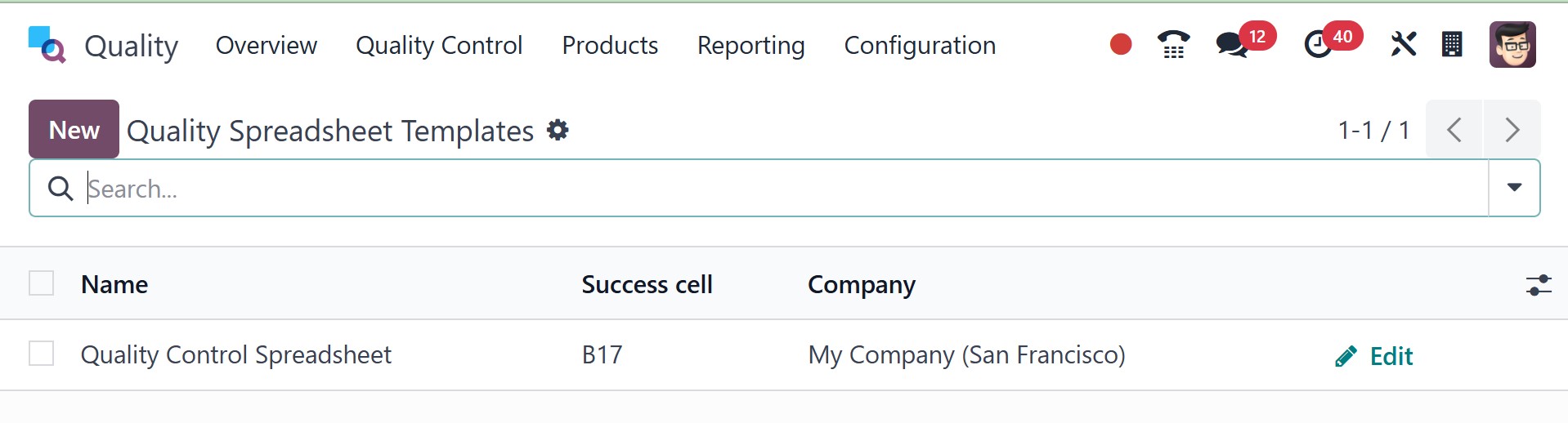
On selecting the new page, you can easily create a new one, as in the
image below.
5.4 Quality Alert Stages
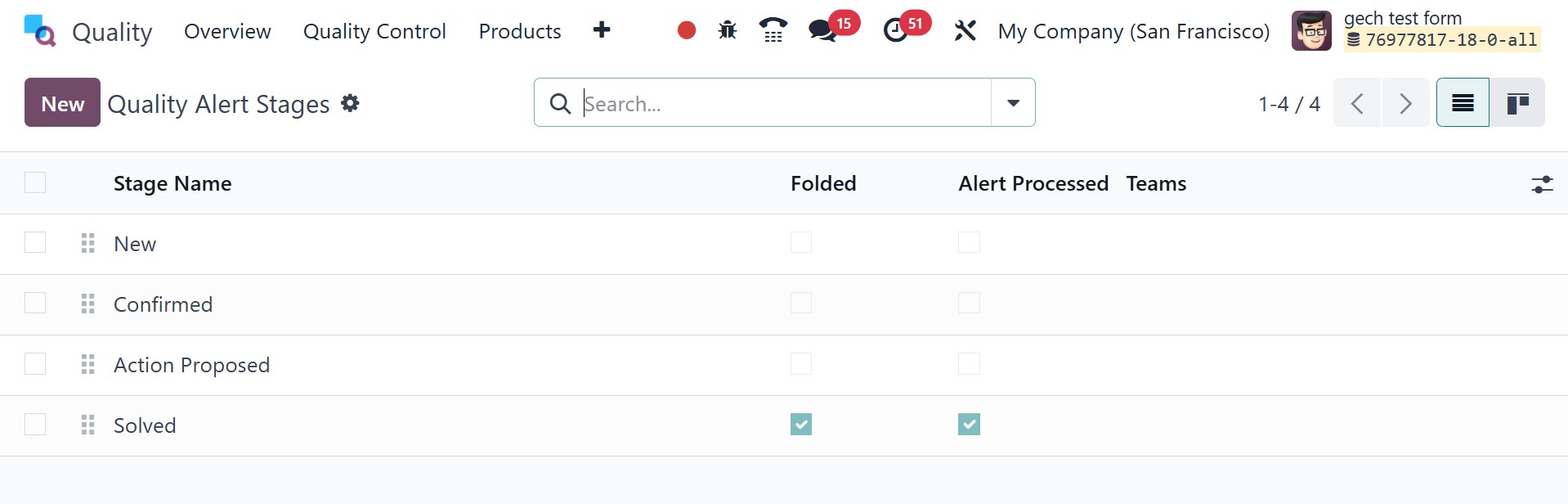
Businesses can specify and oversee several stages of a quality alert
workflow with the help of Quality Alert Stages. These phases aid in
monitoring the development of quality problems from identification
to fixing. The page will be, as in the image below.
5.5 Quality Tags
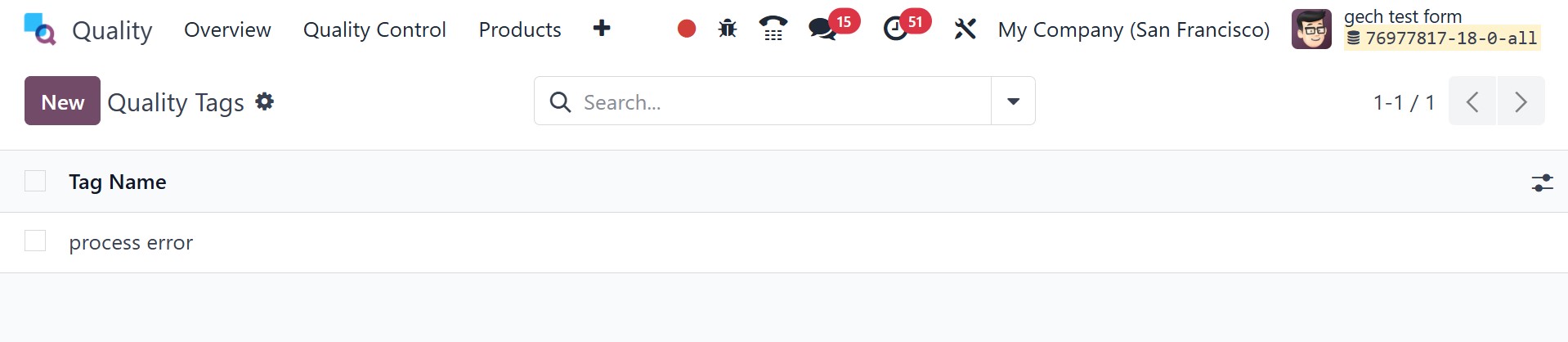
Odoo's Quality Module's Quality Tags feature facilitates the
effective classification and monitoring of quality warnings and
checks. Filtering, searching, and managing quality concerns
according to preset criteria is made simpler by these tags.
Business success requires offering quality products to every
customer. There are several processes that support product quality
to get the best outcome at the end. Many stages take place from the
starting point to the last manufacturing method. The Odoo 18 Quality
module ensures quality checks, control points, and alerts for each
product at various levels.