3. Products
Each business provides a range of products to clients based on their
industry. The Odoo 18 Quality module makes it easy to protect each
product's information within your business.
3.1 Products
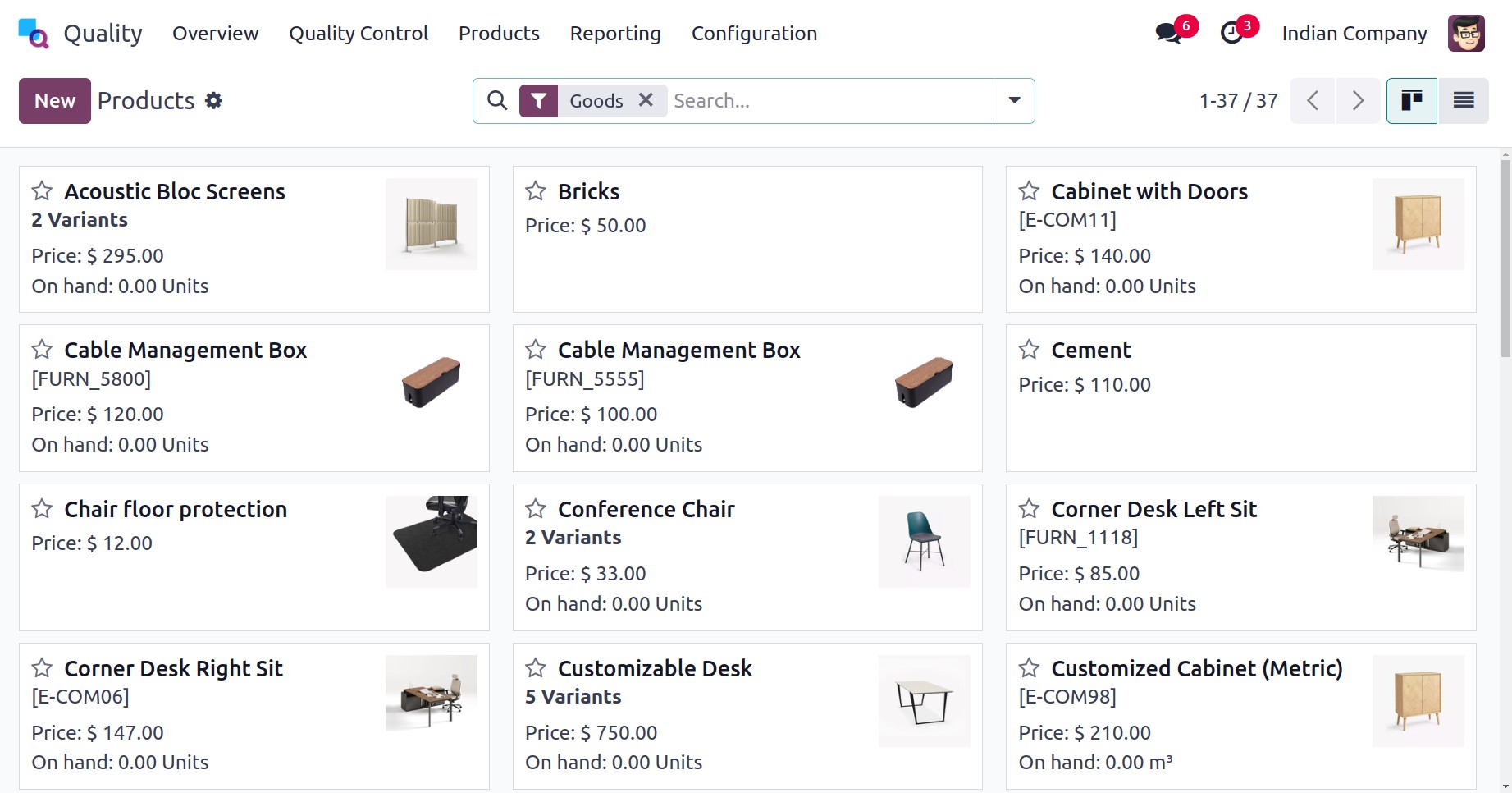
The Odoo 18 Quality module's product tab defines products, product
variations, and lot/serial numbers. To buy everything your company
sells, choose the Products menu from the Products tab. On the Kanban
view, we can see details about each product, such as its price,
quantity in stock, internal reference, etc. The user can view all of
the product's details by choosing it from the Products pane. You can
describe new product details after selecting the New icon.
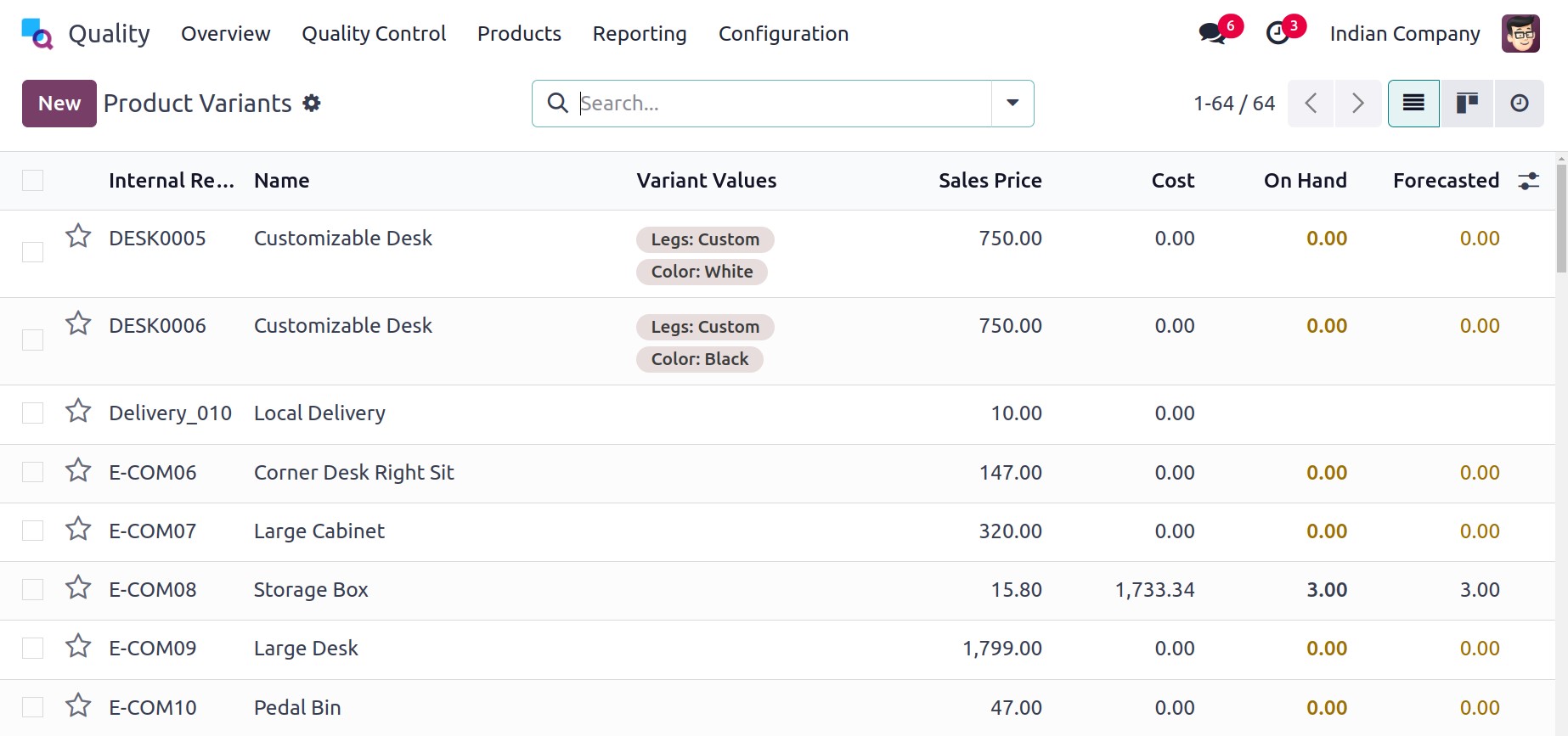
You are able to access various versions of a company's products by
selecting the Product Versions link under the Products tab.
3.2 Product variants
Product variants are different attributes of a master product, such
as material, cost, color, and other attributes. For example, a stool
comprises different alternative values in colors like gray, dark
blue, red, etc. In the Product Variants pane, we can obtain all
variant values for an item. Click on the New icon to add a new
variant value for a product.
3.3 Lots/Serial Numbers
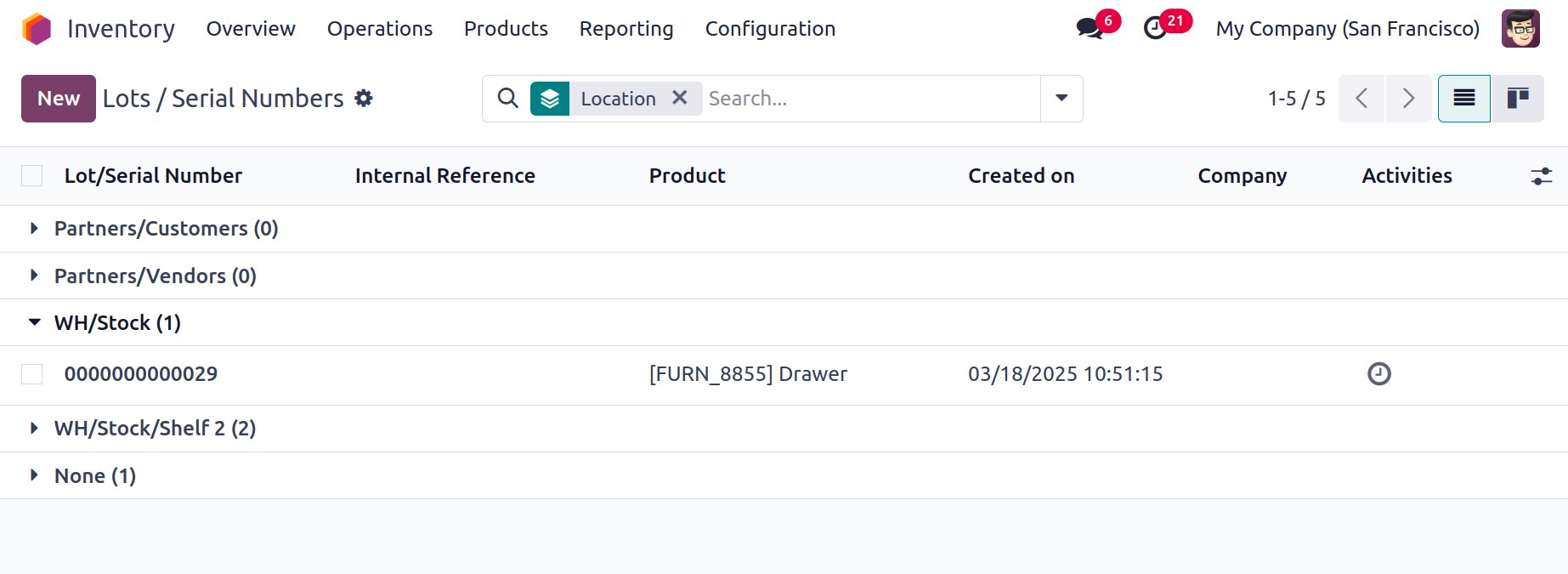
Lots/serial numbers are serial numbers that are given to products
during production. Every product in a company has a unique number
that makes it different from other products. A user can view all
generated serial numbers for goods in a firm by selecting the
Lot/Serial Numbers option under Items menu. Each commodity
lot/serial number details, such as Product, Company, Created Date,
etc., are viewable for users. A new serial number or lot can be
allocated for a product by clicking the New button.
On the displayed screen, type a unique product number in the
Lots/Serial Number field. In the Product area, type in the product
that has your lot or serial number on it. You can also enter the
units for your specific product in the Quantity option.
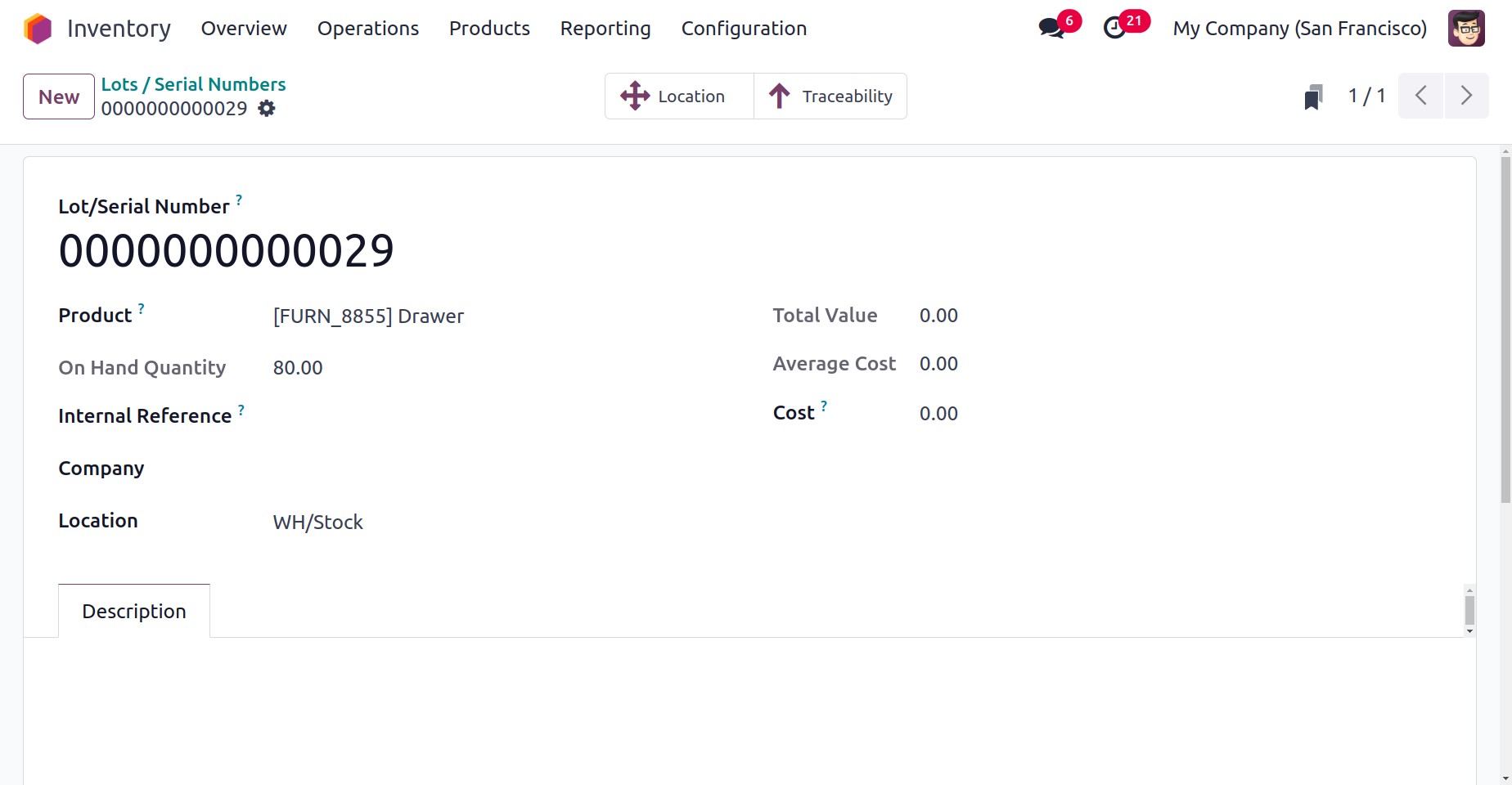
If the reference number is not identical to the batches or serial
numbers provided by the manufacturer, customers may ask for it.
Choose your company's name in the Company field once you have
entered the Internal reference number.
You can also include additional information regarding product batches
and serial numbers in the Description tab. The Location smart menu
also gives a recent stock-level summary of the product.
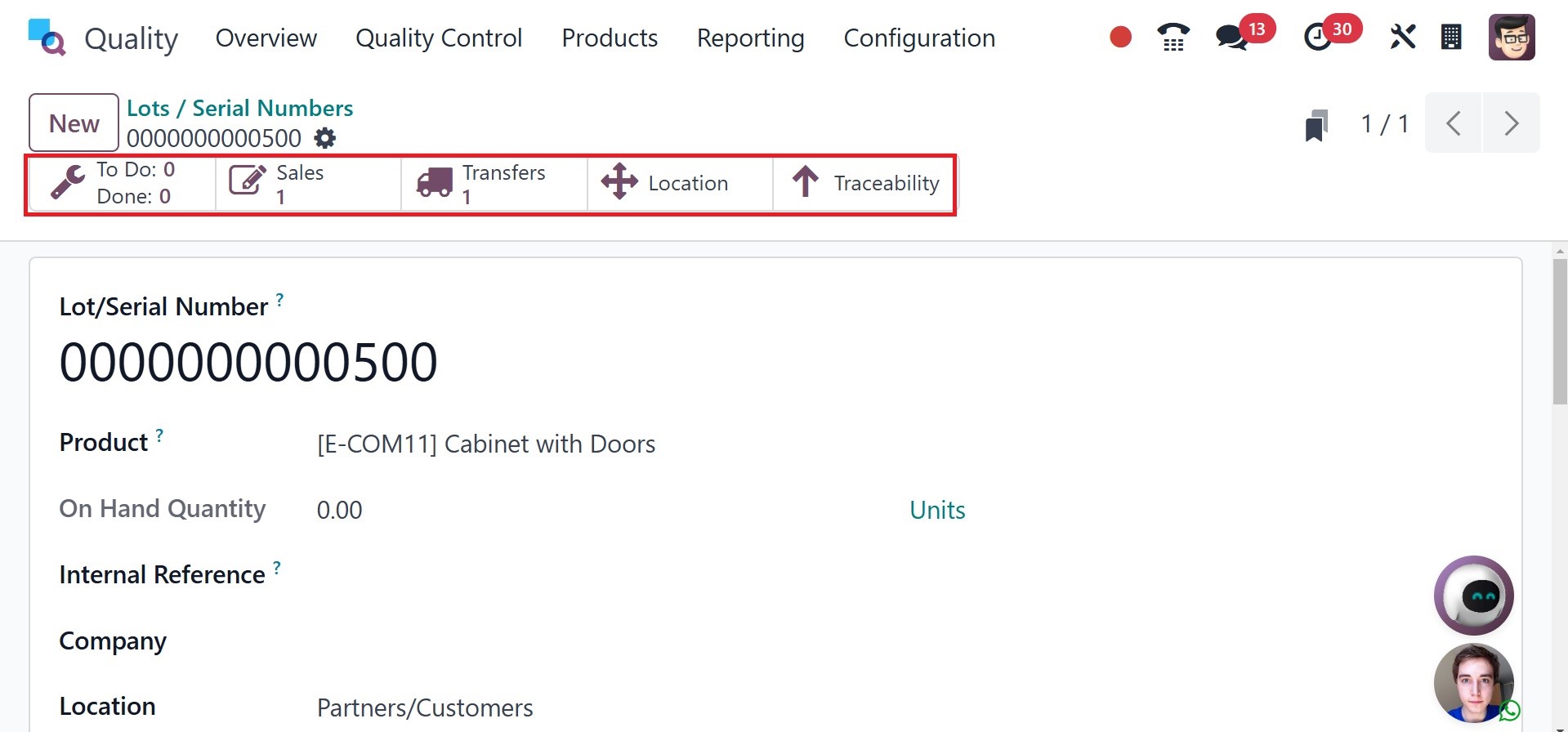
Using the product serial number, the Traceability smart menu provides
access to the operation report. All of the data related to serial
numbers is manually stored in Odoo 18.