1. Quality Team
Maintenance job management in a company is aided by quality teams in
Odoo 18. By creating various teams based on your requirements, you
can assign maintenance jobs. After creating various teams and
maintenance work is taken care of by them, the job becomes easy.
When the Quality module is opened, the overview of the main quality
team is visible. The number of active quality inspections and
quality alerts is indicated in the Quality Overview box.
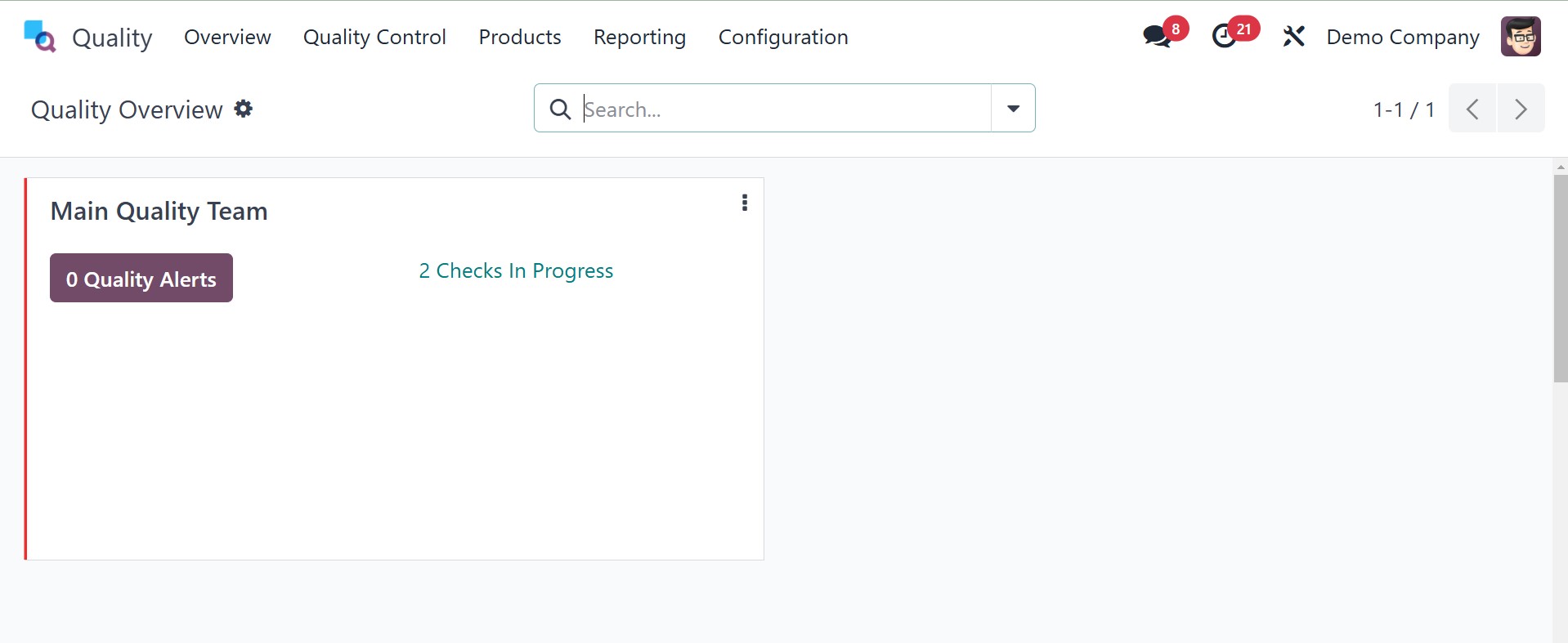
You can view information about each quality alert by clicking on the
Quality Alerts icon. The in-progress checks enable you to view
in-progress quality checks in the same way. You can view the
configuration function by clicking on the three-dot icon on the
right-hand side of the Main Quality Team.
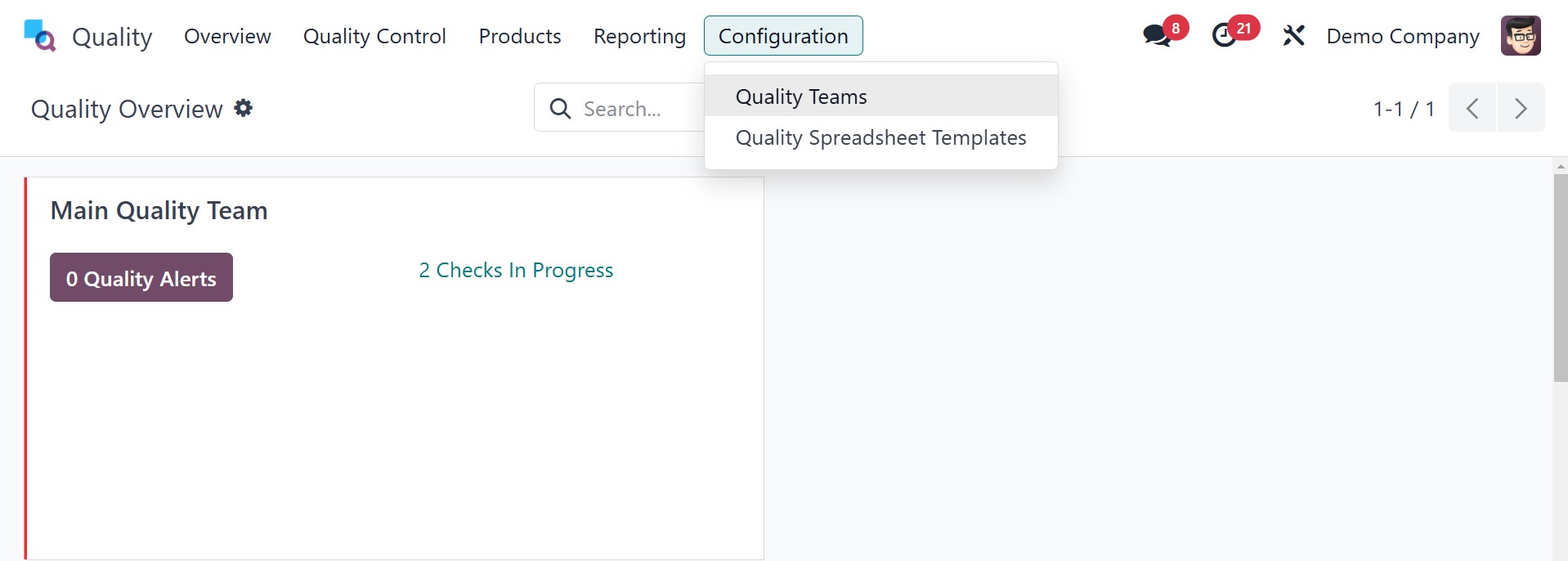
In the Configuration tab, we can establish Quality Teams. After the
user clicks on the Quality Teams menu in Configuration, they are
shown a list of all preconfigured quality teams. We can observe firm
information and quality team names separately in the List view of
the Quality Teams window. You can choose the team directly from the
list to find out more about it. To add a new team, click the New
icon on the Quality Teams screen.
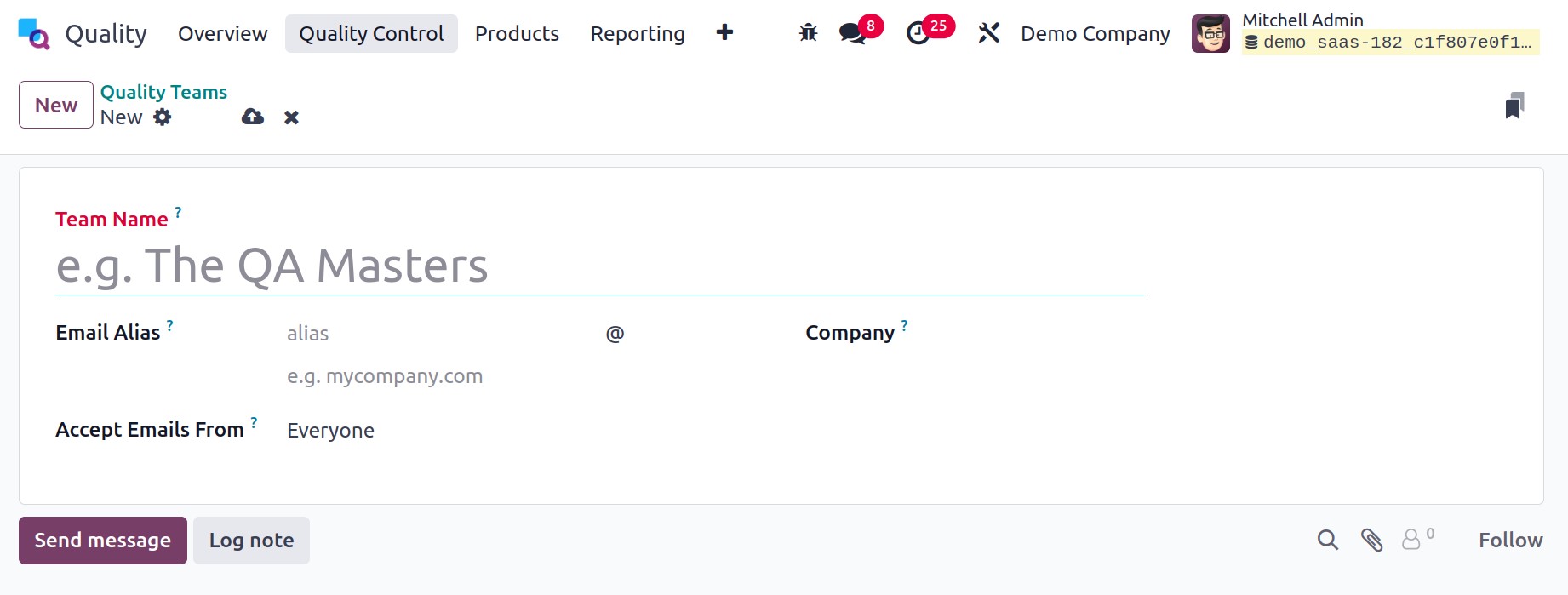
Enter the name of your excellent team in the open page's Team Name
field. Next, in the Email alias field, enter the backup email
address that the administrator appends to the primary email address
of the user. The primary email address is what all emails are
addressed to from the Email Alias.
In the Accept Emails option, state the rule that indicates you can
post a message on a document using a mail gateway. You can accept
communications from followers, verified partners, and employers.
Once you have chosen email accessibility, type the name of your
company in the Company field.
In Odoo 18, every detail entered automatically gets saved. In order
to undo the changes, select the Discard Changes option in the
Quality Teams window. Also, by the New symbol located at the right
of the window, you are able to build a new team from within the
existing one.
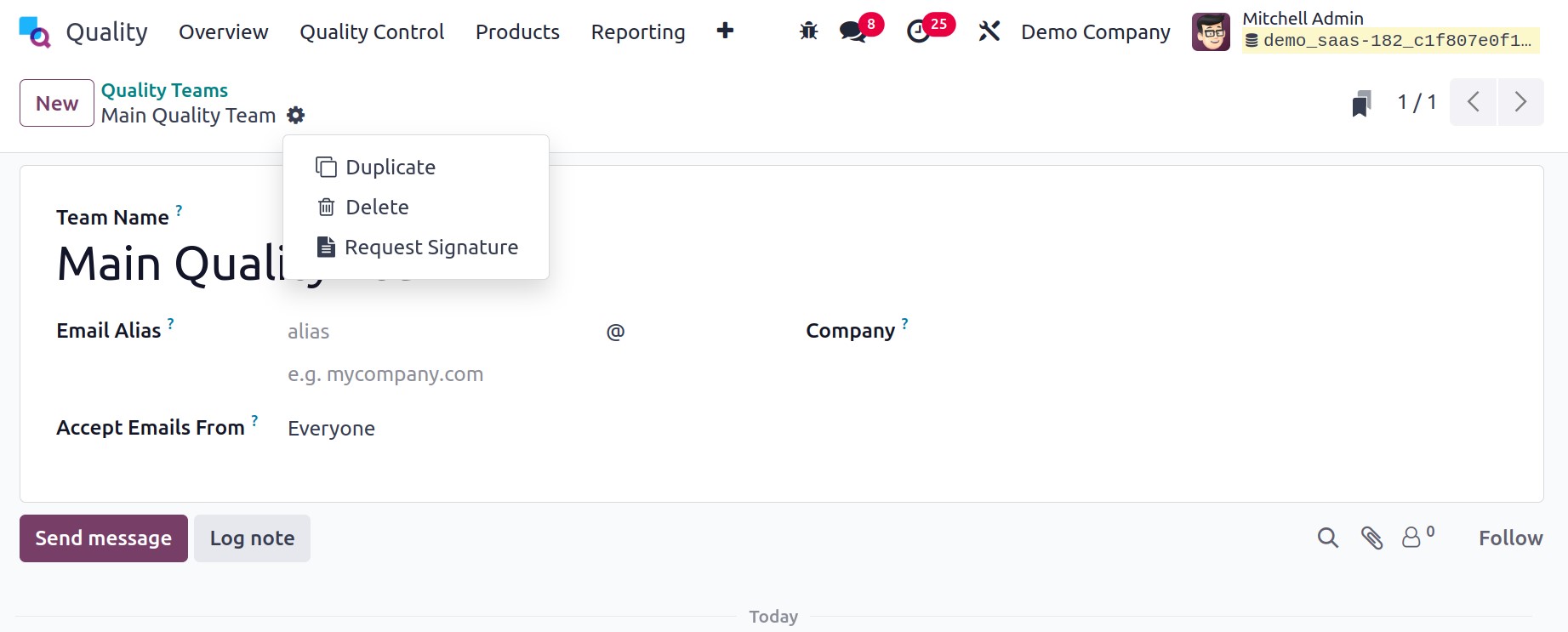
By choosing Action from the dropdown on the far-right side of the
page, the users will be able to delete or create a copy of the
quality team. You are able to receive a copy of your existing
quality team by picking Duplicate. Upon selecting the Delete action
from the Action dropdown menu, the fresh team created may be
permanently removed.
You may access the information about your newly created team in the
main Quality Teams window after handling all the details.