5. Reporting
The module's home page displays the Reporting option, which may be
used to do a comprehensive analysis of the rental product. The
reporting option allows you to obtain information on rental orders
placed on a daily, weekly, monthly, and annual basis. This is how
the reporting page will appear.
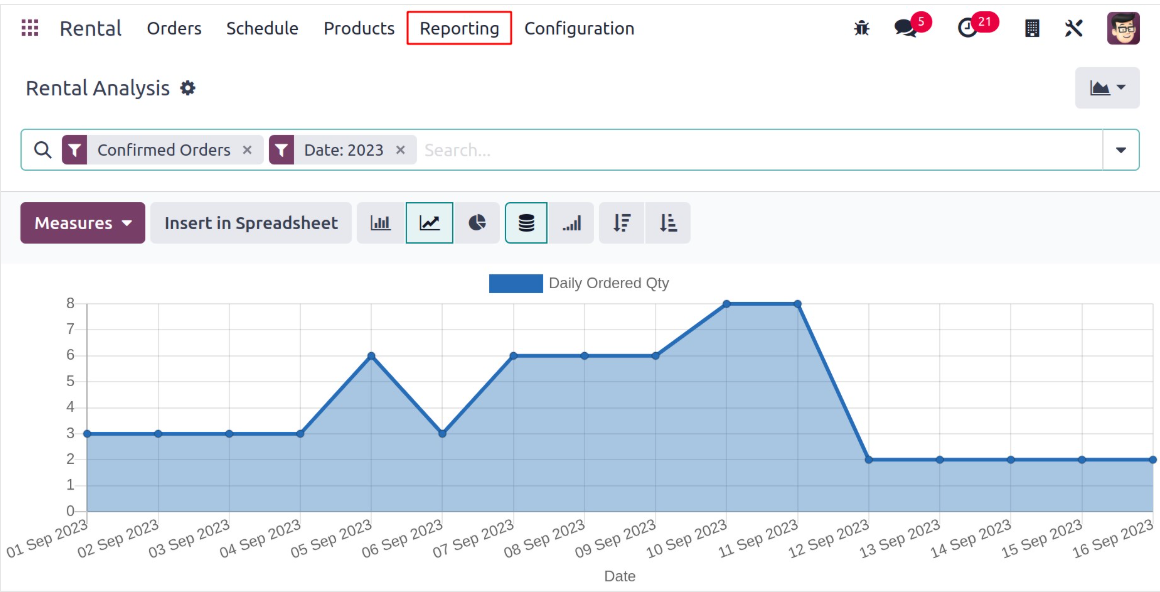
The rental order reports are shown graphically on the page, as you
can see. In addition to the graphical view, you also have the Pivot
view of the page. It is possible to use metrics such as daily
quantity, daily ordered quantity, daily picked-up quantity, and
daily returned quantity. The graph can alternatively be shown
according to the count. You can apply certain filters and group by
options to classify them according to our needs. You can mark them
as favorites by clicking the star icon on the page. Better yet, you
may compare the current report to the one from earlier.
The pivot view of the page can be also viewed, as in the screenshot
below.
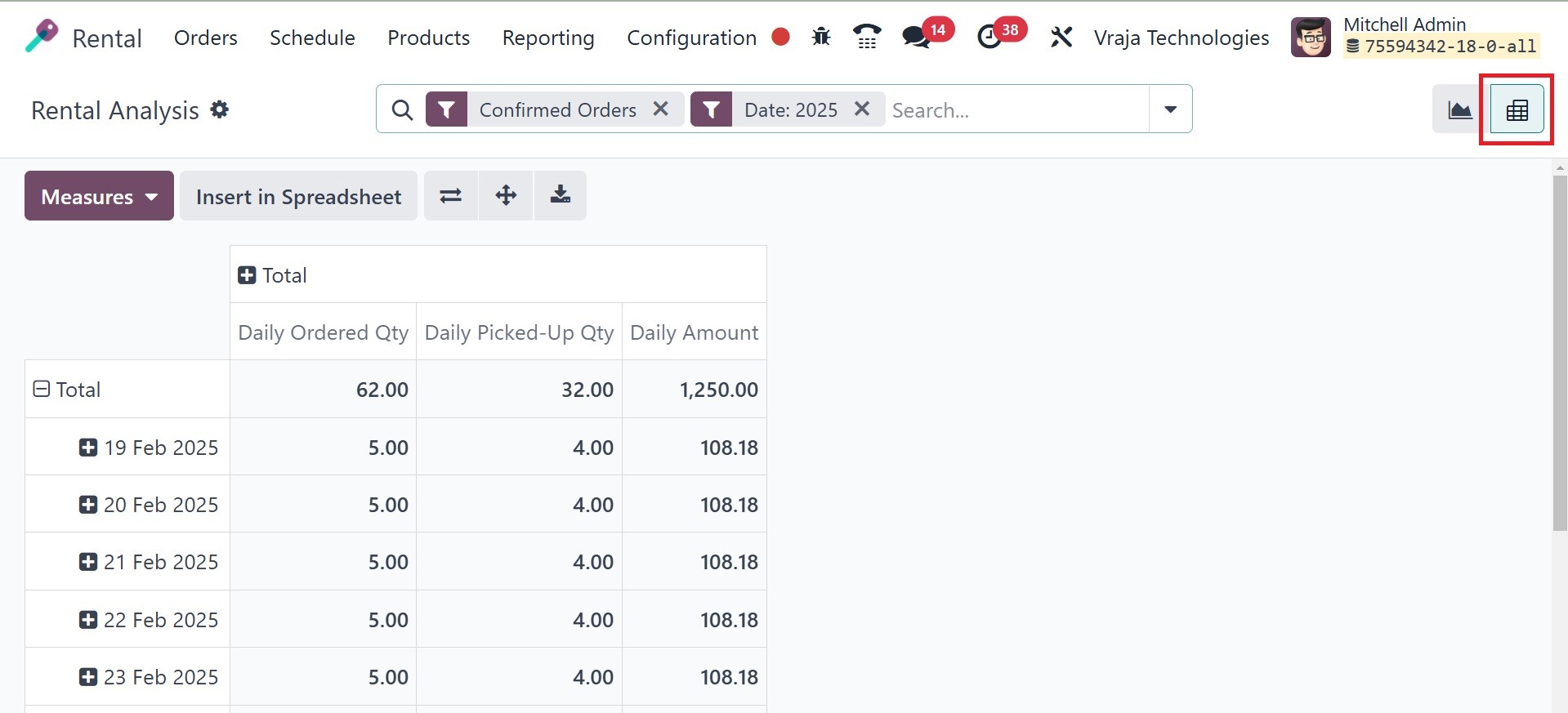
Here, you can see the rental analysis on daily ordered quantity,
daily picked-up quantity, and daily amount, respectively.
These are the primary functions provided by the Rental module of the
Odoo18 ERP Software.