3. Reporting Menu
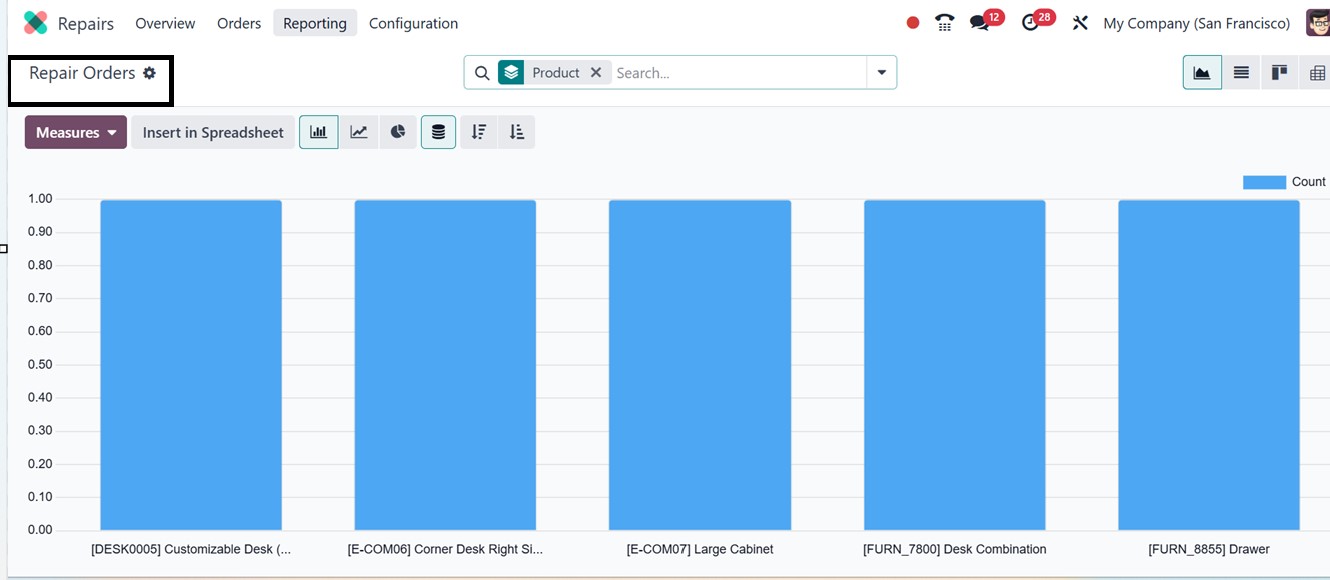
To assist users in evaluating repair efforts and performance, Odoo
18's Repair module has a Repairs option under the Reporting menu.
This ‘Repairs Orders’ analysis window provides exclusive analytical
information about all the Repair order statuses, expenses, and
overall effectiveness in a graphical view, as illustrated in the
screenshot below.
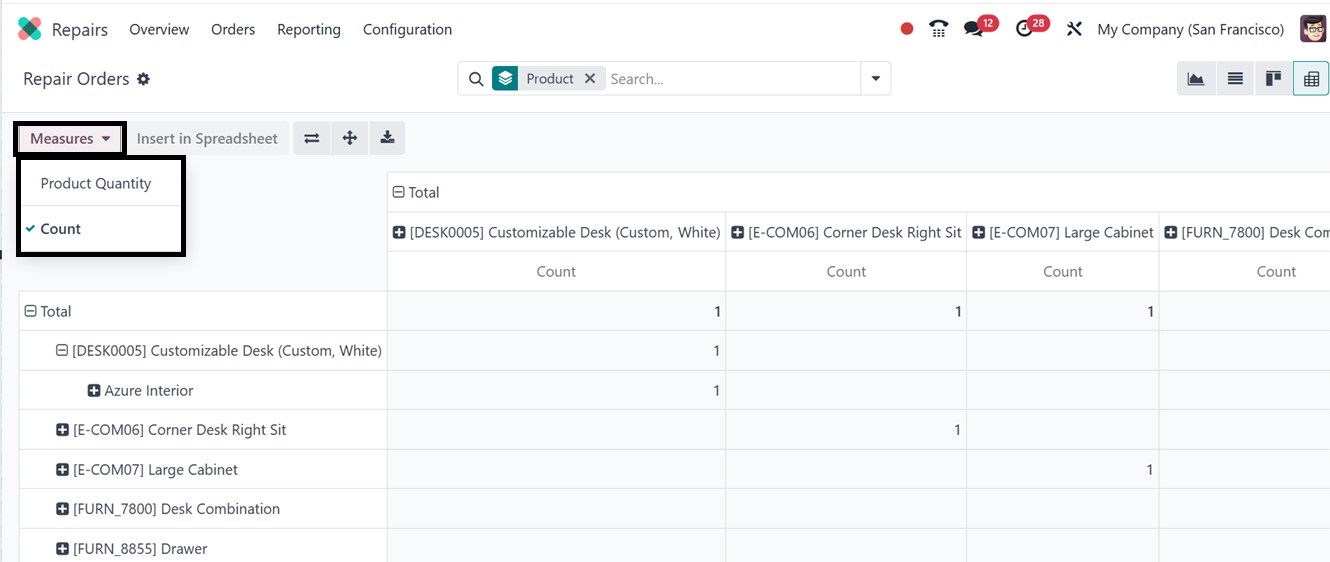
You can change the graphical view into another variety of views
including Pivot, Graph (bar, line, pie), List, and optionally Kanban
are available to users for visualizing data. The Product Quantity
and Count are the two important metrics included in the ‘Measures’
button. You can see these metrics highlighted in the Pivot view of
the reporting window, as depicted in the screenshot below.
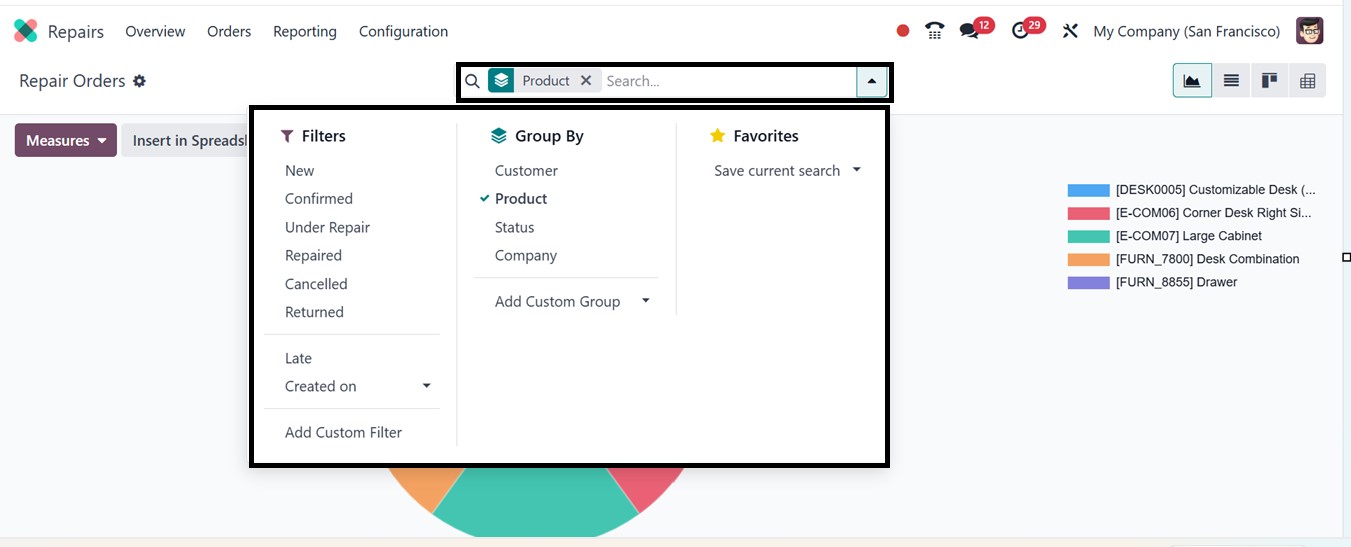
Using the advanced search bar filter and sorting options, you can
apply built-in or custom filters to narrow down report data based on
various filter criteria such as New, Confirmed, Under Repair,
Repaired, Cancelled, Late, etc. The Group By options further enhance
analysis by organizing data by Product, Customer, Company, Status,
or custom metrics like duration and repair fee. These filters and
groupings can be applied across Pivot, Graph, and List views to
create tailored reports that highlight trends, identify bottlenecks,
and evaluate repair performance.
This reporting window simplifies cost tracking, technician
performance evaluation, identification of frequently repaired items,
and analysis of the profitability and turnaround time of repair
services.
In summary, the Odoo 18 Repair module offers a complete and
user-friendly system for handling product repairs with ease and
precision.