12. Delivery Methods
The Shipping Methods feature in Odoo 18 Sales plays a crucial role in
ensuring smooth and efficient delivery management while enhancing
customer satisfaction. This functionality allows businesses to
integrate various shipping options directly into sales orders and
quotations, streamlining logistics and offering flexibility in
pricing. With customizable shipping methods, companies can define
fixed rates, rule-based pricing, or store pickup options, catering
to different operational needs.
To enable and configure shipping methods, users must navigate to
Settings under the Configuration menu in the Sales module. Within
the Shipping section, activating the Delivery Options feature
unlocks the ability to set up and manage different shipping methods.
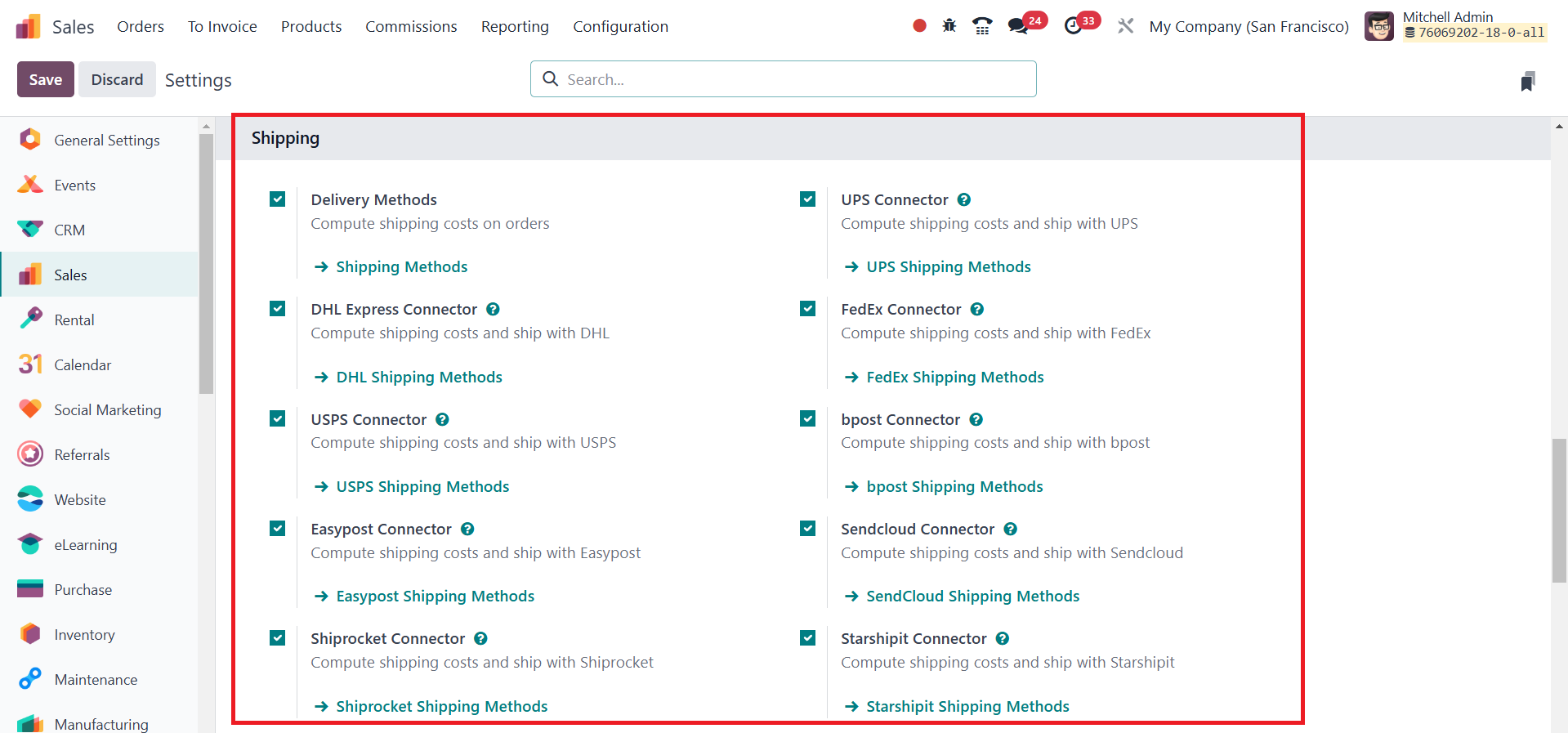
These methods can be accessed directly from the Delivery Methods
menu, where a comprehensive list of all defined shipping options is
displayed.
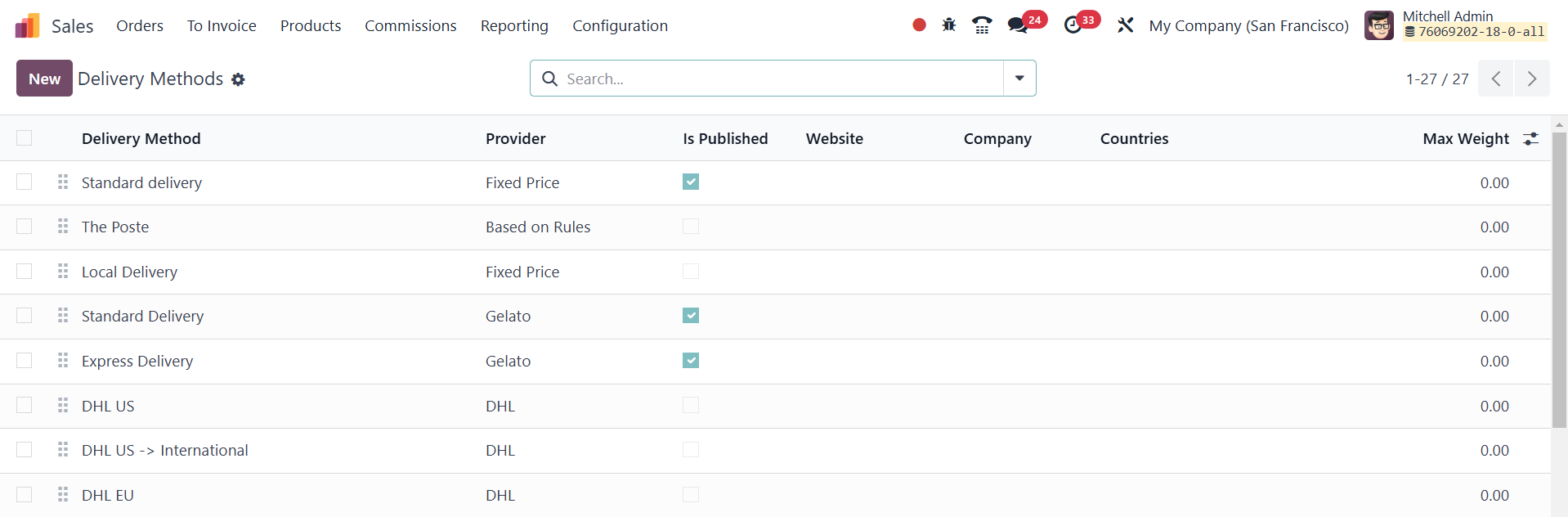
Each method includes details such as the delivery provider,
publication status, applicable websites, associated company, and
supported countries. To simplify management, Odoo provides filter
and grouping options, allowing users to organize and refine records
based on specific criteria, with the ability to save commonly used
filters for quick access.
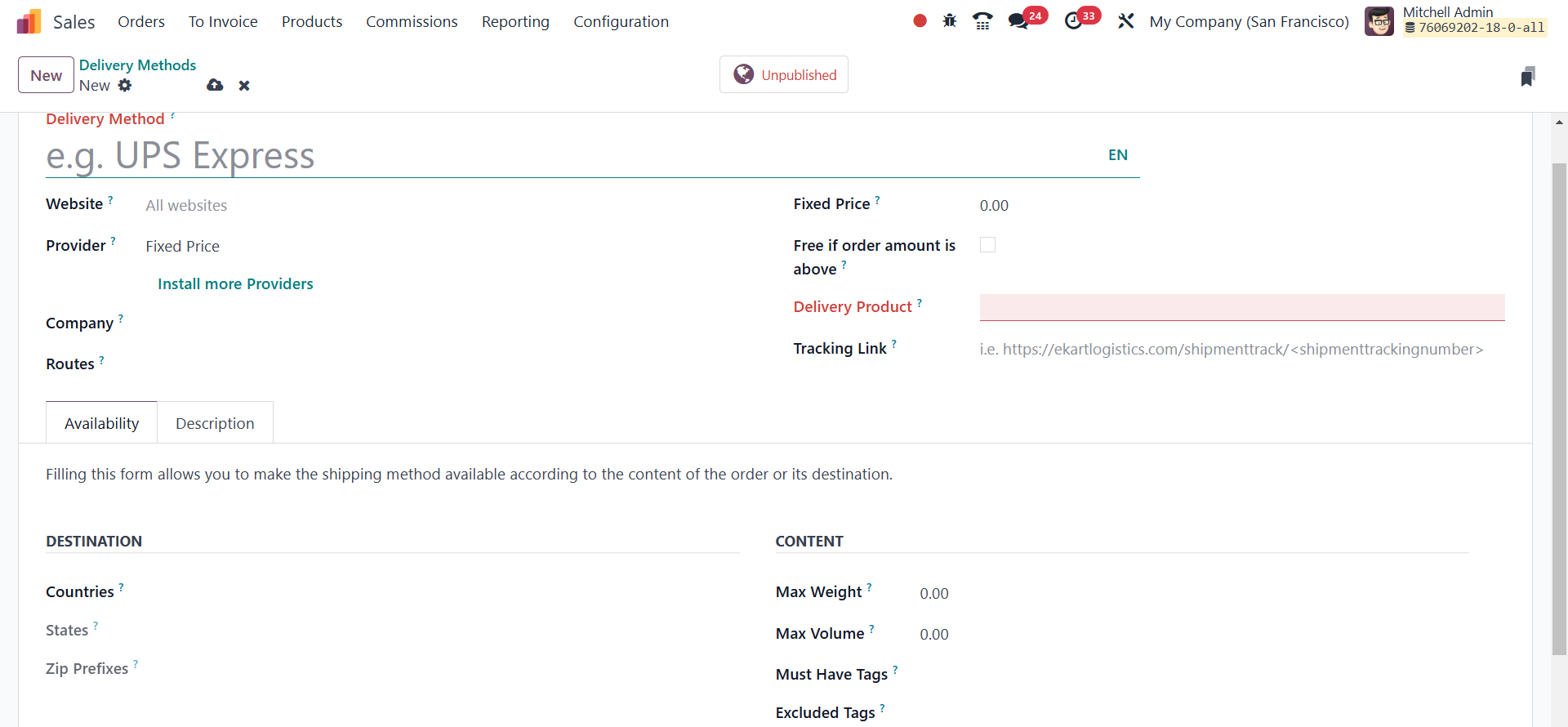
By clicking the New button, users can enter a delivery method name
and specify its applicability to a particular website for eCommerce
integration. The Provider field offers three primary options: Fixed
Price, where a standard shipping cost is applied across all orders;
Based on Rules, which calculates shipping costs according to
predefined conditions; and Pickup in Store, which allows customers
to collect their purchases directly. Additional configurations such
as the Company, Delivery Product, and Margin on Rate can be set to
ensure accurate cost management. Businesses can also enable free
shipping for orders exceeding a specified amount by selecting the
Free if the order amount is above option and defining the minimum
purchase threshold.
The availability of a shipping method can be customized based on
location parameters. Within the Availability tab, businesses can
specify zip code prefixes, states, and countries where the method
applies.
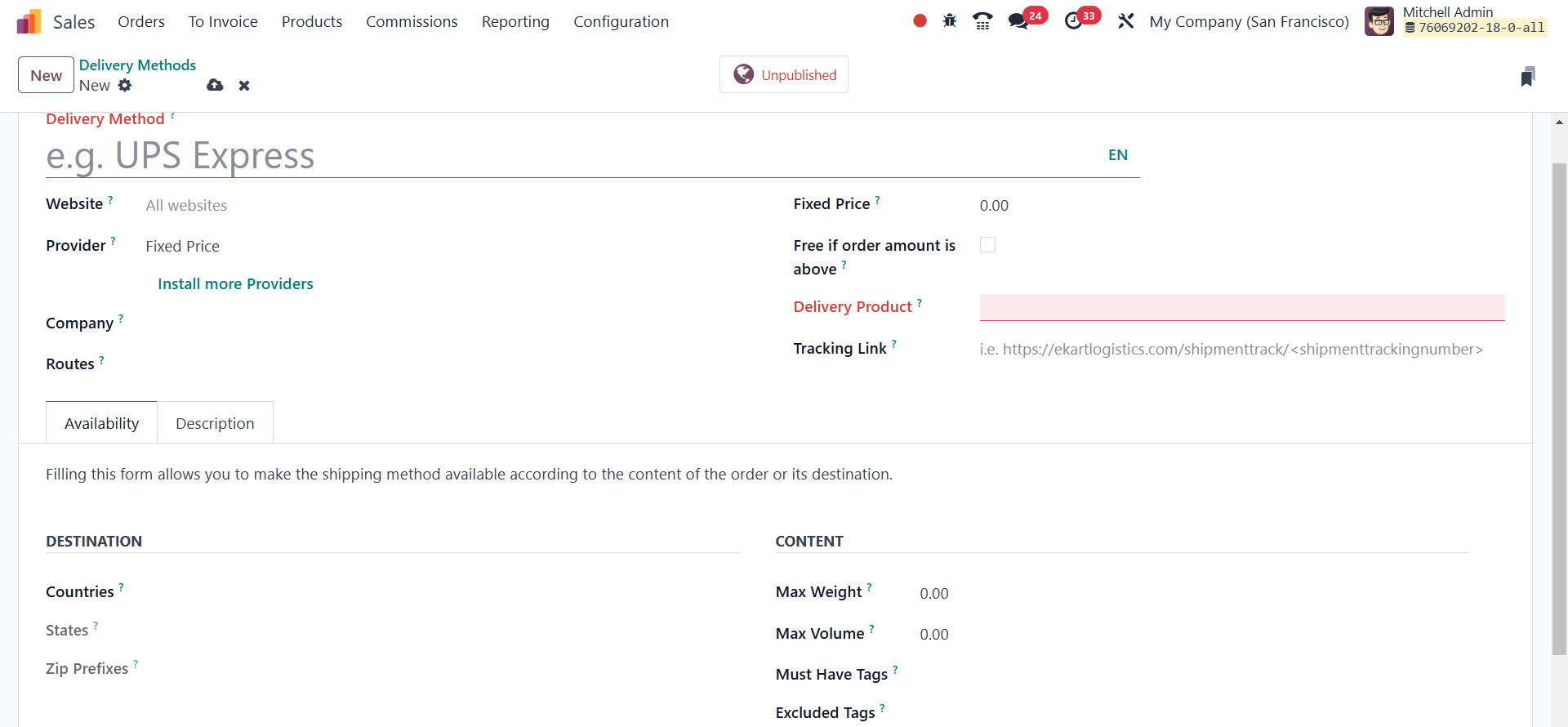
Odoo automatically assigns a suitable delivery carrier based on the
customer’s shipping address, ensuring accurate logistics management.
Users can further refine their shipping options by setting
restrictions on maximum weight, volume, and specific product tags,
ensuring that only eligible orders qualify for particular shipping
methods.
Once shipping methods are configured, they can be easily applied to
sales orders.
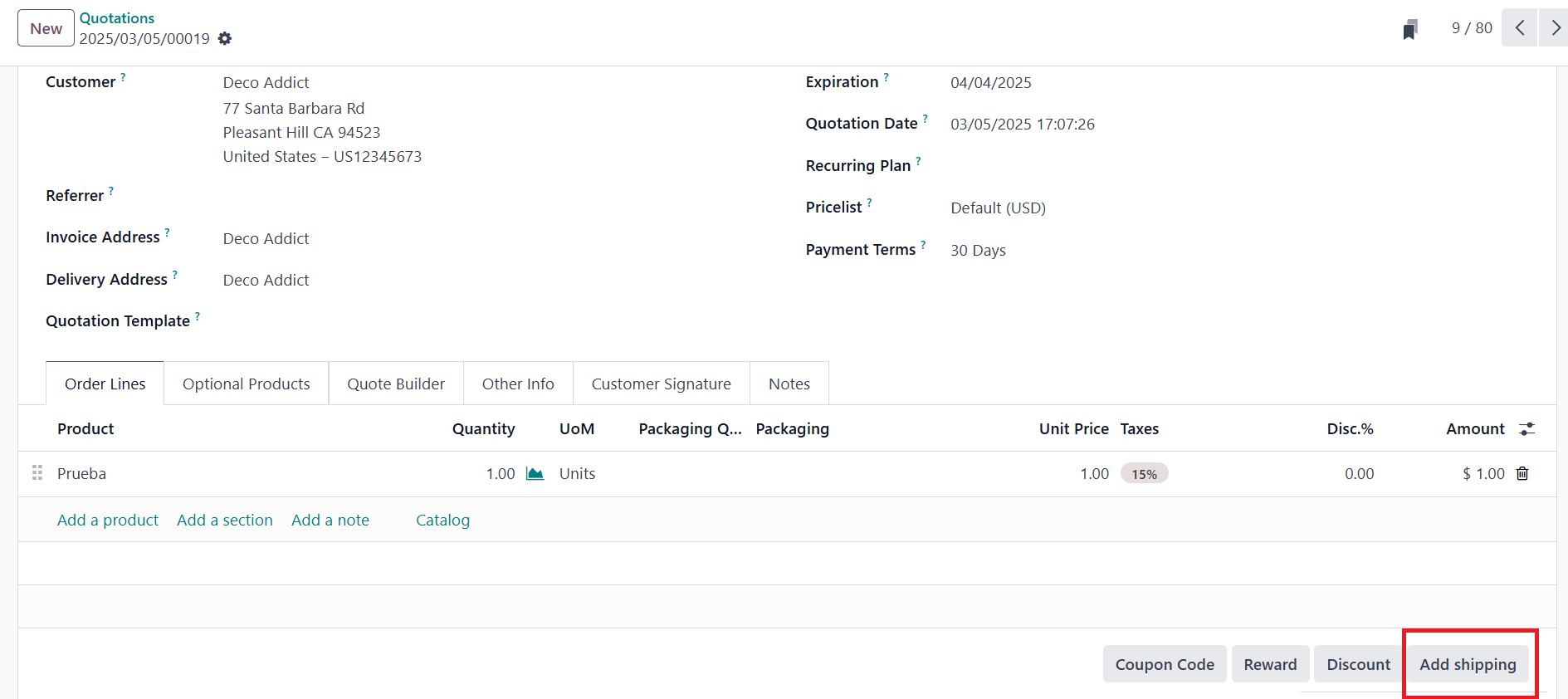
When creating or editing a sales order, the Add Shipping field,
usually found at the bottom of the form, allows users to select from
the predefined shipping methods. Clicking this option opens a
selection window displaying available choices, where the appropriate
method can be applied.
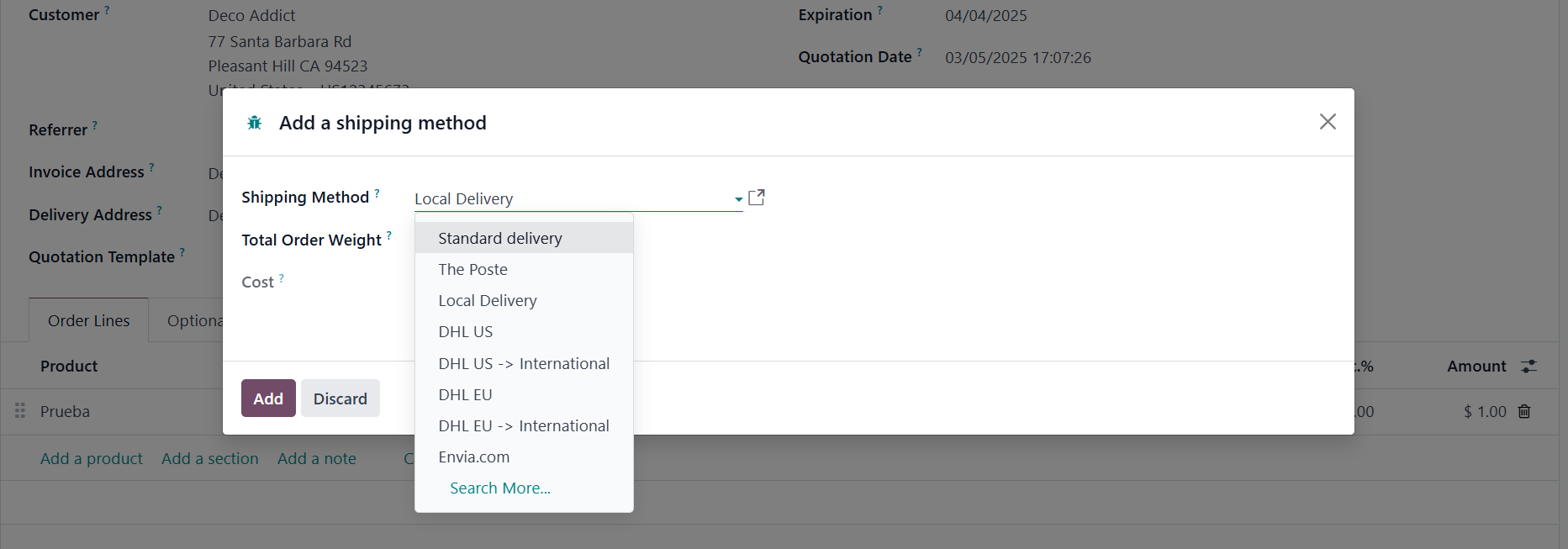
If a method is not visible, users should verify its configuration
under the Shipping Methods section. Upon selection, the associated
shipping charges are automatically calculated and added to the total
order amount.
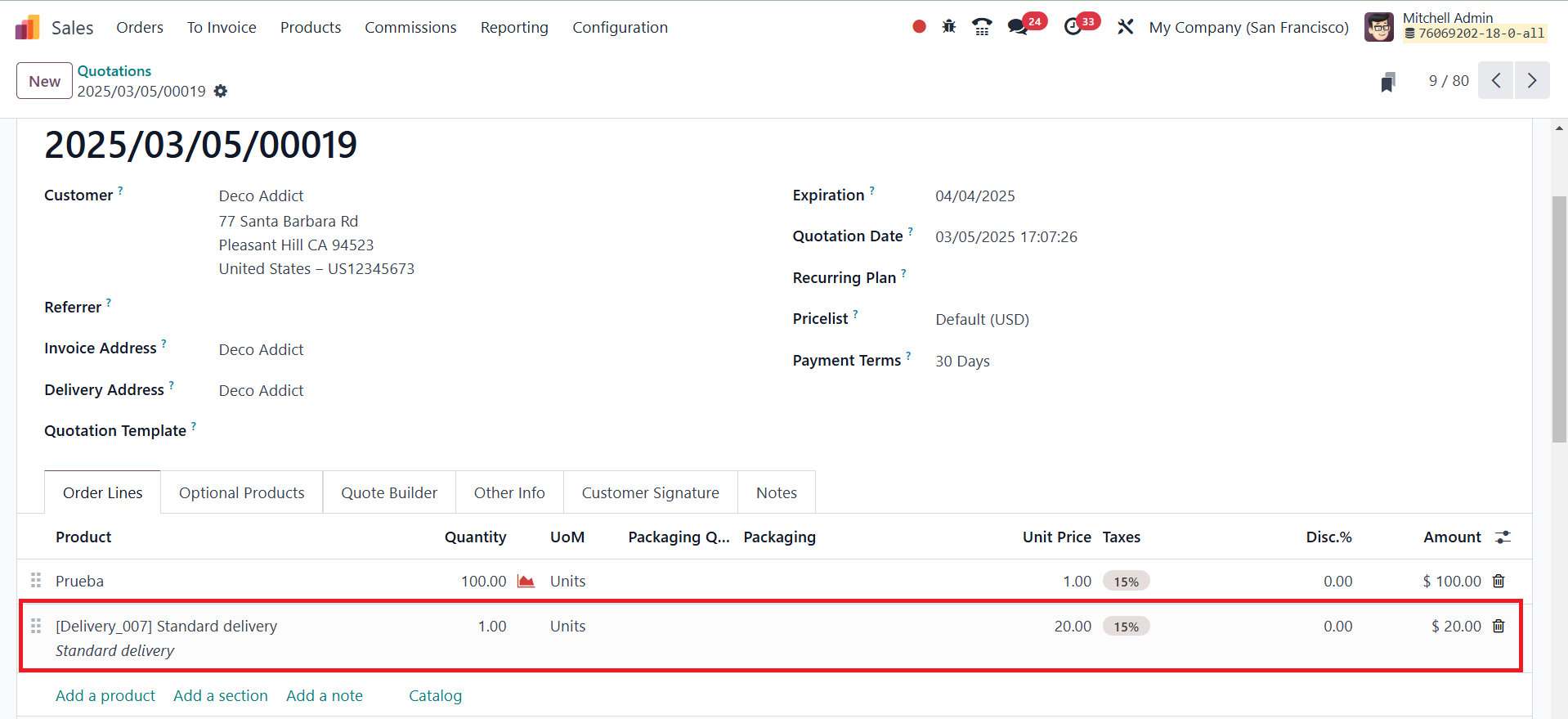
After finalizing the shipping details, businesses can proceed with
the delivery process by validating the order. Odoo automatically
incorporates the shipping fee into the invoice, ensuring a
transparent and structured payment system.