1. Documents
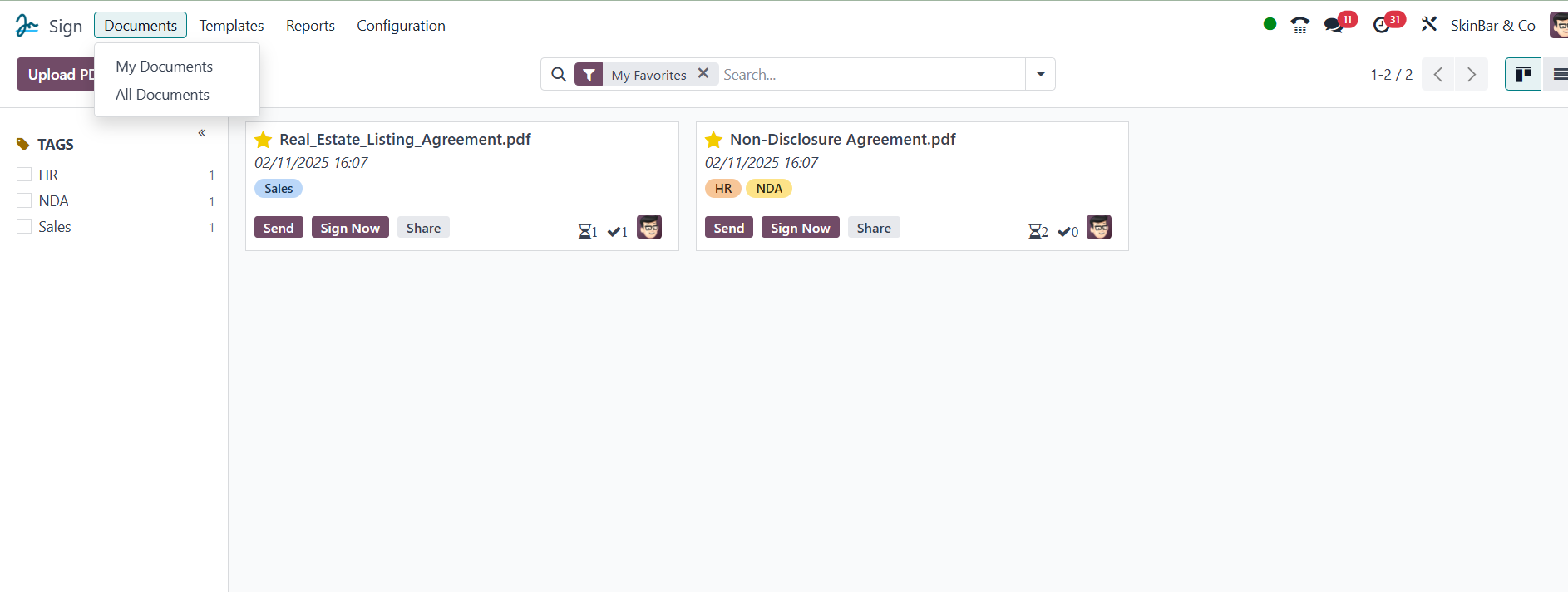
The Documents tab in the Odoo Sign module is where you may open the
Documents window. This is the real address where we can handle all
of the documents we sent out for signatures.
All Documents and My Documents are accessible under the Documents
tab.
You can select from a variety of pre-made and customized filters in
the filters menu. My Favorites, Requests, and Documents Soon to
expire, waiting for me, waiting for other people, You can filter
your document using the following basic filters: Sent, Fully signed,
Canceled, and Archived. It is possible to classify the papers
rapidly by using various Group By options. The Group By options that
are pre-selected are State and Template.
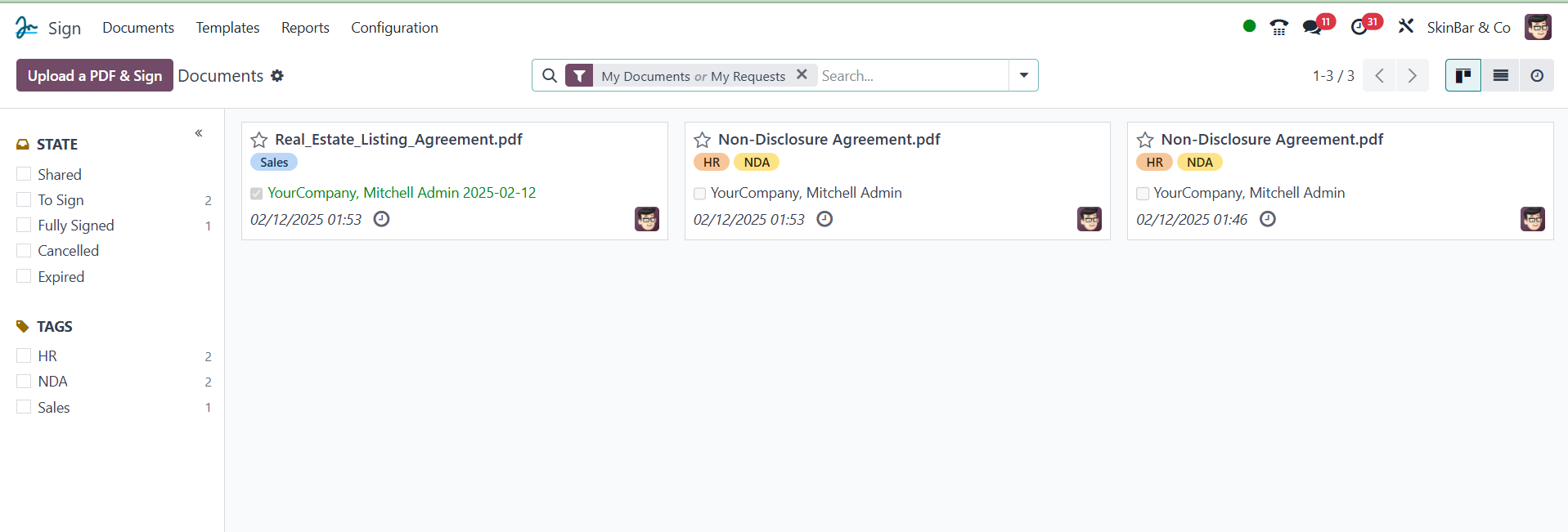
The Document window's left side contains the filters. You can use
these choices to categorize your document based on its tags and
status.