1.Feeds
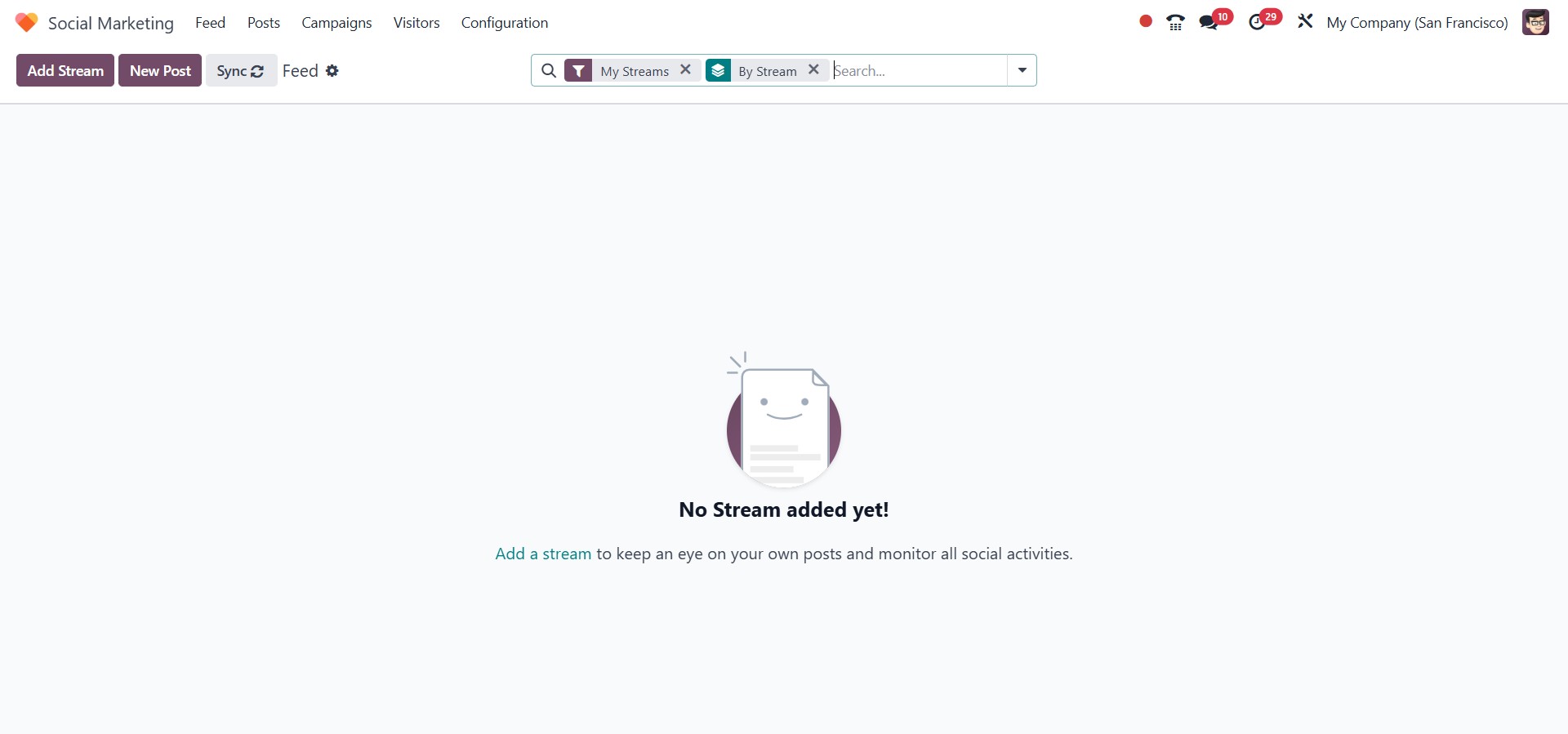
Upon launching the module, you will be directed to the Feed
page, which serves as the central hub for all your connected
social media accounts. This page displays a real-time overview of
all the streams you have added, providing quick access to the latest
activity across your platforms.
The Feed tracks any new content posted to your linked accounts
and allows you to monitor engagement from a single interface. From
this page, you can also connect additional social media accounts,
making it simple to manage your online presence without switching
between multiple platforms.
Once your social media accounts are connected, Odoo 18 displays them
within the Social Marketing dashboard. Each account is organized
into separate tabs, providing detailed insights into your audience
engagement. Within each tab, you can view metrics such as the number
of followers, post interactions, shares, retweets, and other key
engagement statistics.
Posts from each platform are clearly segmented, and individual posts
display interaction metrics including likes, comments, and shares.
You can directly engage with your audience from within the module by
liking or replying to comments on each post.
Adding additional streams is straightforward. To include a new social
media feed, simply click the Add a Stream button. This allows
you to expand your dashboard and monitor and manage more accounts or
pages efficiently from a single central location.
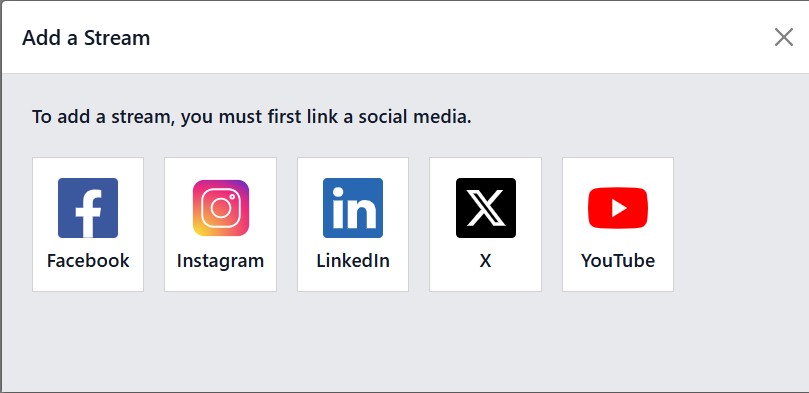
Clicking the "Add a Stream" button opens a pop-up window that
displays a list of supported social media platforms. From this
window, you can either link a new social media account or add a
stream from an already connected account.
Once you've selected and added the desired social media accounts, the
Feed page will begin displaying posts and activities from
those platforms. This allows you to monitor content from all
connected channels in a single, organized view.
The Add a Stream feature makes it simple to configure and
manage your social media profiles directly within the Social
Marketing module. From the Feed, you can oversee all your posts and
track engagement across different platforms. To ensure your data
remains up to date, you can use the Synchronize button. This
will refresh the module and pull the latest updates from your
connected accounts.
In the following section, we will explore how to create and publish
new posts across your social media accounts using the Social
Marketing module.