6. Data
The Data menu provides tools for managing and analyzing data
efficiently:
- Sort range– Sort selected columns.
- Add Filter – Applies filters to specific columns.
- Data Validation – Restricts input types in selected cells.
- Data cleanup– Cleans up duplicate values in a range.
- Import Data – Connects external datasets.
- Split into columns.
- Refresh all data.
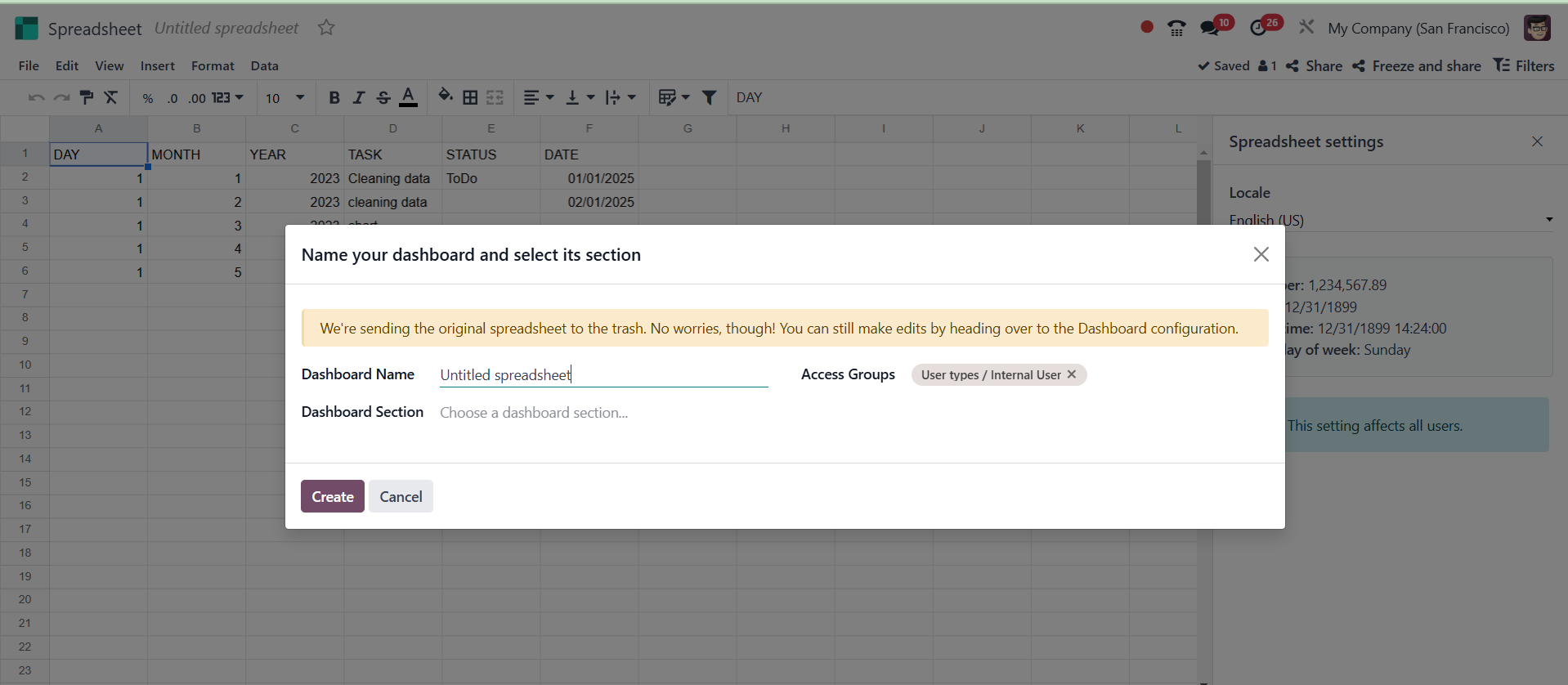
After that, the spreadsheet will be a part of the Dashboard. It was
placed inside the CRM area, as shown in the screenshot below.
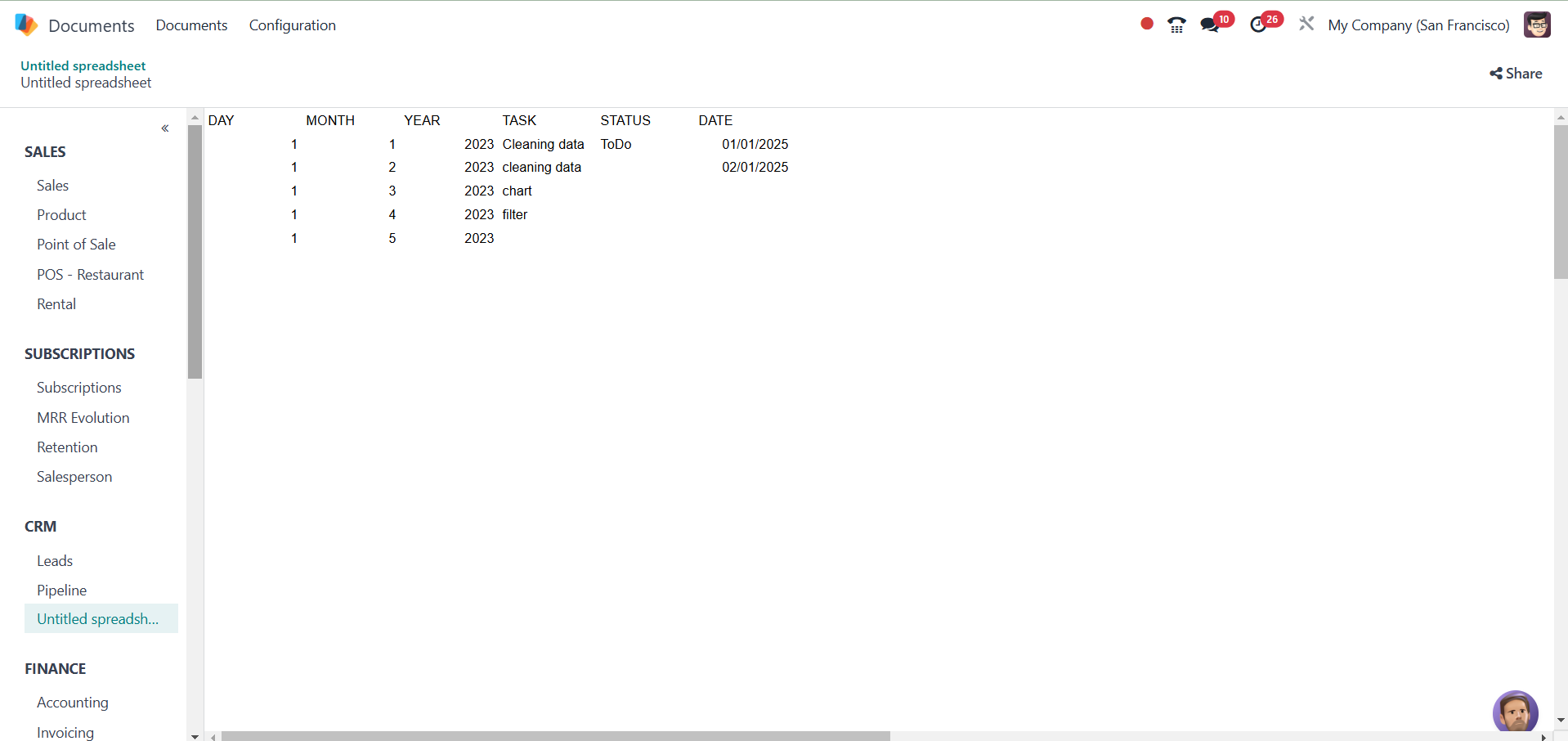
Users of each module's Pivot view of Reports can add data to the
dashboard by clicking the Insert in Spreadsheet button.
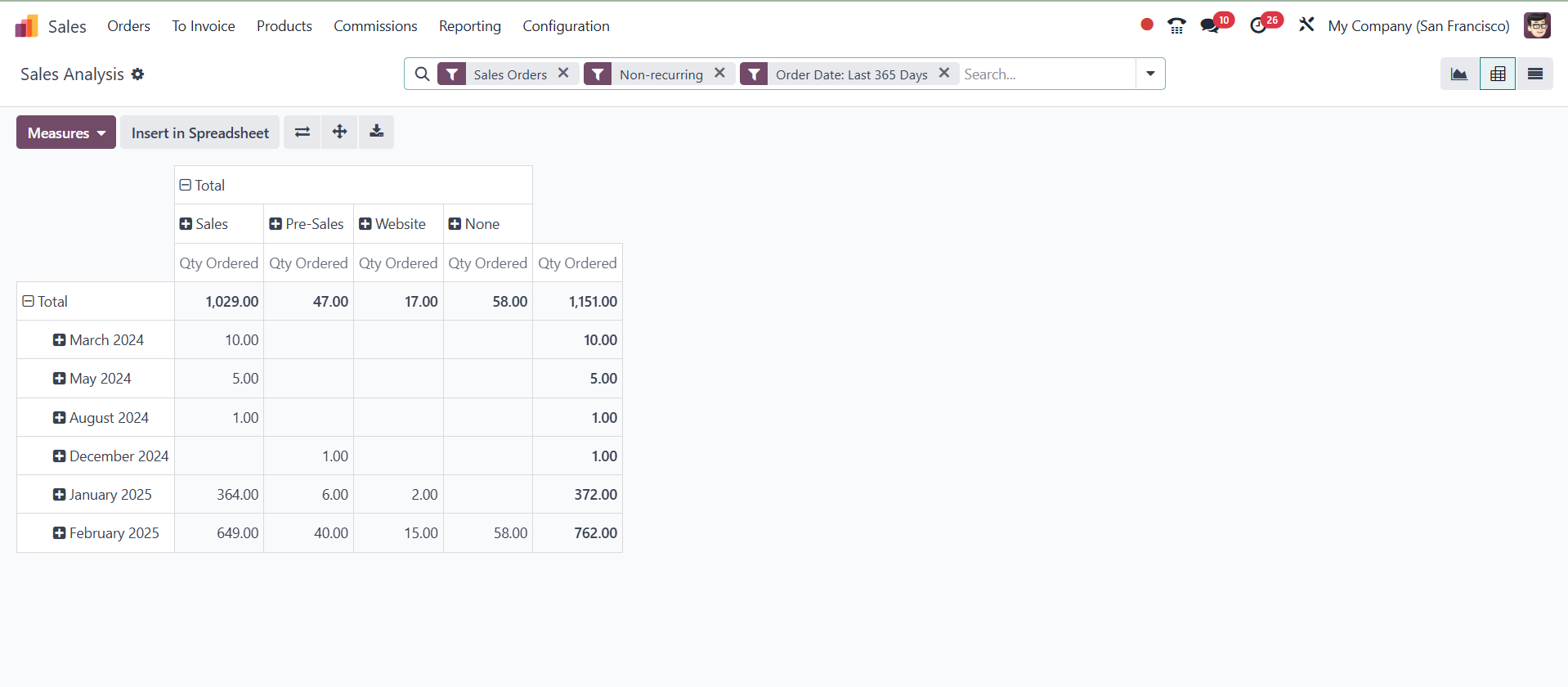
Nevertheless, the Insert in Spreadsheet button is also available in
the Graph view of Odoo 18.
The Odoo spreadsheet includes these features. Everyone is aware that
certain spreadsheet features are currently available. All of these
features are also present in an Odoo 18 spreadsheet. The Odoo18
spreadsheet additionally has tools like Strikethrough, Font sizing
and formatting, Add Column and Rows, New, and Show Formula.