1. File
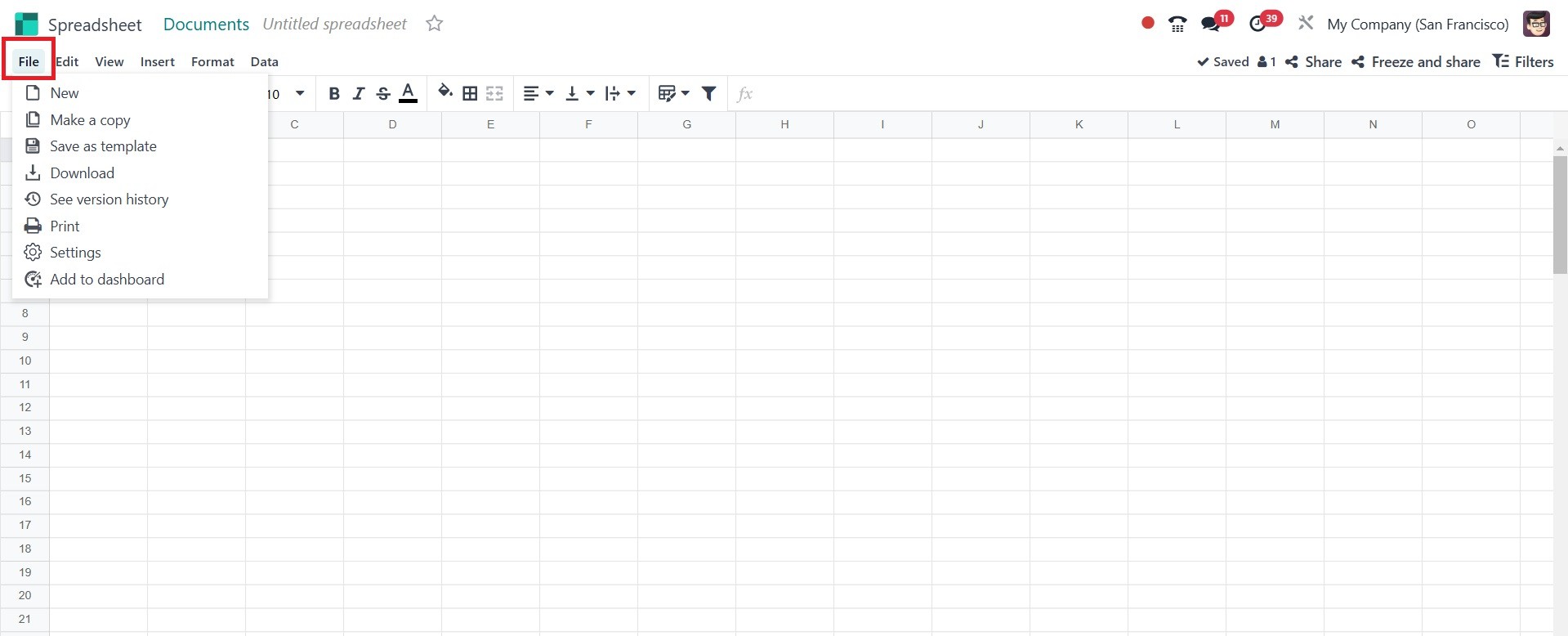
Under the File menu, there are the following options such as new,
make a copy, save as template, download, see version history, print,
settings, and add to dashboard, as in the screenshot below.
New: Creates a new spreadsheet within Odoo. the newly created page
will be, as in the screenshot below.
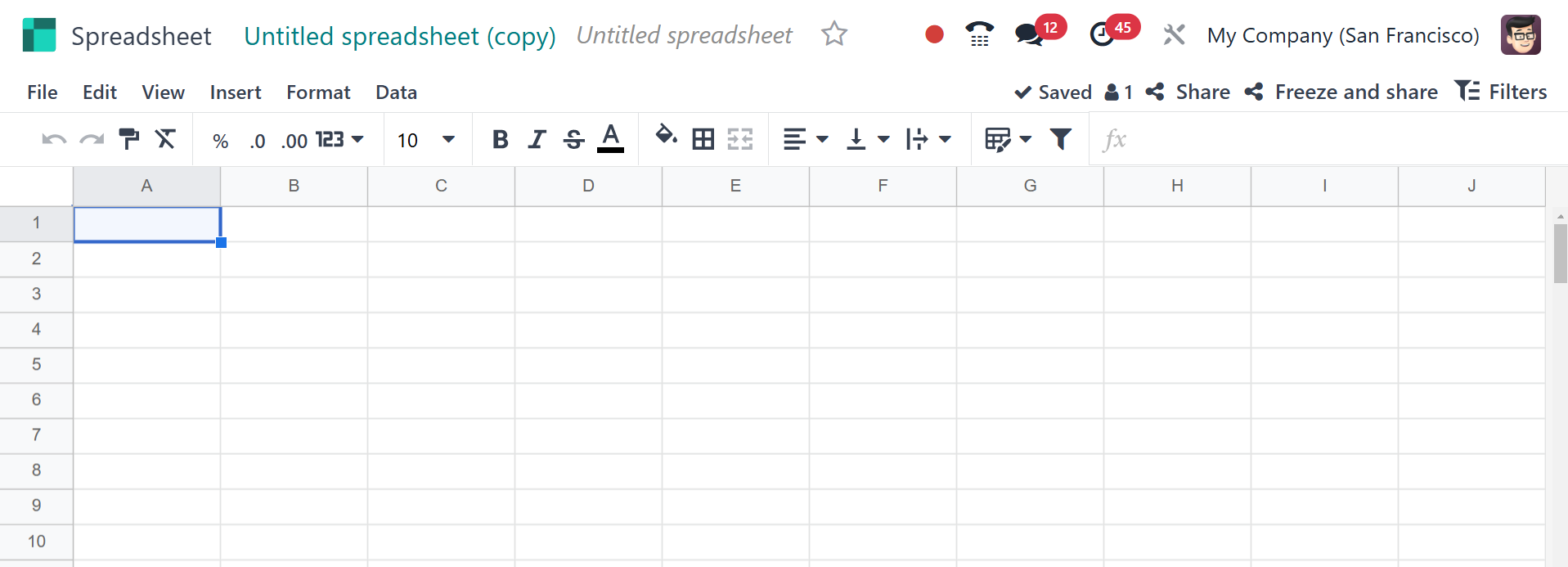
Make a Copy: Create a copy of the spreadsheet.
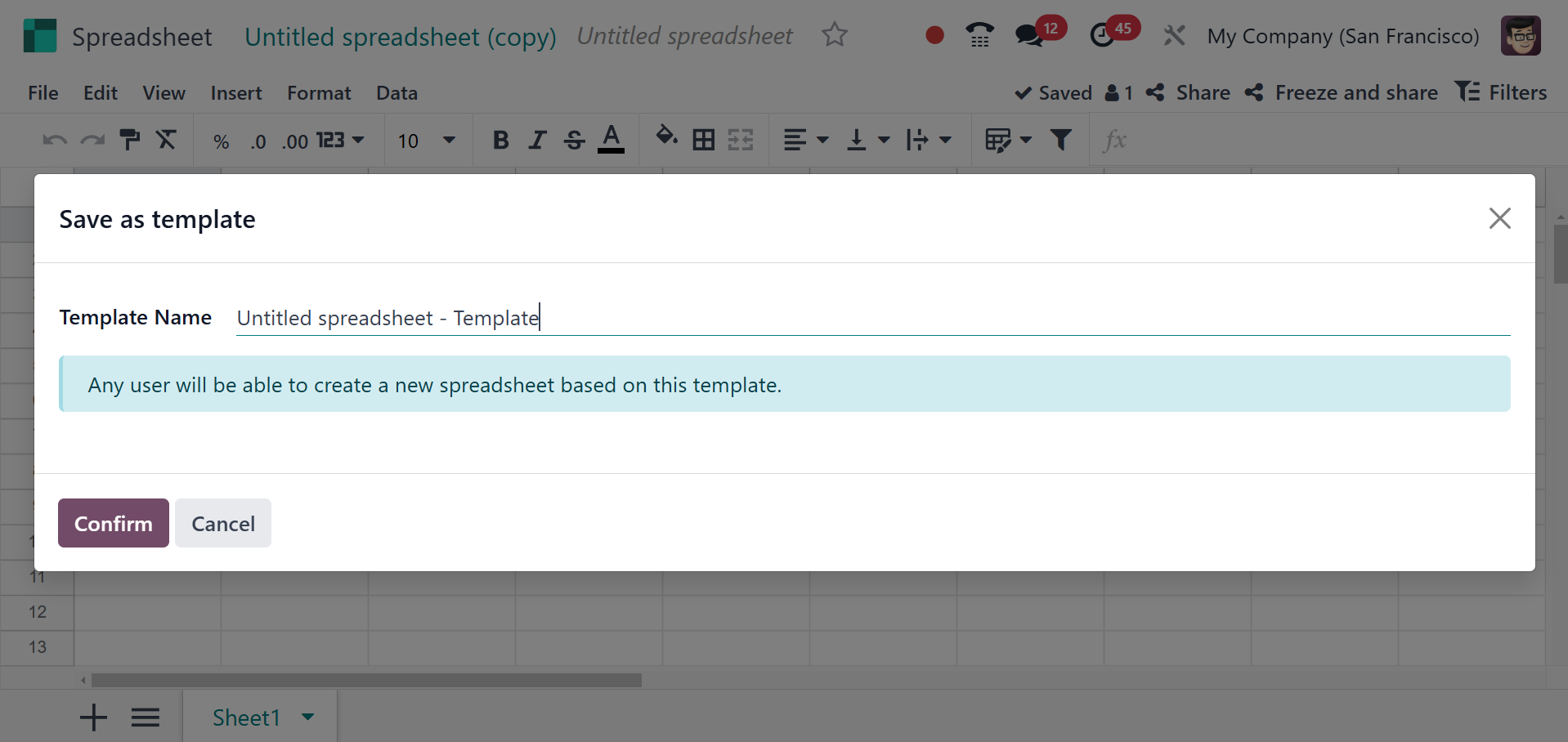
Save as Template: Saves the Excel sheet as a template. On selecting
the option, you will get a pop-up, as in the screenshot below.
Download: download the Excel sheet. The option helps you to download
the sheet.
See version history: you can see the previously saved pages, as
mentioned earlier.
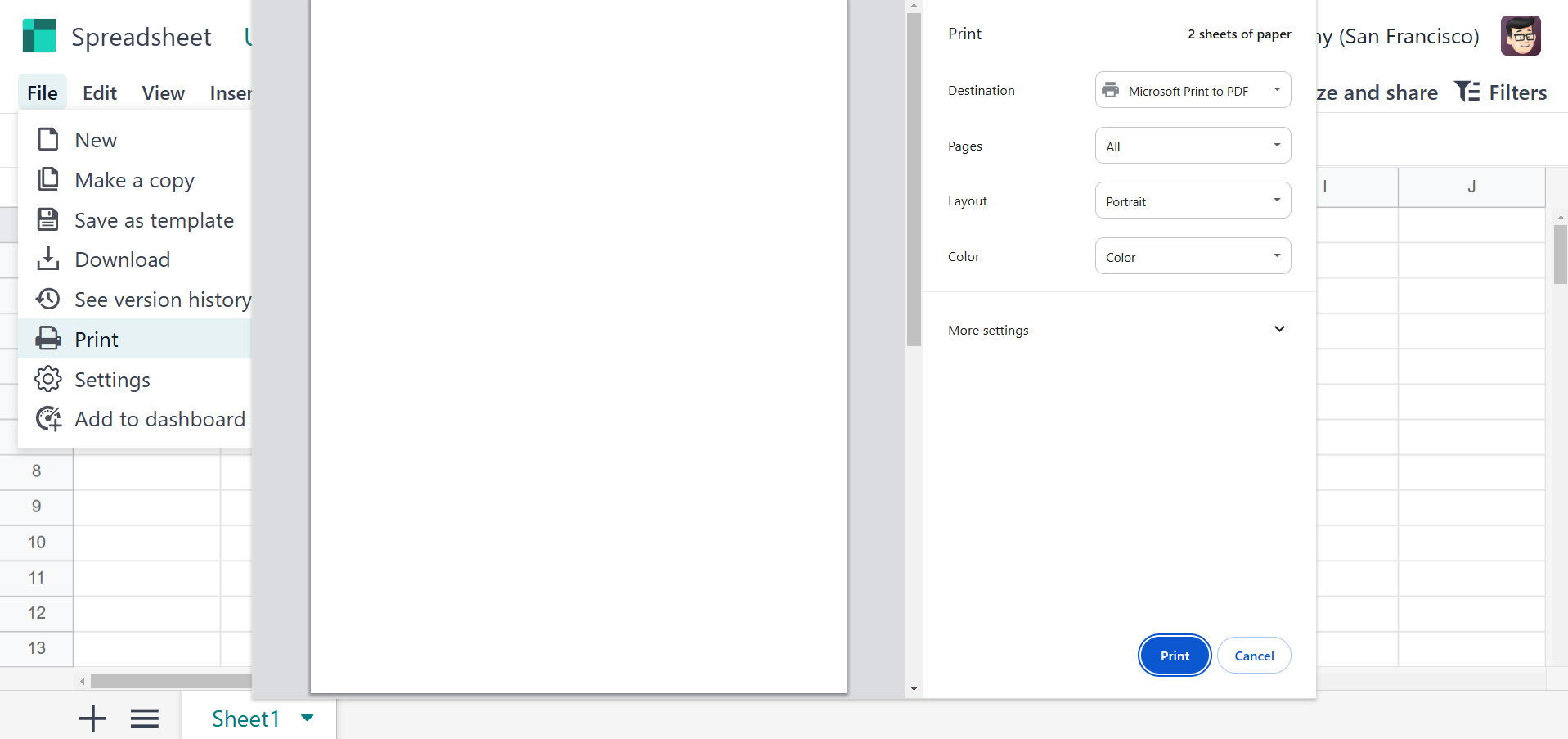
Print: Prints the spreadsheet or specific selections.
Settings: The settings of the spreadsheet can be managed here, as
mentioned earlier.
Add to the dashboard: The selection gets added to the dashboard.