11.Automations & Webhooks
Today, automation is essential to the functioning of both business
operations and every aspect of daily life. Therefore, the basic
instruments for automation should be included in the operations of
the designers and developers of specialized solutions. The Odoo 18
Studio module will be used to specify the Automation components of
the apps that are being developed. Odoo 18 is also one of the
systems that supports automation, and it plans to provide additional
automation features with each new edition.
All of the Automated Actions listed in the chosen existing
application model will be visible on the menu. This particular
Search menu allows you to search the Automated Actions.
Additionally, the Filtering and Group by choices will allow you to
choose from a long list of specific Automated Actions from the menu.
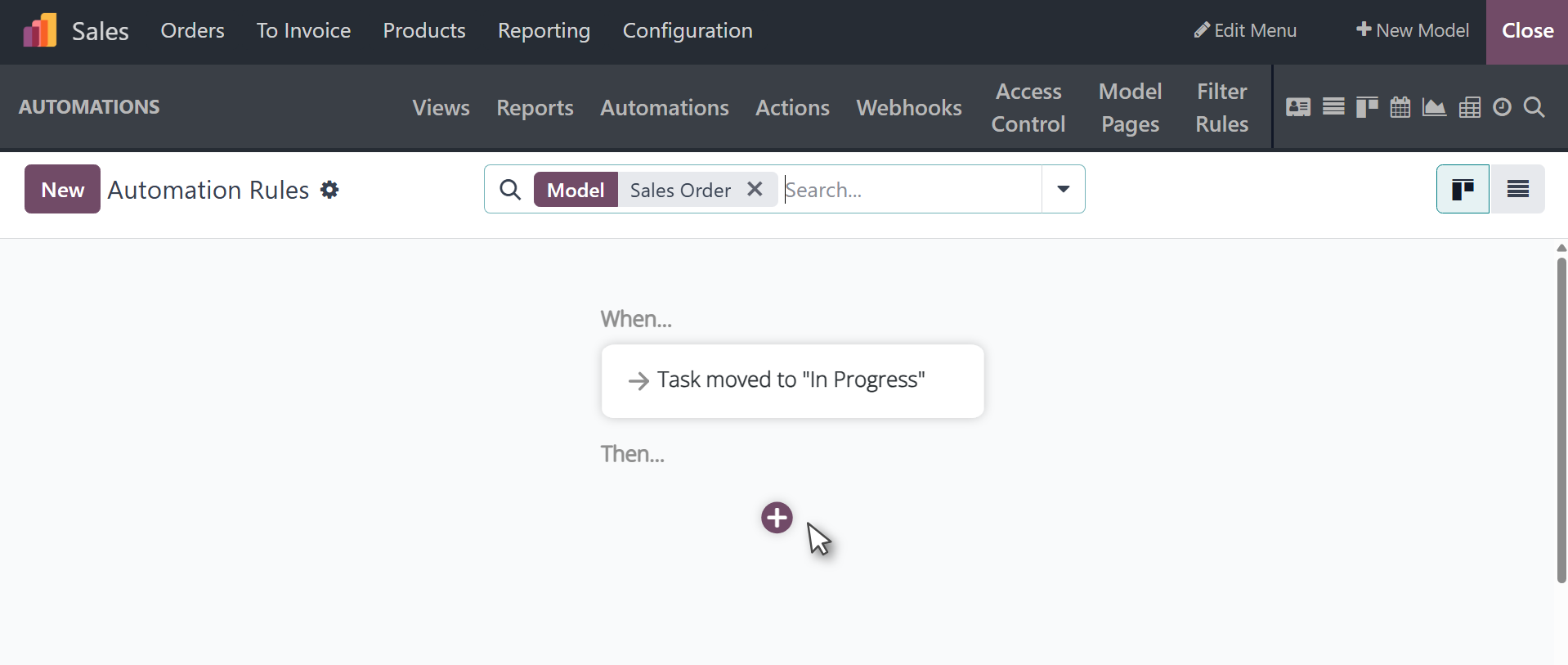
The functional requirements of the application are as follows: To
build a new Automated Action, you must select the model in which the
Automated Actions should operate and provide the Action Name. You
can also activate and deactivate the appropriate Automated Action
from this menu. The list of specified platform activities should be
used to determine the Action To-Do. The Action To-Do is the list of
tasks that must be finished once the Automated Action is activated.
The Trigger of the Action can be set in order to initiate the
Automated Actions. When this action is taken on one of the menus or
entries, the associated Automated Action will become active.
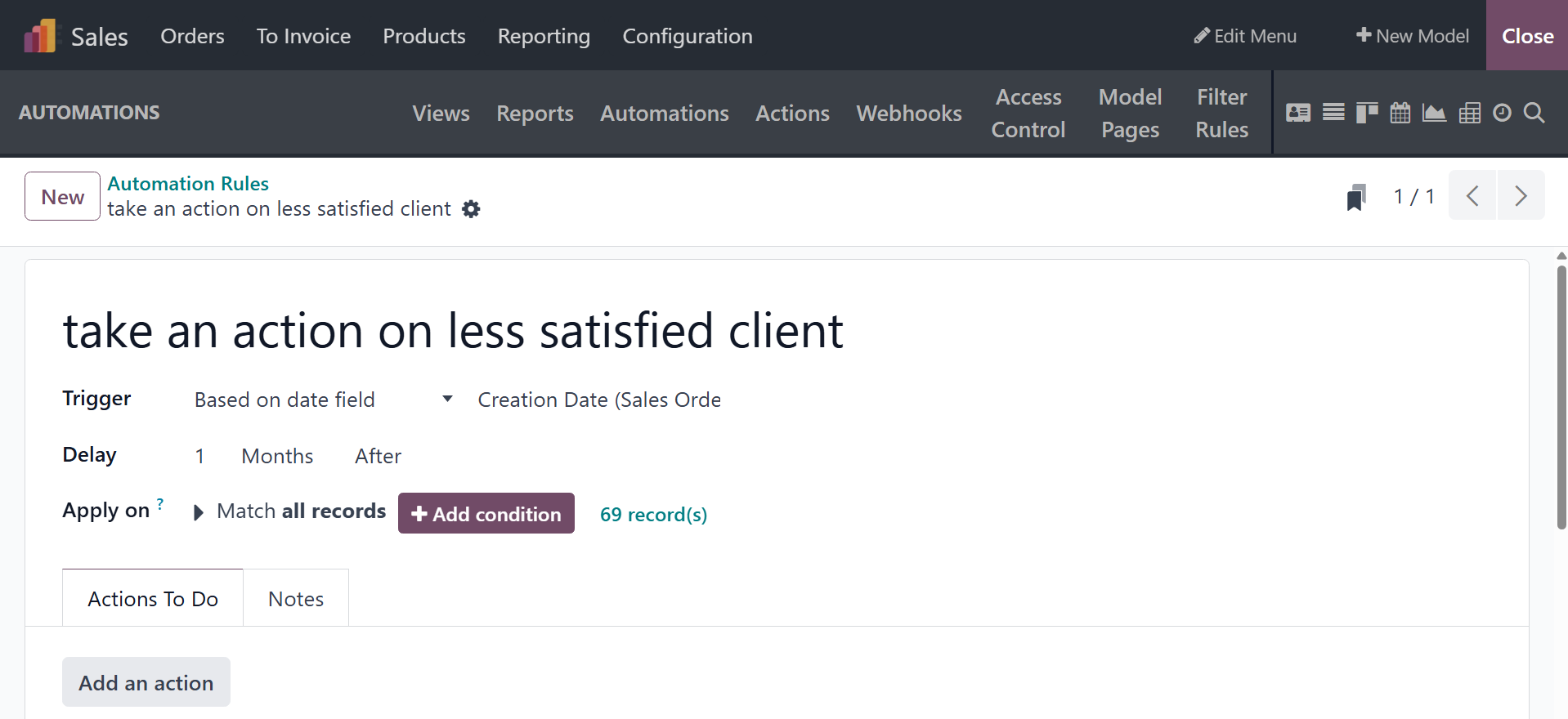
You now know how to configure the Automated Actions menu in Odoo18
Studio to initiate several Automated Actions for the functioning of
newly created apps. Let's go on to the section that explains the
Access Control Lists menu in the Odoo18 Studio platform.
Webhooks are automation rules that are triggered by external events
through user-defined HTTP callbacks. They can be developed in
Studio. Odoo reacts with a predetermined action in the database when
an external system transmits data with a data file (the "payload")
to the URL of an Odoo webhook (the "trigger").
Webhooks provide for real-time communication and automation, in
contrast to manual API calls or scheduled tasks. For instance, a
webhook can instantaneously update Odoo's inventory in the event
that a sales order is verified in an external point-of-sale system,
guaranteeing system synchronization.
On selecting the option, you have the page, as shown in the image
below.
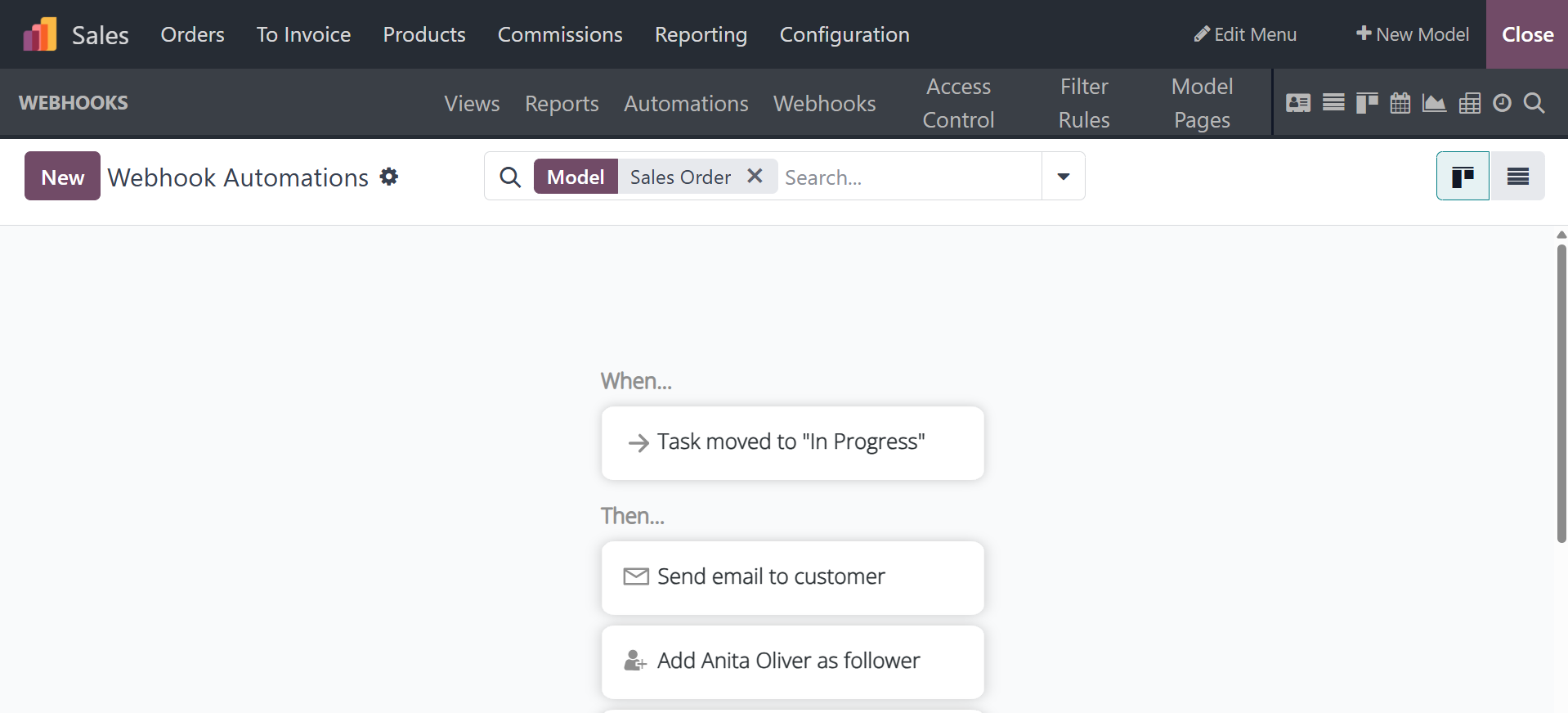
There, you can make use of the NEW option, and the creation page will
be as in the image below.
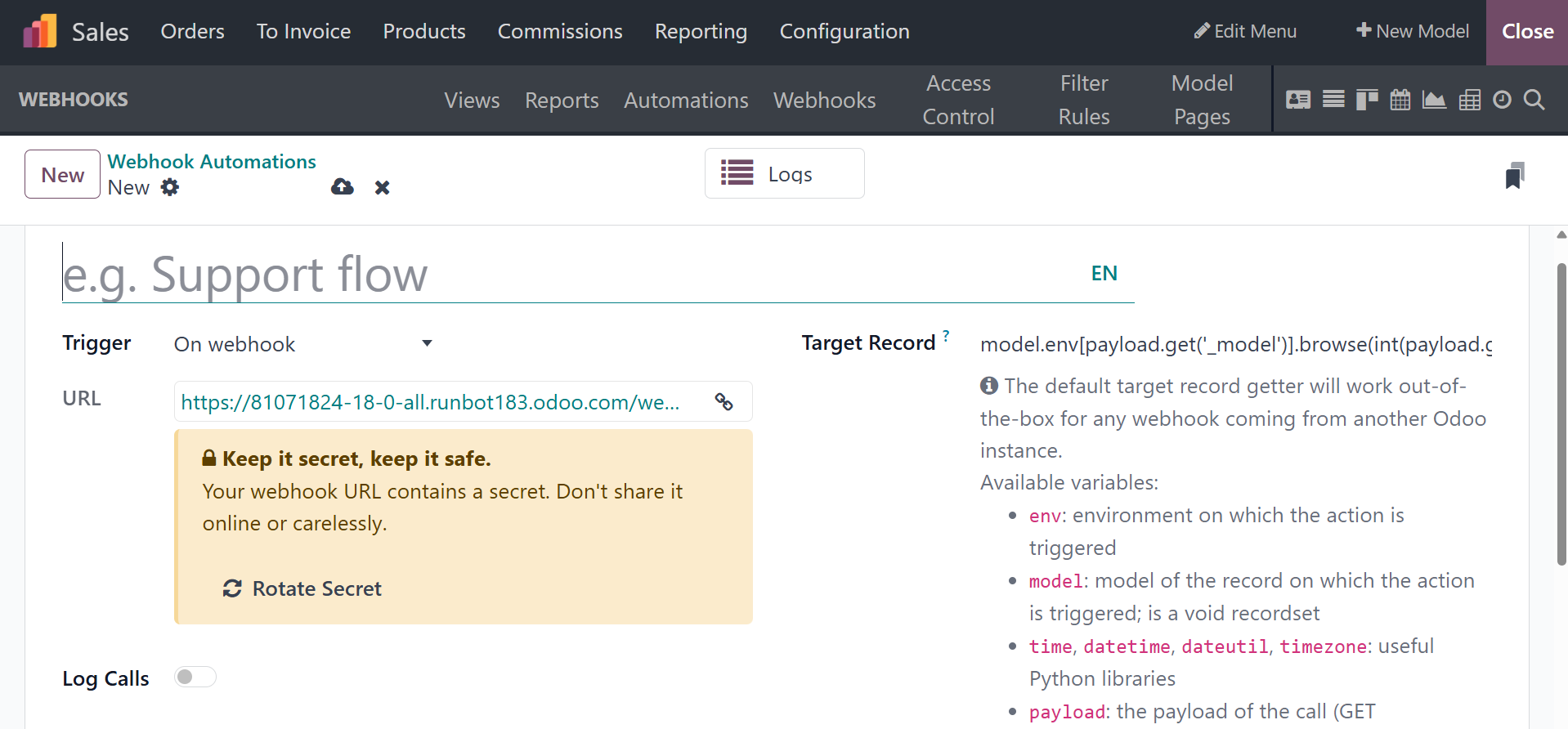
Next, give the webhook a name, change its model (the type of database
record to target) if necessary, and turn on or off the option to log
calls to the webhook URL, which would allow you to follow the
webhook's call history for debugging purposes.
The URL for the webhook is generated automatically. When testing the
webhook and connecting it to the external system that will be
sending database updates, this URL should be utilized.
The configuration of webhooks is divided between their trigger and
their actions, and it is done in Studio.