2. Questions and Answers
2.1 Questions
You may see a list of all the questions you've ever made for an Odoo
18 survey under the module's Questions & Answers menu. Questions
from different surveys will be included in the list.
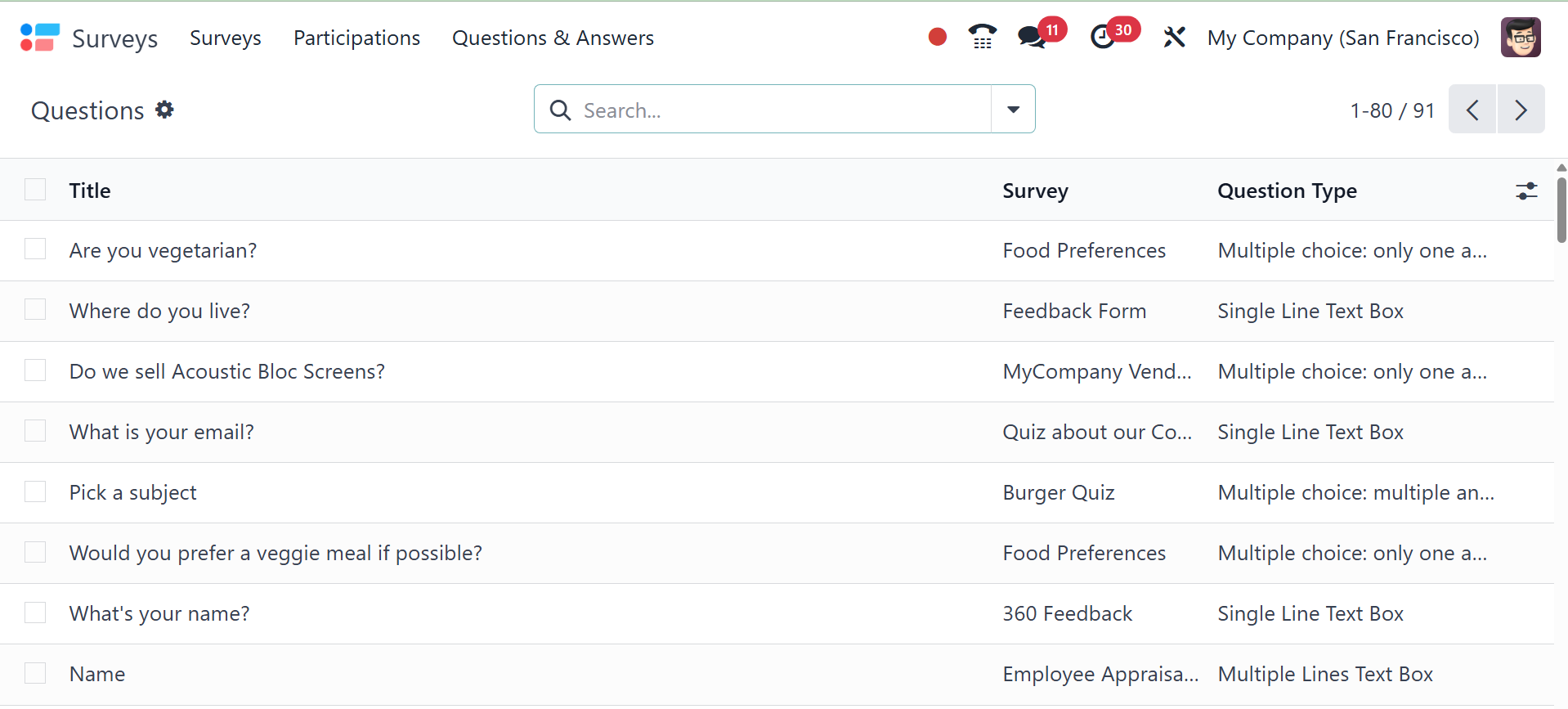
The preview of the list will show the Title, Survey, and Question
Type. You can obtain more detailed information about a certain
question by choosing it from this list. You can also modify the
question by clicking the Edit button.
2.2 Suggested values
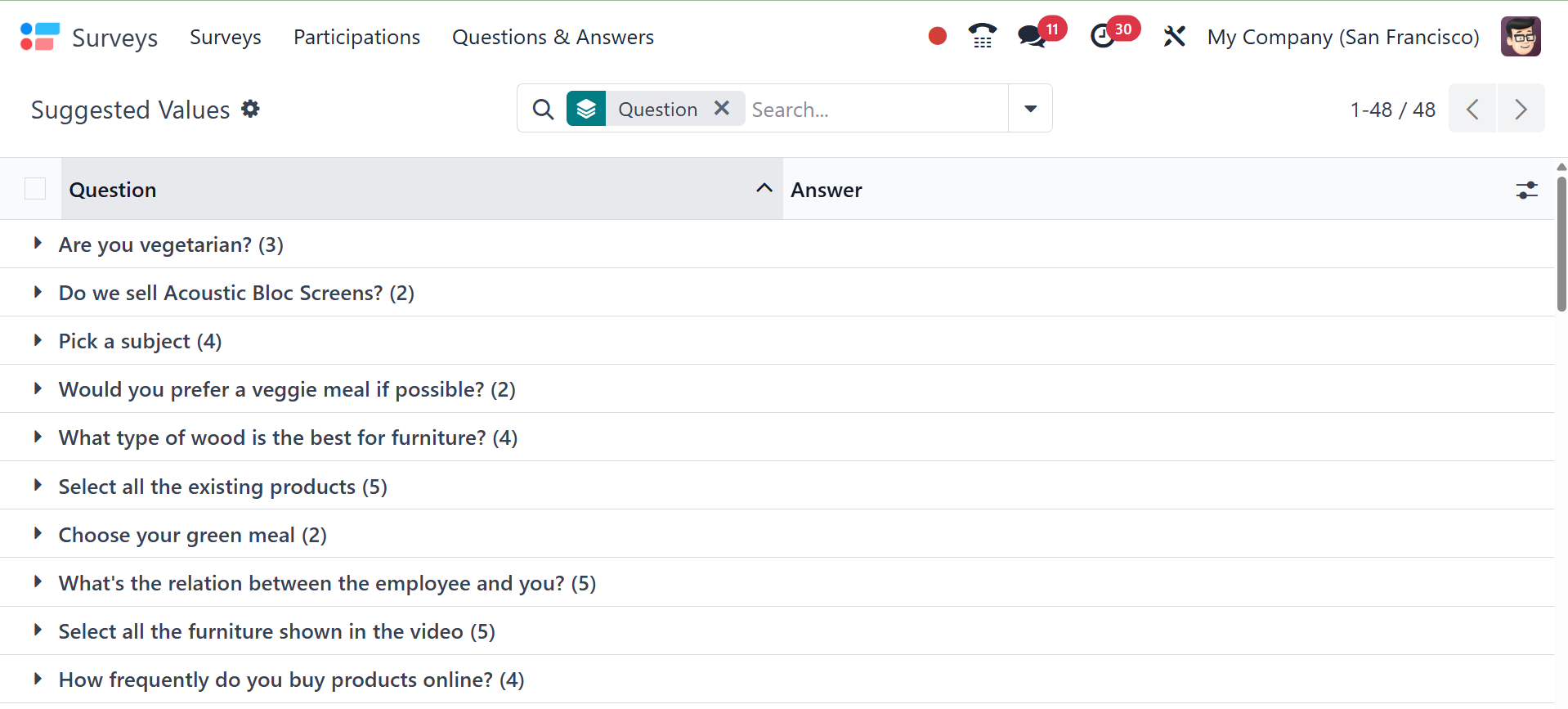
We might give participants choices or recommendations for the best
response while creating different kinds of survey questions. The
Suggested Values menu option in the Questions & Answers menu has
these suggested answers.
2.3 Detailed Answers
Under the Questions & Answers menu, the Detailed Answers option shows
the list of participant responses for different surveys created in
Odoo 18.
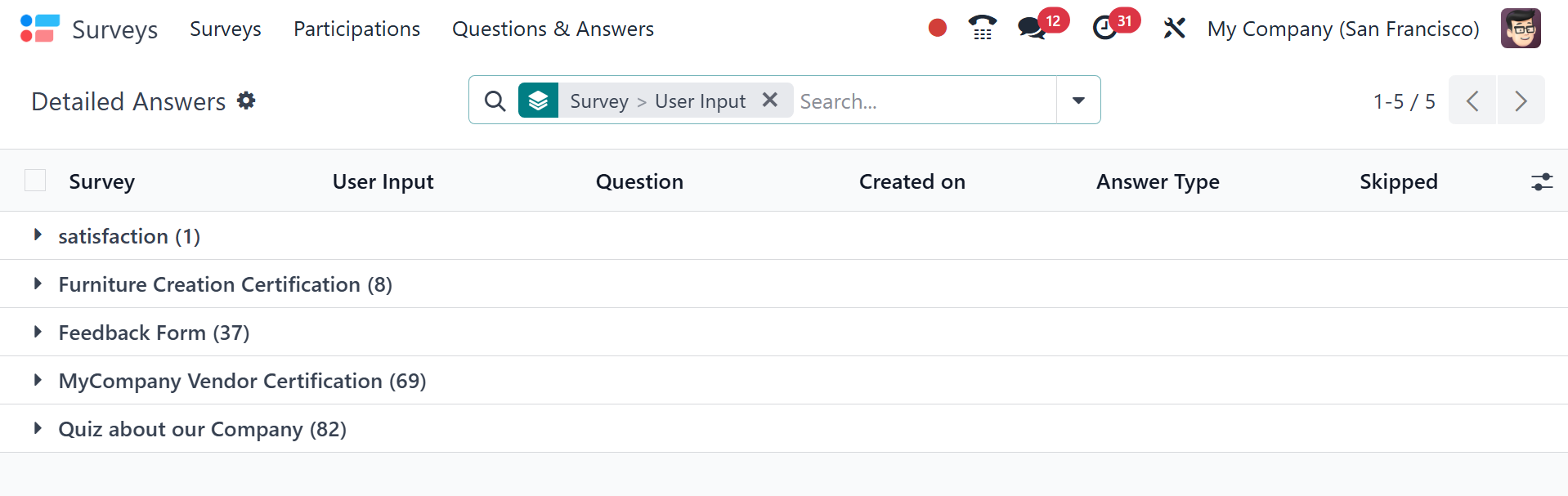
As can be seen in the above image, the list contains the survey name,
user input, question, created on, answer type, and score. You can
select a survey question from this list to view further details
about the respondents' responses to that particular survey question.