1. VoIP Management
It's now very simple to call a customer in Odoo thanks to this VoIP
module. The phone icon at the top of the screen facilitates phone
calls with business partners.
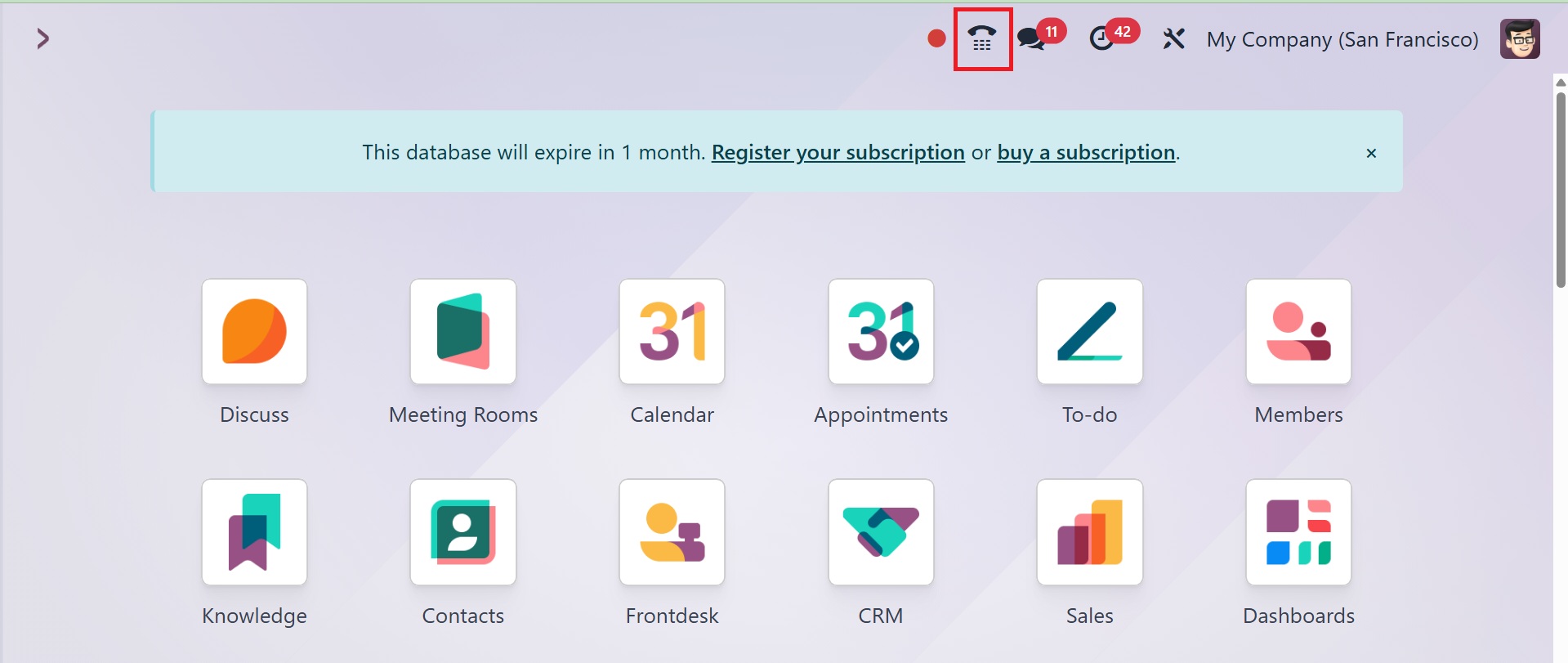
When the user clicks on that phone symbol, a small VoIP window will
open there. The screen is divided into three tabs: Contact, Next
Activities, and Recent. As seen in the image below, the Recent tab
shows the most recent call history.
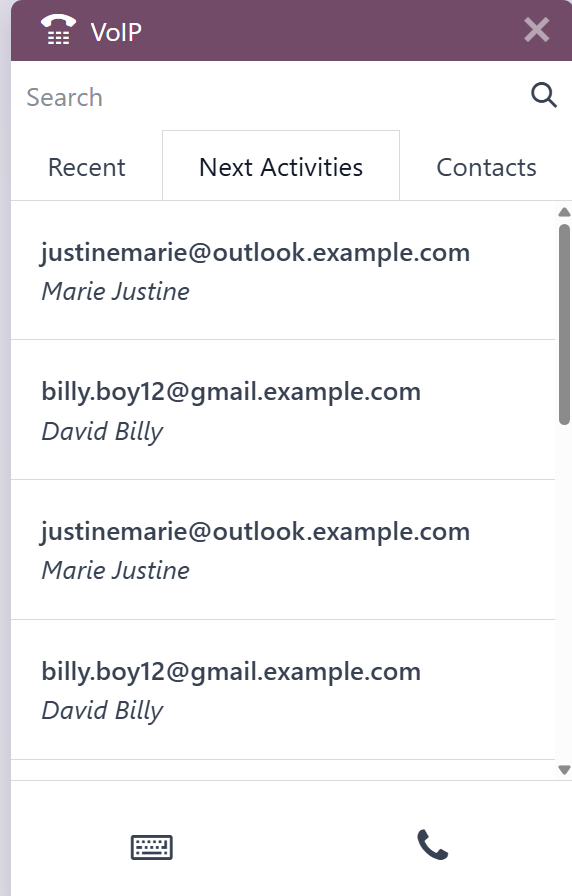
The Next Activity tab shows the scheduled activities, while the
Contact tab shows a list of partner relationships that have been
made.
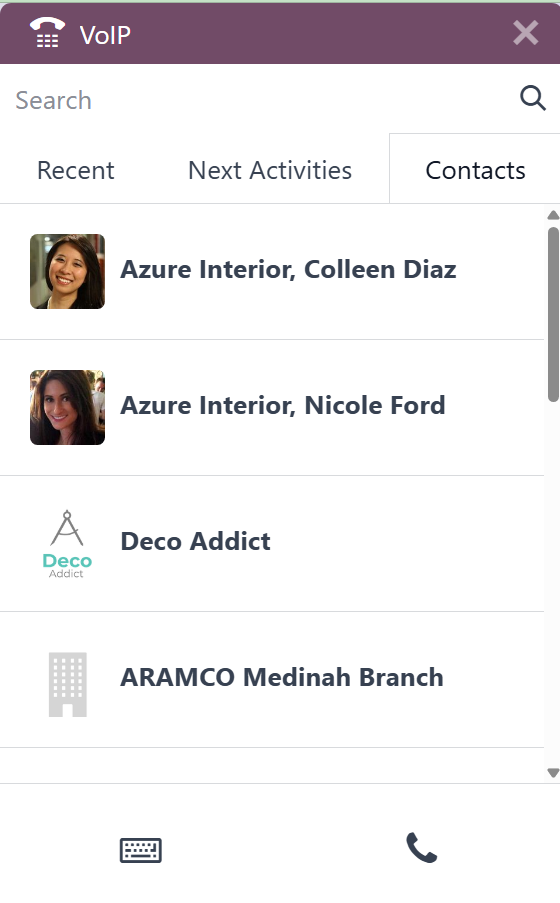
There is an additional search option to look for contacts. Below this
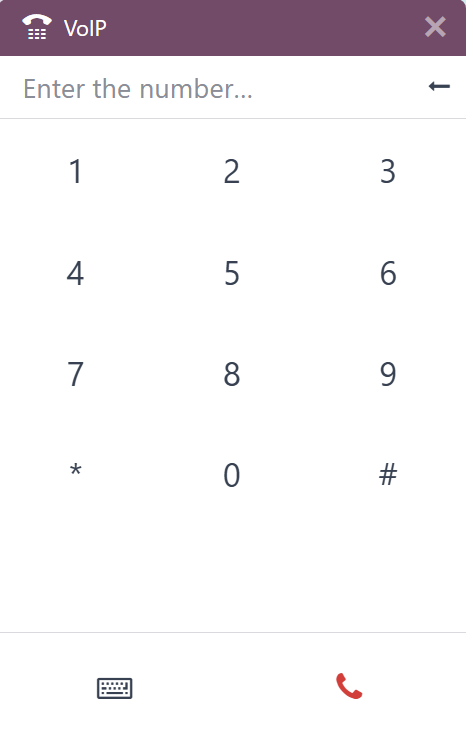
page is a dial icon to dial numbers and a phone icon to call a
designated contact.
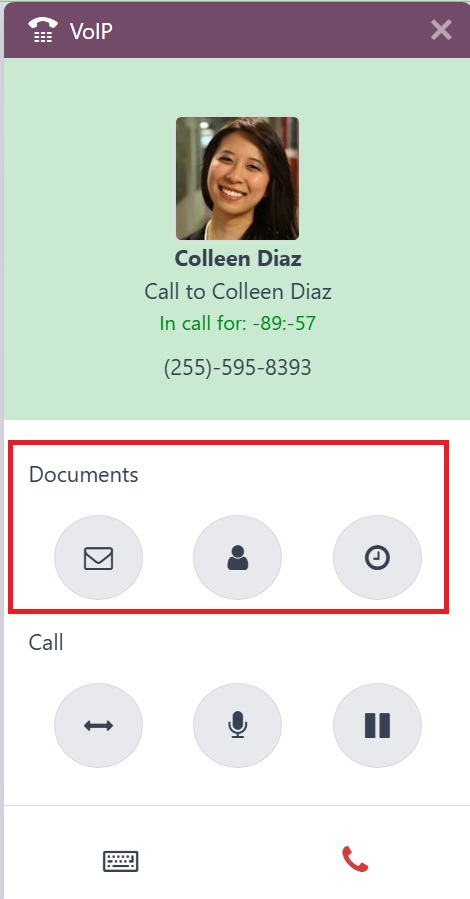
Under Documents, Customer, and Activity, you'll find three additional
buttons, such as mark as done, edit, and cancel.
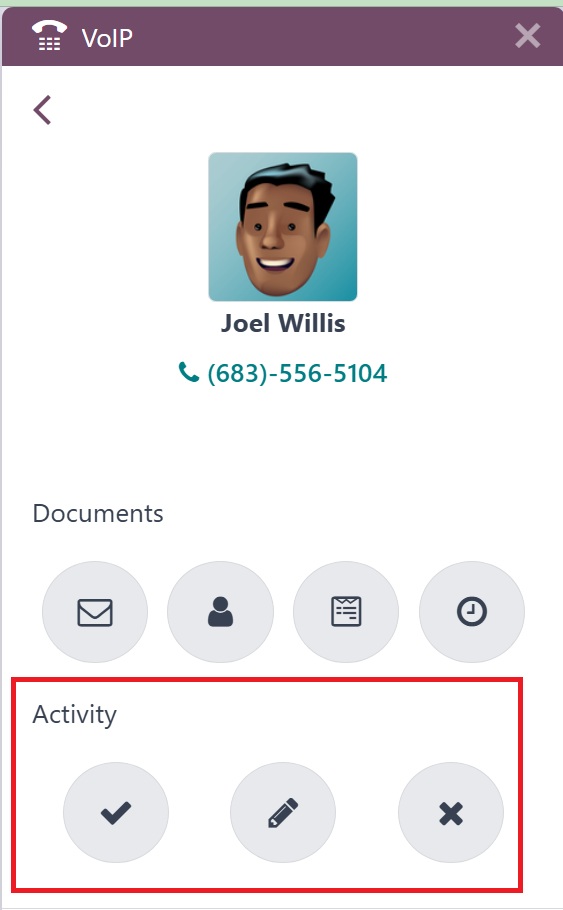
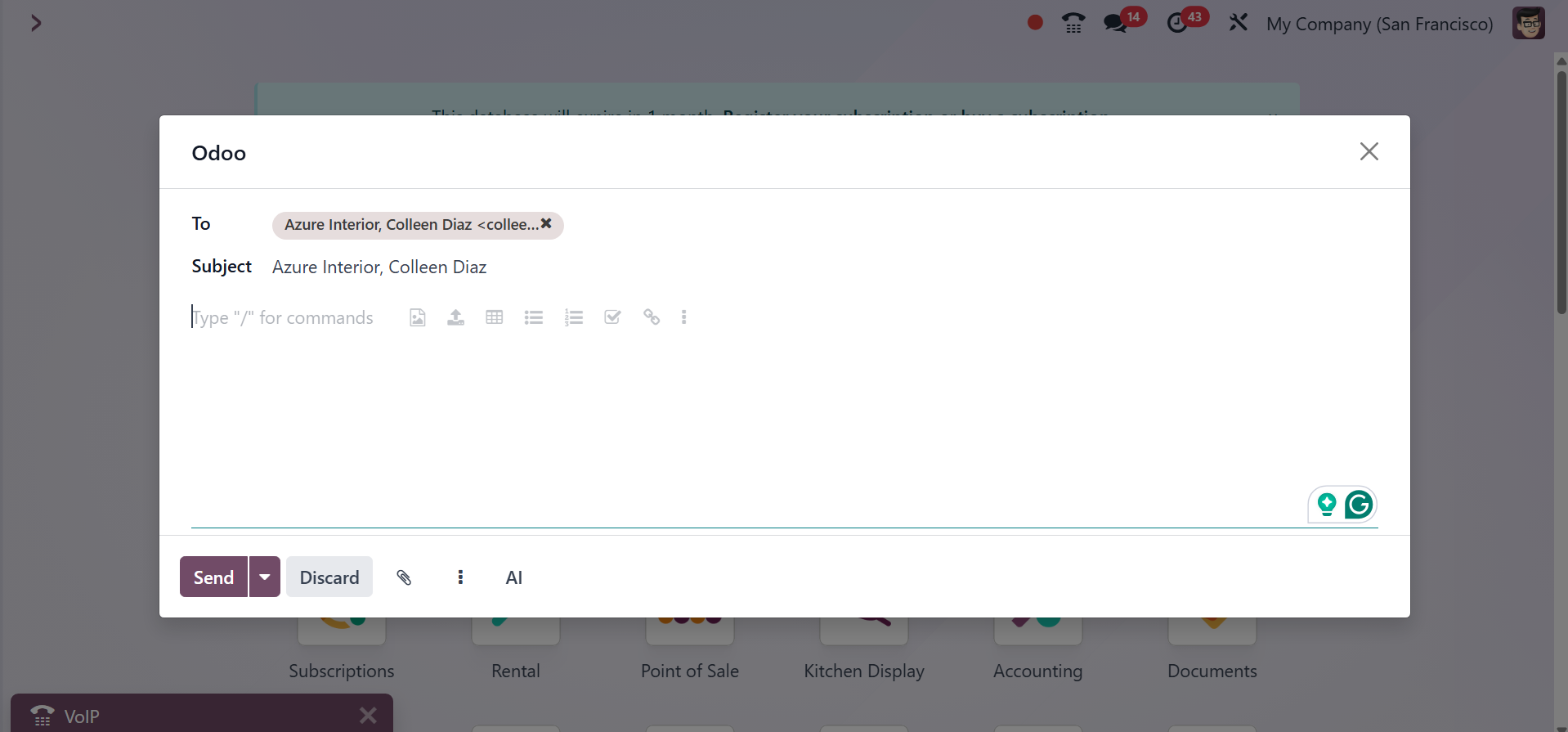
When you click the Documents button, another window opens. and also
allows users to email their relationships.
When you click the Documents button, another window opens. and also
allows users to email their relationships.
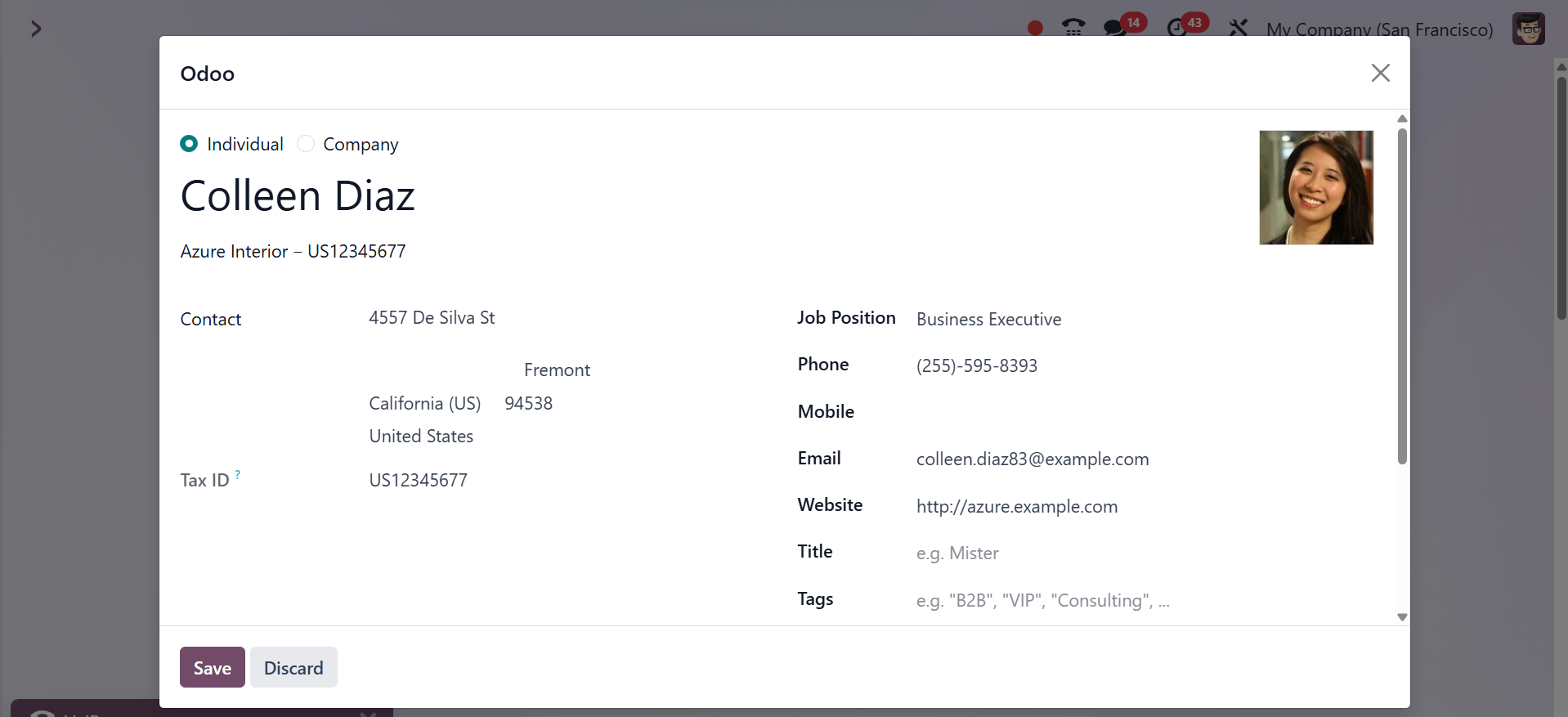
Select the Customer choice next. You can examine and modify the
details when the selected client form opens.
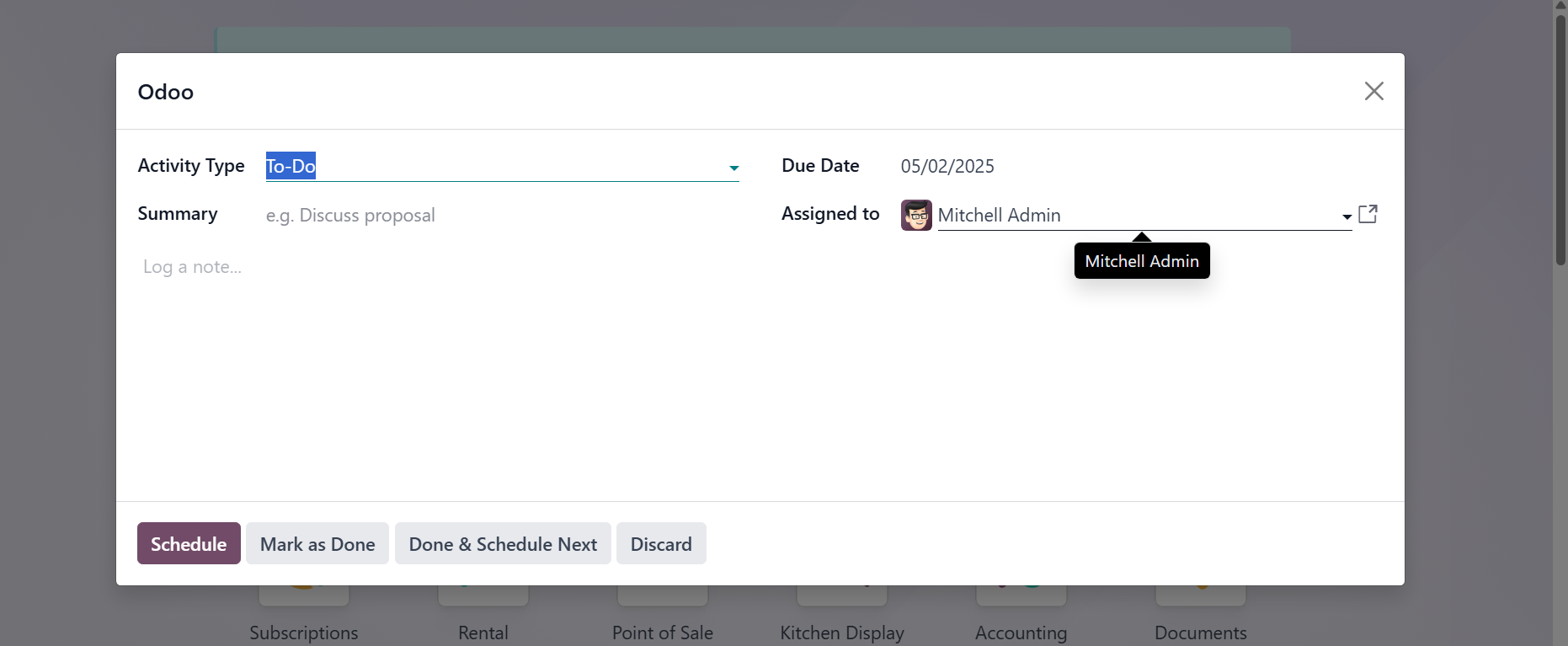
Using the third button on the Activity screen, choose the Activity
Type, Due Date, Summary, and Assigned Person to create new
activities.
Users can dial the number to make a call with the aid of the dial
icon.
As a result, the VOIP module facilitates communication between users
and partners by effectively managing calling. You may do more than
simply make calls; you can also exchange documents and plan
activities.