2. Goals
Employee involvement depends on the attainment of corporate goals,
which differ from business to business. With Odoo 18, employees can
be assigned a range of objectives. Therefore, evaluating how
individuals are contributing to corporate goals is advantageous for
organizations. Select the Goals menu in Odoo 18's Appraisal module.
The Name, Date, Employee name, Progress, and other details are
displayed in the Kanban view of the Goals window. The New button
allows users to set a new objective.
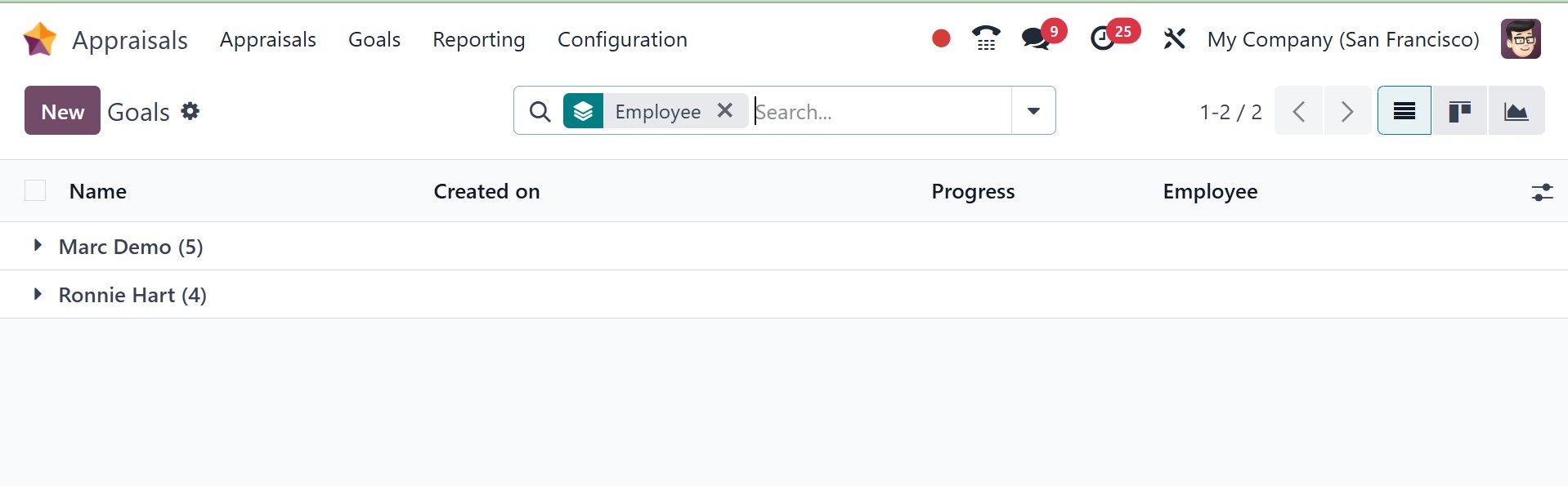
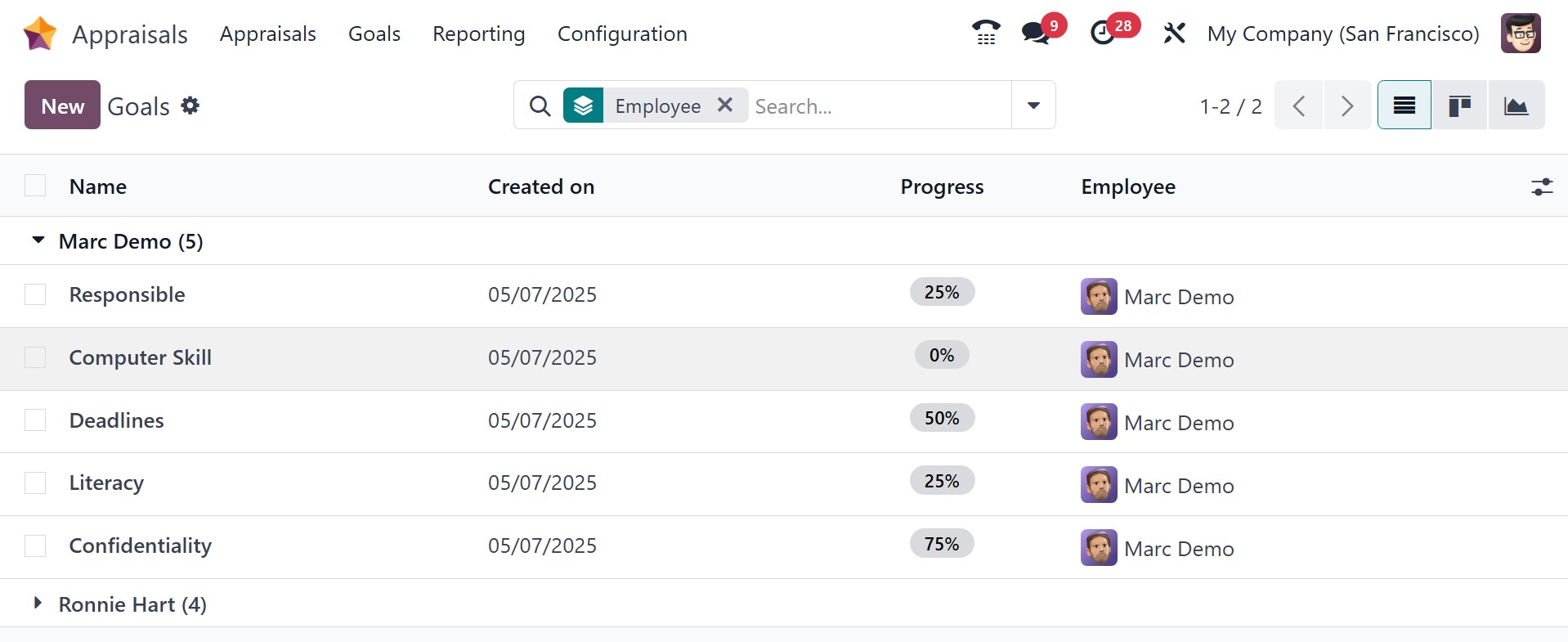
On selecting particular goals, you will get the subdetails of the
employee, as in the image below.
On the new screen, you can choose the assigned employee and apply the
main objective.
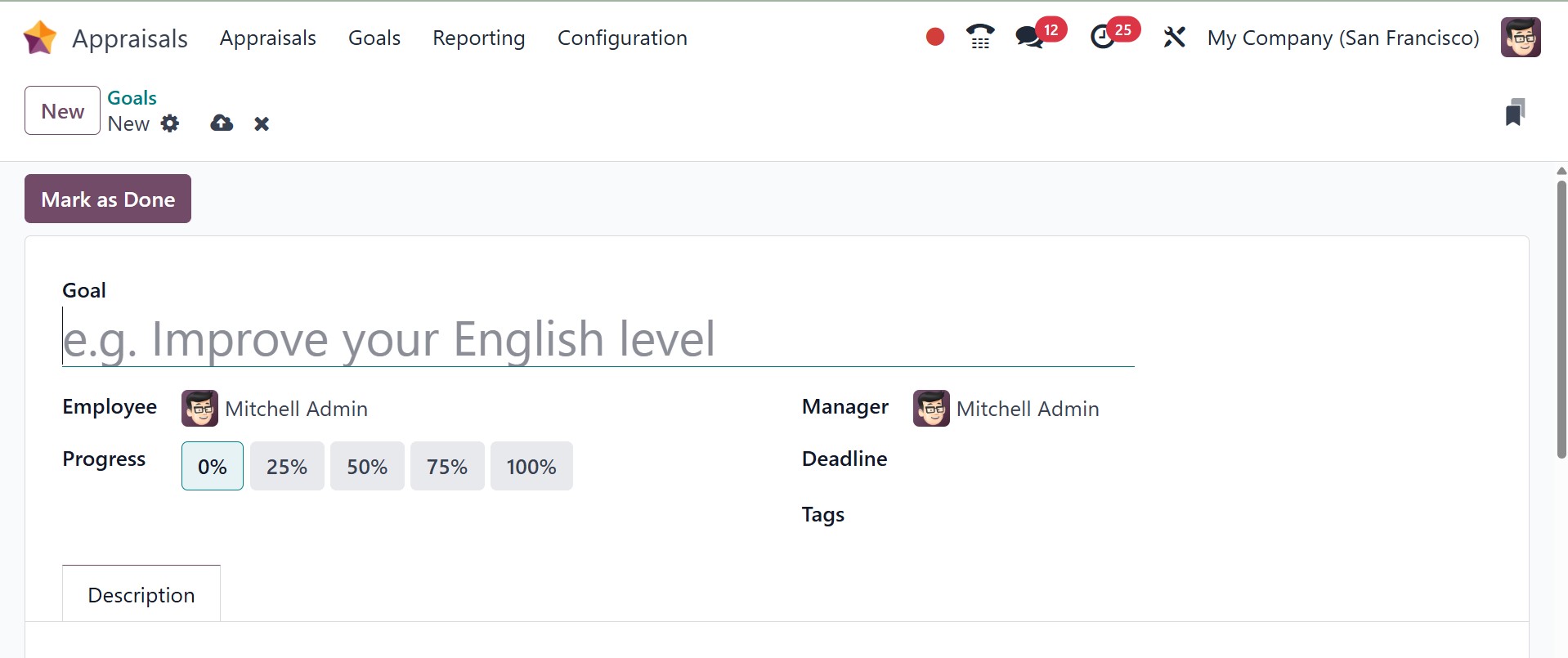
Employee progress might be shown as 0%, 50%, 25%, 100%, or 75% of the
total amount needed to reach the target. Manager and Deadline can
then be added in the Goals window.
Inside the Description tab, you may enter further goal-related
details. After entering each piece of information, you can click the
Mark as Done icon. Odoo 18 quickly and automatically stores all of
the data.