The Odoo Accounting module will ensure that the accounting activities run easily and successfully while also helping with the company's overall financial management. Furthermore, the Odoo Accounting module may be considered one of the most sophisticated finance management systems available today because of the specialized tools and functional possibilities that are provided in relation to every facet of the business's financial operations.
Using the Odoo Accounting module, we concentrated on financial management, vendor, and customer variables in the previous chapter. We took into account every menu option for handling clients and suppliers, in addition to the specific options accessible to support operational efficiency.
This chapter will concentrate on the accounting management features of the Odoo Accounting module, which will help businesses run more efficiently and have complete control over their financial management. The following features of the Odoo Accounting module will be covered in this chapter:
To guarantee a thorough understanding, each of these functionalities will be covered in detail using examples and sample hosts from the Odoo platform.
- The specific accounting management tools
- Accounting Management Action that is clearly specified
- Accounting ledgers that are useful
- Aspects of Journal Management
- Other functions and tools have been employed.
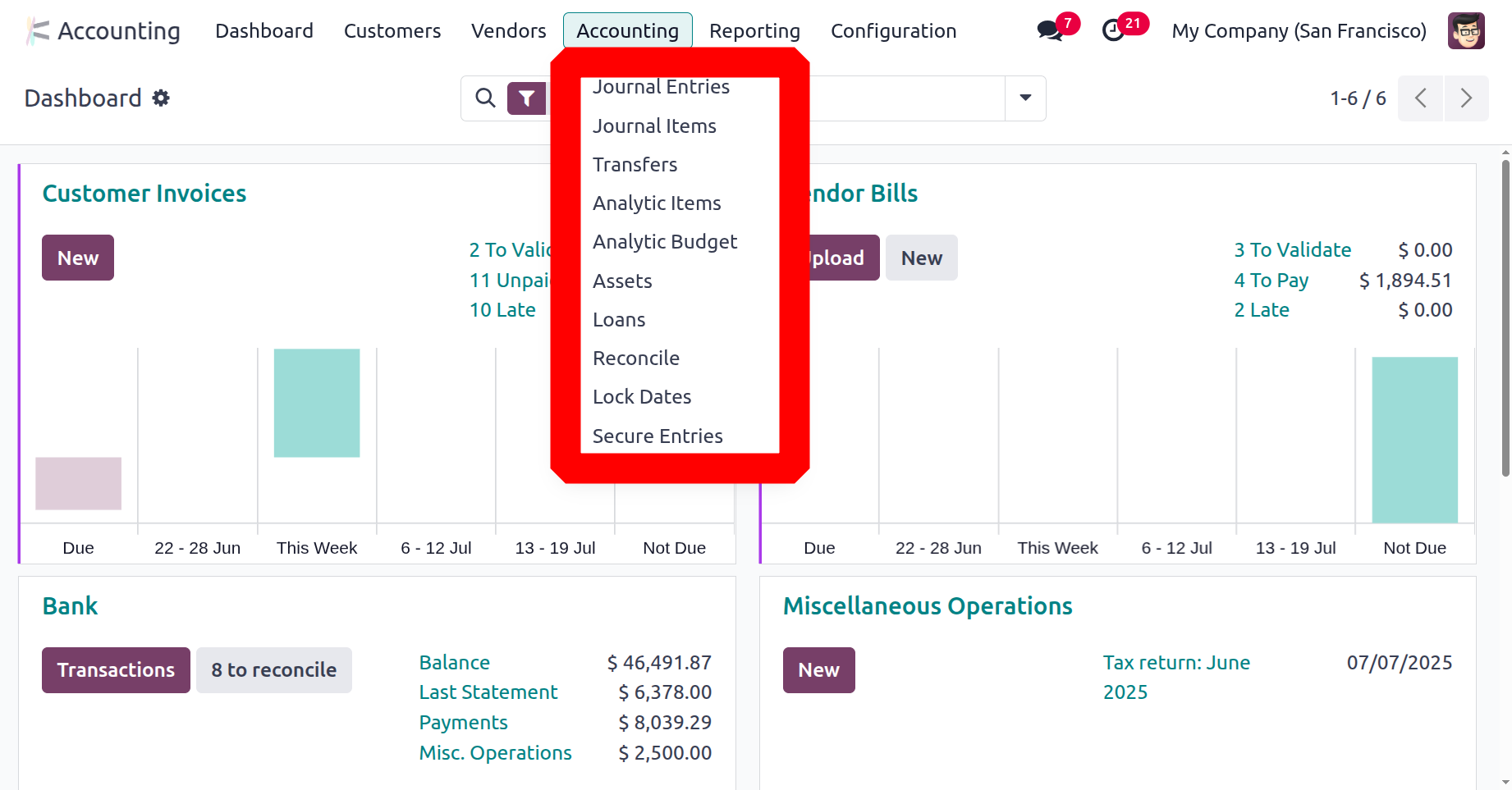
Journal Entries
Journal entries are the first step in keeping records effectively. A journal entry is the act of documenting any transaction, whether it be stock or financial. A journal entry documents a company's debit and credit account transactions.
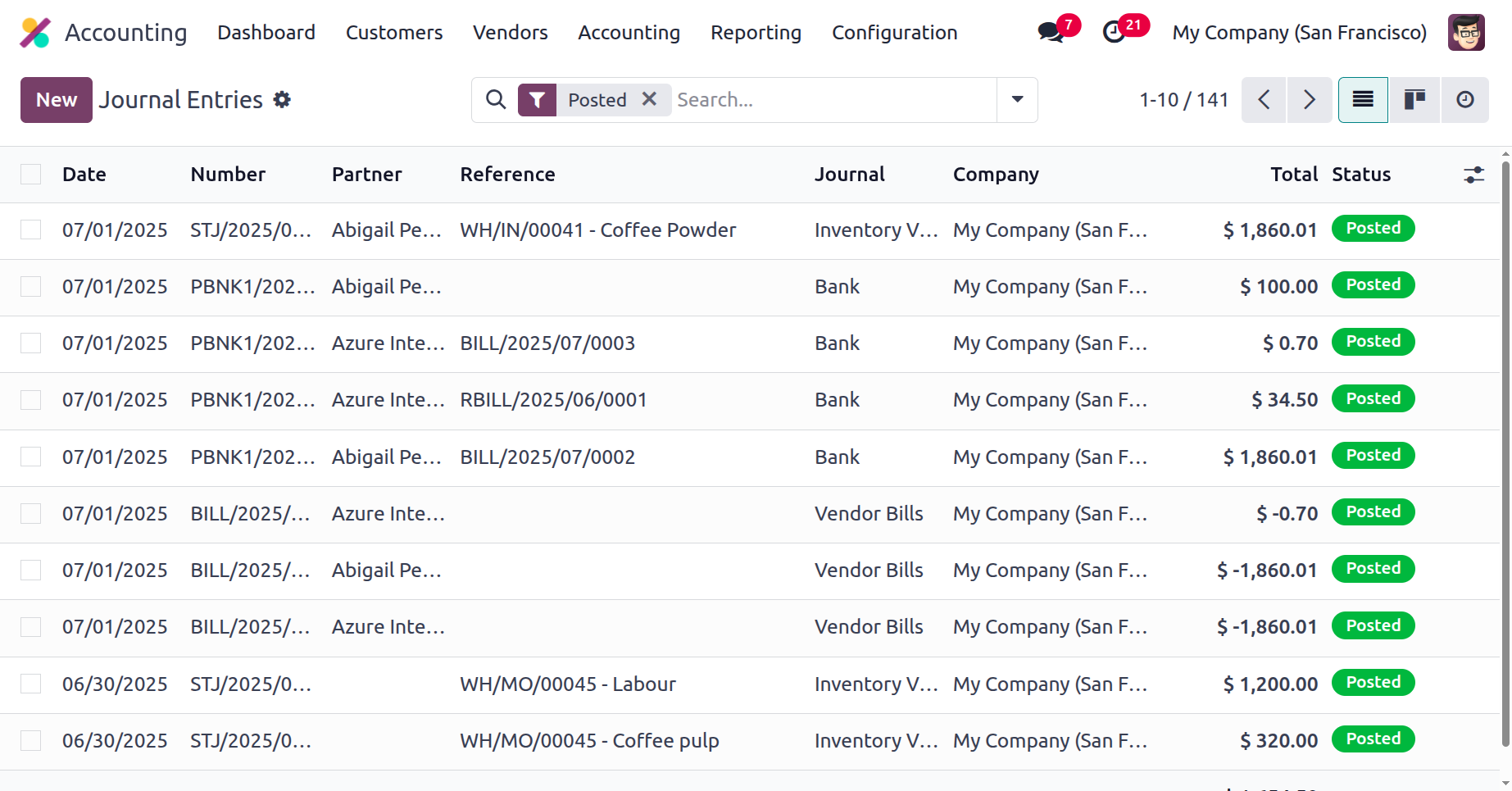
You can view all of the company's journal entries from the Accounting menu. There are six types of journals in Odoo. The various types of journals include Cash, Bank, Purchase, Sales, Credit Card, and Miscellaneous. All of the entries that belong to each journal are contained within the Journal Entries. The posted date, sequence number, partner name, reference, journal, firm name, total amount, and status of the item can then be viewed.
In Odoo, adding journal entries by hand is also possible if you click the New button. First, fill out the creation form with the Reference, Accounting Date, and Journal. The Journal Items tab allows users to designate the Journal items.
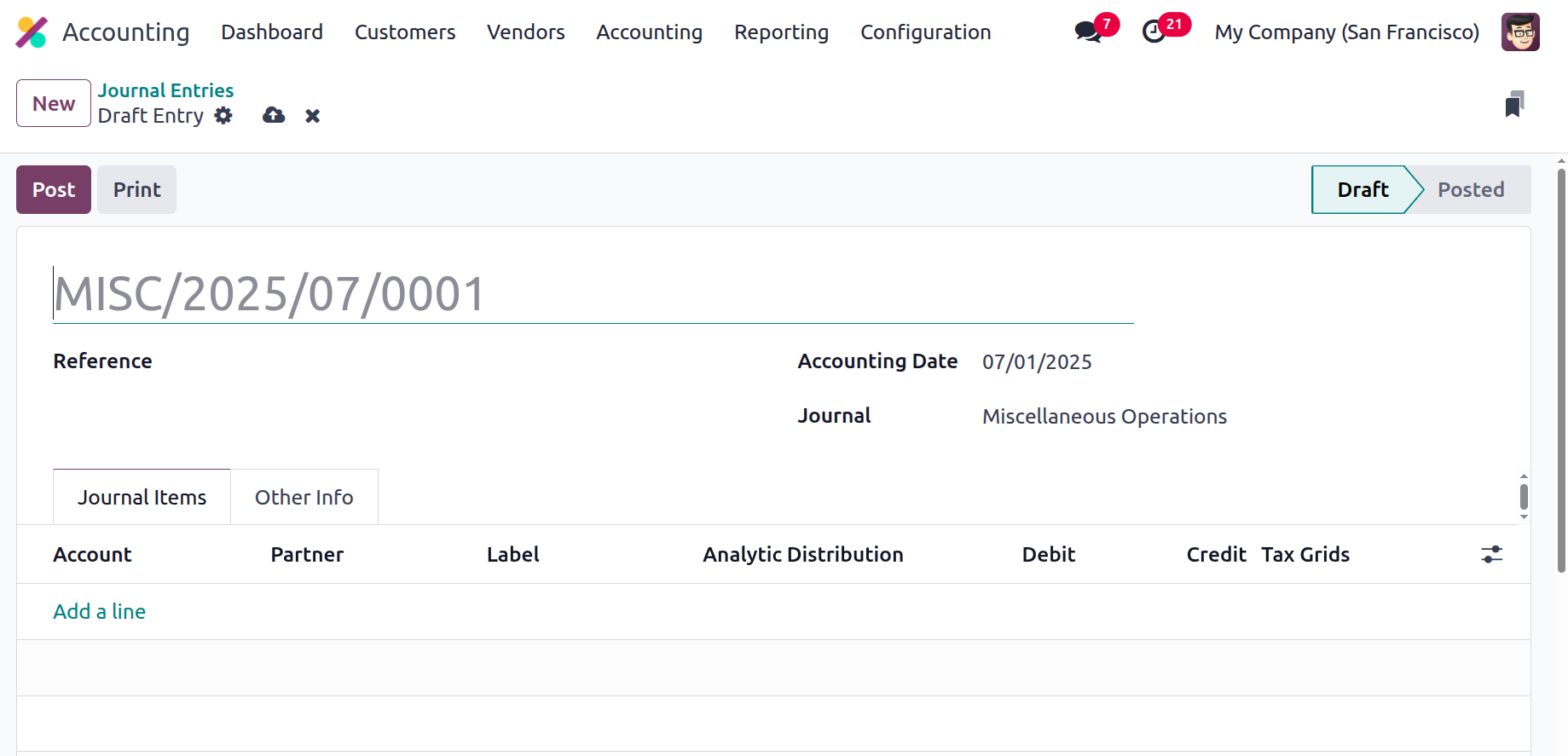
Click the Post button at the top of the screen after adding the necessary journal entries. After that, the post will be created.
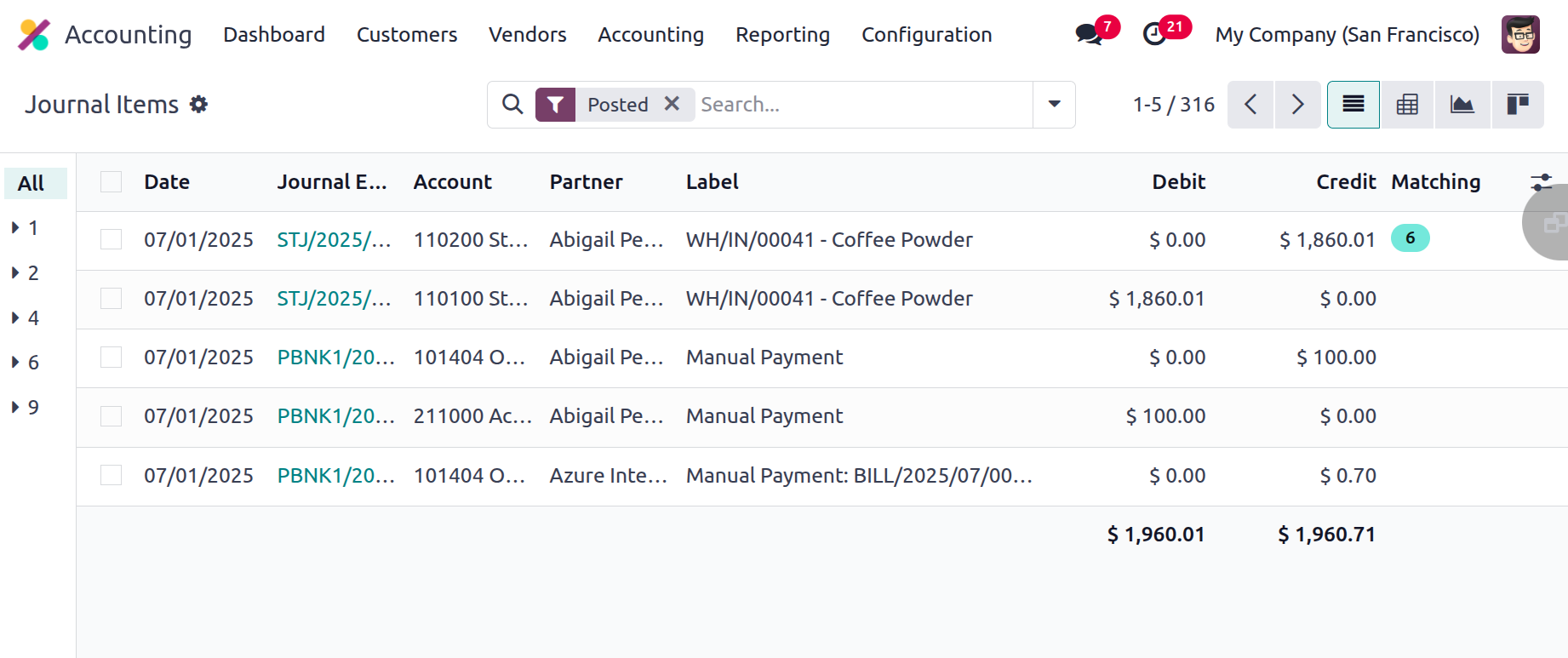
Journal Items
Each diary item can be examined separately using the Accounting menu's diary items menu. The date, journal entry, partner, label, and credit and debit accounts can then be viewed. The Matching can be used to reconcile the entries.