How to Install Odoo in a Windows-Based System?
Without the need for configuration codes, the Odoo platform is just as simple to install as Windows-based solutions. The Odoo platform may be installed on Windows systems by following the instructions below.
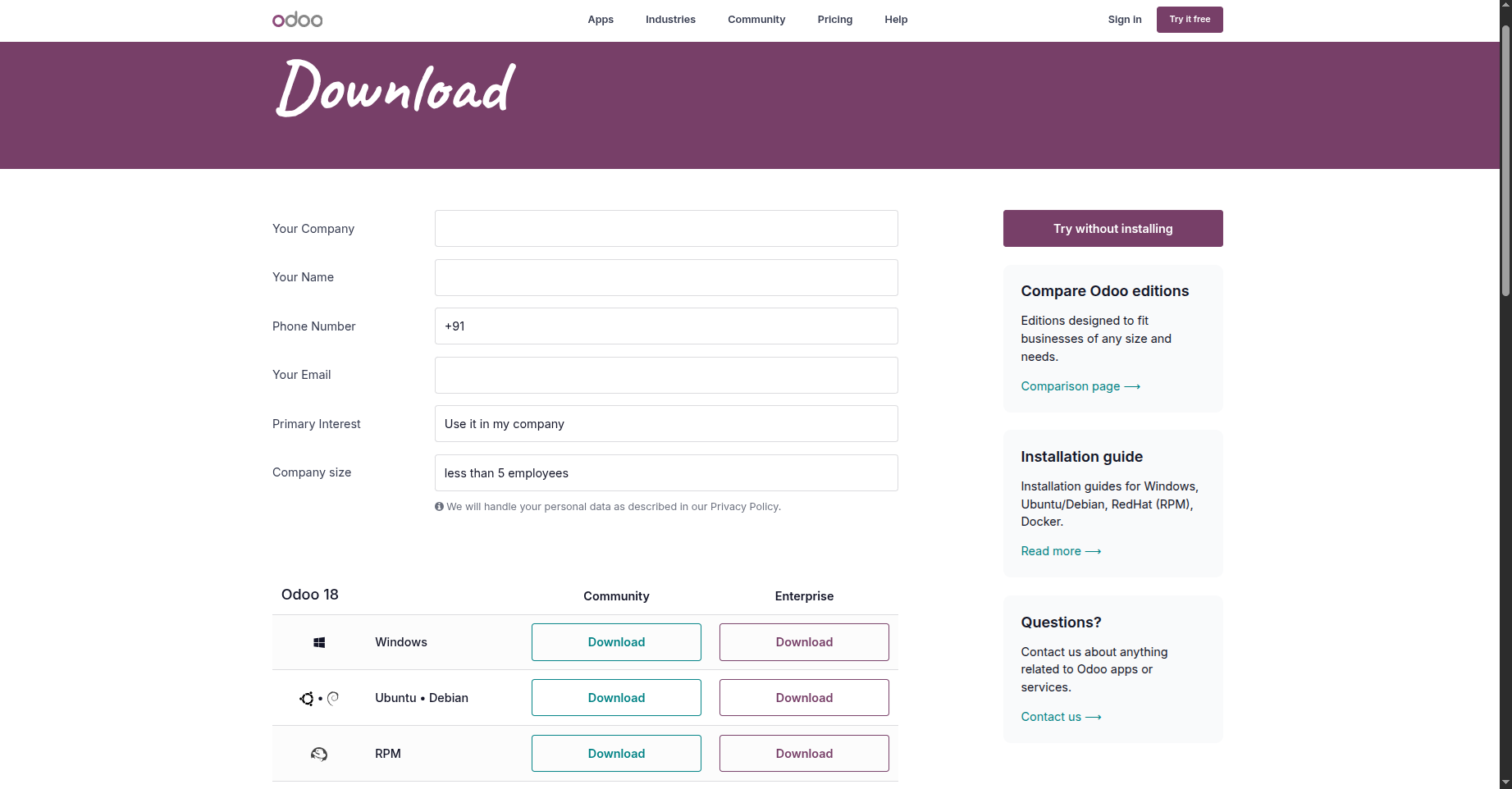
As seen in the following image, the Odoo website offers the Windows installation file for download.
Below is the download URL: https://www.odoo.com/page/download
To install the downloaded file, double-click it now. This will open a pop-up window like the one in the picture below.

Then, as indicated below, modify the PostgreSQL configuration data in the window:
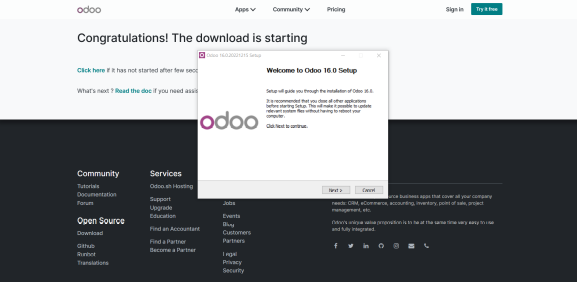
The destination folder where Odoo will be installed and configured must then be specified.
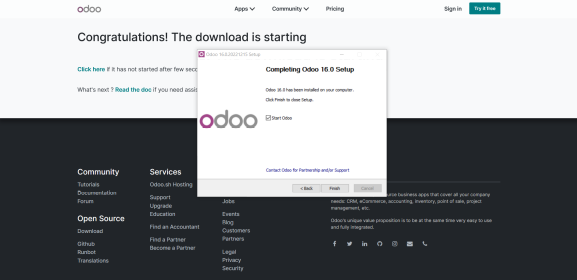
Lastly, you must launch the program and set it up to use the database according to the instructions in the following section.
You can begin using Odoo for your purposes after the installation is finished. The functions associated with database configuration are explained in the section that follows.