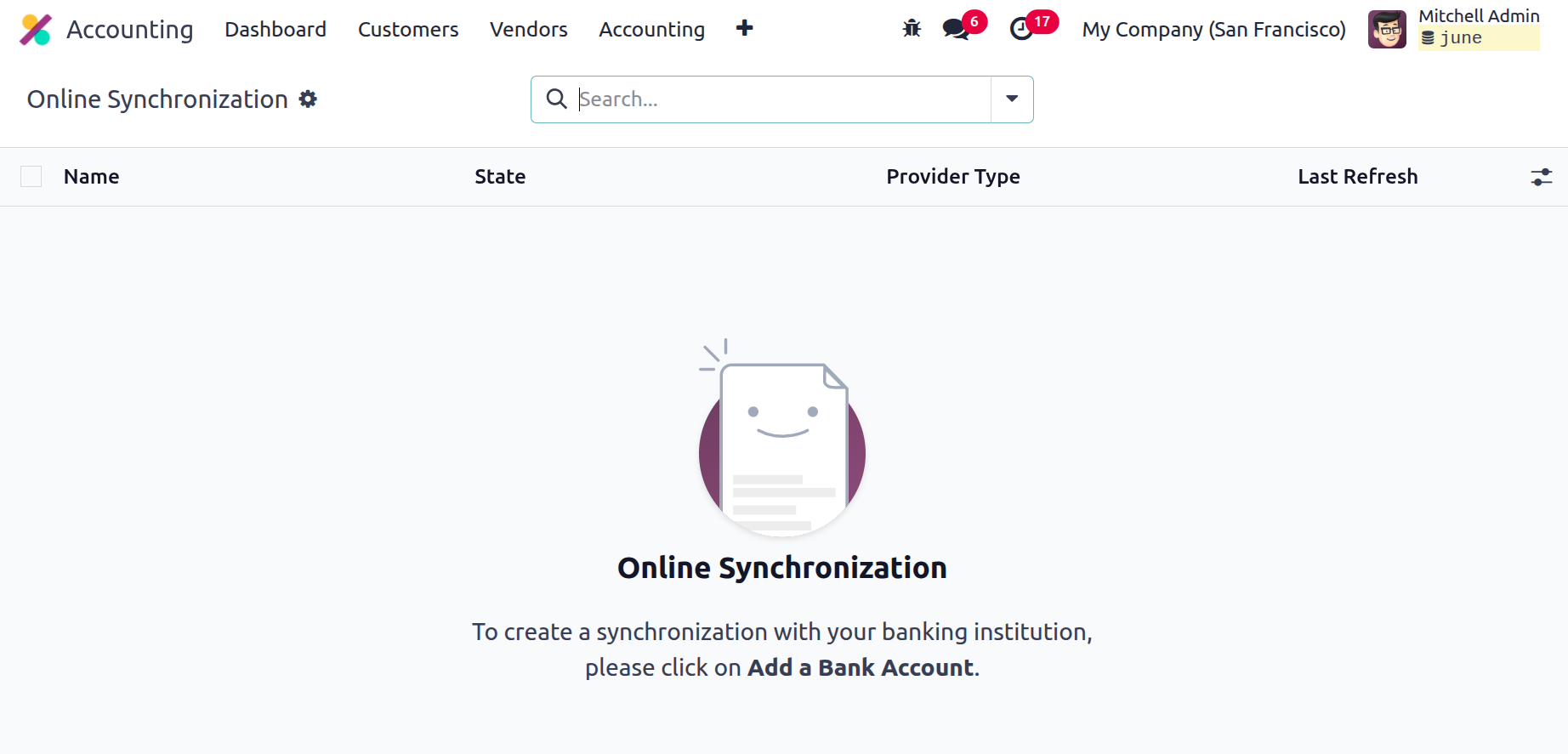
Online Synchronization
One helpful accounting feature in Odoo 18 is Online Synchronisation, which lets users keep their books or records up to date and in sync with their external accounts. Importing and syncing data from external accounting systems happens instantly. Invoices, payments, and journals can be automatically created for users who map their accounts. The double-entry bookkeeping features allow users to keep balanced and accurate books. You can rapidly reconcile your bank account transactions to ensure that all of them are documented.
By enabling you to synchronise your Odoo18 Accounting data with an external system and maintain your accounting data current and accurate, this practical tool facilitates data communication with other systems. The online synchronisation feature works by establishing a connection between two systems, such as Odoo 18 and an external accounting system. Once the link has been established, the two systems can exchange data instantly. This suggests that the other system will automatically update if a new entry is made in the first one.
This feature allows you to specify options for the data flow between the two systems. For example, you can control which fields are not synchronised. In the event that the two systems cannot agree on how to use the data, you can also designate how it will be handled.
The best way to see whether your bank account and Odoo 18 are synchronised is to use the Online Synchronisation tool. This allows you to sync your Odoo18 database with your Odoo cloud instance. The purpose of this function is to increase the efficiency and dependability of data transfers across different databases. Regular data transfers from the Odoo database to the cloud instance are made possible by the sync capability, which also downloads changes from the cloud instance. This ensures that both databases are up to date and that any modifications made to one are reflected in the other.
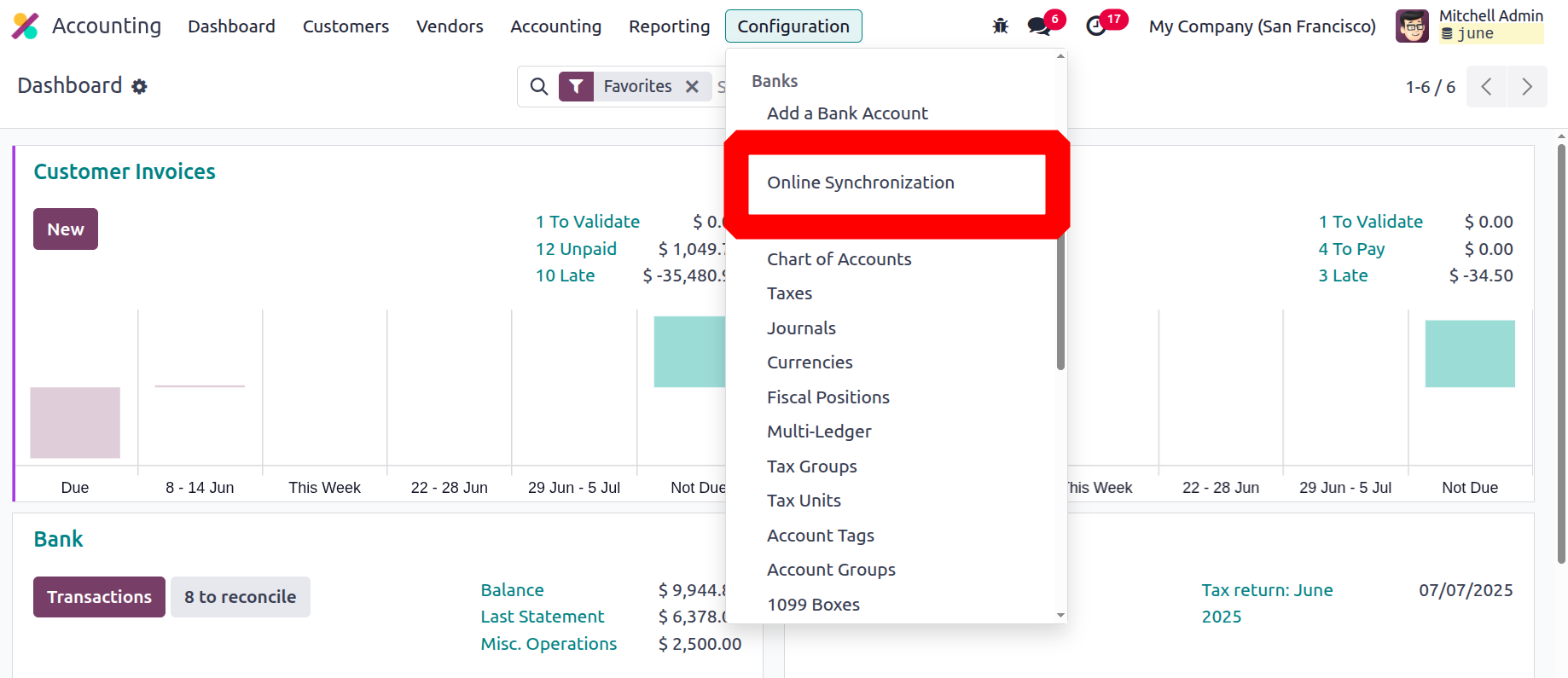
In order to utilise the synchronisation feature, you must first connect and authenticate their local database with the Odoo cloud instance. This is done in the Odoo interface's Configuration section. As seen below, you can access the Online Synchronisation option by going to the Banks section of the Configuration tab.