Transfer
An automated transfer procedure in the business's accounting system might be useful for routine business processes. The major reason to adopt Odoo is to make everything work more smoothly, and Odoo Accounting helps to streamline daily operations. You can set up the Transfer procedures to automatically transfer money between accounts at predefined intervals by using the Automatic Transfer feature option included in the module's Accounting menu.
For example, you can use the Automatic Transfers option if you need to transfer funds between accounts within a certain amount of time. After every time frame, you can repeat the procedure. This method can be applied, for example, when a specific percentage of a total is allocated to a business project of any type, and the required funds need to be transferred on a monthly, quarterly, or annual basis, continuously until the procedure is manually terminated.
For every newly created automated transfer, the menu specifies the Names, Start and Stop dates, and Frequency of operations. To sort the desired Transfer data, you can utilize the Filter and Group by options.
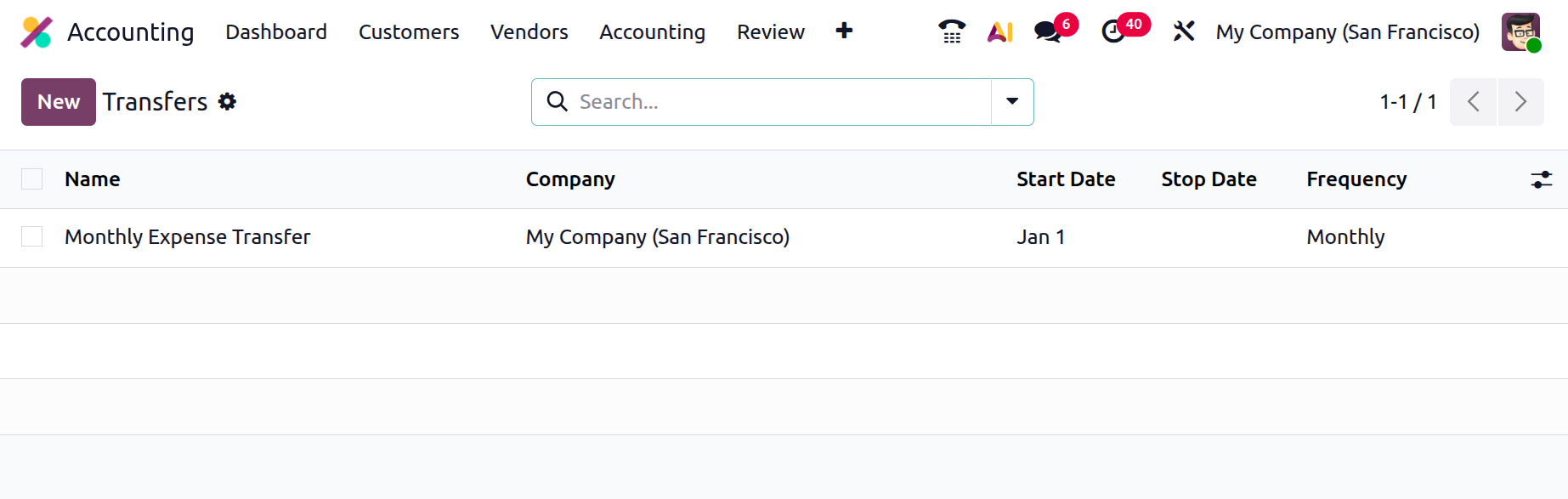
By selecting the build option, which will launch the Transfer Creations window as shown in the figure below, you can create new automatic transfer activities. The operating term from the start date to the end date should be supplied after the automatic transfer's name.
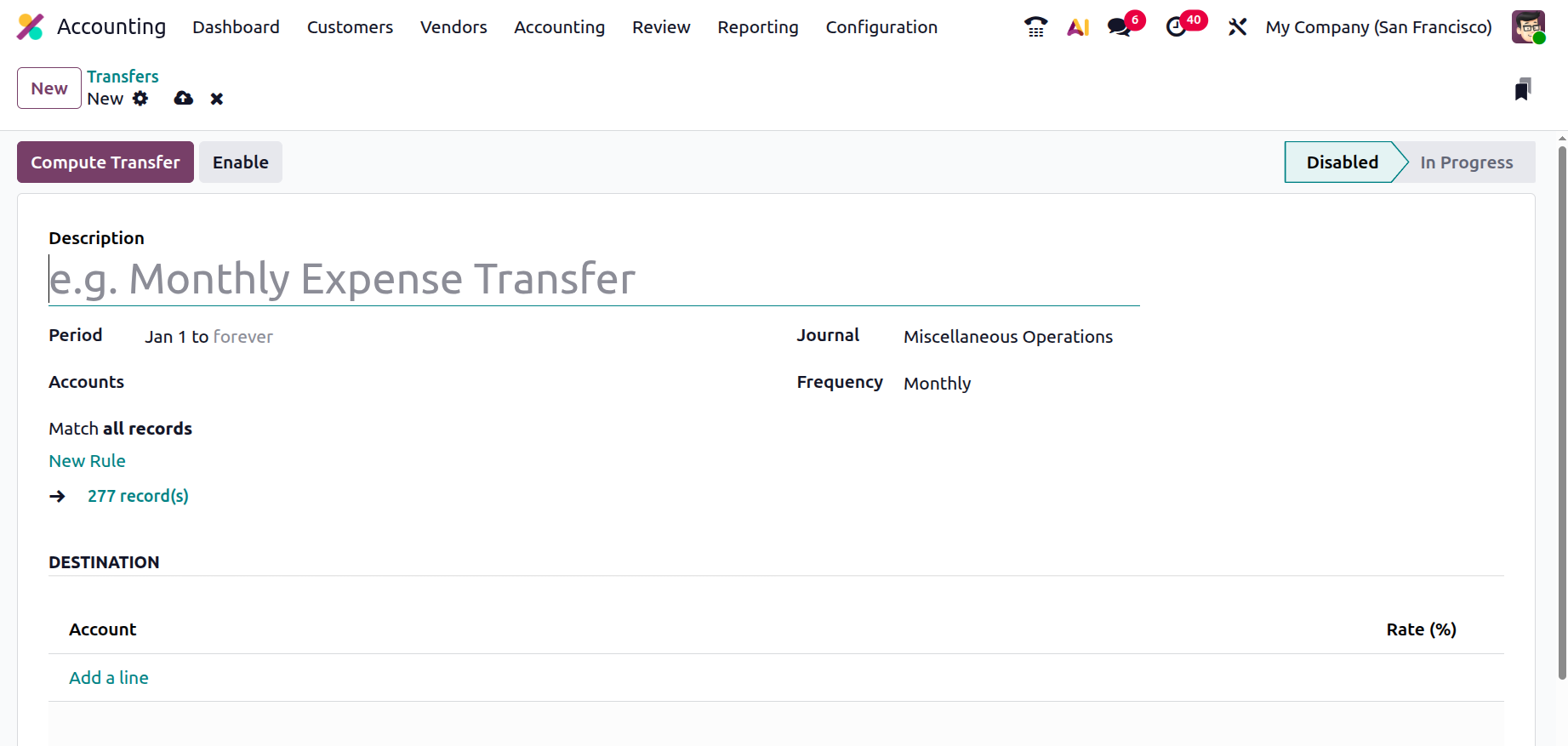
The Journal of Operations specification also makes it possible to choose the correct Journal for the Transfer using a drop-down menu or to create a new Journal. The New Rule option allows you to specify the Filter. Mention the Frequency and the Accounts. Additionally, you can set the Accounts and Rate (%) for the relevant Transfer by selecting the Add a line option on the Destination.
Once you have completed customising the Transfer, you must save the corresponding Transfer window. The destination account must be added to the automated transfer. If you would like, you can specify a percentage of the entire transfer to the destination account. Therefore, at each predetermined interval (monthly or annually), the appropriate portion of the Account's funds will be automatically transferred to the Destination Account. At that point, the Automatic Transfer just needs to be verified and activated.
When the necessary Automatic Transfer is activated and running and you need to calculate the Transfer details over an extended period of time, the Compute Transfer operations option will provide you all the information about the Transfer that has been triggered to be in operation. All of the generated transfers are listed under the Transfers smart tab in Draft Entry, which can be submitted automatically or manually. The necessary journal entries will be uploaded automatically on the accounting date if the Post Automatically option is chosen. Until the conclusion of the predetermined operational period, transfer activities from the designated accounts will continue; after that, they will be automatically terminated. Additionally, you can stop the relevant Transfer processes by using the Disable option.
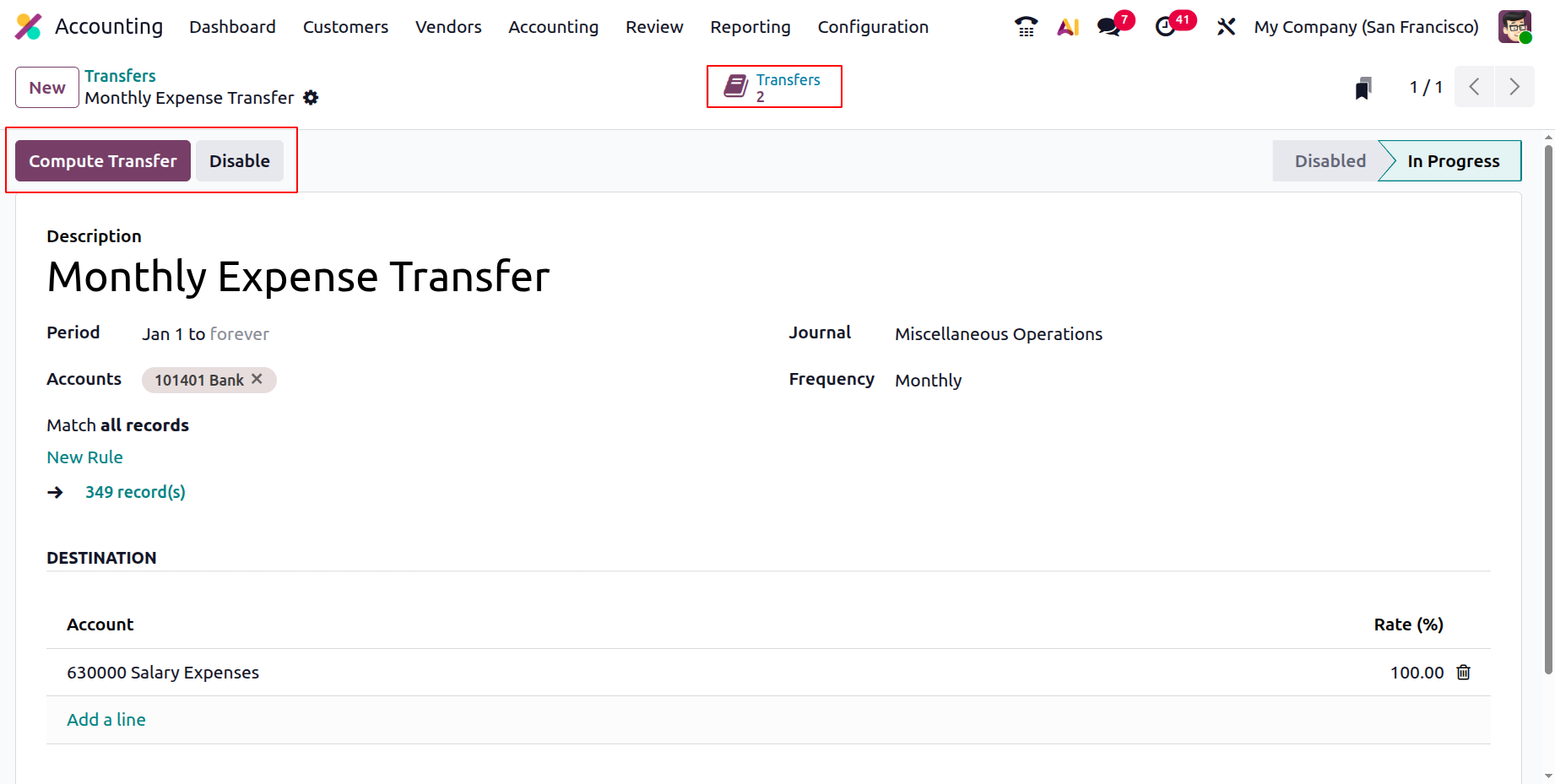
The Automatic Transfer Management tool, an additional options menu in the Odoo Accounting module, allows scheduled transfer actions to be executed automatically for a predetermined amount of time. Next, let's talk about the Odoo Accounting module's Analytic Items capability.