How Can Odoo Be Installed on a Windows System?
The Odoo platform is equally easy to install as Windows-based solutions because it doesn't require configuration codes. The Odoo platform may be installed on Windows systems using the following steps.
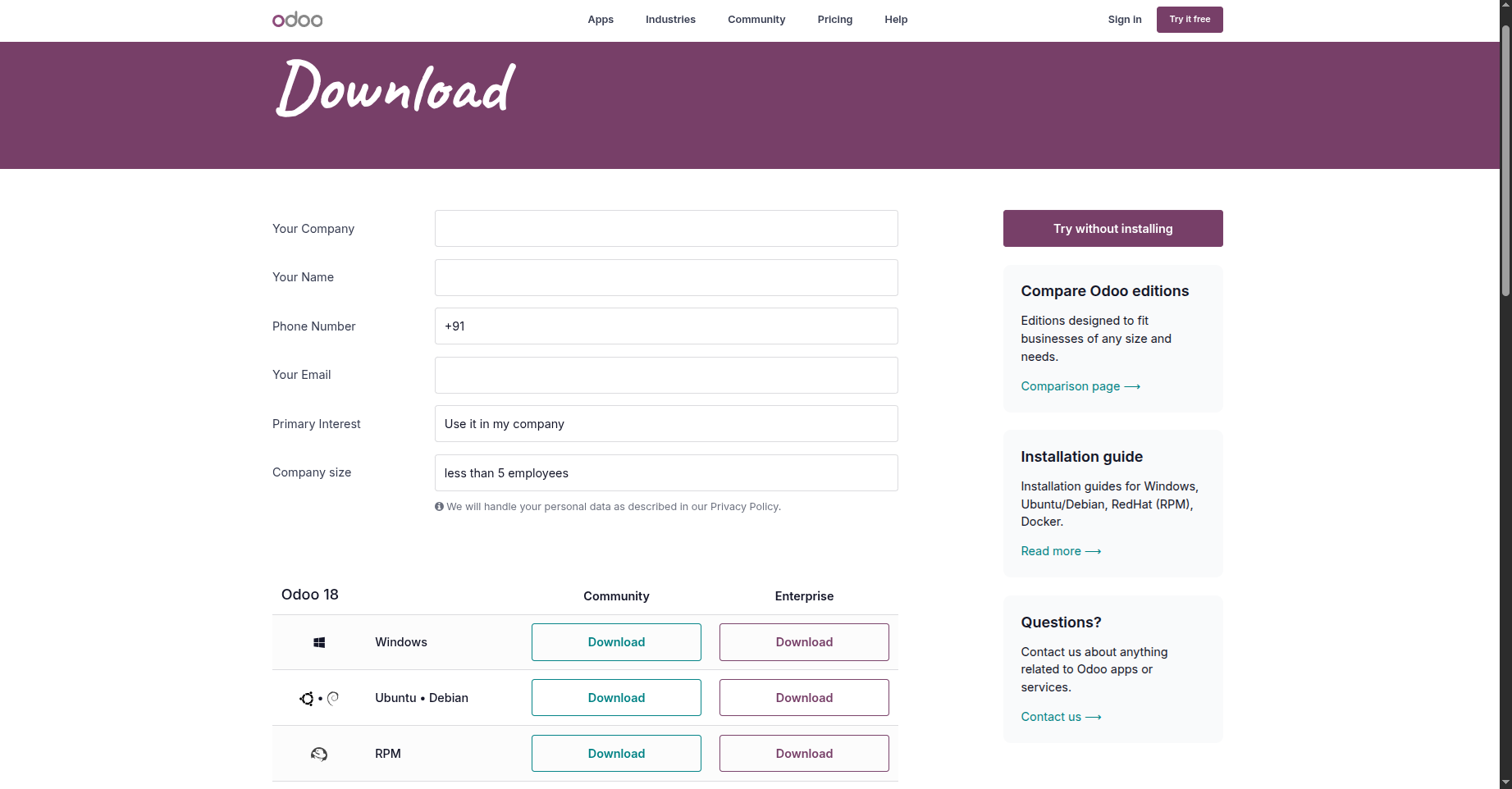
The Odoo website provides the Windows installation file for download, as shown in the image below.
The download URL is provided below: https://www.odoo.com/page/download
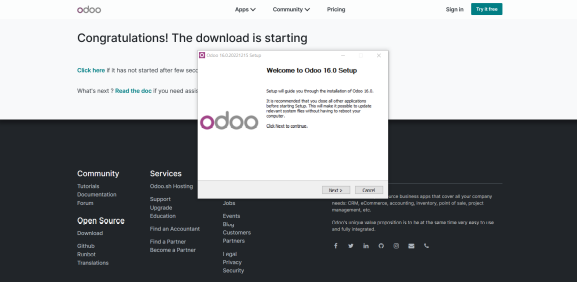
Double-click the downloaded file immediately to install it. This will result in a pop-up window that looks like the one in the picture below.

Next, make the following changes to the PostgreSQL configuration data in the window:
The destination folder where Odoo will be installed and configured must then be specified.
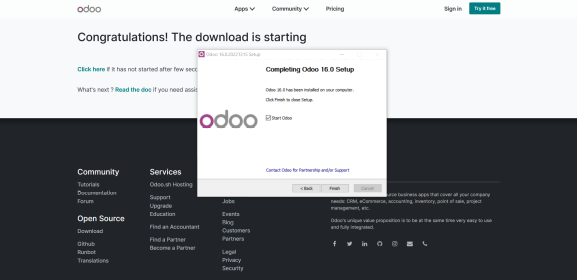
Lastly, you must launch the program and set it up to use the database in compliance with the instructions in the next section.
You can begin using Odoo for your purposes as soon as the installation is finished. The functions associated with database configuration are explained in the next section.