Journal Entries
Effective record-keeping begins with journal entries. Any transaction, whether it be financial or stock-related, must be recorded in a journal entry. Transactions involving a company's credit and debit accounts are recorded in a journal entry.
From the Accounting menu, you may see every journal entry made by the business. In Odoo, there are six different kinds of journals. Cash, bank, purchase, sales, credit card, and miscellaneous are among the several kinds of journals. The Journal Entries contain all of the entries that are associated with each journal. After that, you may see the item's posted date, sequence number, partner name, reference, journal, firm name, total amount, and status.
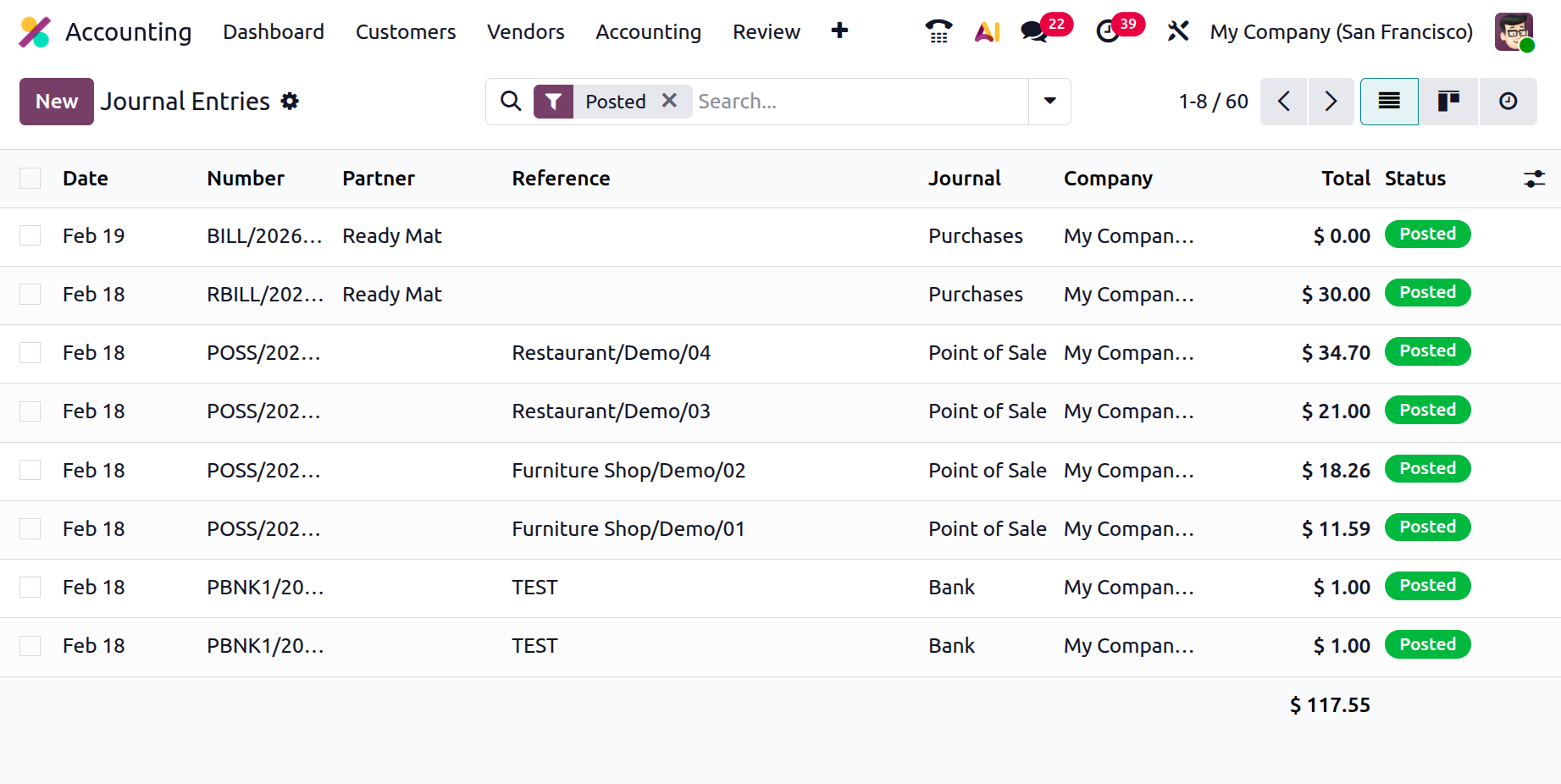
If you click the New option in Odoo, you can also manually add journal entries. First, enter the Reference, Accounting Date, and Journal in the creation form. Users can designate the Journal items using the Journal Items tab.
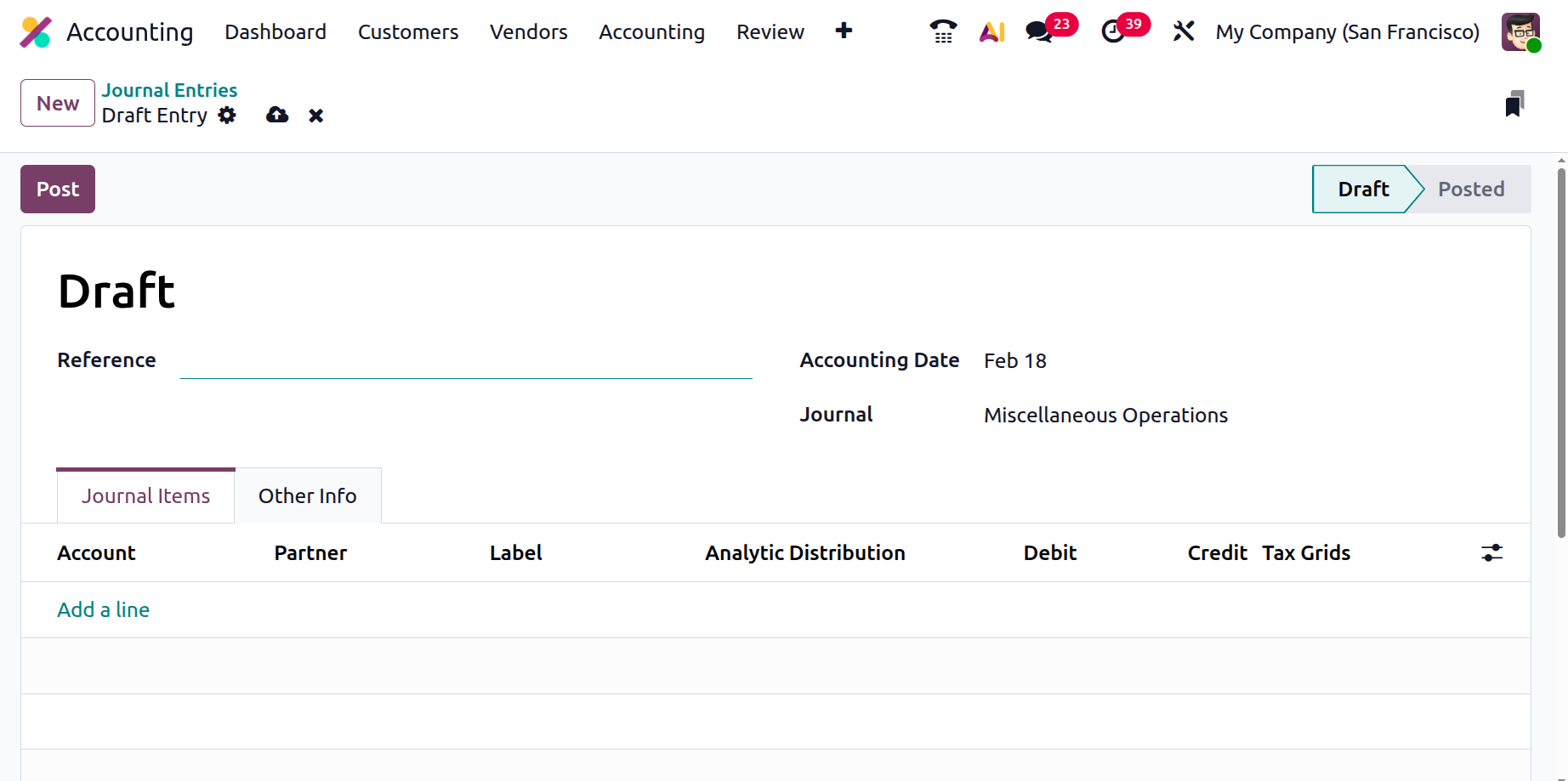
Click the Post button at the top of the screen after adding the necessary journal entries. After then, the post will be made.