Payment Options
To satisfy the operational needs of accounting operations management, Odoo19 provides a variety of setup tools and methods. The administration of payments and related tasks is one of the core elements of accounting management activities. The finance department is responsible for collecting all incoming and outgoing funds. Therefore, you need to be prepared with all the cutting-edge features and tools available in the current digital era in order to specify and accept the payment appropriate for taking funding from a variety of sources.
The Odoo19 platform prioritizes payment options and makes it simple and quick to manage and monitor payment terms, payment modes, and payment methods. The platform makes it simple to set up various payment schedules, payment options, and payment methods for all of their clients, vendors, and customers. Payment trends can be reported, and incoming and outgoing payments can be tracked thanks to this. Additionally, it facilitates the rapid and simple delivery of bills and payment requests. It offers a more efficient method of managing and processing payments. This entails creating and managing payment terms, managing automated payments, and creating and managing payment options. Payment options offer a thorough and practical method of managing and processing payments, freeing up time and resources to concentrate on other business-related duties.
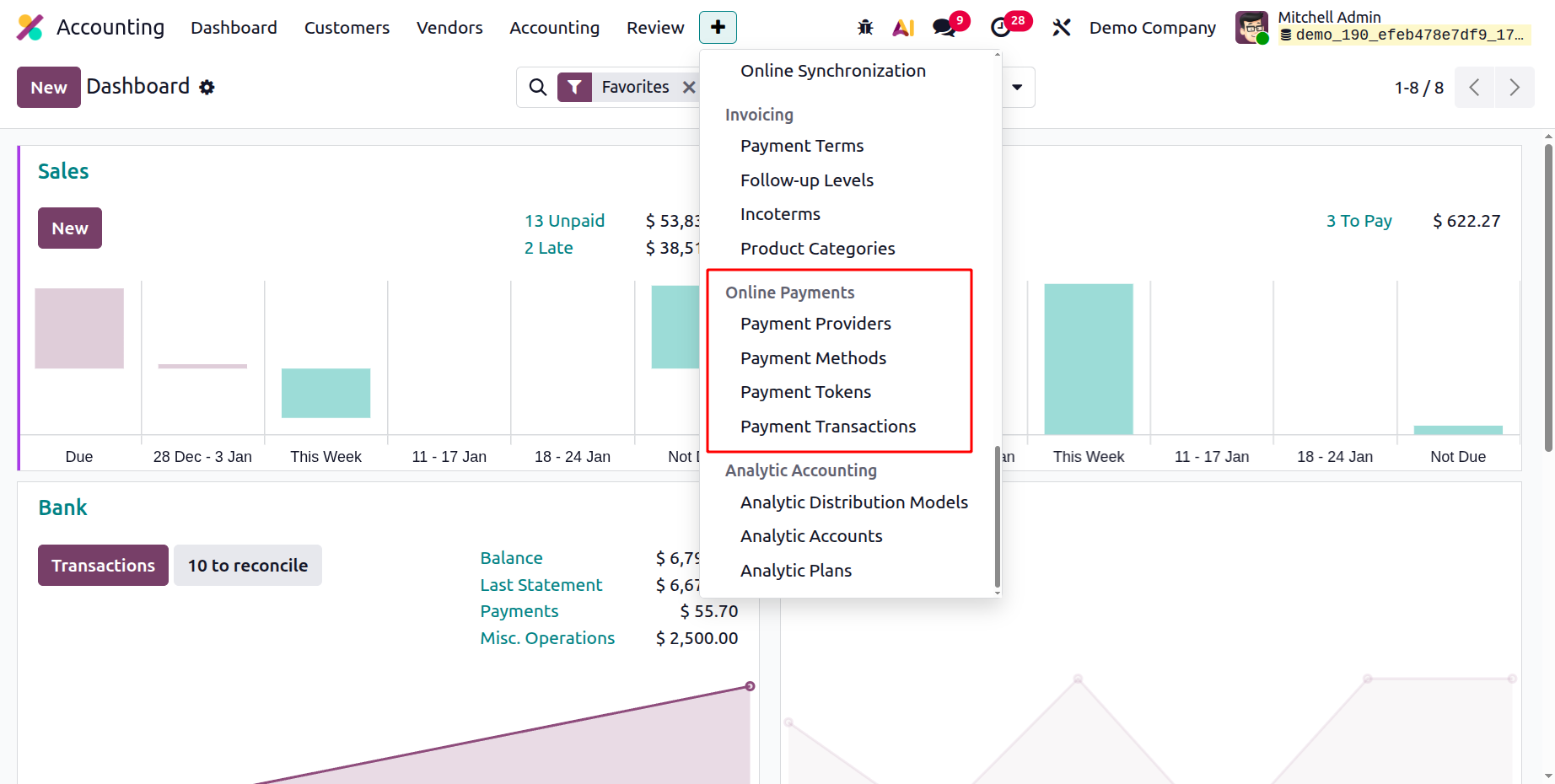
The most practical method of accepting payments is through the payment providers, which are the main component of the Odoo19 instance's payment choices. As a result, we may enumerate the Payment Acquirers that are part of the Odoo19 system in the section that follows.
Payment Providers
The services that enable you to manage payments for your clients are known as payment providers. The Payment Providers feature in the Odoo 19 Accounting module allows you to accept and pay vendors, clients, or suppliers. This guarantees timely payment, minimizes human error, and speeds up the payment and collection procedure. In addition, payment providers provide integrated accounting, automatic reconciliation, and fraud prevention. It allows communication with many banks in addition to online payment processors like PayPal and Stripe. Customers can now pay orders or bills online from the Odoo18 website using a safe and secure payment channel. By enhancing client satisfaction and streamlining the payment process, this integration enables quicker payments.
The Payment Providers option is easy to access with the Odoo19 instance. You may access the Payment Providers menu icon in the Accounting module's Payments section by selecting the Configuration tab.
The Payment Providers window, which displays all installed and designated payment providers, is one link that can be used to reach the menu.
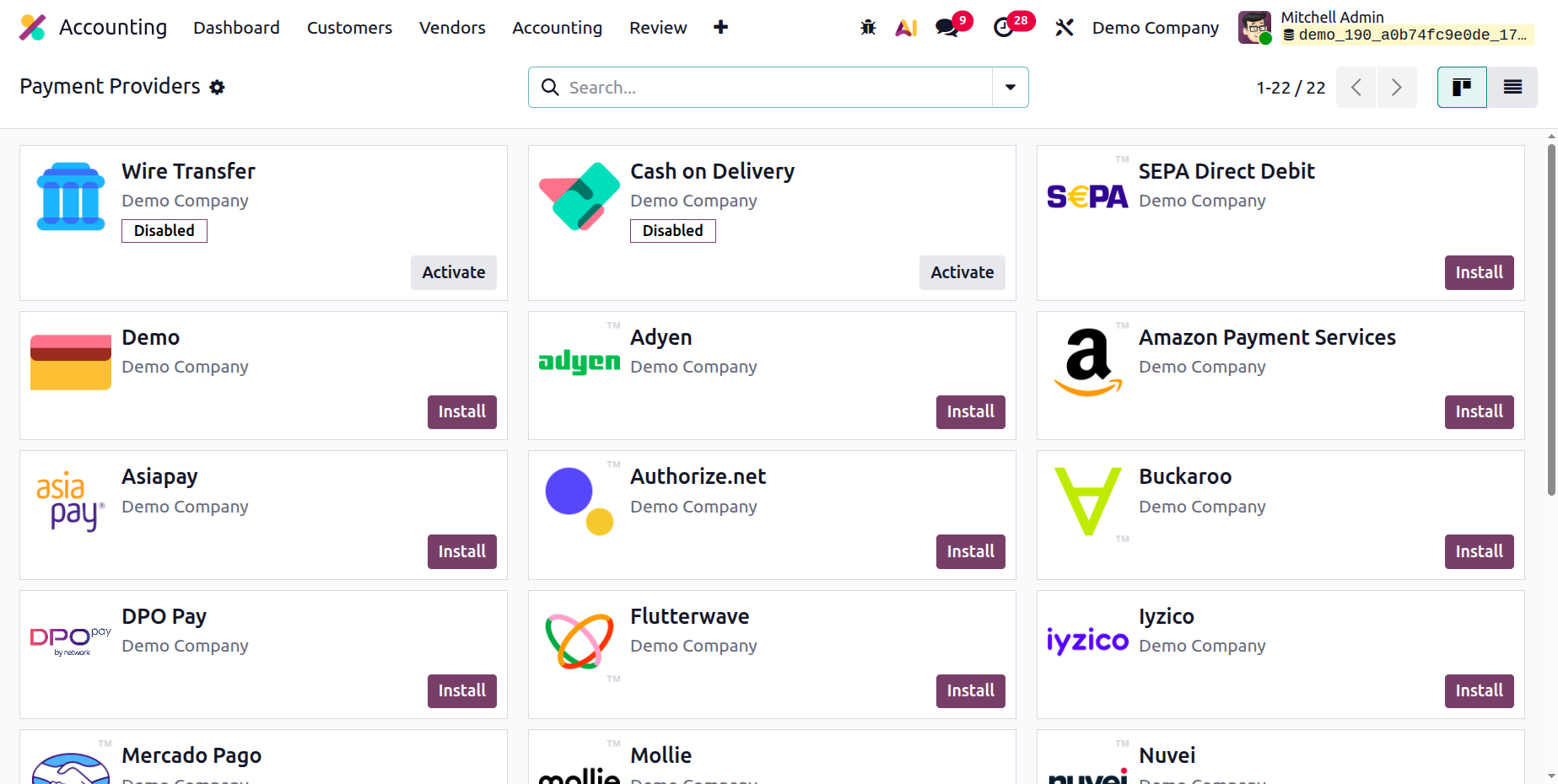
The names and logos of the Payment Providers that are being made operational are displayed here in the window. The necessary Payment Providers can also be enabled by simply choosing and activating the appropriate provider. To find the ideal Payment Provider fast, you can also filter and organize using the numerous default and configurable Filters and Group By options. You can choose any of the available Payment Providers to get the settings details. Additionally, you can alter the data.
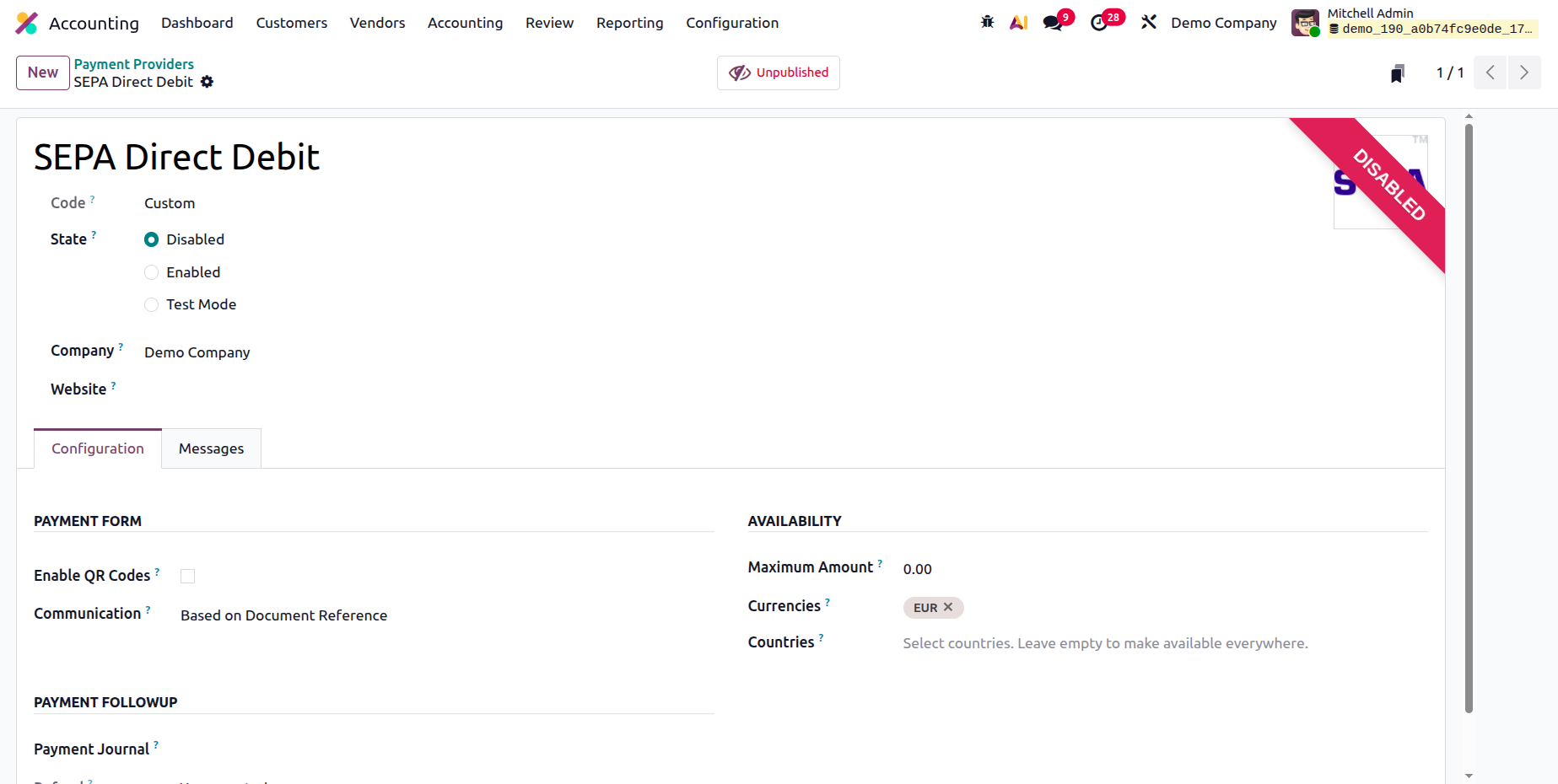
You can choose a provider to see all of their data. For instance, by clicking on this record, we may see the details of the "SEPA Direct Debit." As seen in the picture below, a new window will appear where you can view every detail.
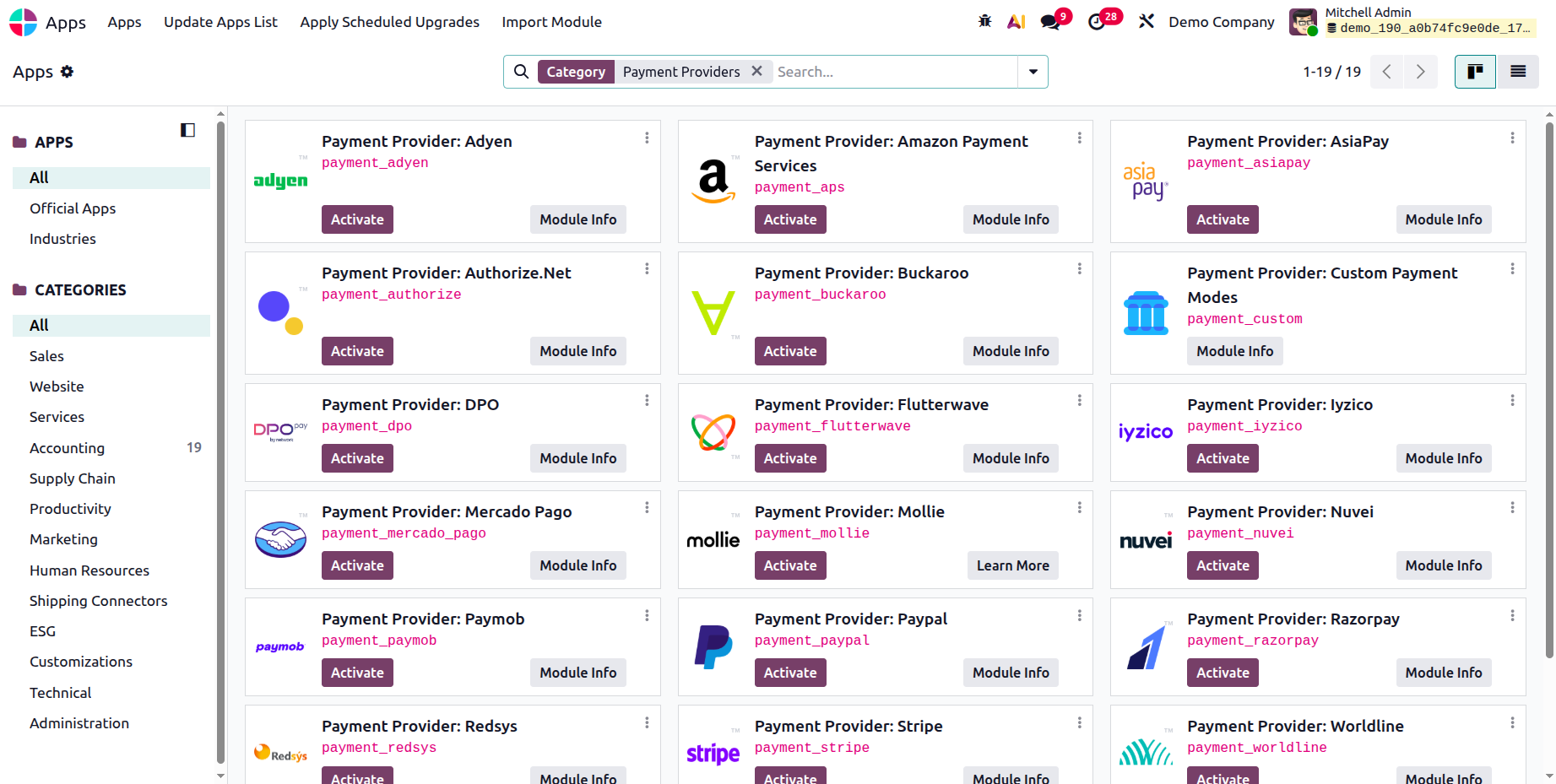
Through the App Store, users can access the numerous Payment Providers created specifically for the Odoo19 platform. Under the Accounting category, you may access all of the accounting-related applications that can only be installed from this place.
Payment Methods
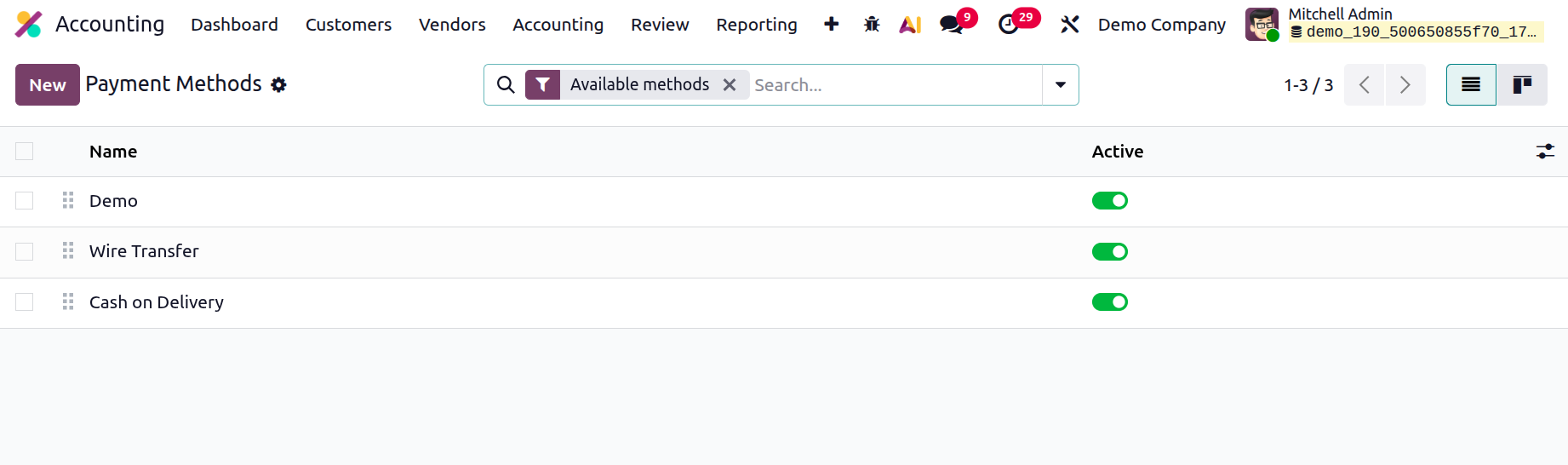
The Payment methods available are listed under the Payment Methods. The list contains the Payment Method Name and the Active boolean.
Payment Tokens
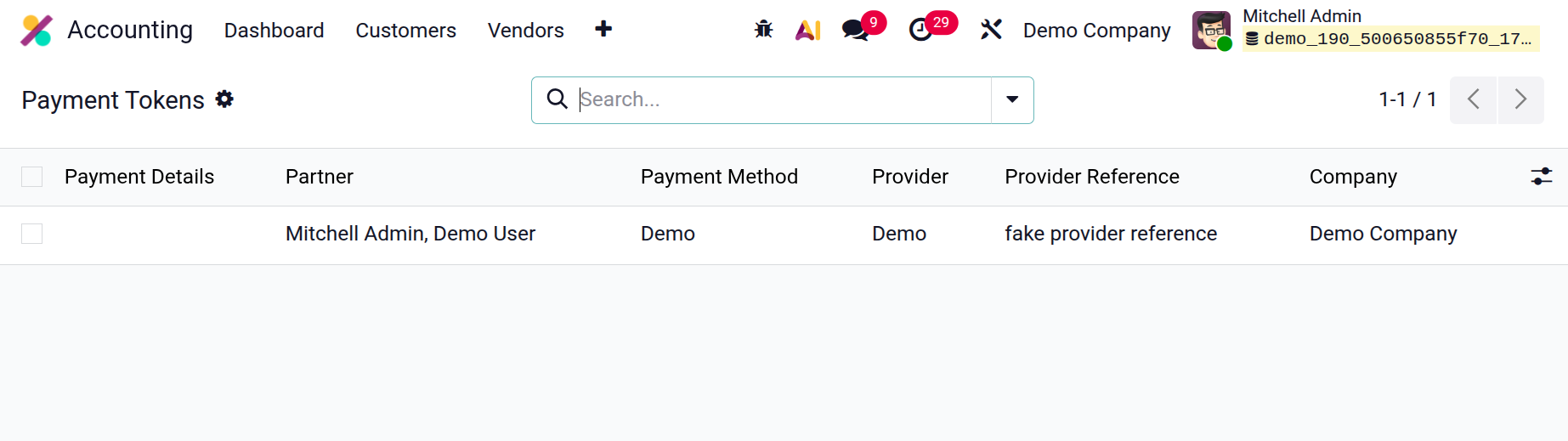
The Payment Tokens are shown with the Payment Details, Partner, Payment Method, Provider, Provider Reference and Company.
Payment Transactions
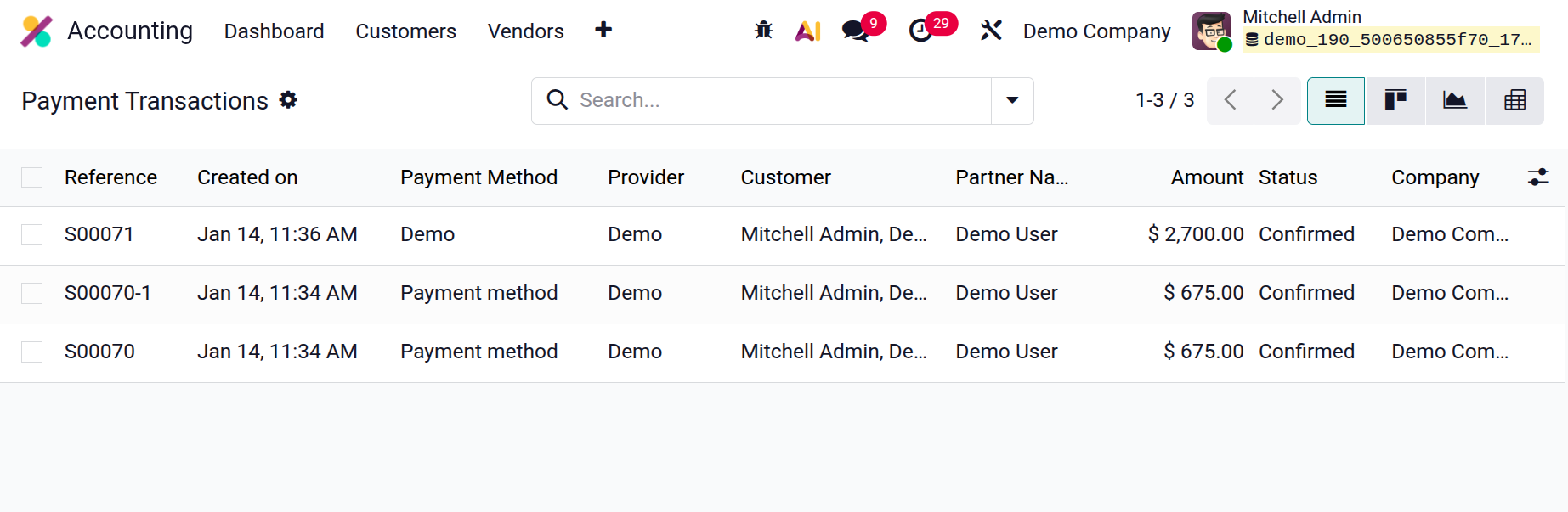
The payment transactions created inside the company are shown under the Payment Transactions. The details like References, Created on, Payment Method, Provider, Customer, Partner Name, Amount, Status and Company.
The Analytic Accounting for the Odoo19 Accounting module can then be discussed.