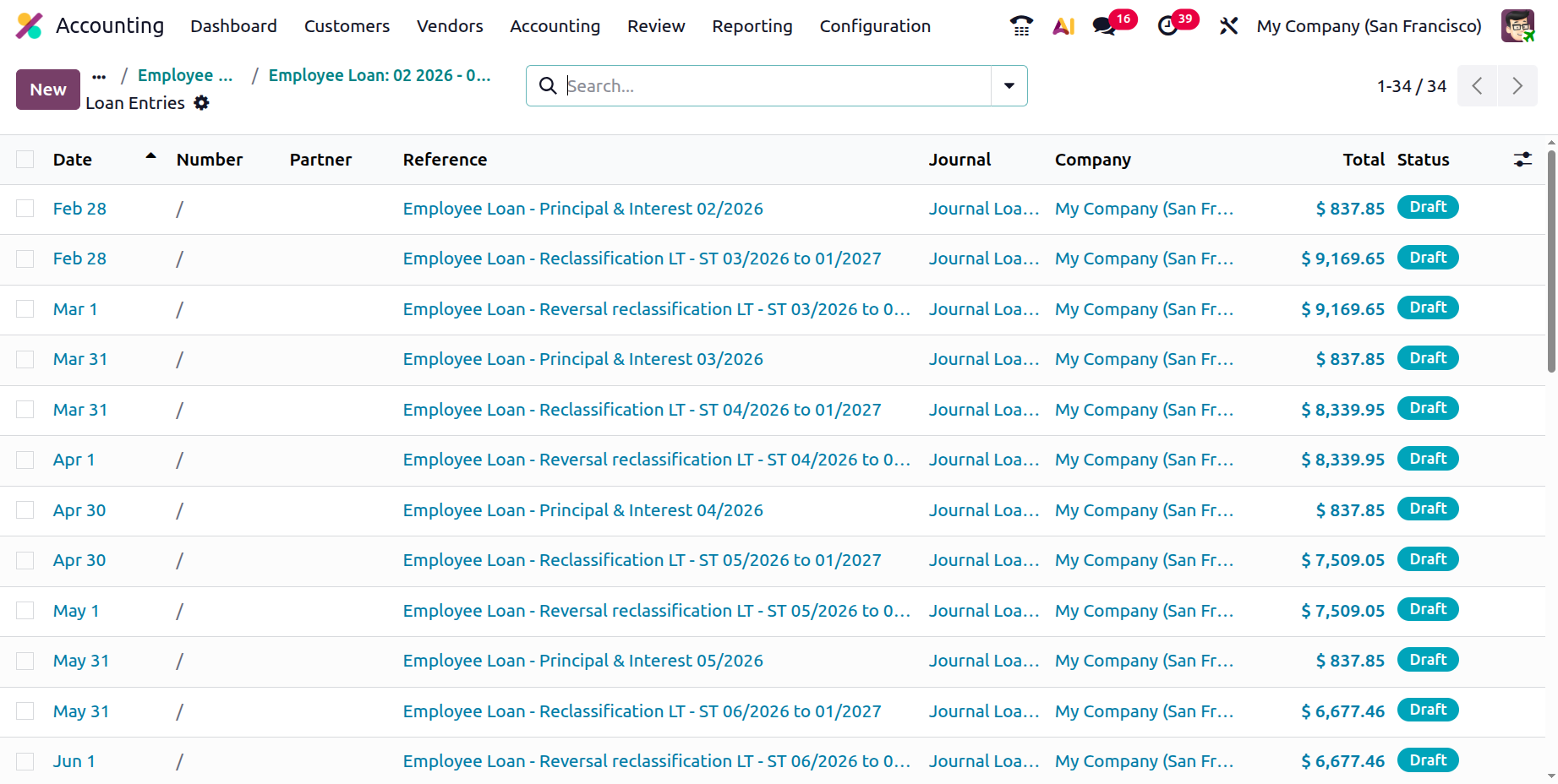
Loans
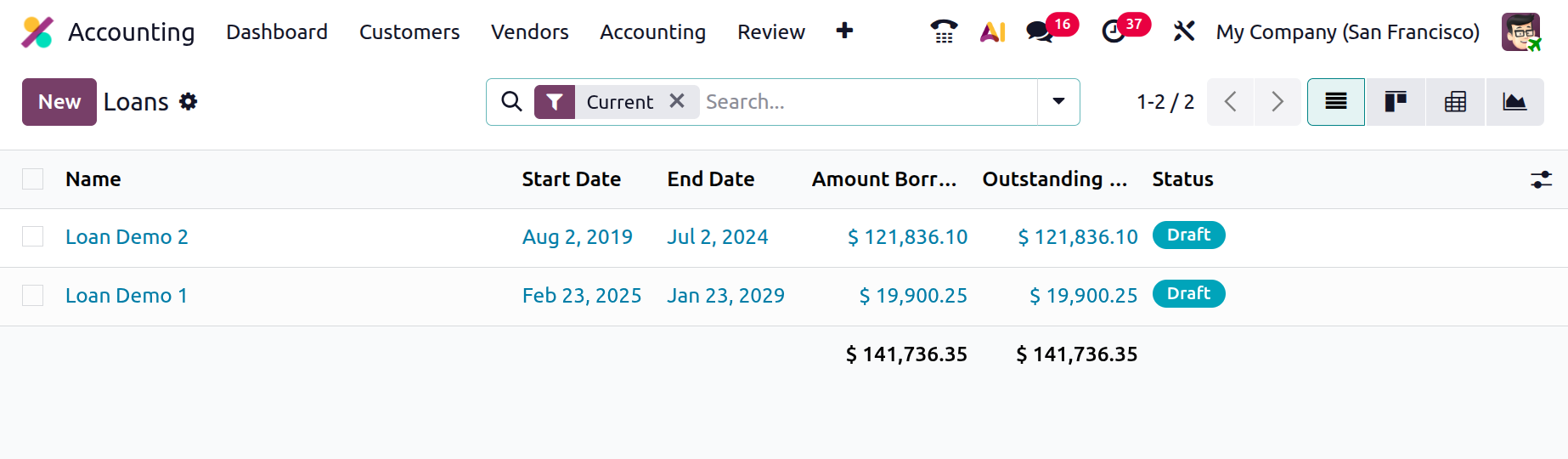
Companies can use Odoo 18 Accounting with Loan Management to efficiently manage employee or organisational loans. It makes it easier to create loan agreements, set payback periods, and automatically create journal entries for EMI deductions. This interface ensures accurate tracking of loan balances, interest, and repayments, making financial monitoring and reporting easier.
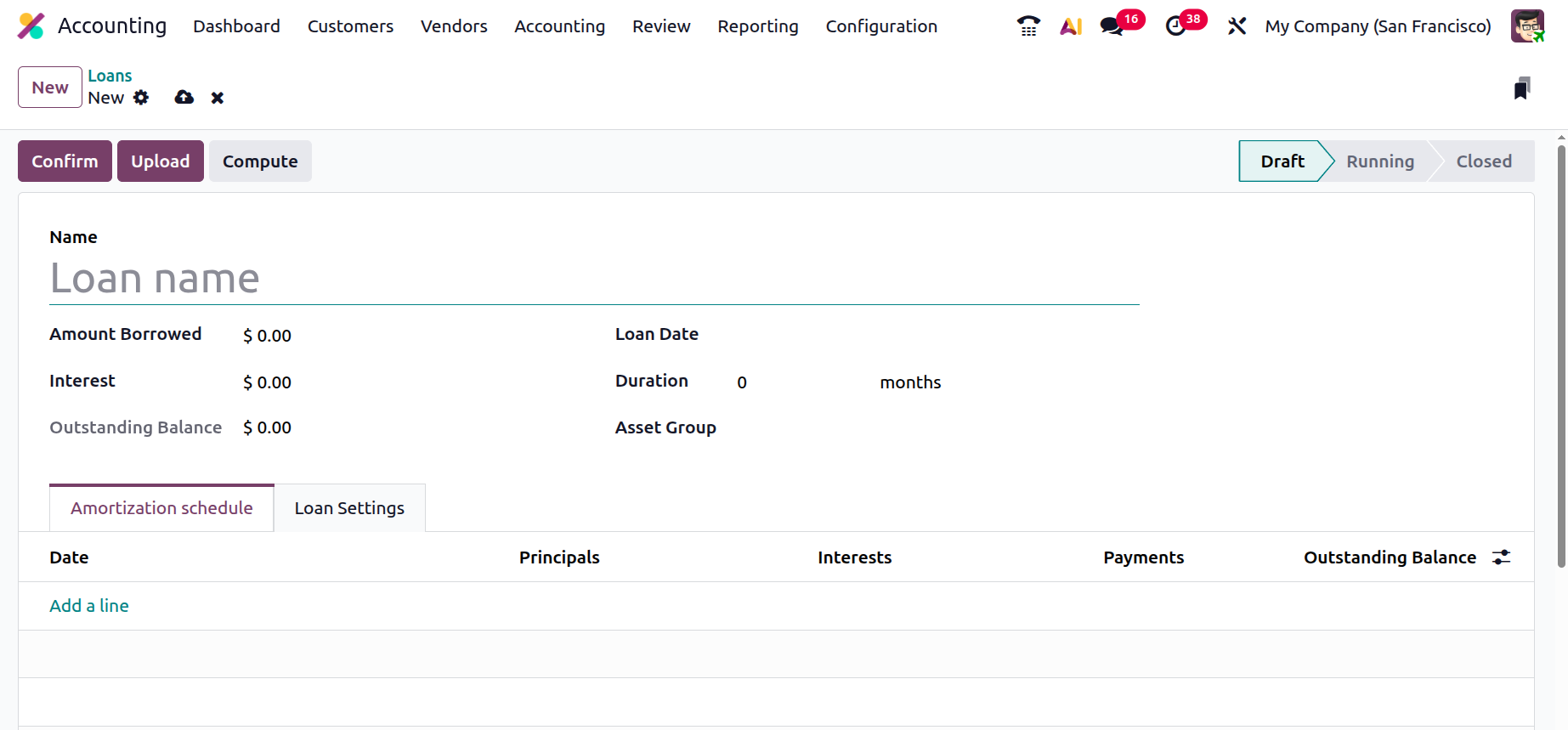
Click the New button to add a new loan. Add the loan name, interest rate, duration, date, asset group, and amount borrowed.
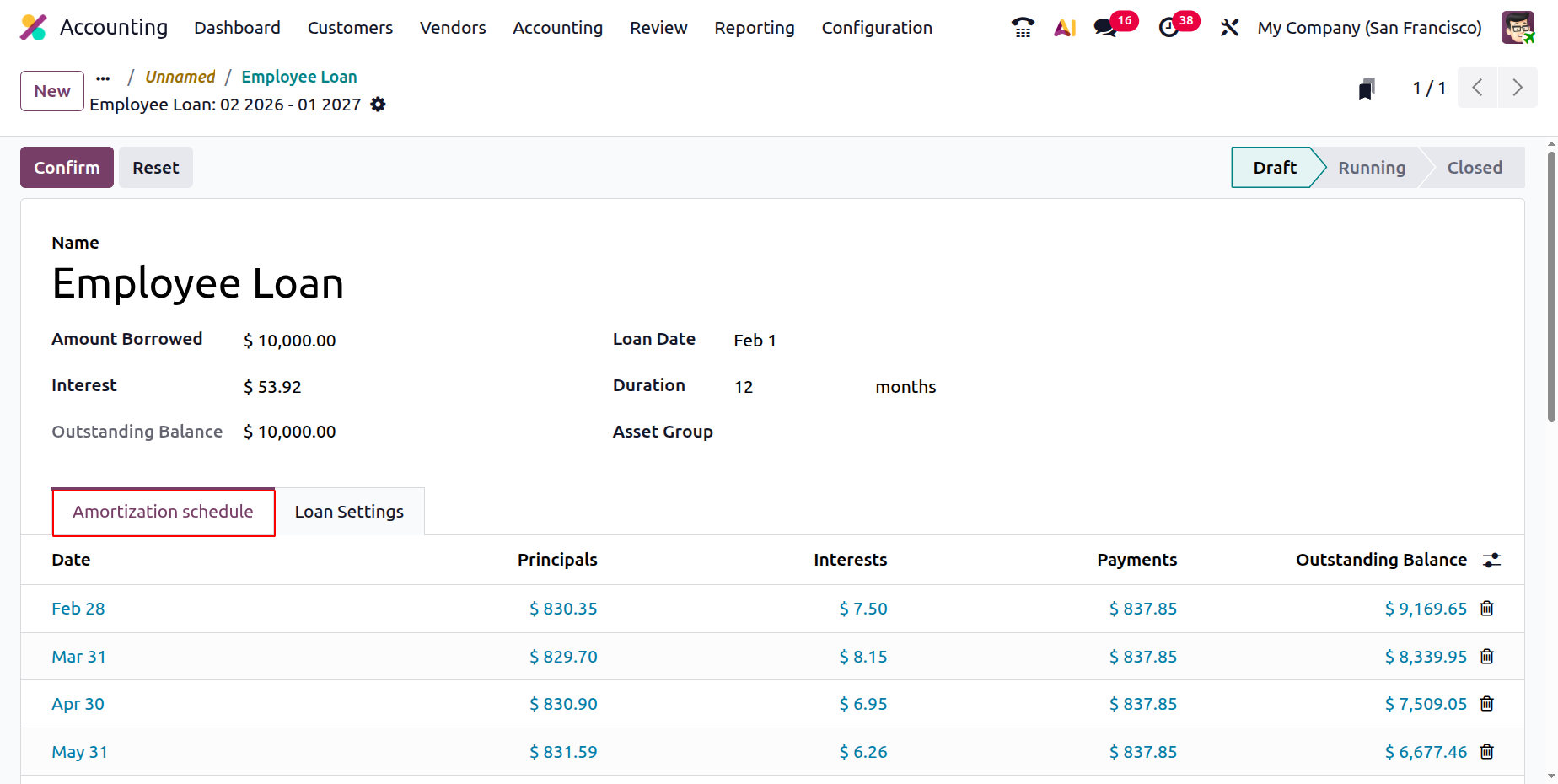
Click the Compute button to calculate the loan. The loan amount, interest rate in %, loan term in years, and start date are all modifiable by users. You have the option of paying on your anniversary or at the end of the month. In accordance with the Compounding Method chosen from the list, the preview shows the date, principal amount, interest payment, and balance. To add the loan computation, click the Apply button.
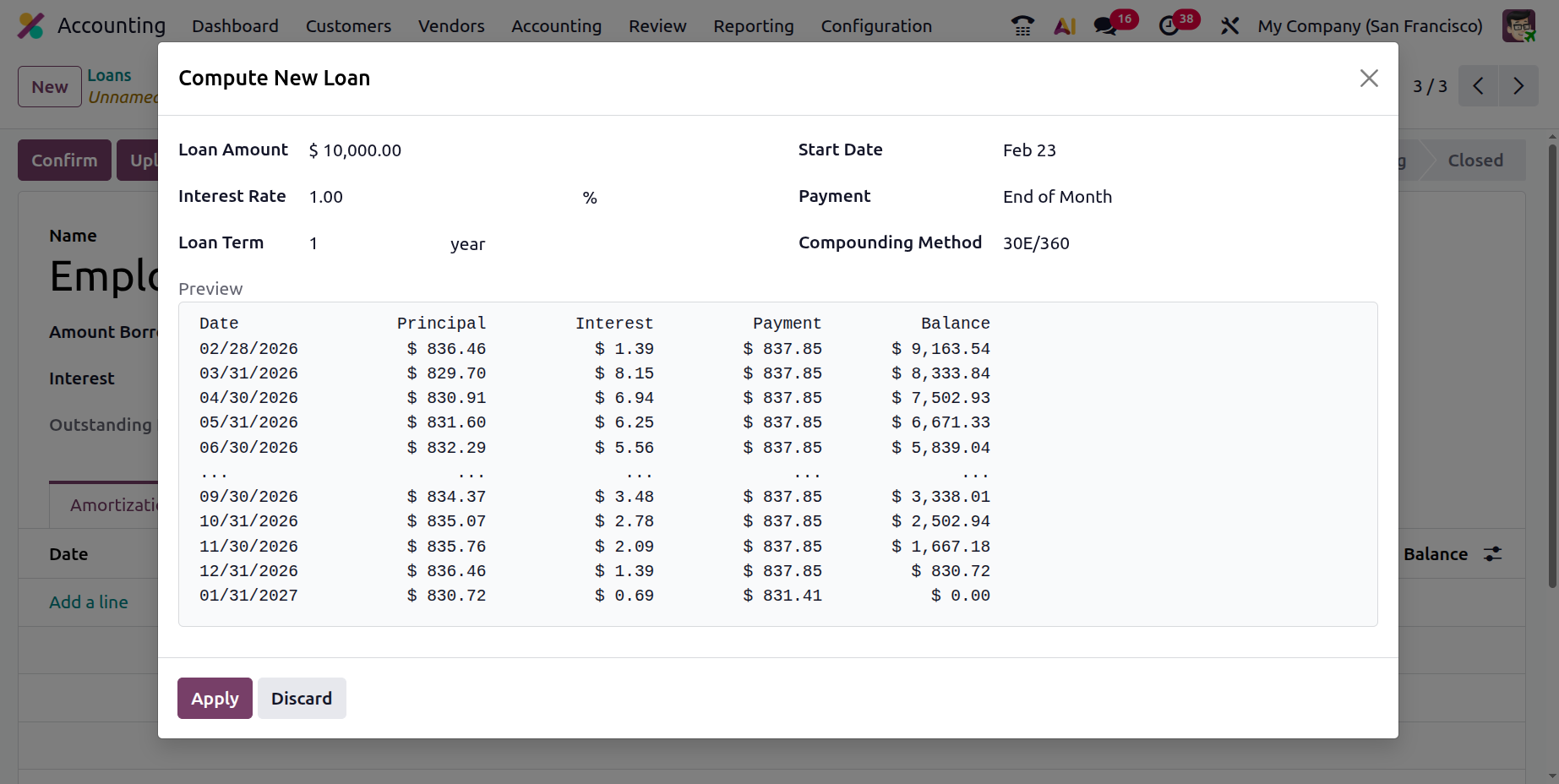
Thus, the Amortisation Schedule tab will be updated with the loan calculations.
The accounts can be specified under the Loan Settings tab. A Journal, Expense Account, Long-Term Account, and Short-Term Account can all be added there.
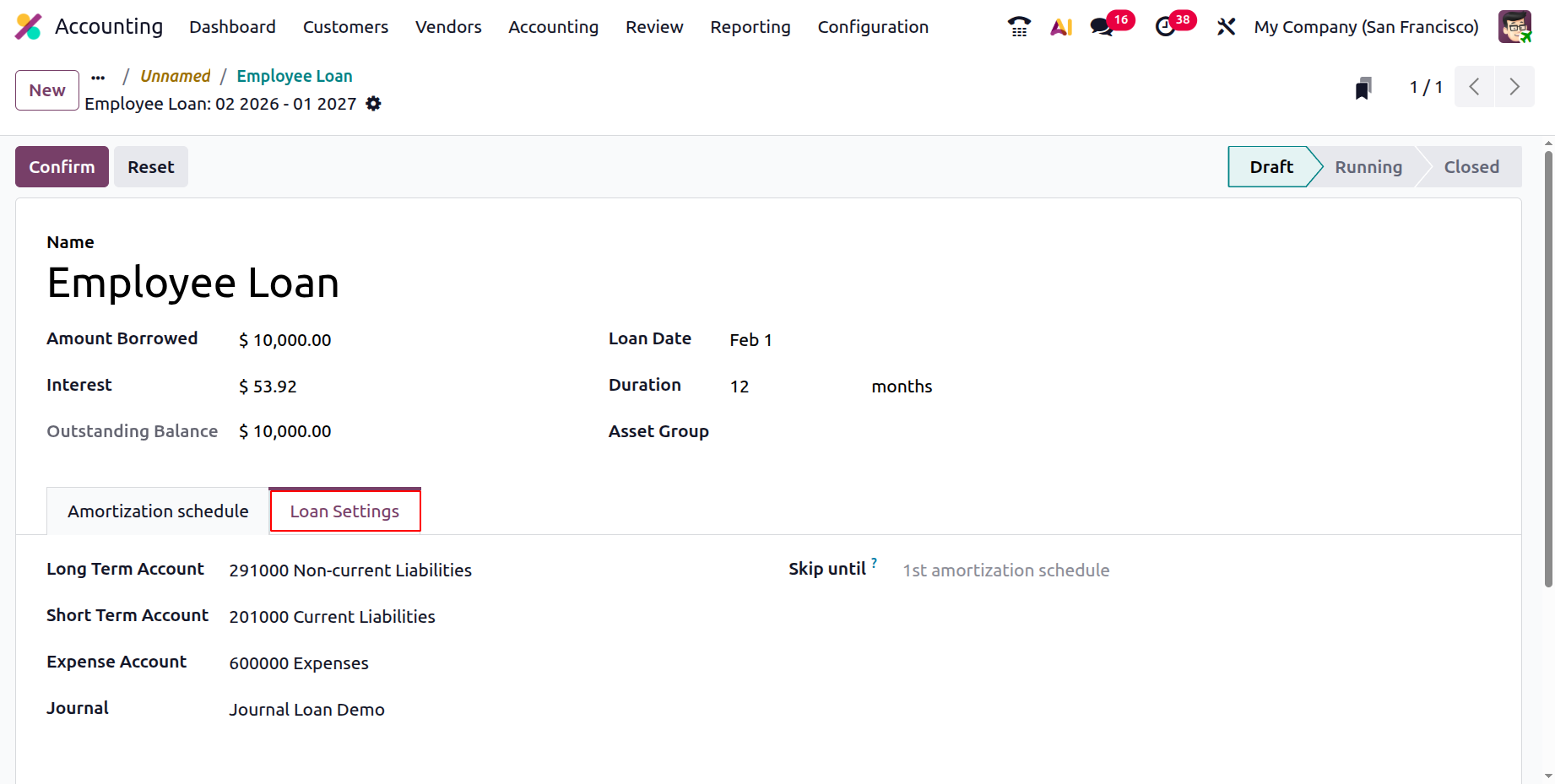
In the "Skip until" field, type a date. Odoo will not generate entries for loan lines up to this date, including this date, after the loan has been approved. This is useful if you had previously done entries by hand prior to the creation of this loan.
Verify the loan. A new smart tab called Posted Entries will show up there following confirmation.
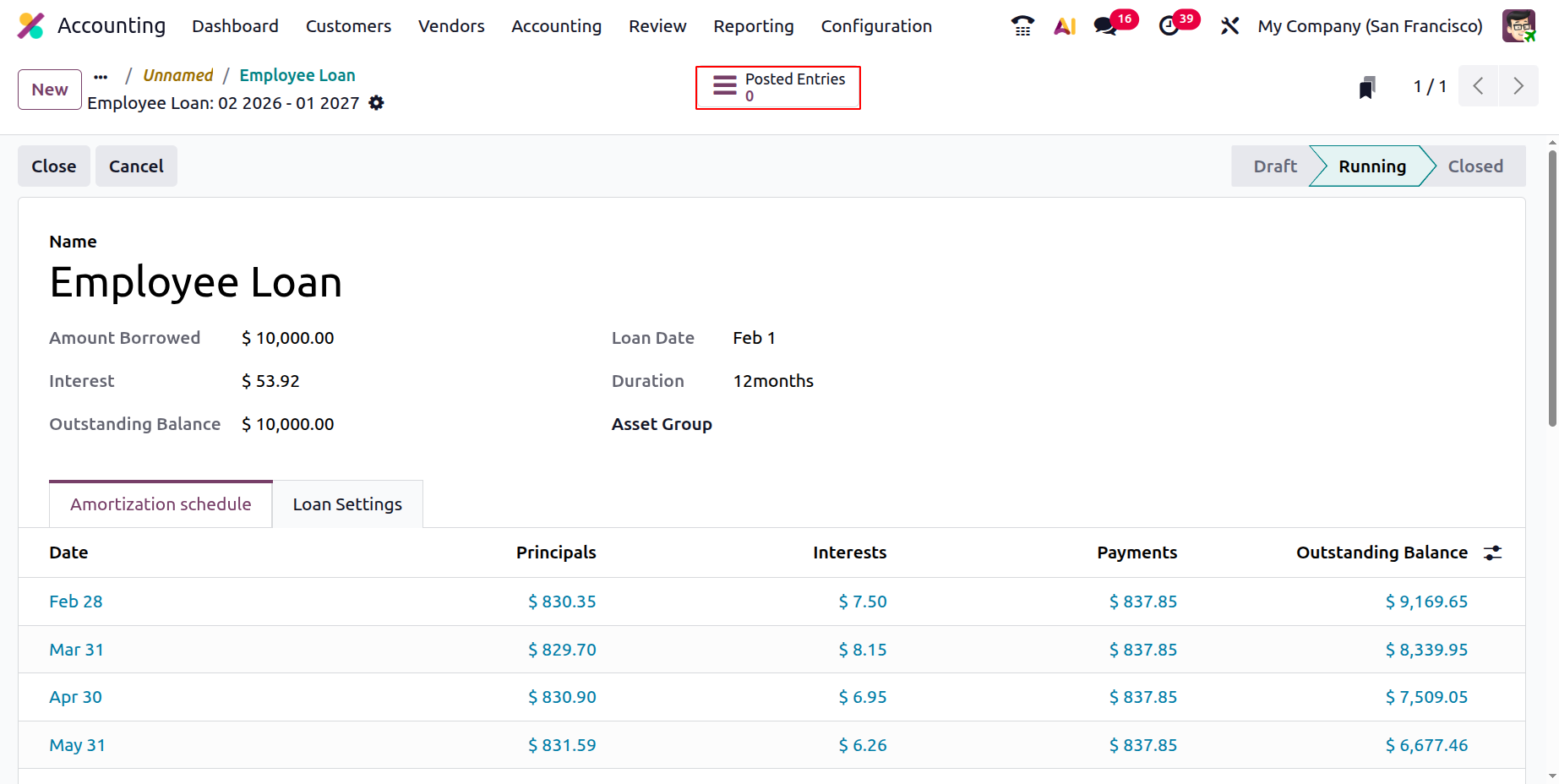
The list of journal entries can be viewed by selecting the Journal Entries tab.