Odoo Studio makes it remarkably simple to extend a module by adding new models and fields without writing code. With an intuitive drag-and-drop interface, you can create custom fields, define relationships, and adjust views in just a few clicks, all directly from the UI. Changes are applied instantly, reducing development time and eliminating the back-and-forth between requirements and implementation.
Creating a new Model
Open the Studio from the module in which you need to add a new model.
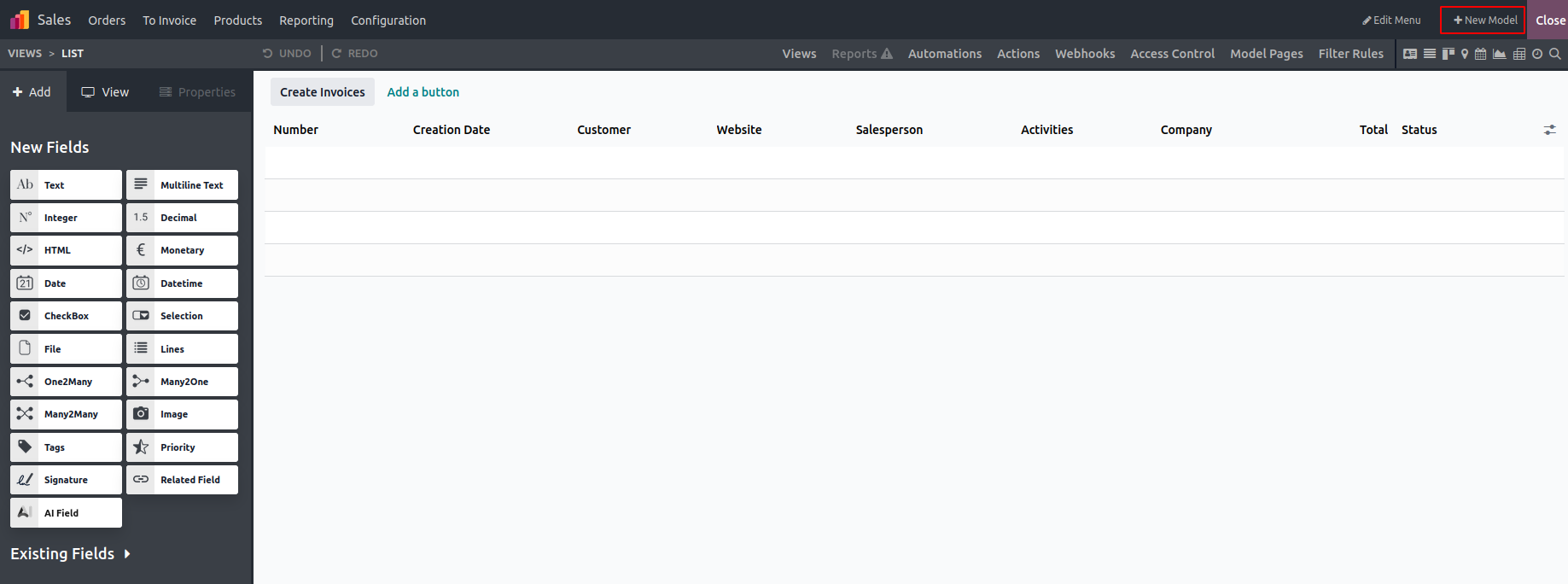
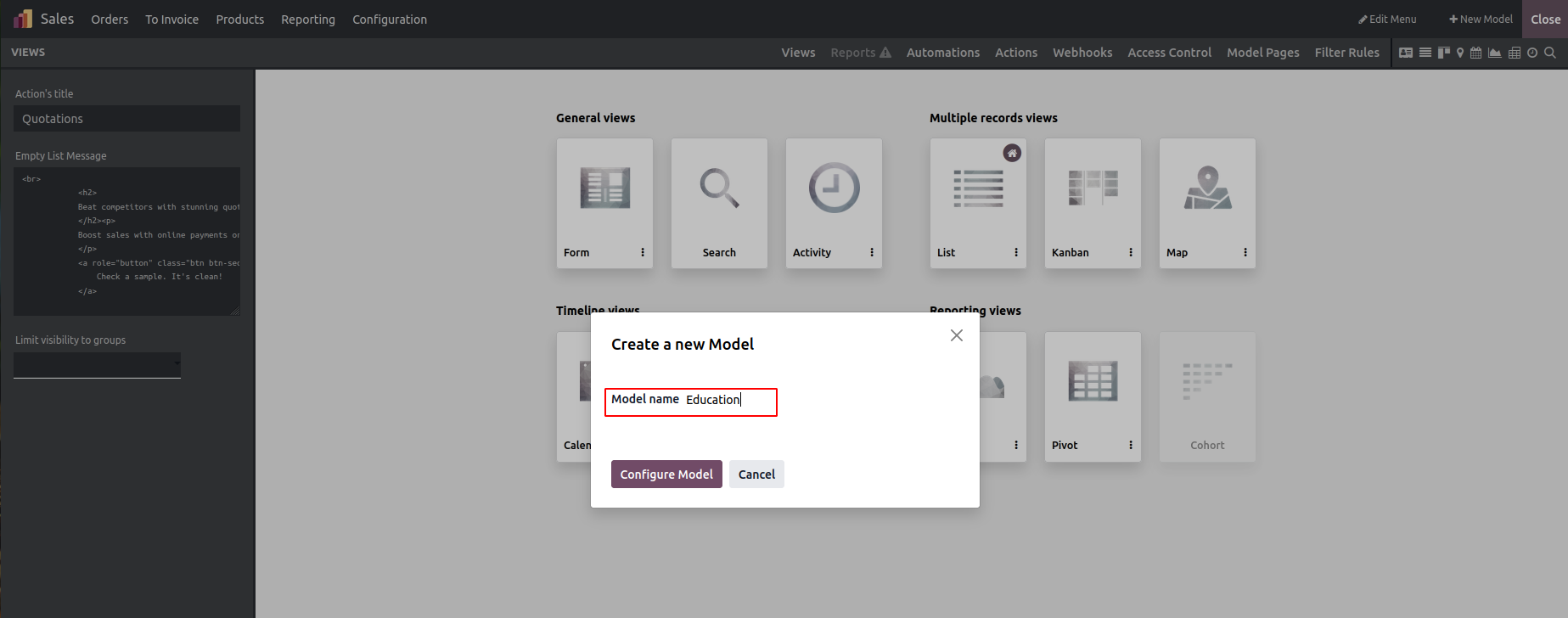
Add the model name
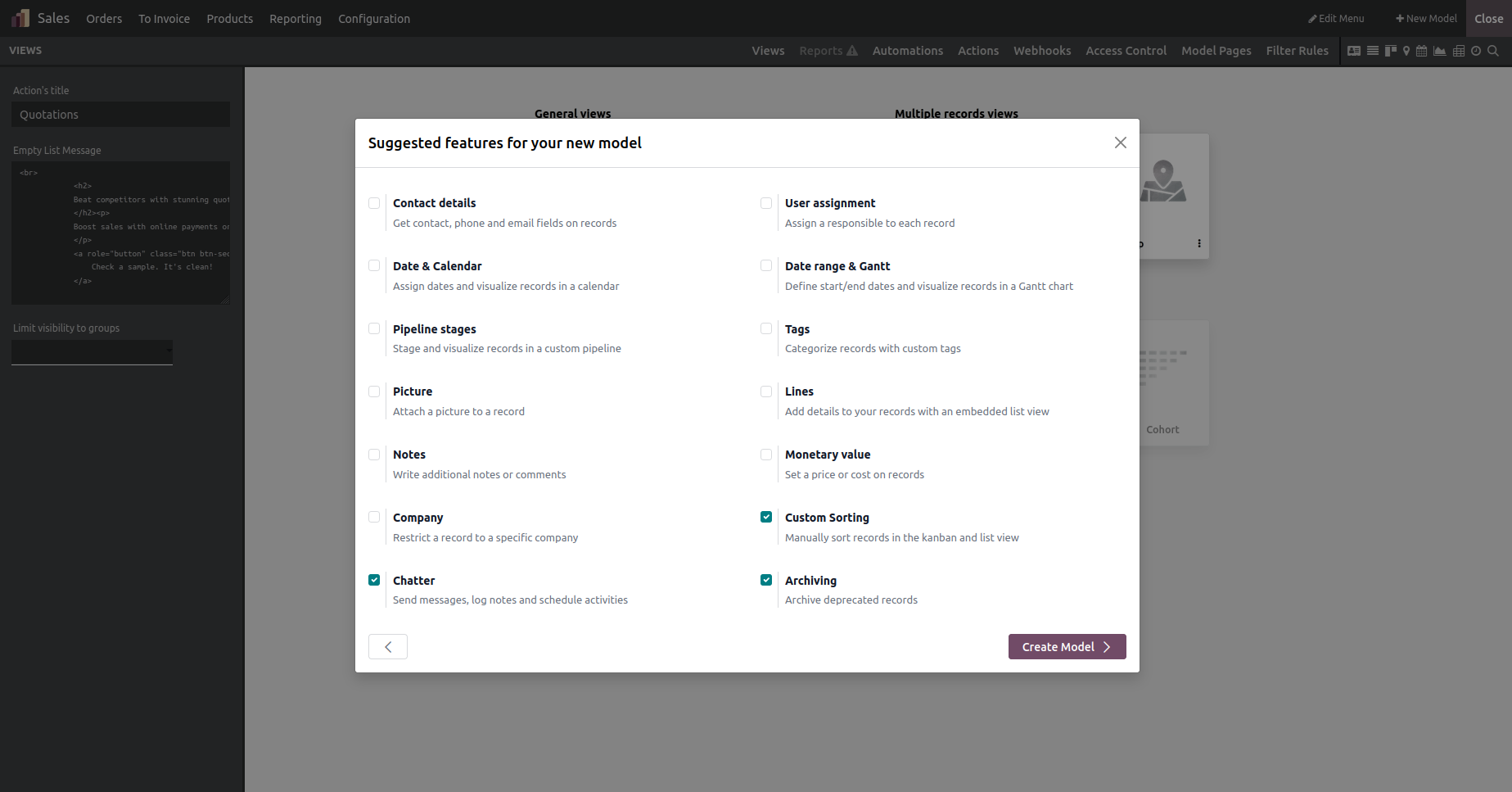
You can choose to enable features such as Chatter, Notes, or Pipeline stages etc.
This is how we add new models. It is as simple as adding new models using Studio. Now let's see how we can add new fields in Studio.
Customize the Views by adding new Fields
Choose the desired view, then drag the fields and components directly into the view and rearrange them.
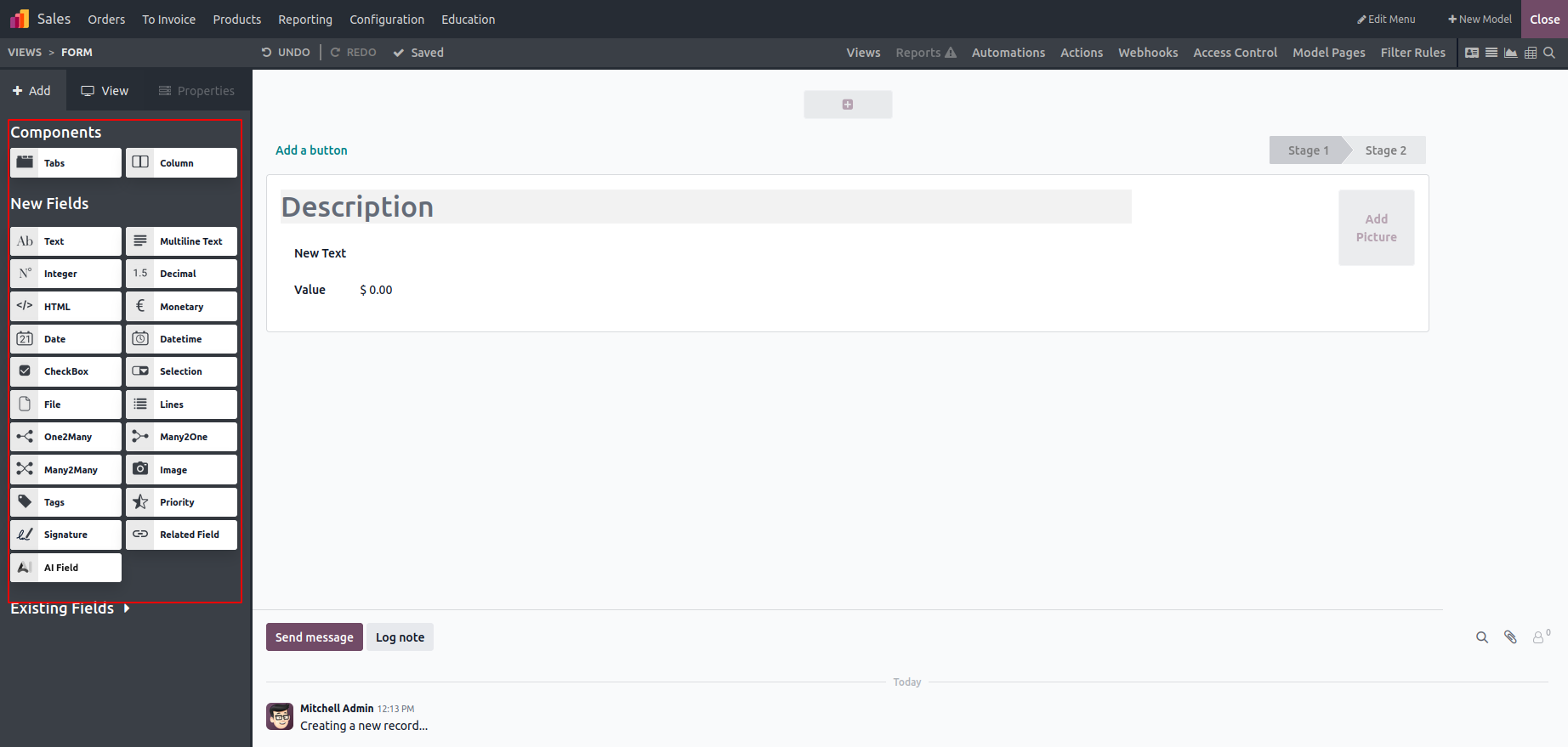
The New Fields panel gives you access to all field types. Once you drop a field into your view, you can modify its behavior through the properties panel, where you can set:
Widget Type, make it Invisible, Required, or Readonly, add the Help Tooltip, Group Visibility, set Default Value etc.
Field Types in Studio
- Multiline Text: Used for long sentences/texts.
- Integer: Used for Whole numbers.
- Decimal: for values having decimal precisions
- HTML: for HTML Contents
- Monetary: This is used to capture currency values, and requires defining a currency field first.
- Date/Datetime: for Date or timestamp field values
- Checkbox: for Boolean (True/False) values
- Selection: Dropdown options with manually defined values
- File Upload: Used to upload files or attachments.
- Lines (One2many inline): Displays and edits multiple related records directly within the form.
- Relational Fields
- Many2one: Links this record to a single record in another model.
- One2many: Shows multiple records that are linked to this record.
- Many2Many: Allows selecting and linking multiple records from another model.
- Media & Utility Fields
- Image: Stores and displays an image associated with the record.
- Tags: Adds flexible labels to categorize and filter records.
- Priority: Indicates the importance or urgency of the record.
- Signature: Captures a handwritten or digital signature for confirmation.
- Related Fields: Automatically shows data fetched from a related record.
Studio enables you to reuse existing fields across different views by simply dragging them in, streamlining the workflow.
By making it easier to create new models and fields, Studio reduces setup time and boosts productivity, reinforcing its value as an efficient development environment.