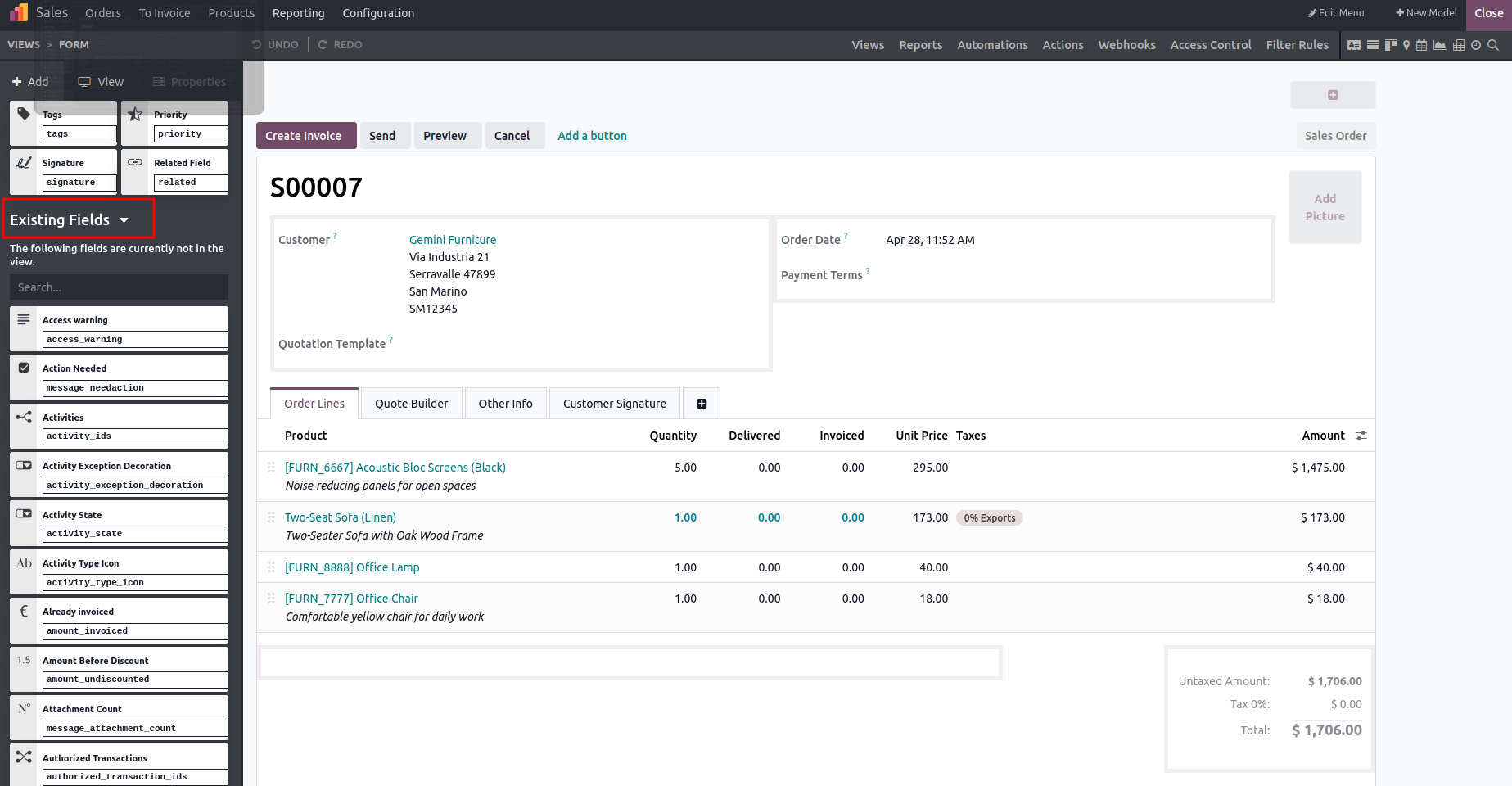
To display fields that are not currently visible, select the Existing Fields option. This feature lists all model fields that are defined but not yet included in the view, allowing users to easily add them to the interface using drag-and-drop.
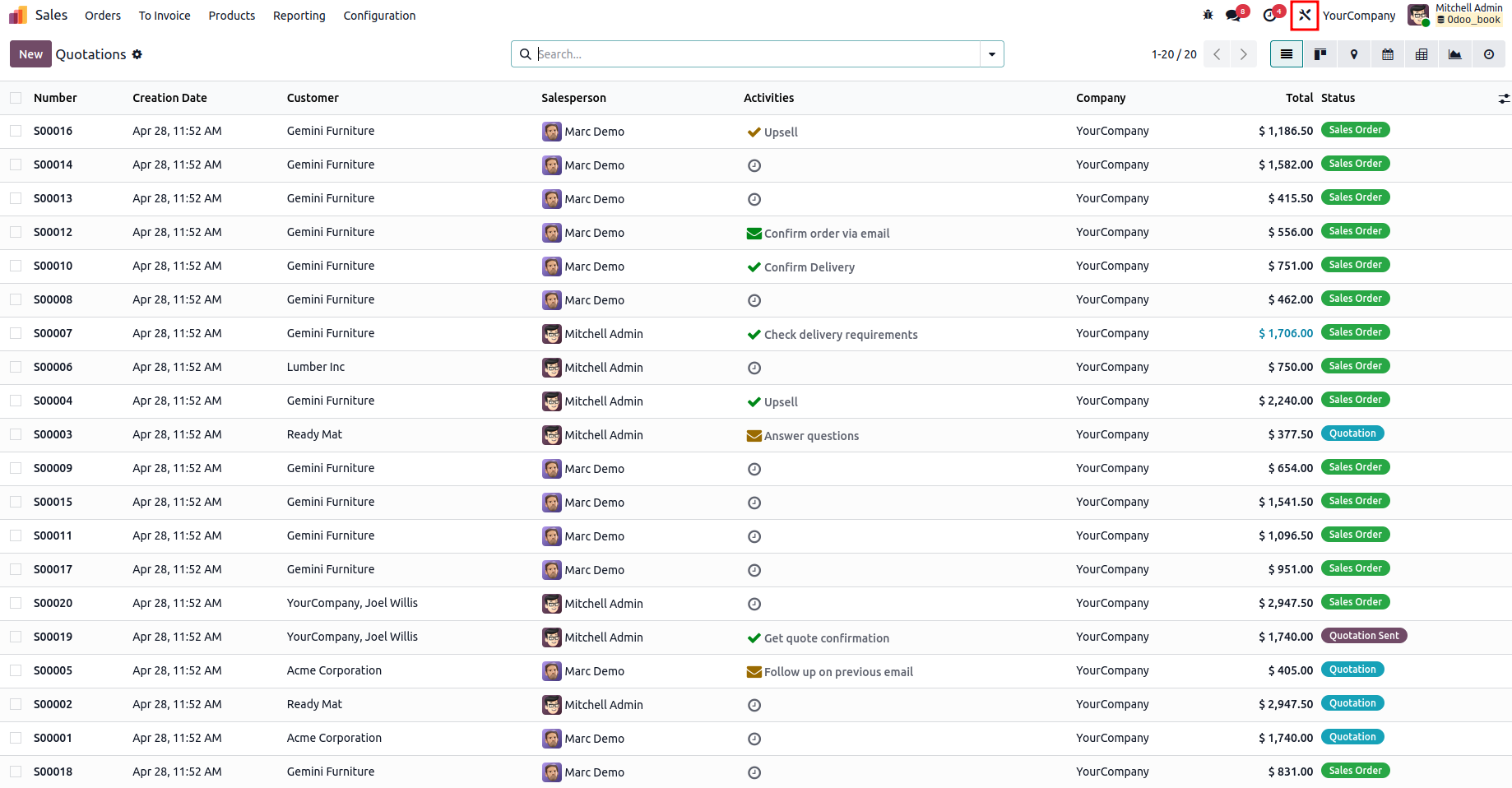
For that, first click on the studio icon in the top right corner in any view that you need to edit.
After this, the Studio editing option becomes available in the view. Click the Existing Fields option located at the bottom-left panel to drag and drop fields into the selected view.
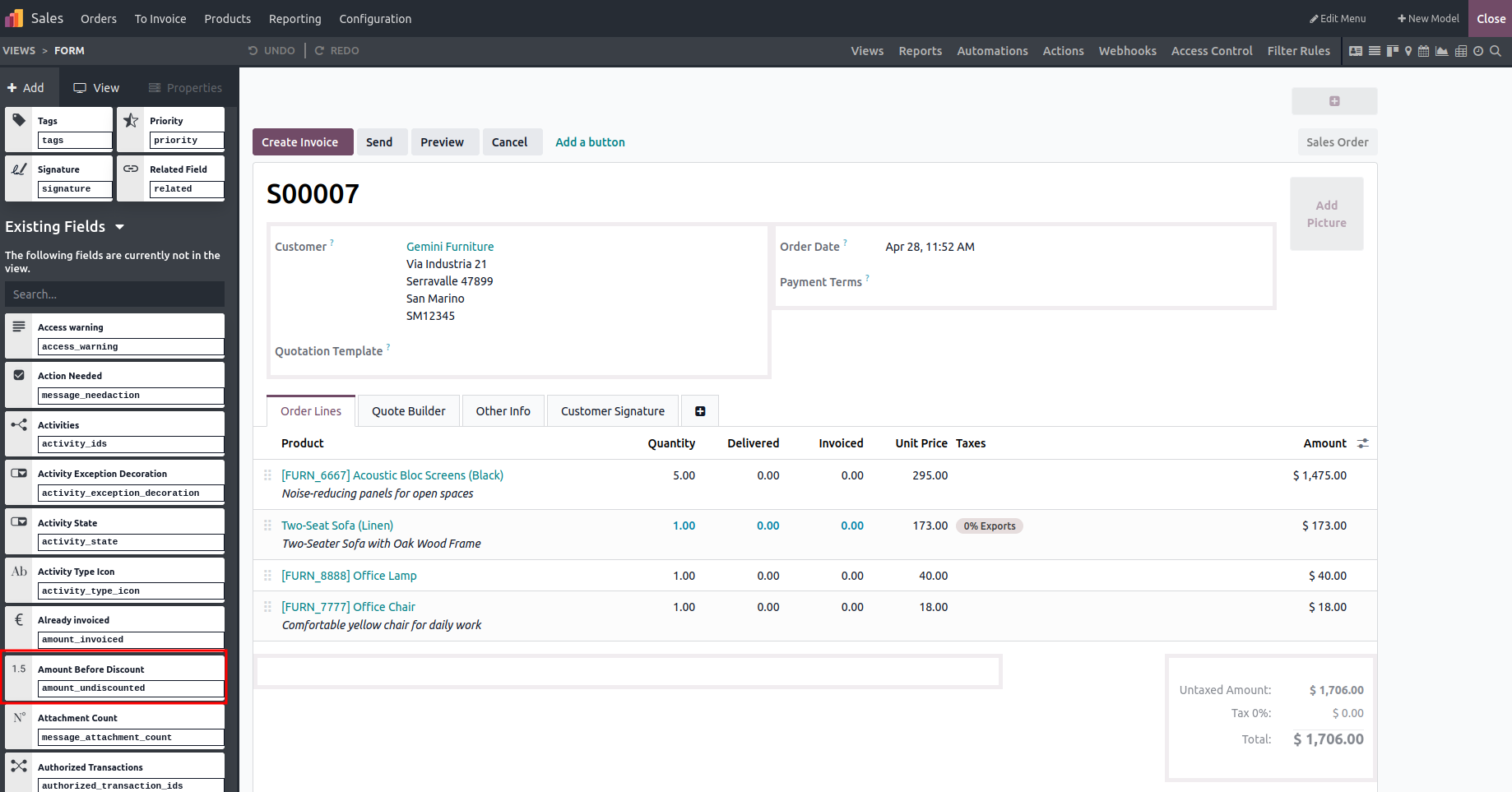
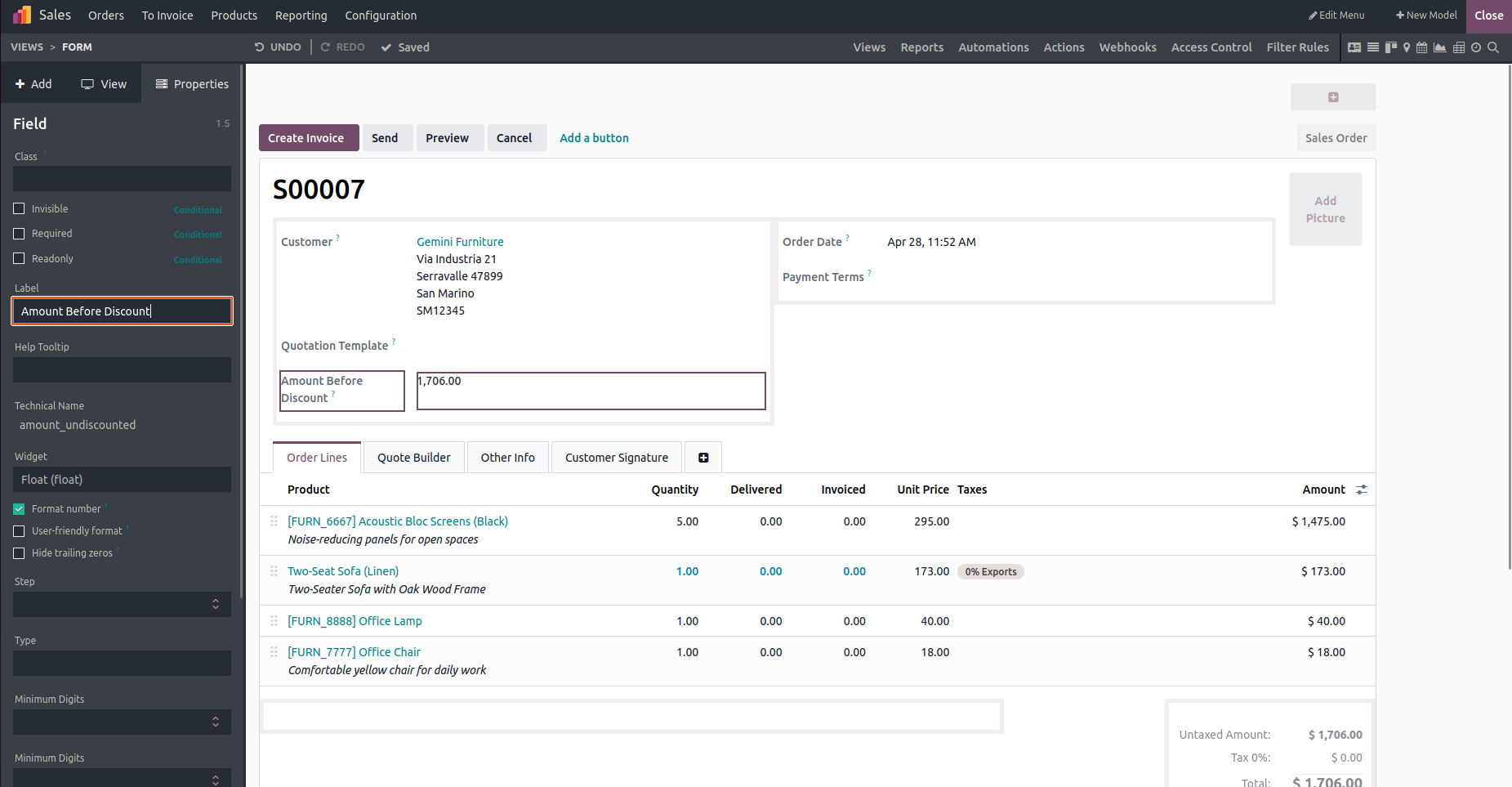
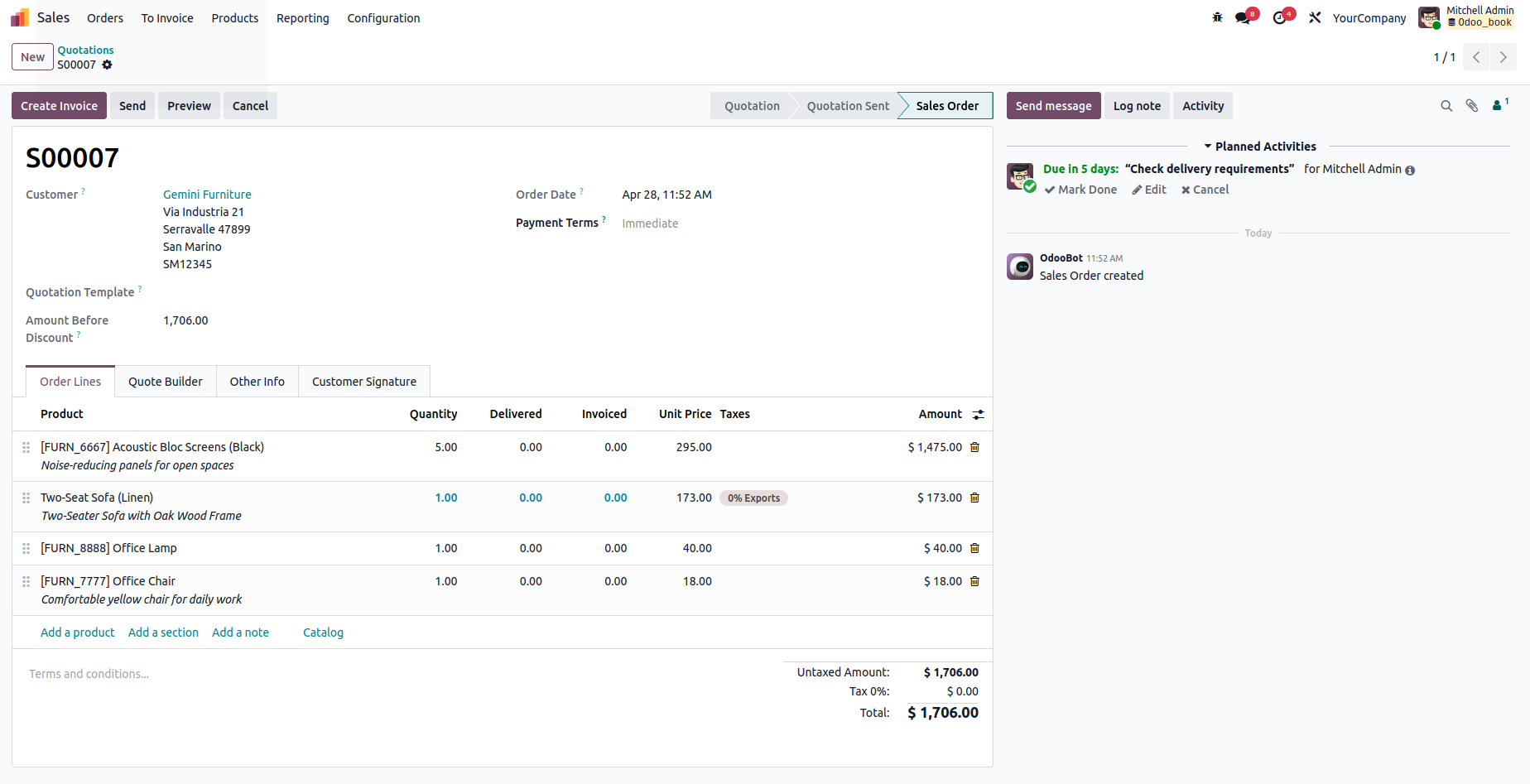
Once the field has been added to the view, its attributes can be modified as needed. This configuration option becomes available only after the field is placed in the view. After saving this, our new existing field will be seen in that view.