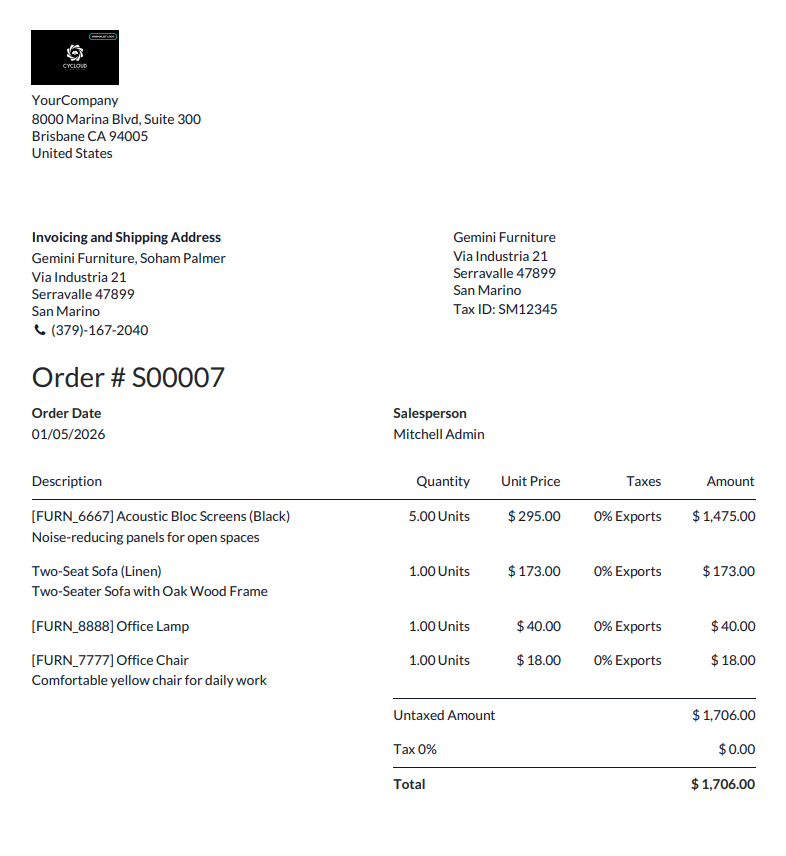
The Studio feature allows you to generate PDF reports that can be printed directly from the front end. Using the Studio module, reports can be designed and customized to meet specific business needs.
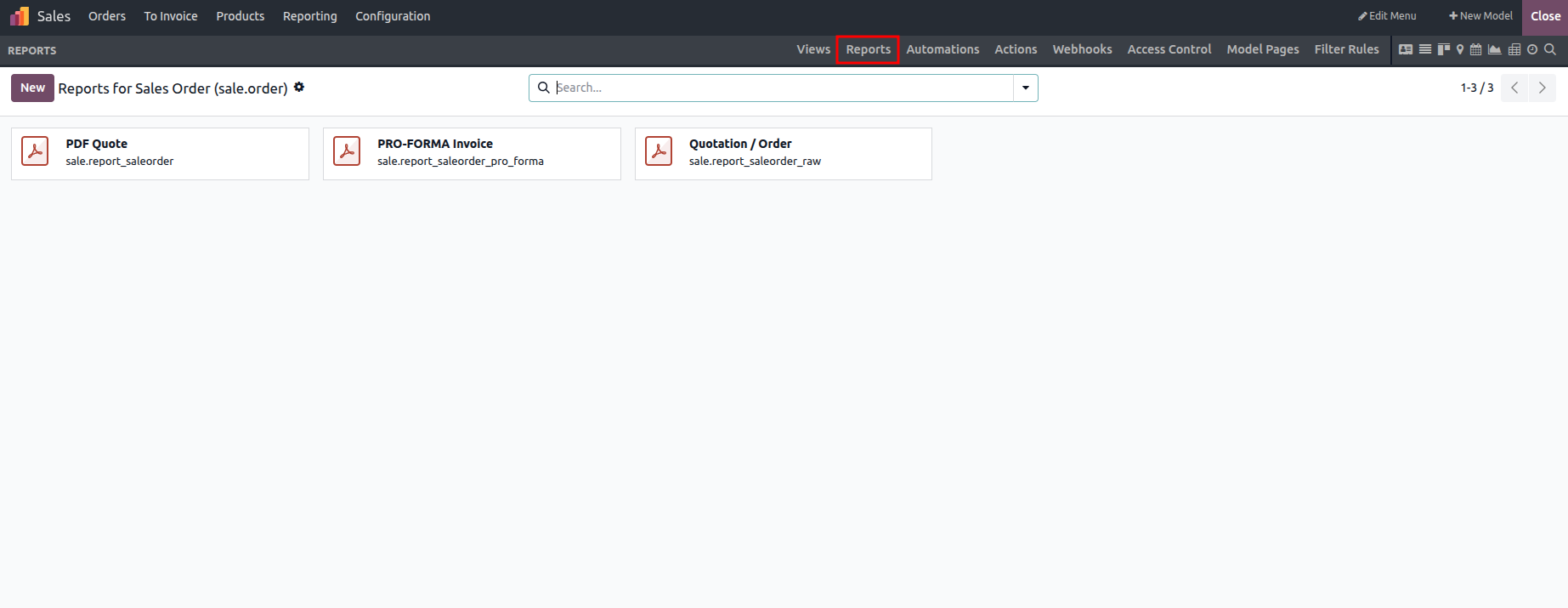
The reporting feature allows users to generate reports by selecting the Create option, where they can choose between blank, internal, or external report types. These options differ based on the visibility and structure of the header and footer. Blank reports do not display any header or footer, external reports include a full business-style header and footer, and internal reports contain only minimal header and footer elements.
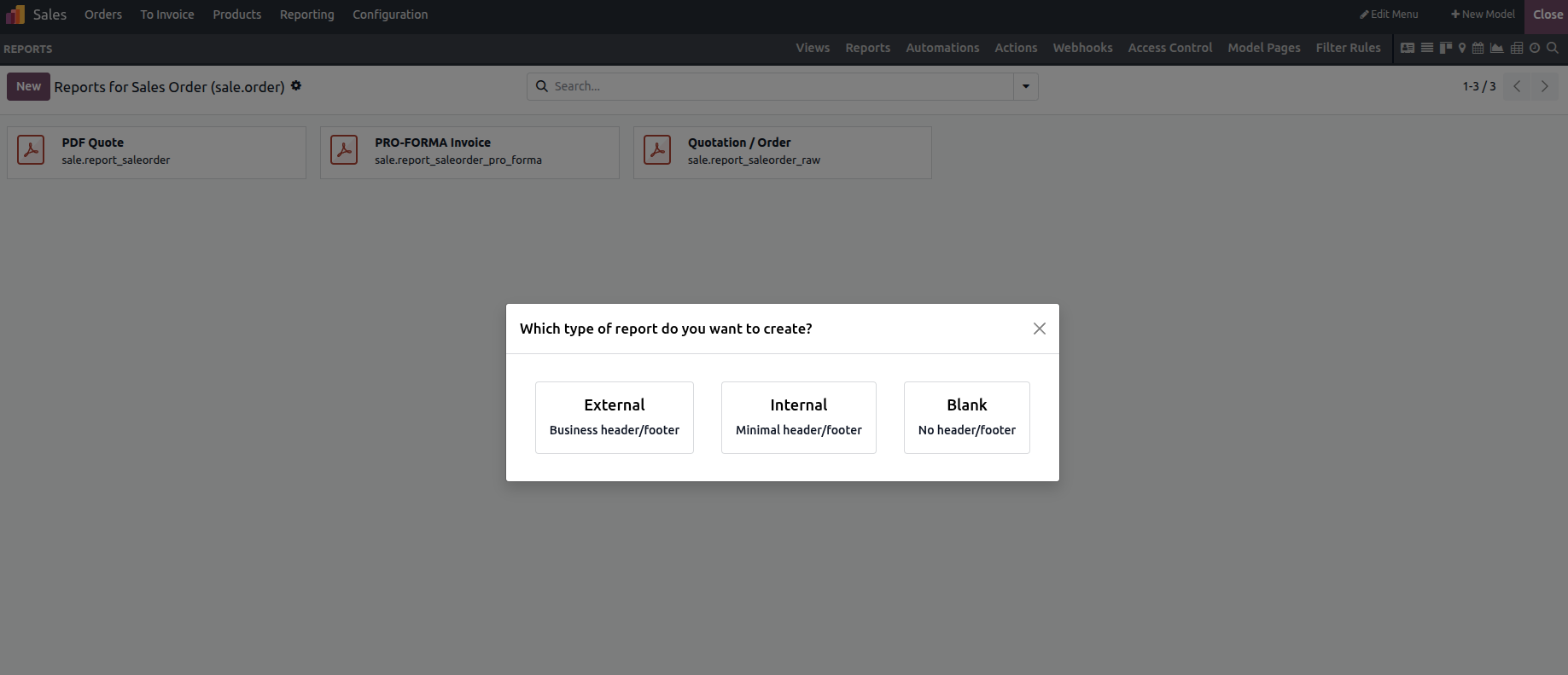
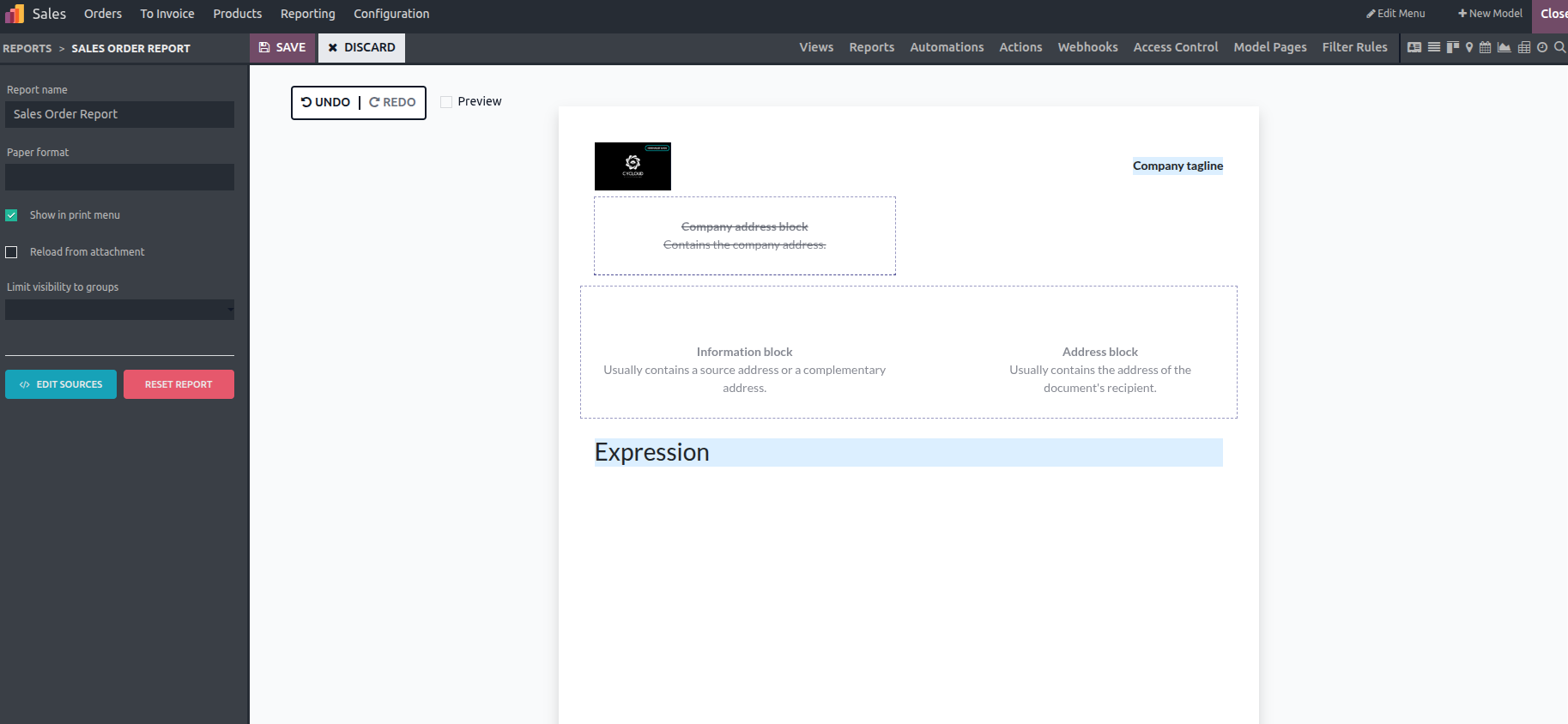
When the External option is selected, the following view is displayed. This format requires the inclusion of the company logo. You can use the available fields to design and customize the report layout based on your specific needs.
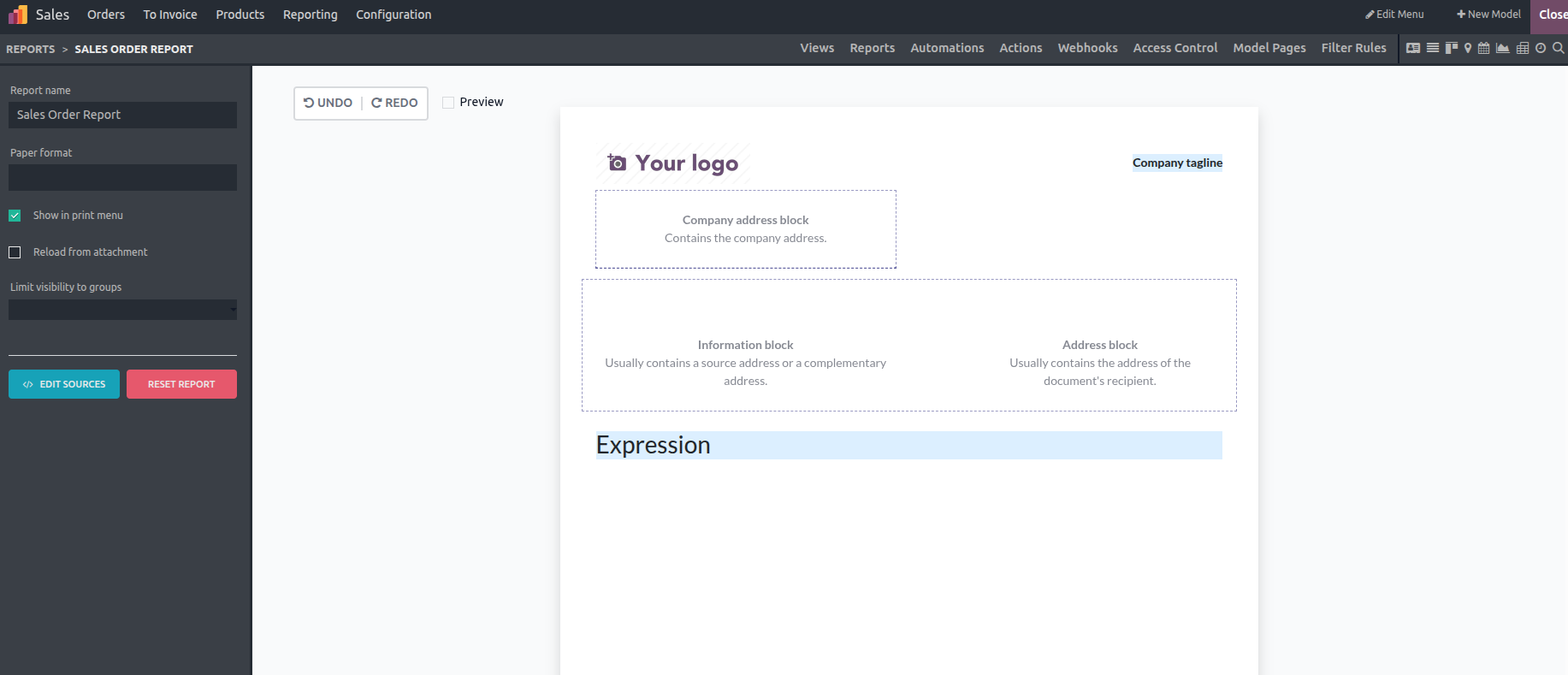
You can add new fields, update field labels, and control their visibility.
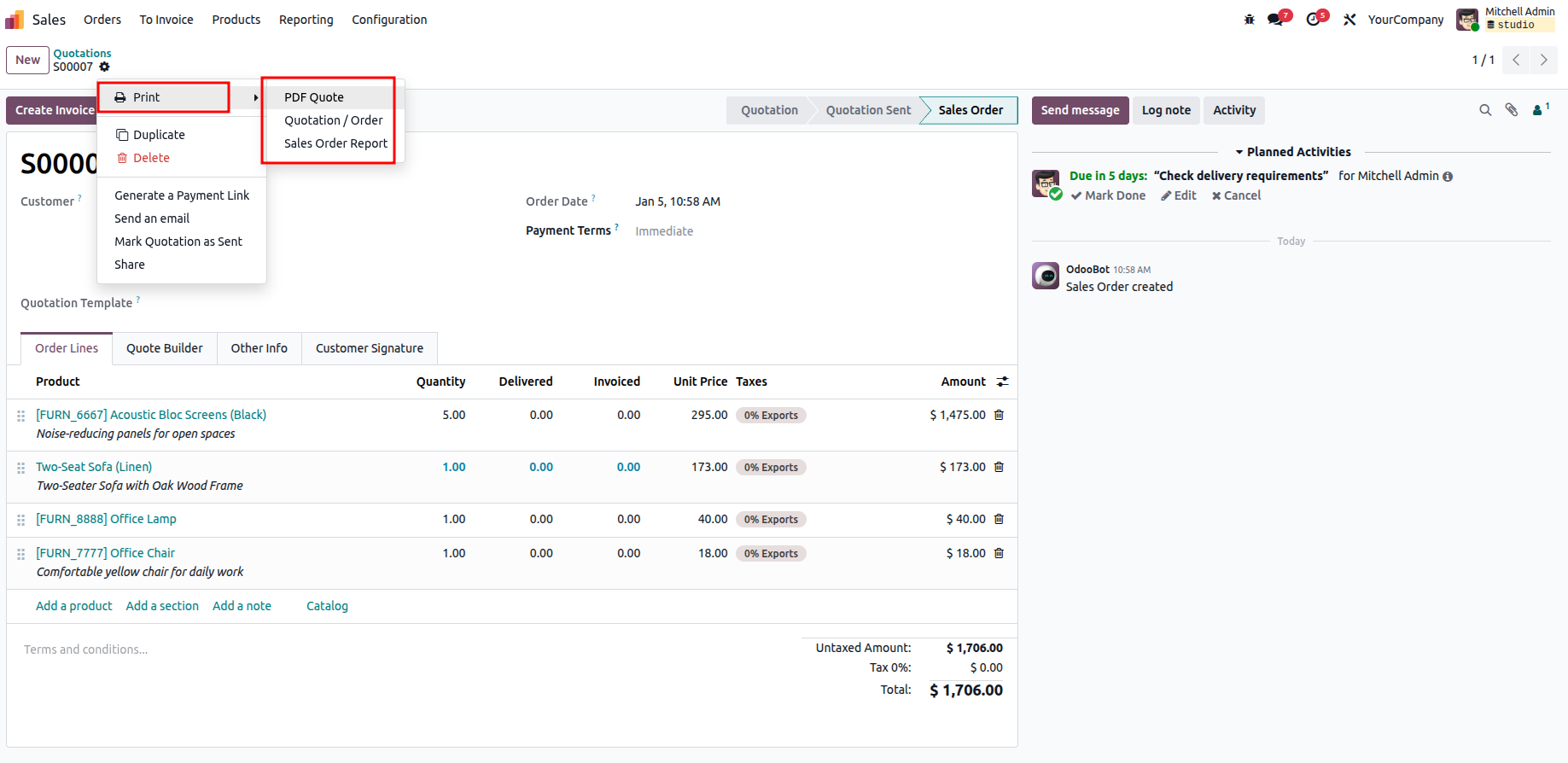
Once Studio is closed, the report can be downloaded as a PDF by using the Print option available in the view. Additional details and images can also be included in the report as needed.
The downloaded PDF output is shown below.