Reporting is one of the most powerful features available on the Odoo platform. Odoo enables users to generate reports covering various areas of a company's operations. These reports help organizations understand business performance by allowing managers to analyze operational volumes and key activities across different departments. They also support informed decision-making by enabling systems and workflows to be adjusted based on report insights. Odoo further facilitates the creation of reliable and detailed reports for diverse business functions through its robust reporting framework.
As a highly customizable platform, Odoo allows businesses to shape the system according to their performance and operational requirements during implementation. By collaborating with an experienced Odoo development service provider who understands your business needs, you can further extend the platform's capability to manage defined business activities effectively. While Odoo's core workflows and standard functionality remain intact, its open-source ERP architecture makes it flexible enough to be tailored to meet specific business demands.
Odoo Studio is another powerful tool available on the Odoo platform that allows users to customize system functionality according to their specific requirements. With Odoo Studio, you can create new modules and applications that adapt to your business needs. The Studio module also simplifies the process of adding actions and options to the applications you build. By following a no-code approach, Studio enables you to design dynamic blocks that can be easily moved, rearranged, and customized as desired.
Report customization is one of the advanced capabilities of Odoo Studio, providing dedicated tools and configuration options to modify various report elements. While the Odoo platform already delivers reliable reporting for tracking business performance, the ability to customize reports and data layouts offers greater flexibility and control. The Odoo Studio module, included in the business plan, allows users to build advanced workspaces and platforms without writing code, thereby enhancing overall operational efficiency.
Odoo Studio allows you to extend existing modules with custom features or create entirely new modules with tailored functionality. When building a new module using Studio, you must select the Reports option in the subsequent window to configure and customize the reporting features, as shown in the image below.
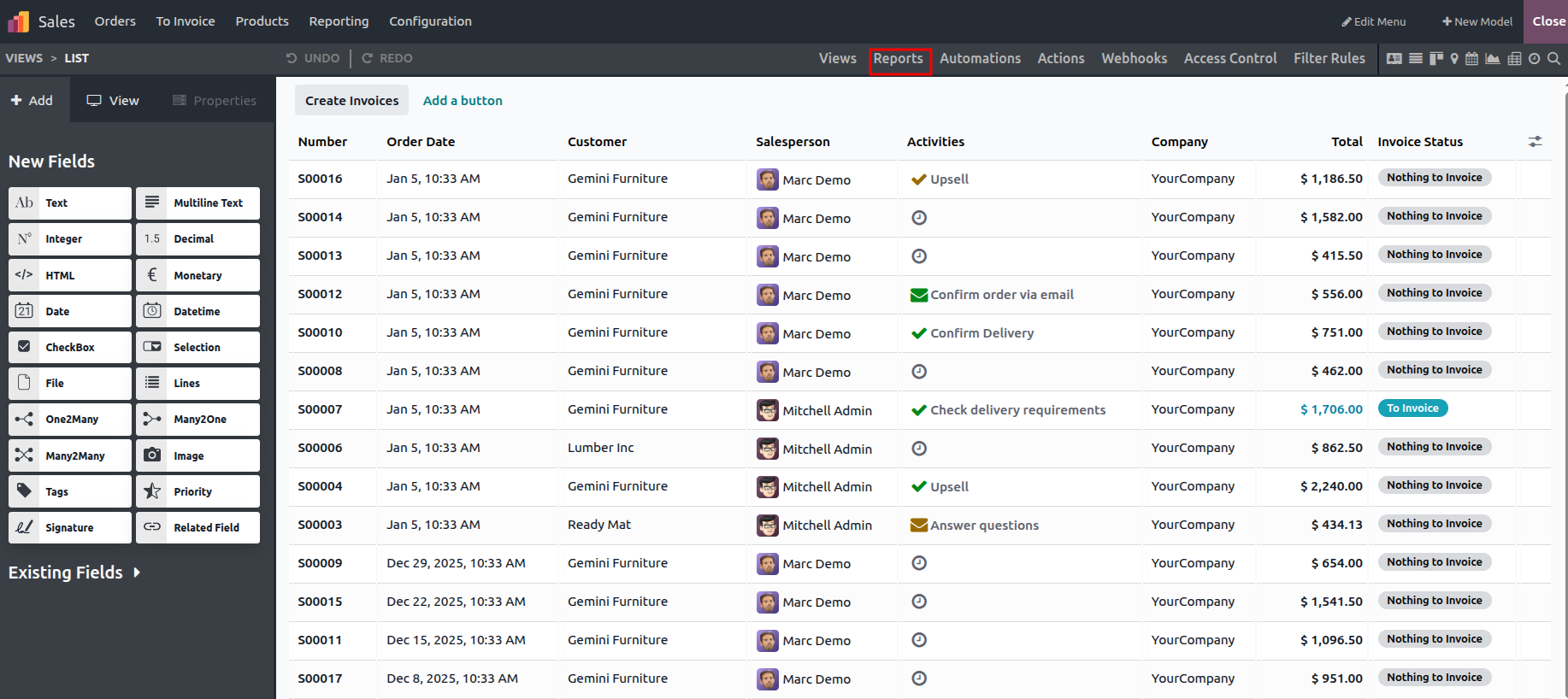
By clicking on the Report menu, you can view the report in PDF format.
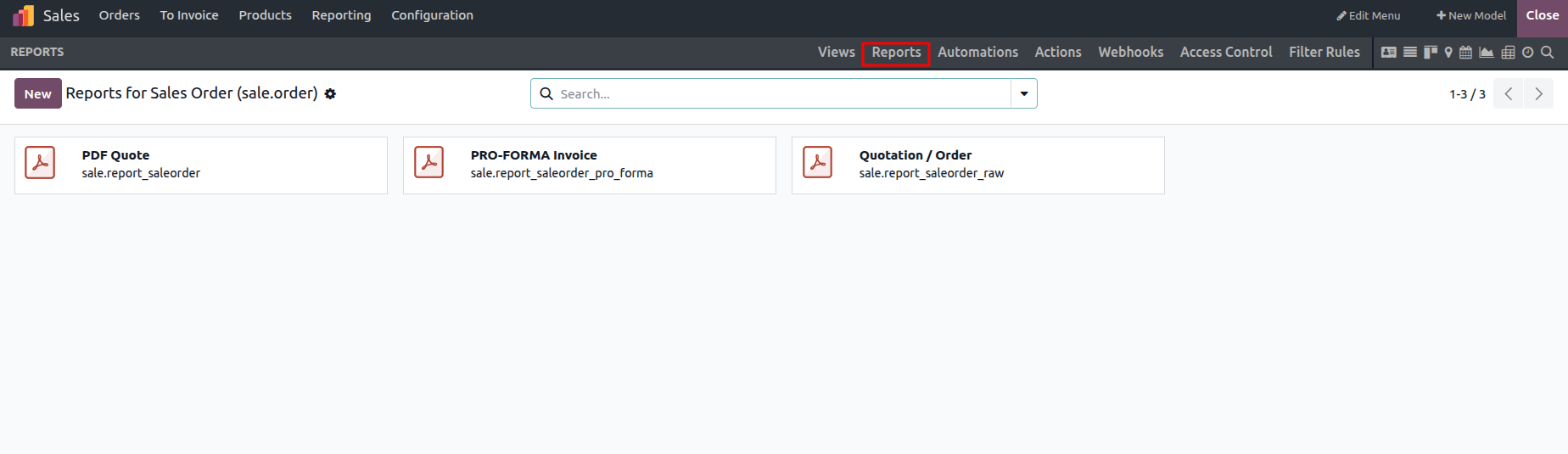
In summary, Odoo Studio offers the flexibility to enhance existing modules or create new ones tailored to specific business requirements. When developing a new module through Studio, configuring the reporting functionality is a necessary step, which can be done by selecting the Reports menu, as shown in the accompanying image. By leveraging Odoo Studio, organizations can adapt their Odoo system to their unique needs while significantly improving the overall user experience.