A new automated action can be created by selecting the New option.
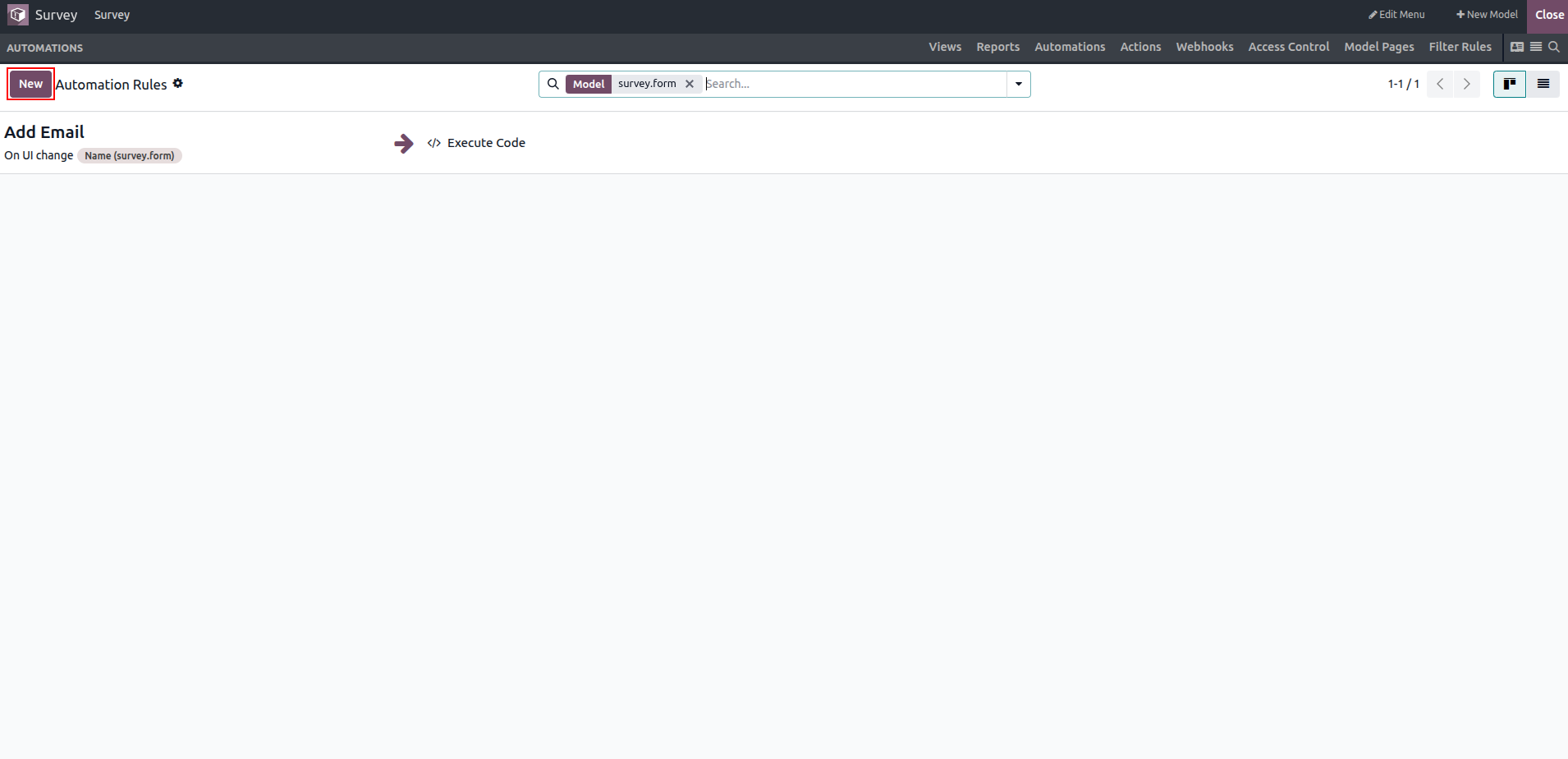
This document outlines the functional specifications of the application. When creating an automated action, it is necessary to assign a unique name to the action. The corresponding automated action can be easily enabled or disabled from the menu. In addition, a clear and detailed description of the intended action must be provided, and the available activities on the platform can be selected as the action to be performed.
The actions to be executed define what will occur once the automated action is triggered. Triggers can be configured to activate these automated actions based on specific inputs or menu selections. An automated action will be executed only when the specified trigger condition is met and the action is active.
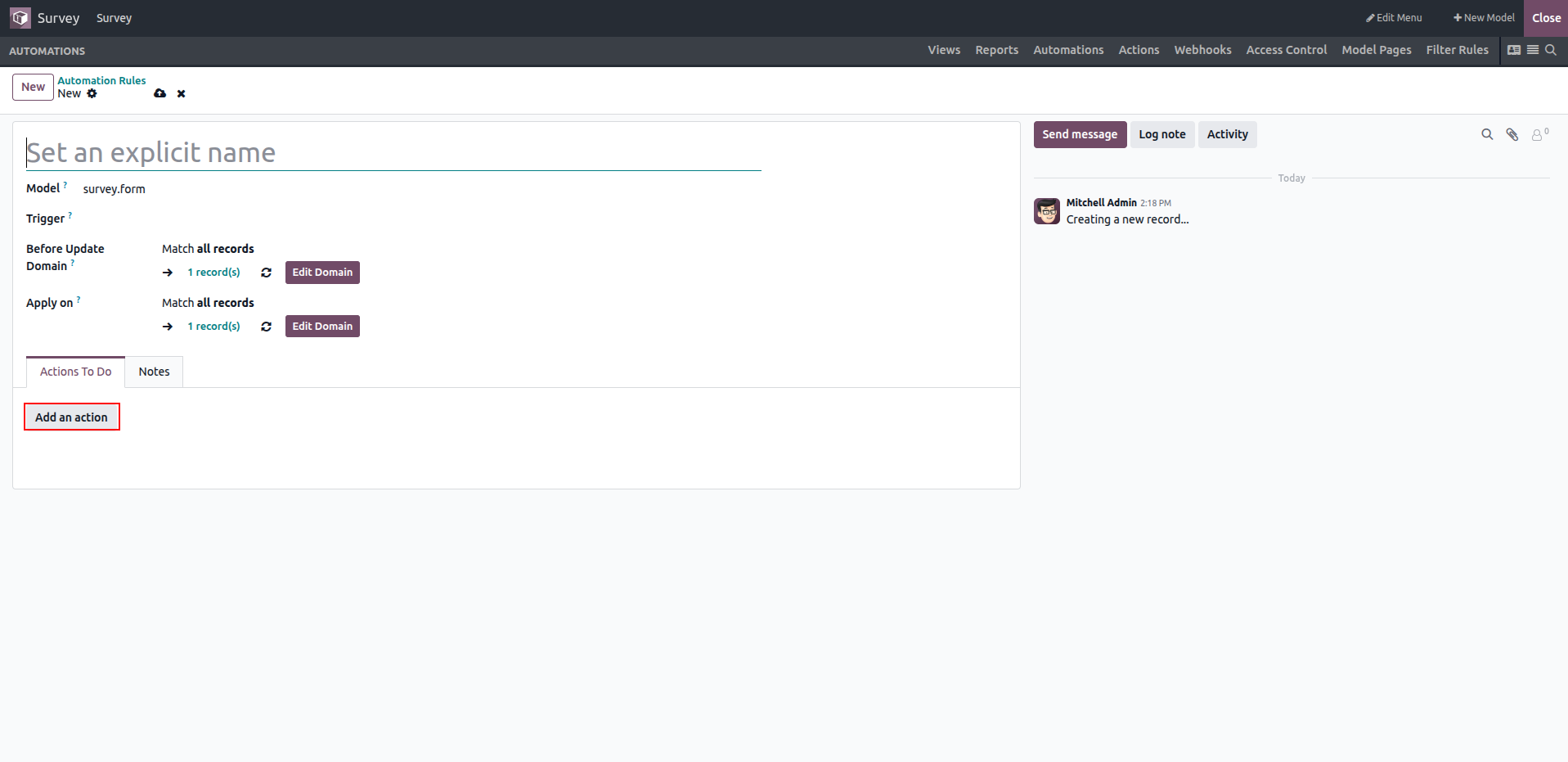
Multiple actions can be executed within a single automated action. The available action types for the Action To Do option are listed below.
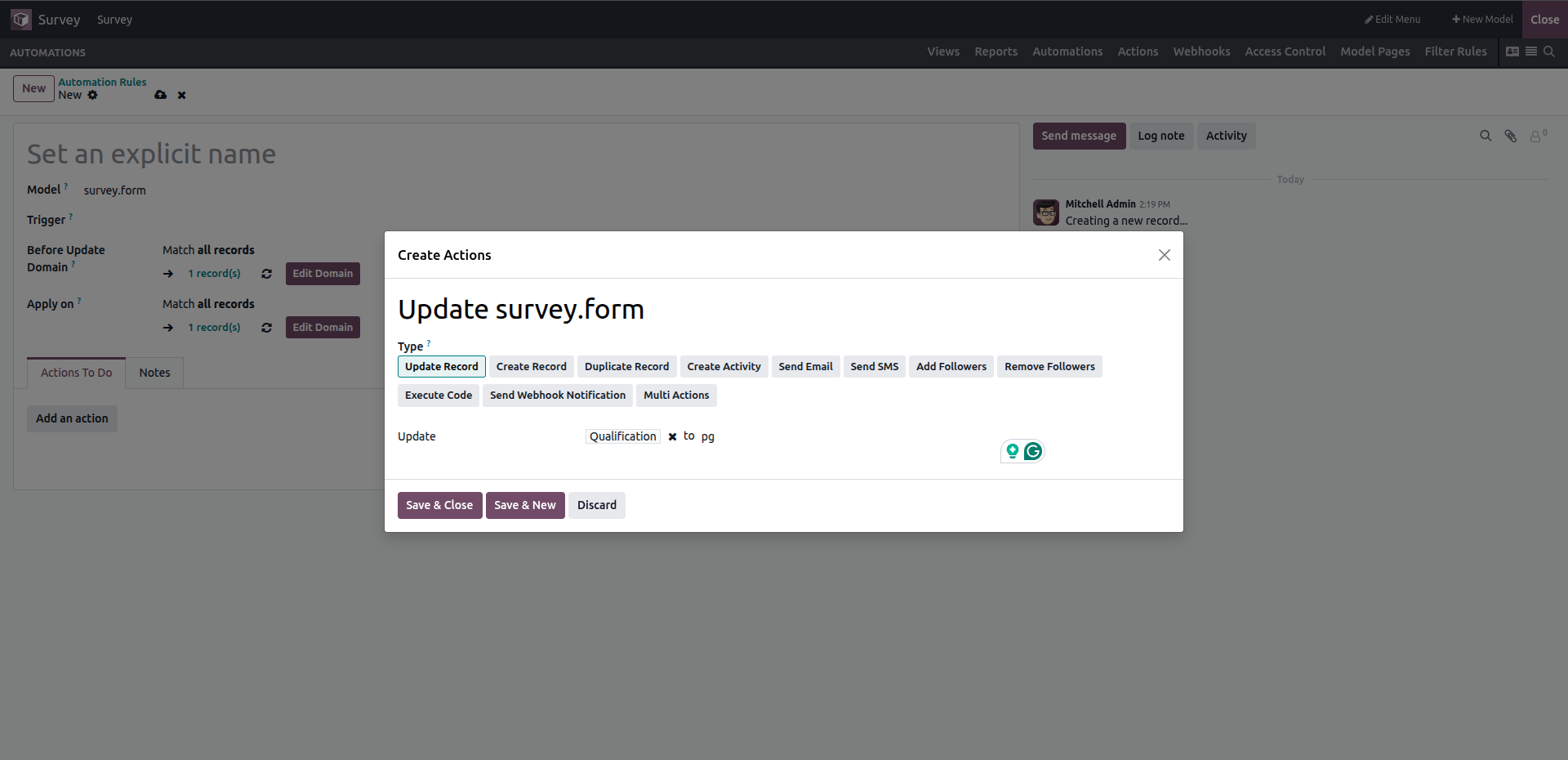
You can specify the required field and its corresponding value.