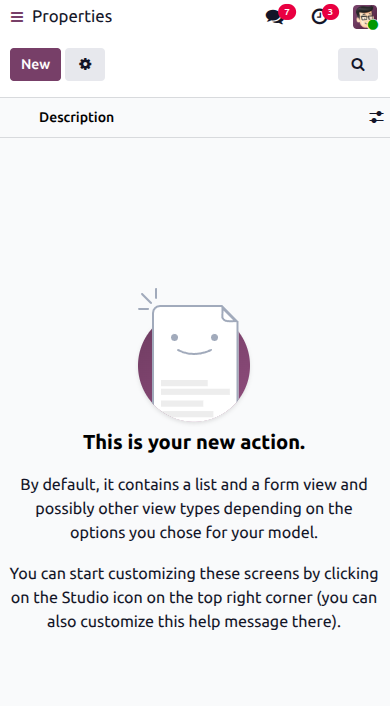
Mobile apps provide convenient access to details and applications. A custom mobile application designed on the desktop can also be accessed in mobile view. However, creating mobile applications is restricted to the desktop interface; it is not possible to create them directly through the mobile view.

You can create a new application by selecting the Tools menu.
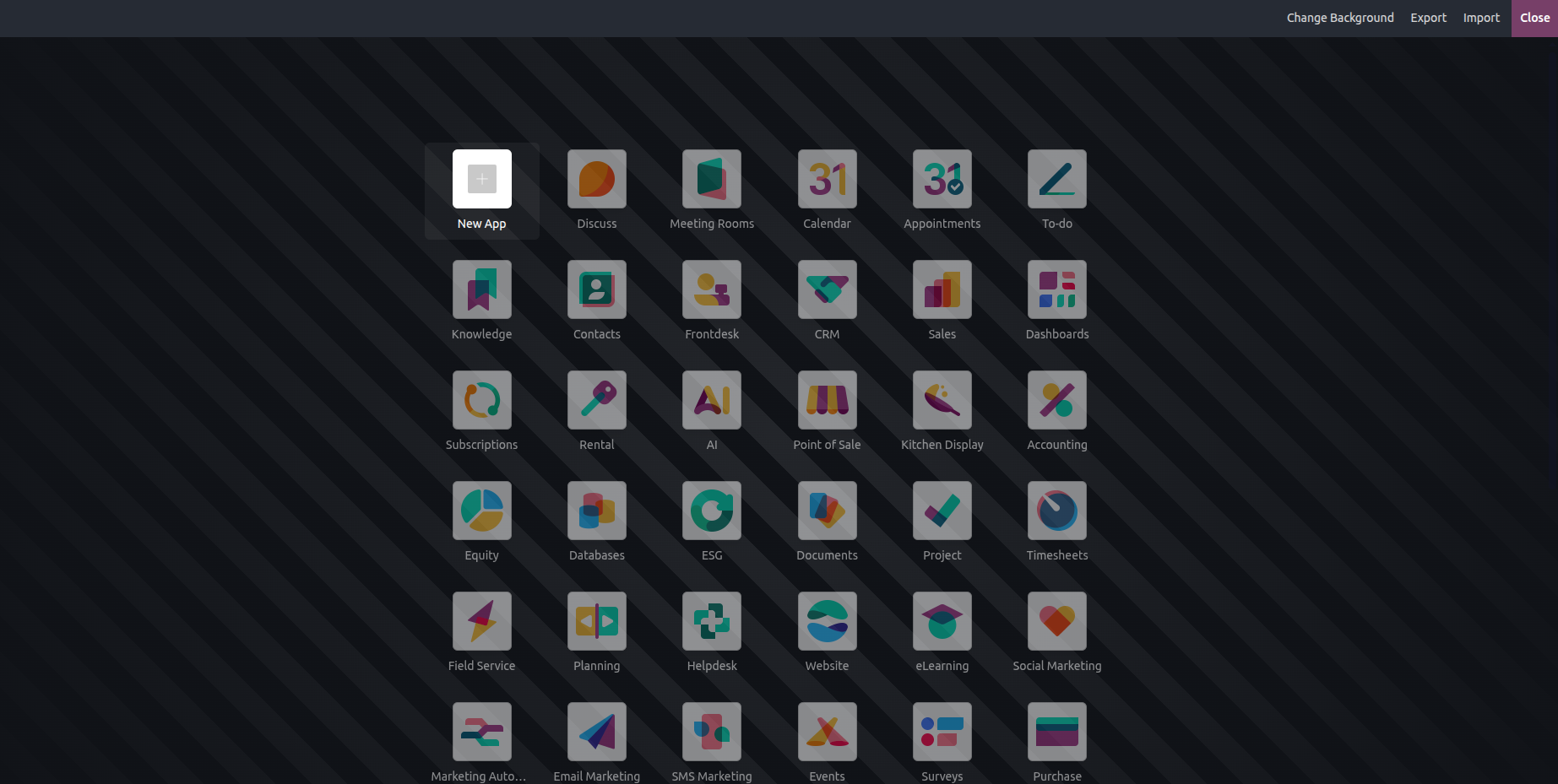
Clicking the "+" button lets you create a new application, as shown in the image below. During the creation process, you can define the app's views, fields, and menus. You also have the option to customize the application's icon and colour.
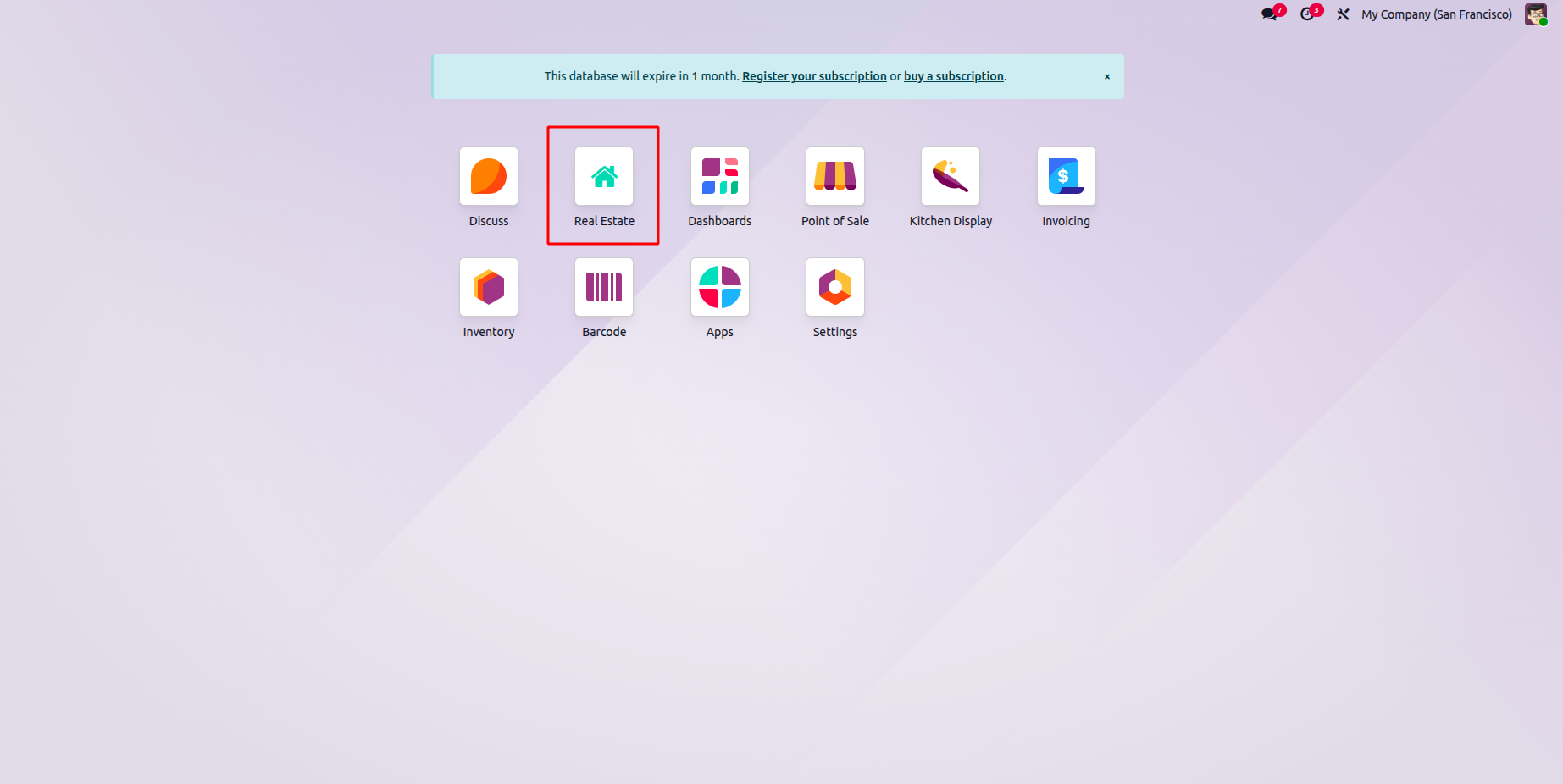
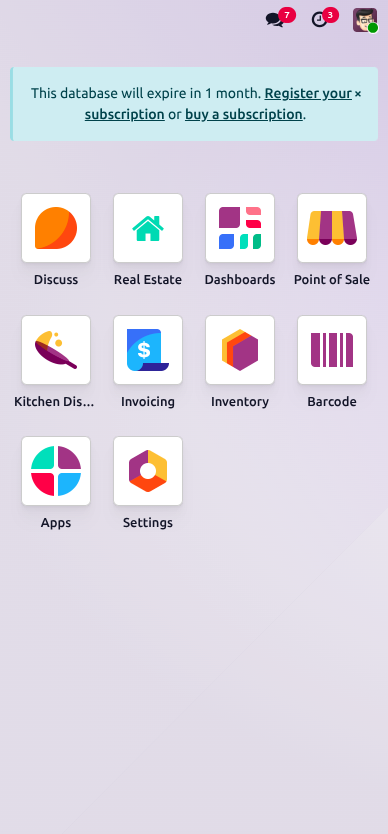
Once the application is created, it is automatically installed on the hosting platform. We can access and use all its features directly from your mobile device.
When you open the application, you can view all existing records, create new ones, and edit them. The image below illustrates the process of creating a new record through the mobile application. Likewise, the next image shows all the created records displayed in a list view.