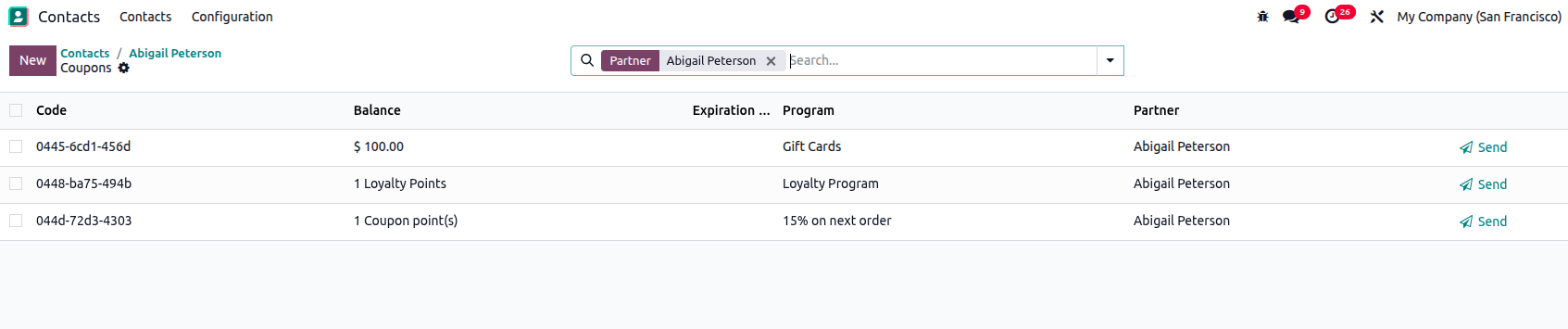
Using the Odoo Studio app, you can quickly and easily create stat info for the current model without any coding.
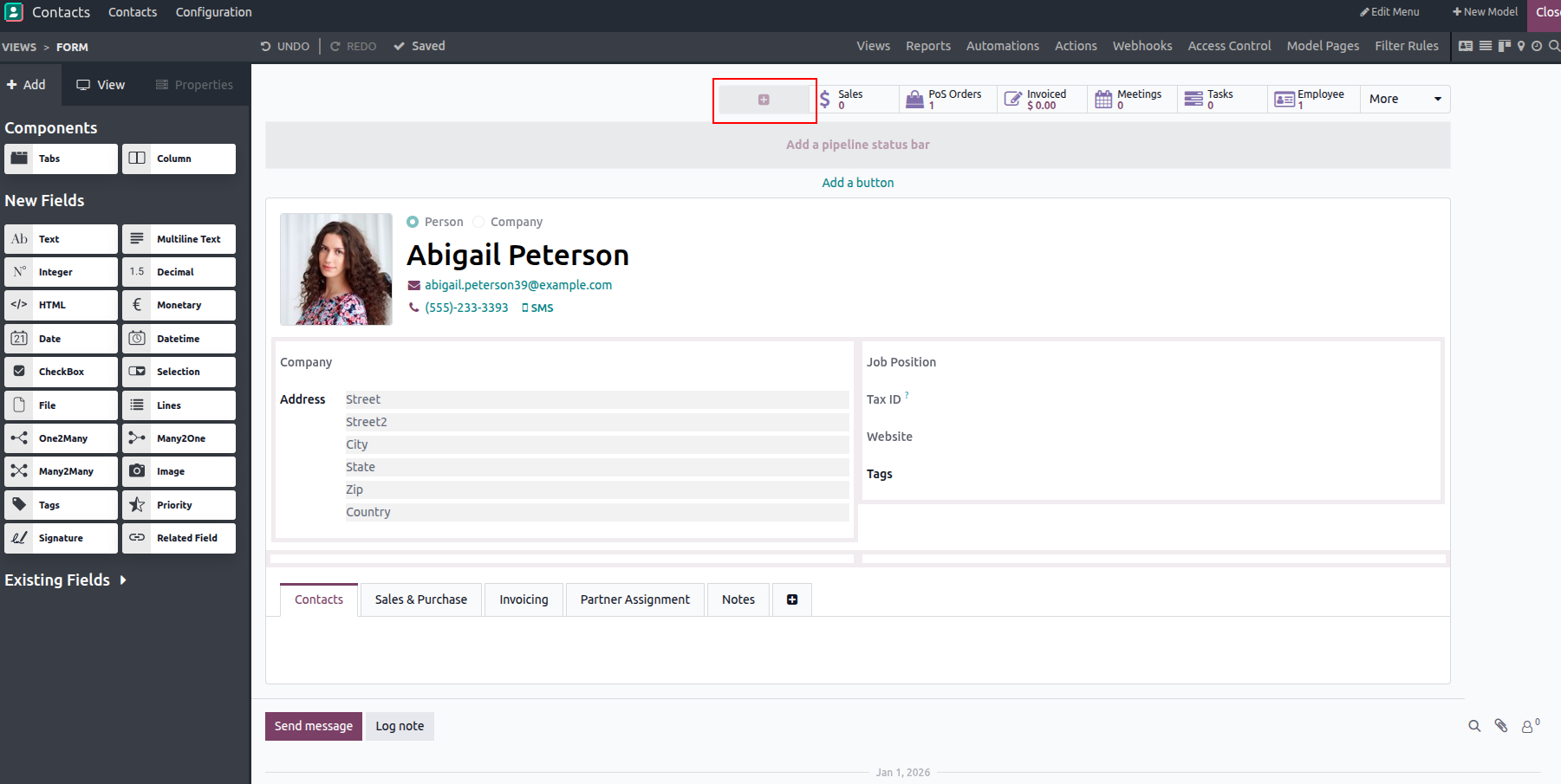
To achieve this, open the Studio app, hover your mouse over the smart button, and click the '+' icon. This action will open a pop up where you can proceed with the configuration.
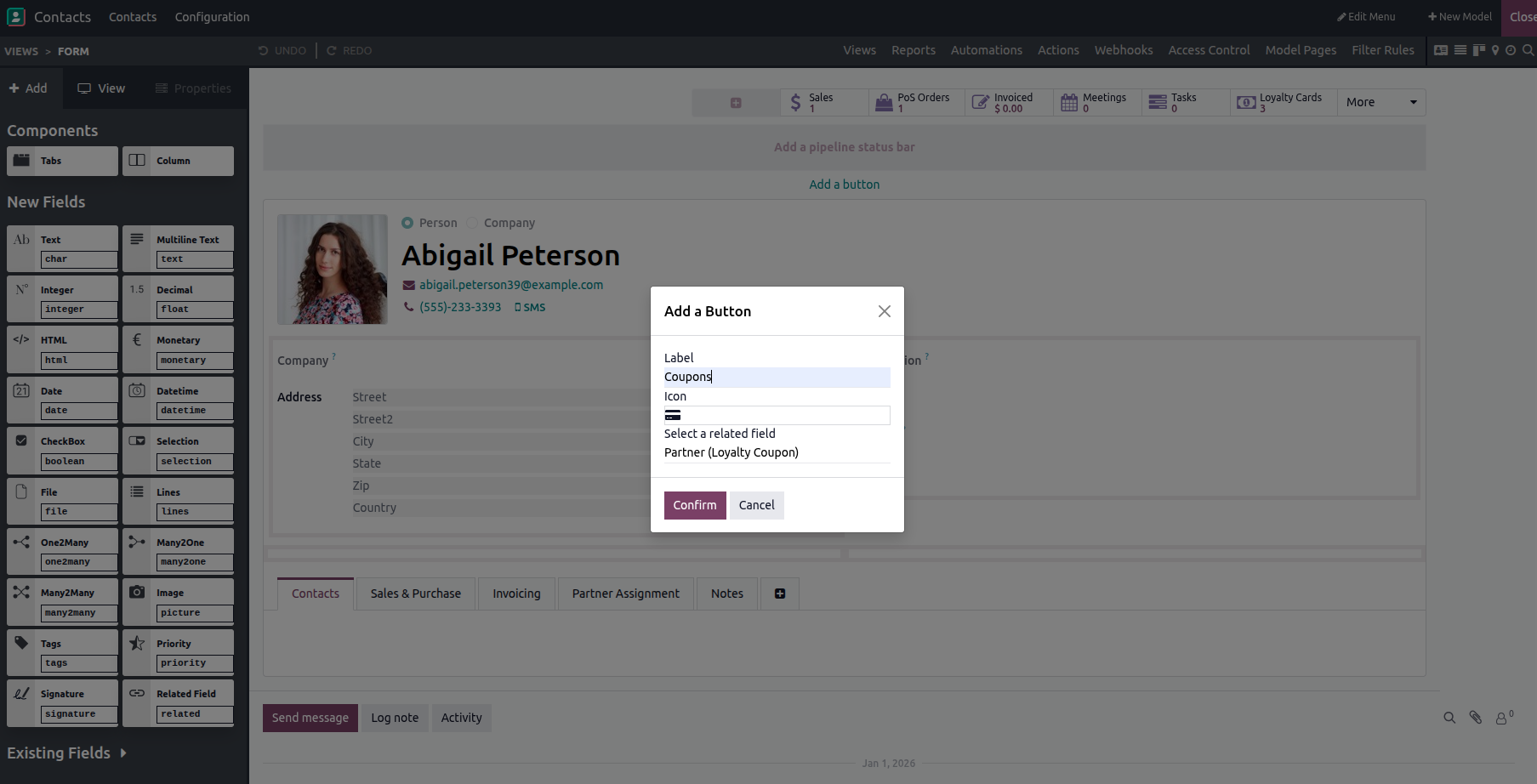
Add a suitable label, choose an icon, and select the appropriate field, then confirm your changes. Once done, review the customer smart buttons and exit the Studio app. You will see a new smart button added, complete with its icon and label.
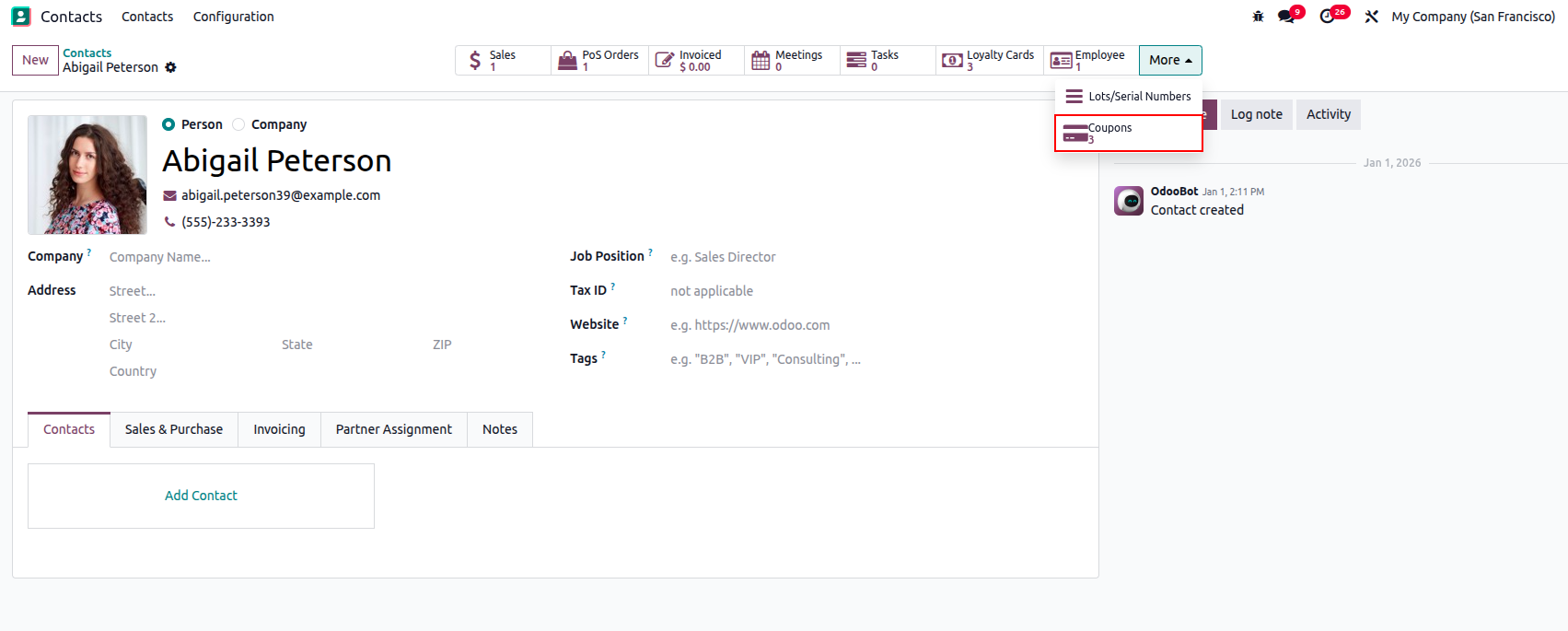
After that, click on the smart button to open and access the corresponding record.